
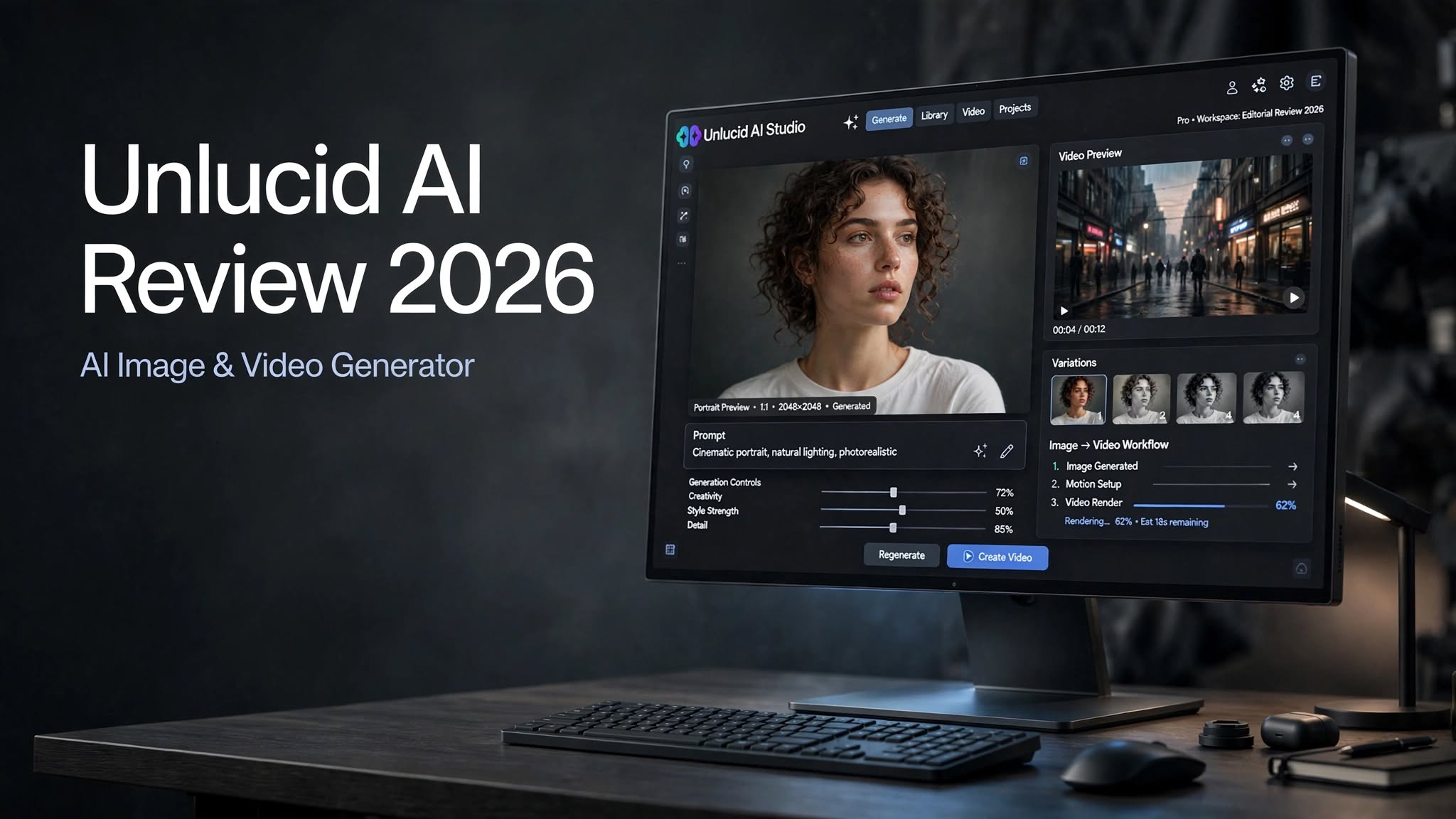

Creating images and videos with AI no longer requires expensive software or advanced editing skills. Today, creators can describe an idea, upload a reference image, and let an AI platform handle much of the visual production.
Unlucid AI takes that approach and combines AI image generation, video creation, image editing, and visual effects in one browser-based platform.
At first glance, that sounds like a convenient alternative to juggling several creative tools. But convenience isn’t everything. The quality of the generated content, amount of creative control, pricing, and ability to refine results all matter when you’re using AI for real projects.
So, is Unlucid AI worth trying in 2026?
In this Unlucid AI review, we’ll break down its main features, image and video capabilities, pricing, pros and cons, ideal use cases, and an alternative worth considering.
What Is Unlucid AI?

Unlucid AI is an AI-powered creative platform designed to help users generate and transform visual content directly from a web browser.
Rather than focusing on a single generation feature, the platform brings several workflows together. You can generate images from text, create videos, apply AI effects, and modify existing images.
Its main tools include:
- Image Generator for creating visuals from prompts
- Video AI for generating short AI videos
- Effects AI for applying creative video transformations
- Edit Tools for modifying existing images
- Image-to-video workflows for animating still visuals
The interface is also designed around quick experimentation. You don’t need to build a project in a traditional editing timeline before seeing a result. Instead, you can generate something, evaluate it, make another attempt, and continue refining your idea.
Unlucid AI Features

Unlucid AI has several features worth looking at individually.
1. AI Image Generator
The Unlucid AI Image Generator is the foundation of the platform.
Users can enter a text prompt describing the visual they want and generate an image based on that description. You can control things such as the subject, environment, style, lighting, mood, and composition through your prompt.
The platform supports different visual directions, including:
- Realistic
- Anime
- Cartoon
- 3D
- Pencil
You can use the image generator for:
- Blog featured images
- Social media graphics
- Character concepts
- Marketing ideas
- Illustrations
- Concept art
- Creative experiments
- Product concepts
2. AI Video Generation
Unlucid AI also provides an AI video generator for turning prompts and visual ideas into short videos.
The basic concept is familiar: describe the scene, movement, subject, and atmosphere you want, then let the AI generate the clip.
This can be useful for creators who need short visual content without filming everything manually.
For example, a marketer could experiment with a product scene, while a social media creator could turn an artistic concept into a short animated clip.
However, AI video generation still has limitations across the industry. Complex movement, multiple characters, hands, facial expressions, and interactions between objects can be difficult to maintain consistently.
For that reason, AI-generated videos should be reviewed carefully before being used in professional campaigns.
3. Image-to-Video
One of the more useful workflows is image-to-video generation.
Instead of starting with a blank video prompt, you can provide an existing image and use AI to introduce movement.
This is particularly useful if you’ve already created artwork but don’t want it to remain static.
Potential applications include:
- Animating characters
- Creating social media clips
- Bringing illustrations to life
- Creating product concepts
- Producing short promotional visuals
- Turning portraits into moving content
4. AI Effects
Unlucid AI’s Effects AI takes a different approach from conventional video generation.
Rather than asking the AI to create an entire scene from scratch, you can apply predefined AI effects to existing visual content.
Examples include effects such as:
- Dance
- Squish
- Zoom
- Smash
- Reveal
They can be useful for creators making social posts, memes, short videos, or experimental content where visual impact matters more than detailed editing control.
5. AI Image Editing
Unlucid AI isn’t only about creating new images.
Its editing tools can help modify existing visuals by using AI to change selected elements.
Depending on the task, users can work with functions such as object removal, object replacement, adding elements, and changing clothing.
This workflow can save time when an existing image is almost right but needs a few adjustments.
For example, instead of regenerating an entire scene because one object is distracting, an AI editing tool can potentially modify just that part.
6. Multiple Creative Styles
Another advantage is the ability to experiment with different visual styles without changing platforms.
A realistic portrait, an anime character, and a stylized illustration require different visual approaches. Having several styles available within the same image-generation environment makes experimentation easier.
For bloggers and content creators, this can also help maintain different visual styles across different types of content.
Unlucid AI Image Quality

Image quality is ultimately more important than the number of features a generator offers.
Unlucid AI can produce attractive images when the prompt is well constructed, particularly for straightforward compositions and clearly defined subjects.
The results can be useful for concept development, social content, blog graphics, and other situations where the image doesn’t need to meet the standards of a professionally photographed campaign.
However, AI image generators can still struggle with extremely detailed scenes.
Human faces, hands, hair, reflections, jewelry, text, and complex lighting are areas where small inconsistencies may become visible.
This means you shouldn’t automatically assume that every generation is ready for publication.
A better workflow is to generate several variations, choose the strongest result, and then use editing or upscaling tools where necessary.
Unlucid AI Video Quality
Video is a more demanding test for generative AI.
A single image only needs to look convincing in one frame. A video needs to maintain the subject, environment, lighting, and motion throughout multiple frames.
Unlucid AI can be useful for short AI-generated clips, but results will vary depending on the prompt and complexity of the scene.
Simple movements tend to be easier for AI systems to reproduce than highly complicated actions.
For example, a slow camera movement around a subject is generally a more manageable concept than several people interacting with different objects while the camera moves rapidly.
Before publishing a generated video, check for:
- Facial consistency
- Hand and finger details
- Object shape changes
- Background movement
- Unnatural motion
- Lighting inconsistencies
- Sudden changes between frames
How Easy Is Unlucid AI to Use?
Ease of use is one of the platform’s most appealing characteristics.
Because Unlucid AI runs in the browser, you don’t need to install a large creative application before experimenting.
The workflow is primarily prompt-based:
Choose a tool → describe the idea → generate → review → refine.
That makes the platform approachable for beginners.
At the same time, experienced creators can use the same workflow for rapid concept generation without opening a full professional editing suite.
The trade-off is control.
A simplified workflow is convenient, but users who want detailed layer management, extensive masking, complex timelines, or highly precise manual adjustments may find the platform less comprehensive than dedicated creative software.
Unlucid AI Pricing

Unlucid AI uses a Gems-based credit system.
Free daily Gems allow users to experiment with the platform, while paid bundles provide additional credits.
The listed packages include:
| Gems | Price | Listed Usage |
|---|---|---|
| 120 Gems | $8.99 | Up to 120 images, 60 edits, or 12 videos |
| 450 Gems | $29.99 | Up to 450 images, 225 edits, or 45 videos |
| 1,250 Gems | $59.99 | Up to 1,250 images, 625 edits, or 125 videos |
The important detail is that the same number of Gems doesn’t necessarily translate into the same amount of content.
Images, edits, and videos use credits differently, so your actual cost depends on what you create.
If you frequently regenerate content, your credit consumption can also increase quickly.
That’s why the free daily allocation is valuable. It gives you an opportunity to test your normal prompts and understand your typical generation rate before committing to a larger package.
Is Unlucid AI Expensive?
The answer depends on how frequently you generate content.
For occasional experimentation, the smaller credit packages provide a relatively accessible way to purchase additional generations.
For heavy users, however, the number of rerolls matters.
Suppose you need three attempts before getting one image you actually want to use. Your practical cost per usable asset is significantly higher than simply dividing the package price by its maximum advertised image count.
The same principle applies to video.
Before buying credits in bulk, test the platform with your own prompts and calculate how many generations you normally need to reach an acceptable result.
Unlucid AI Pros and Cons
Pros
- Easy browser-based interface
- AI image and video tools in one platform
- Multiple image-generation styles
- Supports reference images
- Image-to-video functionality
- AI-powered image editing
- Creative video effects
- Free daily Gems for testing
- Beginner-friendly workflow
- Useful for rapid visual experimentation
Cons
- Limited compared with full professional editing software
- Complex generations may require multiple attempts
- Fine details can still reveal AI artifacts
- Video consistency varies depending on the scene
- Rerolls can consume credits quickly
- Less suitable for users who require extensive manual control
Who Is Unlucid AI Best For?

Content Creators
Unlucid AI can be useful for creators who need quick images and short videos for regular content production.
Bloggers
Bloggers can use generated visuals for article headers, illustrations, social media posts, and creative concepts.
Social Media Creators
The AI effects and short-video capabilities make the platform relevant for creators producing short-form content.
Beginners
If you’re new to generative AI, the straightforward browser workflow makes it relatively easy to start experimenting.
Marketers
Marketing teams can use AI generation for brainstorming campaign visuals, testing concepts, and producing preliminary creative assets.
Designers
Designers may find the platform useful during the concept stage, particularly when they want to explore several visual directions quickly.
Unlucid AI vs PicLumen
If you’re looking for an alternative, PicLumen is worth considering.
Both platforms focus on AI-generated visual content, but their broader workflows are somewhat different.
Unlucid AI focuses heavily on fast generation, AI effects, image editing, and straightforward experimentation.
PicLumen offers a broader creative environment combining AI image generation, AI video generation, image-to-video creation, multiple models, editing features, and a creator community.
That distinction matters depending on how you work.
If you mainly want a simple tool for quickly producing images, videos, and effects, Unlucid AI’s streamlined approach can be appealing.
If you want a more expansive environment for experimenting with different AI models and developing visual ideas across multiple workflows, PicLumen is another platform to test.
Neither approach is automatically suitable for everyone. Your choice should depend on the amount of creative control, generation variety, and workflow depth you actually need.
Unlucid AI Use Cases
Unlucid AI can fit into several different creative workflows.
Social Media Content
Generate images, animate still visuals, and experiment with short AI effects for social posts.
Blog Graphics
Create original visuals for blog posts without relying entirely on stock photography.
Concept Development
Use AI generations to explore different characters, environments, products, or campaign concepts before moving into a more detailed production process.
Marketing Experiments
Create multiple visual directions quickly and determine which concepts deserve additional production time.
Entertainment Content
Use the platform’s effects and video capabilities to create fun, experimental, and short-form content.
Is Unlucid AI Worth It in 2026?
Unlucid AI is worth testing if your priority is quick AI-powered image and video creation without a complicated setup.
The platform brings several useful capabilities together, which can make it convenient for creators who regularly move between images, videos, effects, and edits.
Its biggest limitation is also fairly straightforward: convenience doesn’t equal professional-level control.
If you need detailed manual editing, sophisticated compositing, or complete control over every frame, a dedicated creative application will still be necessary.
But if your goal is to generate ideas quickly, experiment with visual concepts, create social content, or turn images into short videos, Unlucid AI offers a practical starting point.
The free Gems make it easier to evaluate the platform before spending money, so there is little reason to buy a large package before understanding how well it fits your workflow.
Final Verdict
Unlucid AI is a convenient AI image and video creation platform built for speed and experimentation.
Its combination of image generation, video generation, image-to-video, AI editing, and creative effects makes it more versatile than a basic text-to-image generator.
The platform is particularly appealing to beginners, bloggers, social media creators, marketers, and anyone who wants to experiment with AI visuals without learning complicated software.
The main thing to keep in mind is that AI-generated content still requires quality control. Complex images may need several attempts, and generated videos should be reviewed for consistency before being used professionally.
For casual and creative projects, Unlucid AI is worth exploring. For demanding production work, use its output as part of a broader workflow rather than expecting it to replace every professional creative tool.
Frequently Asked Questions
What is Unlucid AI used for?
Unlucid AI is used to generate and edit AI images and videos. It also provides AI-powered effects and image-to-video workflows.
Is Unlucid AI free?
Unlucid AI offers free daily Gems that let users test its tools. Additional Gems can be purchased through paid packages.
Does Unlucid AI generate videos?
Yes. Unlucid AI provides AI video-generation capabilities as well as workflows for turning images into videos.
Can Unlucid AI edit existing images?
Yes. Its AI editing tools can modify existing images, including tasks such as adding, removing, or replacing visual elements.
