
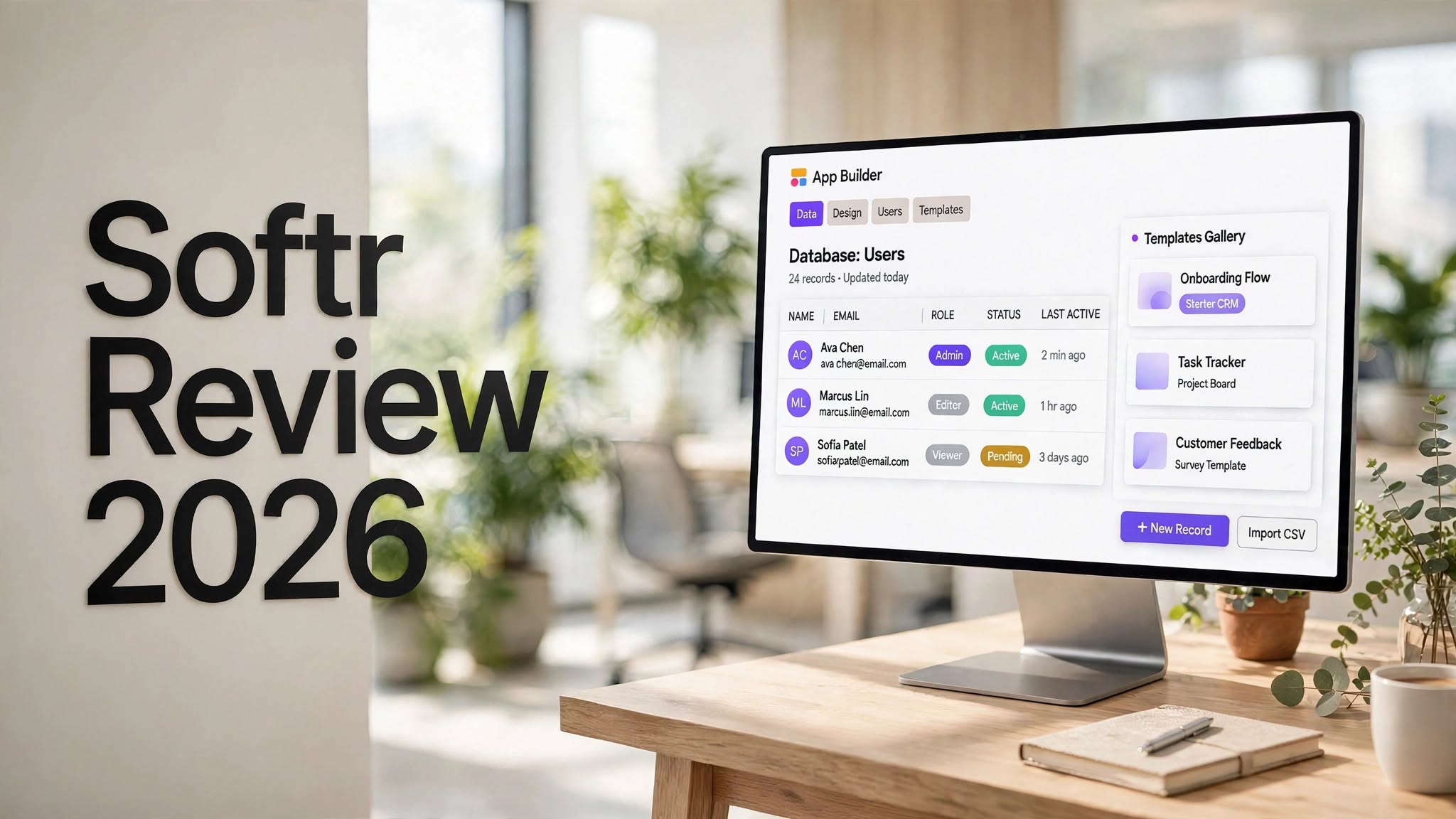

Building a useful business application traditionally requires developers, databases, hosting, authentication systems, and ongoing technical maintenance. Softr takes a different approach by bringing these components together in a no-code platform designed specifically for business applications.
In this Softr Review 2026, we look at what the platform offers, how its AI-powered app builder works, its database and workflow capabilities, pricing, advantages and limitations, and who can benefit most from using it.
Softr has evolved beyond being a simple website or portal builder. Its current platform focuses on creating functional business software such as client portals, internal tools, CRMs, dashboards, inventory systems, project trackers, and other data-driven applications. Its AI Co-Builder can generate an application’s structure, database, pages, and business logic from a natural-language description.
What Is Softr?

Softr is a no-code application development platform that allows users to create business apps without traditional programming.
Instead of writing code from scratch, users can work with visual building blocks, databases, templates, workflows, integrations, and AI-powered features. This makes Softr particularly useful for businesses that need custom internal software or customer-facing portals without wanting to build everything through conventional software development.
The platform can be used for:
- Client portals
- Internal business tools
- CRM systems
- Inventory management
- Project management
Softr Review: Key Highlights
- AI-powered app generation
- No-code visual application builder
- Built-in Softr Databases
- User authentication and permissions
- Role-based access control
- Workflow automation
How Does Softr Work?

Softr is designed to simplify the process of turning an idea or existing business data into a functional application.
You can begin with a template, start from your own data, manually create an application, or use the AI Co-Builder.
With the AI approach, you describe what you want to build in natural language. Softr can then ask clarifying questions about things such as users, permissions, pages, navigation, and functionality.
The platform can use those details to create the initial application structure, including pages and database components.
For example, you could describe a client portal where customers log in to see their projects, invoices, documents, and outstanding tasks. Softr can use that information to create an application structure with the relevant pages, data relationships, and user access requirements.
The generated application can then be customized through Softr’s visual editor.
This combination of AI generation and manual editing is important because you are not forced to accept whatever the AI creates. You can continue modifying layouts, content, permissions, workflows, and other elements after generation.
Softr AI Co-Builder
The AI Co-Builder is one of the most important features in the current Softr platform.
Instead of simply generating a visual mockup, Softr’s AI-focused approach is designed around functional business applications. Its AI Co-Builder can generate applications, pages, and database structures based on natural-language prompts.
The process generally looks like this:
- Describe the application you want.
- Answer AI-generated clarification questions.
- Define users and access requirements.
- Choose the application structure and design direction.
- Let Softr generate the initial application.
- Review the generated database and pages.
- Customize the application visually.
- Add workflows and integrations.
- Test different user roles.
- Publish the application.
Softr Databases
A major part of Softr’s current platform is its built-in database system.
Softr Databases uses a spreadsheet-style interface, while also supporting relationships between tables and structured data management. It can function as the backend for applications or as a standalone data-management environment.
This is useful for businesses that don’t want to maintain separate tools for their data and application interface.
You can create tables, fields, relationships, views, formulas, and other database components and then connect that information to application pages.
Softr also provides AI-powered database capabilities that can help with tasks such as categorizing, cleaning, enriching, and summarizing records.
Build Apps From Existing Data
You don’t necessarily need to start with a blank database.
Softr can connect with external data sources, allowing businesses to build applications around information they already have.
Supported integrations include services such as Airtable, Google Sheets, Notion, SmartSuite, Coda, and other data sources, while newer integrations continue to expand the platform’s capabilities.
This makes Softr particularly interesting for teams that already maintain business information in spreadsheets or database platforms.
Instead of forcing employees or customers to interact directly with a spreadsheet, you can create a more structured interface around the same information.
User Authentication and Permissions
Business applications often require different users to see different information.
Softr provides user authentication, user groups, and permission controls that allow businesses to determine what different users can access.
Depending on the setup and plan, permissions can be applied across applications, pages, blocks, and data.
For example, a company could create:
- Admin users
- Managers
- Employees
- Customers
- Vendors
This makes Softr more suitable for real-world business applications than a simple website builder where every visitor sees the same content.
Softr Workflows
Softr also includes workflow automation, allowing users to automate actions within their applications.
Workflows can be used for processes such as:
- Sending notifications
- Updating records
- Handling approvals
- Triggering actions when data changes
- Connecting business processes
- Automating repetitive tasks
For example, a company could create a workflow where a new customer submission automatically notifies the appropriate employee and updates the customer’s record.
Softr AI Agents

Softr has also expanded its AI capabilities with AI Agents.
These agents can work inside Softr applications and help users interact with business information or perform tasks. Softr says its App Agents respect the permissions already configured within an application, which is particularly relevant for business environments where different users should have different levels of access.
AI Agents can potentially be useful for tasks such as:
- Answering questions about business data
- Processing records
- Automating repetitive operations
- Enriching information
- Helping users interact with application data
Softr Templates
If you don’t want to start from a blank project, Softr provides templates designed around common business use cases.
Templates can provide a starting point for applications such as:
- Client portals
- CRM systems
- Project trackers
- Employee directories
- Inventory systems
- Membership sites
- Dashboards
- Internal tools
You can then modify the template to fit your own branding, data, users, and workflows.
Softr Customization
After creating an application, you can continue customizing its visual appearance.
Softr’s visual editor allows users to modify page layouts, sections, navigation, content, and other interface elements without needing to manually edit a traditional codebase.
More advanced plans also provide options such as custom code and additional customization capabilities.
This makes Softr suitable for teams that want a balance between AI automation and manual control.
Softr Vibe Coding
For users who need functionality beyond the standard building blocks, Softr also provides a Vibe Coding block.
This allows users to describe a custom component and use AI to generate it. According to Softr’s current documentation and product materials, these custom components can work with the application’s data, theme, and permissions.
This feature can be useful when the standard blocks don’t provide exactly what you need.
However, users with highly specialized software requirements may still eventually need traditional development or a more customizable coding environment.
Softr Integrations
Integrations are another important part of the platform.
Businesses can connect Softr with existing data and business systems instead of rebuilding everything from scratch.
Depending on the use case, integrations can help connect applications with:
- Airtable
- Google Sheets
- Notion
- SmartSuite
- Coda
- Zoho CRM
- Microsoft Excel
- Other supported data sources
This flexibility is useful for businesses that already have established data workflows.
Softr Pricing

Softr offers multiple plans designed for different levels of usage.
Current pricing information published by Softr lists the Free plan alongside paid tiers including Basic, Pro, Business, and Enterprise. The published annual-billing prices list Basic at $19 per month, Pro at $99 per month, and Business at $329 per month, while Enterprise uses custom pricing.
Free Plan
The Free plan is designed for getting started with Softr and testing its core capabilities.
According to Softr’s current pricing information, it includes unlimited apps, Softr Databases, Softr Workflows, and access to the Softr API and MCP server, with limits on builders, app users, records, workflow actions, and AI credits.
Basic Plan
The Basic plan adds capabilities such as:
- Custom domain
- Conditional form logic
- More records
- More workflow actions
- Automated database backups
- Additional users
Pro Plan
The Pro plan is aimed at businesses that need more advanced application functionality.
Features include:
- Granular permissions
- Custom code
- API connectors
- More records
- More workflow actions
- Removal of Softr branding
Business Plan
The Business plan adds more advanced business and security features, including:
- Two-factor authentication
- Global data restrictions
- Installable mobile app
- Higher usage limits
- Additional users
Enterprise
Enterprise is designed for organizations with more demanding requirements.
It includes enterprise-oriented capabilities such as SSO, SCIM, audit logs, and custom limits, with pricing available through Softr’s sales team.
Pricing and plan limits can change, so it’s worth checking the latest plan details before purchasing.
Softr Pros and Cons
Pros
- AI can generate business app foundations quickly.
- No traditional coding is required for many use cases.
- Built-in database capabilities simplify data management.
- Supports client portals and internal business applications.
- Strong user and permission management.
- Workflow automation is built into the platform.
- Can connect with existing data sources.
- Templates make it easier to get started.
- Visual editing makes ongoing changes easier.
- AI Agents add additional automation capabilities.
Cons
- Advanced features require higher-tier plans.
- AI-generated applications may still require customization.
- Highly specialized applications may need traditional development.
- The platform is hosted, so exporting the underlying application code is not its main model.
- Large or complex projects can require careful planning of databases and permissions.
- Users may need to learn Softr’s ecosystem before building more advanced applications.
Who Is Softr Best For?
Softr is particularly useful for people who need functional business software but don’t want to build an application entirely from code.
Small Businesses
Small businesses can use Softr to create internal dashboards, customer portals, CRM systems, inventory tools, and other operational applications.
Agencies
Agencies can create branded client portals where customers can access project information, documents, updates, forms, and other resources.
Operations Teams
Operations teams can use Softr to replace complicated spreadsheets with structured internal applications.
Startups
Startups can use Softr to quickly create internal systems and customer-facing applications without committing significant development resources during the early stages.
Non-Technical Teams
One of Softr’s biggest advantages is that it gives non-developers access to tools that would traditionally require technical assistance.
Is Softr Easy to Use?
For its intended audience, Softr is relatively approachable.
The visual interface removes much of the complexity associated with traditional web development, while templates and AI-assisted generation can reduce the initial setup work.
The learning curve increases when you start working with relational databases, advanced permissions, complex workflows, or custom components.
Still, users don’t necessarily need programming experience to begin experimenting with the platform.
Is Softr Worth It?
Softr can be a useful option for businesses and individuals who want to build functional applications without developing everything from scratch.
Its biggest strength is the combination of AI app generation, databases, visual editing, permissions, workflows, and integrations.
Rather than focusing only on generating a visually impressive prototype, Softr is positioned around practical business software such as portals, dashboards, internal tools, and data-driven applications.
The platform may be less suitable if your project requires complete control over the underlying code or highly specialized technical architecture.
For businesses whose needs fit within Softr’s ecosystem, however, the platform provides a relatively straightforward way to turn structured business data into usable applications.
Final Verdict
Softr has developed into more than a traditional no-code website builder. Its current focus on AI-powered business applications, native databases, workflows, permissions, integrations, and AI Agents makes it a versatile platform for creating internal and customer-facing software.
The AI Co-Builder can reduce the amount of initial setup required, while the visual editor gives users control over the application after it has been generated.
If your goal is to build a client portal, internal tool, CRM, dashboard, inventory system, membership application, or another data-driven business app without traditional coding, Softr is worth exploring.
The main consideration is whether your project fits the platform’s capabilities and pricing structure. For highly customized software requiring full control over the underlying code, a traditional development environment may still be more appropriate.
Overall, Softr offers a practical no-code approach for turning business ideas and existing data into functional applications, with AI now playing a much larger role in the building process.
