
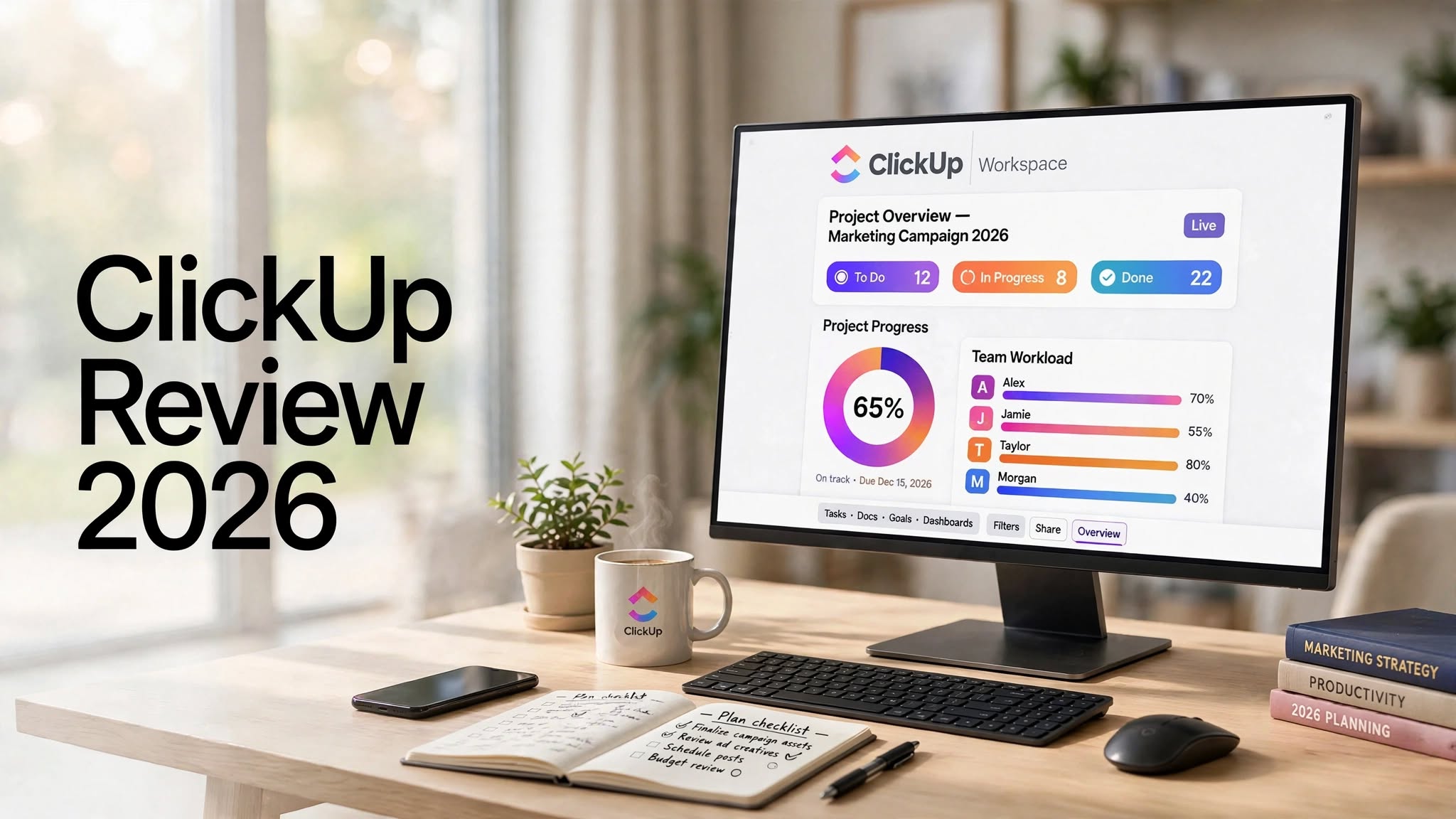

Managing projects becomes difficult when tasks, deadlines, documents, team communication, and progress updates are spread across multiple tools. ClickUp is designed to solve this problem by bringing different productivity and project management functions into one workspace.
But does ClickUp actually make project management easier, or does its huge feature set make things more complicated?
In this ClickUp Review 2026, we’ll explore its main features, usability, AI tools, project management capabilities, pricing structure, pros and cons, and who should consider using the platform.
What Is ClickUp?

ClickUp is an all-in-one productivity and project management platform that helps individuals and teams organize their work.
Instead of using separate applications for task management, project planning, documentation, time tracking, team collaboration, and reporting, ClickUp provides these functions inside a centralized workspace.
You can create projects, break them into tasks, assign work to team members, establish deadlines, track progress, create documents, build dashboards, and automate repetitive processes.
The platform is designed to work for different types of users, from freelancers and small businesses to larger teams managing complex projects.
ClickUp Review: Quick Highlights
- All-in-one productivity platform
- Flexible project and task management
- Multiple views for organizing work
- Custom statuses and fields
- ClickUp Docs for documentation
- Whiteboards for brainstorming
- Dashboards and reporting
How Does ClickUp Work?
ClickUp organizes work through a flexible hierarchy that lets users structure projects according to their needs.
You can create a workspace and then organize different departments, projects, clients, or workflows within it.
A typical structure might look like:
Workspace → Space → Folder → List → Task → Subtask
For example, a digital marketing agency could create separate areas for SEO, content marketing, social media, and client projects.
Each project can contain individual tasks with descriptions, deadlines, priorities, attachments, comments, checklists, and assigned team members.
This structure makes ClickUp adaptable to many different workflows.
ClickUp Features

1. Task Management
Task management is one of the core features of ClickUp.
Users can create detailed tasks and assign them to specific team members. Each task can contain important information such as deadlines, priorities, descriptions, attachments, comments, checklists, and subtasks.
This makes it easier to break large projects into smaller actionable steps.
For example, instead of creating one task called “Launch Website,” you could create separate tasks for design, development, content, SEO, testing, and launch.
2. Multiple Views
ClickUp doesn’t force everyone to manage projects in the same way.
Depending on the project, you can use different views to understand your work.
Common options include:
- List view
- Board view
- Calendar view
- Gantt view
- Timeline view
- Dashboard view
3. ClickUp Docs
ClickUp Docs allows teams to create and organize documents inside their workspace.
You can use Docs for:
- Meeting notes
- Project plans
- Company documentation
- Content briefs
- SOPs
- Research
- Knowledge bases
4. ClickUp Whiteboards
Whiteboards provide a visual space for brainstorming and planning.
Teams can use them to map ideas, organize concepts, plan projects, and visualize workflows before turning those ideas into tasks.
This can be particularly useful during strategy sessions and collaborative planning.
5. Dashboards
ClickUp Dashboards provide an overview of important project information.
Instead of opening multiple lists and projects, users can create dashboards to monitor selected metrics and activities in one place.
Depending on the setup, dashboards can help track:
- Project progress
- Task completion
- Team workload
- Time tracking
- Goals
- Productivity data
6. Goals
ClickUp Goals allows users to establish objectives and track measurable progress.
Teams can connect goals with specific targets and activities, helping them understand how individual tasks contribute to larger business objectives.
For businesses running multiple projects simultaneously, this can provide another layer of organization.
7. Automations

Repetitive project-management tasks can consume a significant amount of time.
ClickUp’s automation functionality is designed to reduce some of this manual work.
For example, workflows can automatically trigger actions when certain conditions are met.
Automations can be useful for processes such as assigning tasks, changing statuses, sending notifications, or updating task information.
8. Time Tracking
ClickUp includes time-tracking capabilities that allow users to monitor time spent on tasks.
This can be useful for freelancers, agencies, consultants, and teams that need to understand how much time different projects require.
For client work, time tracking can also help maintain better visibility into project hours.
9. Custom Fields and Workflows
One of ClickUp’s notable characteristics is customization.
Users can create custom fields, statuses, views, and workflows around their particular requirements.
For example, a content agency could create custom fields for:
- Client
- Content type
- Target keyword
- Writer
- Editor
- Publication date
- Content status
ClickUp AI
ClickUp also incorporates AI features into its productivity environment.
Depending on the available plan and current feature set, AI functionality can help with activities such as writing, summarizing information, generating ideas, and working with project-related content.
The main advantage of having AI integrated into the workspace is convenience. Users can work with project information without necessarily moving between multiple applications.
For teams already using ClickUp, this can make AI-assisted productivity part of their existing workflow.
ClickUp for Project Management
ClickUp can be used to manage projects from the planning stage through completion.
A typical workflow could involve:
Planning → Task Creation → Assignment → Execution → Review → Completion
Project managers can assign responsibilities, establish deadlines, monitor progress, and communicate with team members.
The platform’s different views also allow project information to be displayed according to the needs of different users.
ClickUp for Team Collaboration
Collaboration is another important part of ClickUp.
Team members can communicate through task comments, share files, work on documents, and keep project-related information connected to specific tasks.
This can reduce the need to search through unrelated conversations when trying to understand why a task was changed or what needs to happen next.
ClickUp for Small Businesses
Small businesses can use ClickUp to centralize different operational activities.
For example, a small company could use it for:
- Marketing campaigns
- Sales pipelines
- Content calendars
- Product development
- Customer projects
- Internal operations
- Team planning
ClickUp for Freelancers
Freelancers can also use ClickUp to organize multiple clients and projects.
A freelancer could create separate spaces or lists for each client and then manage tasks, deadlines, documents, and project notes from the same workspace.
Time tracking can also be useful when working on hourly projects.
However, freelancers who only need a simple daily task list may find ClickUp’s extensive feature set unnecessary.
ClickUp Pros and Cons
Pros
- Comprehensive project management platform
- Highly customizable workflows
- Multiple project views
- Useful collaboration features
- Built-in documentation tools
- Whiteboards for visual planning
- Dashboards and reporting
- Automation capabilities
- Time tracking
- AI-powered productivity features
Cons
- Large number of features can feel overwhelming
- New users may need time to learn the platform
- Advanced workflows require additional setup
- Some functionality depends on the subscription plan
- Highly customized workspaces can become complicated
- May be more than necessary for simple task management
Is ClickUp Easy to Use?
ClickUp can be easy to use for basic task management, but the overall platform has a learning curve.
Creating a task, assigning it to someone, and setting a deadline is straightforward.
The experience becomes more complex when you start using advanced dashboards, custom fields, automations, dependencies, goals, and detailed project structures.
For this reason, beginners may benefit from starting with a simple workspace rather than trying to configure every available feature immediately.
ClickUp Pricing

ClickUp offers multiple plans designed for different types of users and organizations.
The exact pricing, limits, and included features can change, so it’s important to check the current ClickUp pricing information before purchasing.
Generally, differences between plans can involve storage, advanced project management capabilities, automation limits, reporting, administrative controls, and AI-related functionality.
For individuals and small teams, the available lower-tier options may provide enough functionality for basic project management, while larger organizations may require more advanced capabilities.
Who Should Use ClickUp?
ClickUp can be useful for:
- Project managers
- Marketing teams
- Remote teams
- Startups
- Small businesses
- Agencies
- Freelancers
- Software teams
- Content teams
- Operations departments
Who May Not Need ClickUp?
ClickUp may not be necessary if your requirements are limited to a simple checklist or basic personal reminders.
Its large number of features is valuable for complex workflows, but it can also introduce unnecessary complexity for very simple projects.
Users should therefore consider how much functionality they actually need before choosing a project management platform.
ClickUp vs Traditional Project Management Tools
Traditional project management often involves using separate tools for different activities.
One application may handle tasks, another may store documents, another may track time, and another may be used for team communication.
ClickUp attempts to bring many of these activities into one ecosystem.
This approach can make information easier to centralize, although users still need to configure the workspace properly to avoid unnecessary complexity.
Is ClickUp Worth It in 2026?
ClickUp offers a broad set of tools for managing projects, tasks, documentation, collaboration, goals, and workflows.
Its biggest advantage is flexibility. Teams can create relatively simple task lists or build much more sophisticated project-management systems.
The trade-off is that the platform can take time to learn.
If your workflow involves multiple projects, team members, deadlines, documentation, and recurring processes, ClickUp provides tools that can help organize these activities within one workspace.
If you only need basic task management, a simpler tool may provide a more straightforward experience.
Final Thoughts
ClickUp has evolved into much more than a basic task-management application. It combines project management, collaboration, documentation, dashboards, goals, automation, time tracking, and AI-powered productivity features in one platform.
Its customization options make it suitable for many different workflows, from content production and marketing to software development and business operations.
The main challenge is understanding which features you actually need. New users may find the platform overwhelming at first, but starting with a simple workflow can make the learning process easier.
For teams looking for a centralized workspace to organize projects and everyday work, ClickUp is a platform worth exploring.
