
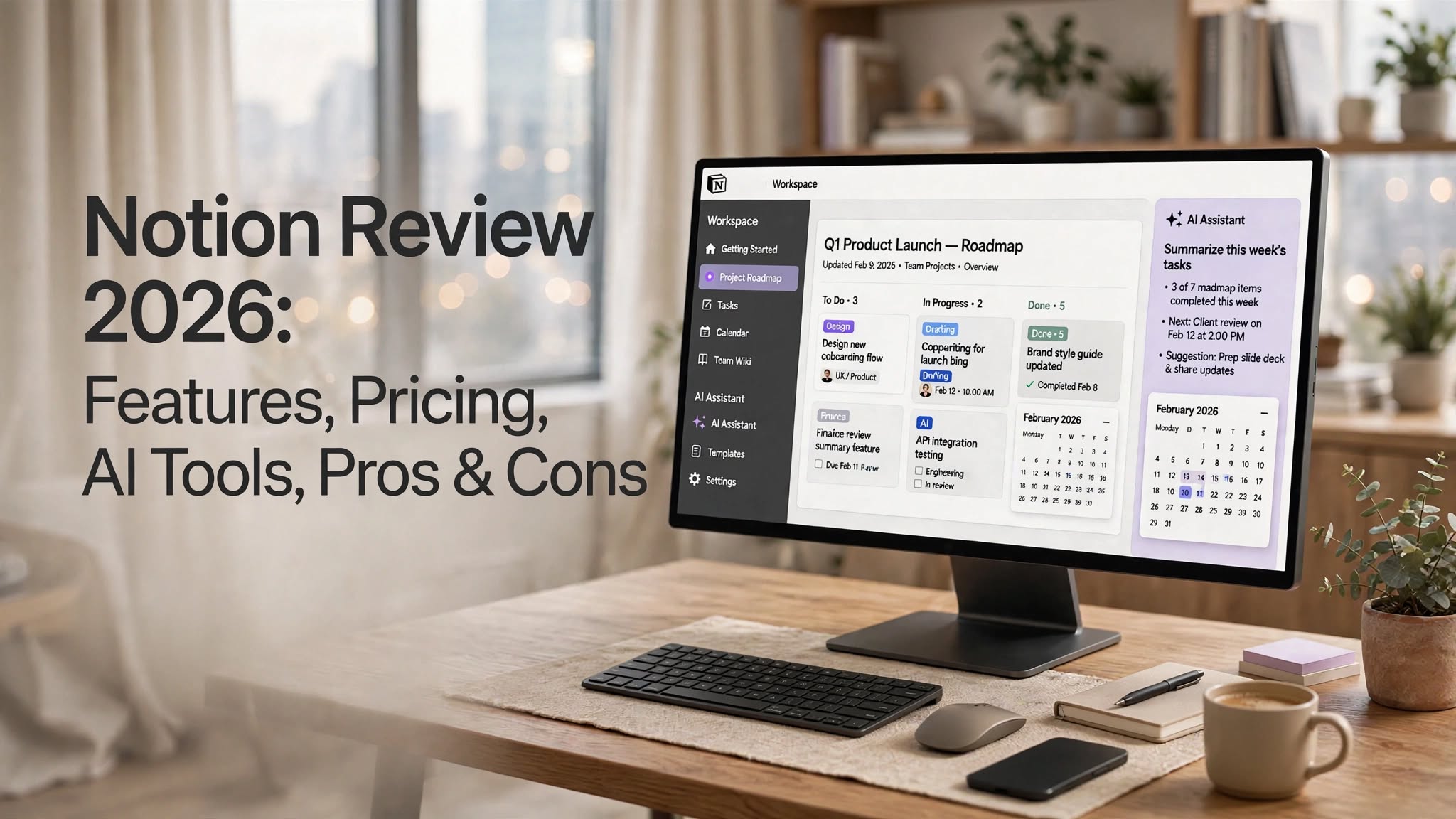

Notion has become one of the most popular productivity and workspace platforms for individuals, teams, startups, creators, and businesses. Instead of using separate applications for notes, documentation, project management, databases, and internal knowledge, Notion brings many of these functions together in one flexible workspace.
The platform combines documents, wikis, databases, project management tools, forms, dashboards, collaboration features, and AI capabilities. Notion also supports integrations and connected data, allowing teams to bring information from other applications into their workspace.
In this Notion review, we’ll look at its main features, pricing, AI capabilities, advantages, disadvantages, and who can benefit from using the platform.
What Is Notion?
Notion is a connected workspace that combines docs, wikis, projects, and databases in one platform. Users can create pages using flexible blocks and organize information into databases, tables, boards, calendars, timelines, and other views.
For teams, Notion can act as a central knowledge hub where documents, project information, meeting notes, company processes, and other resources can be stored and shared.
Its flexible structure also makes Notion useful for personal productivity. Users can create task lists, notes, content calendars, habit trackers, personal databases, study systems, and more.
Notion Highlights
- Flexible pages and documents
- Custom databases
- Project and task management
- Company wikis
- Real-time collaboration
- Forms
Notion Features
Docs and Notes
Notion’s document editor is based on flexible content blocks. Users can combine text, headings, images, videos, tables, code snippets, checklists, callouts, and other content types on the same page.
This makes it possible to create anything from simple notes to detailed project documentation and product specifications.
Databases
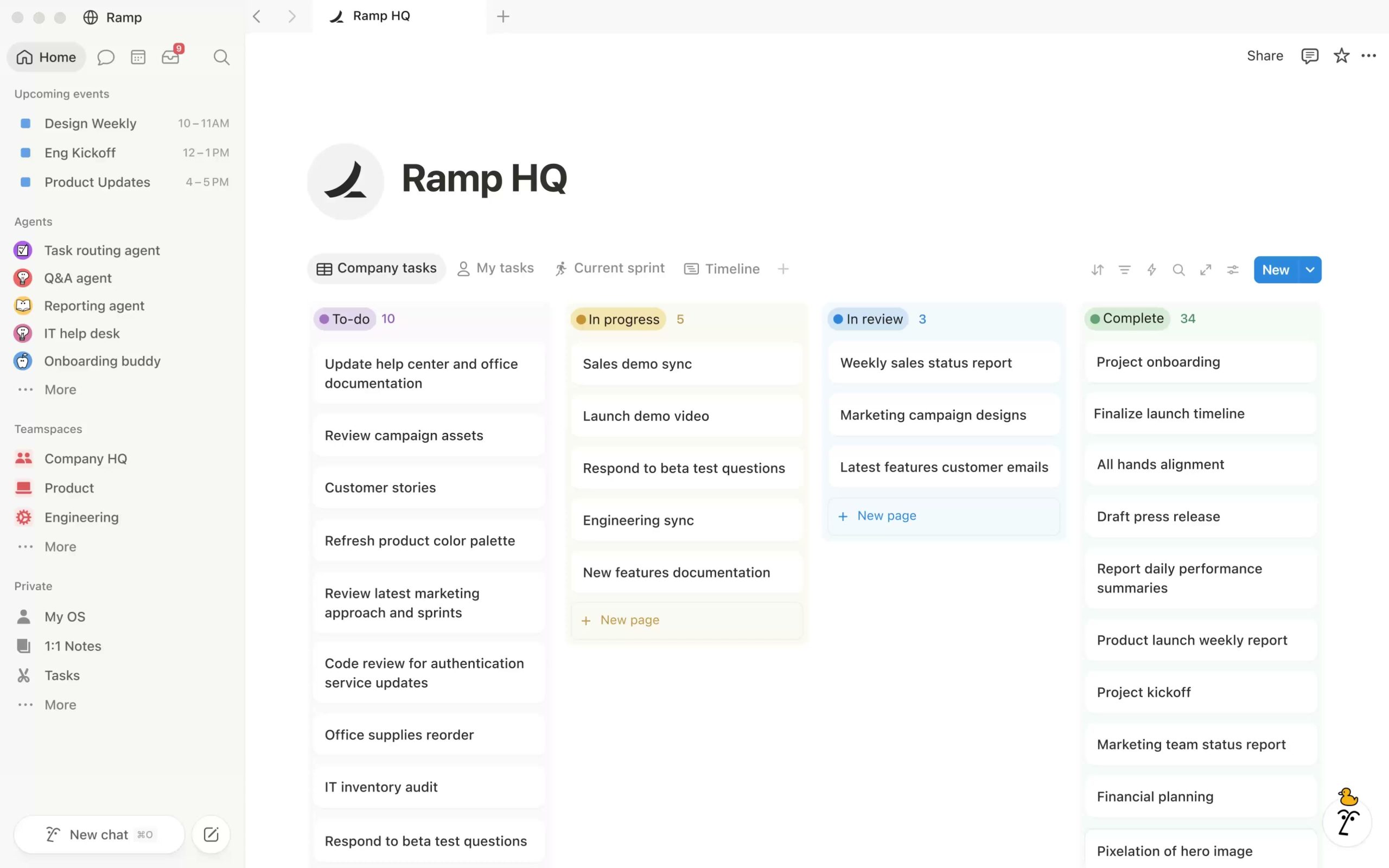
Databases are one of Notion’s most important features. Users can organize information using properties, filters, sorting, relationships, and different database views.
A single database can be displayed in formats such as table, board, timeline, calendar, and other views. This flexibility allows teams to build customized systems for projects, tasks, content, customers, documentation, and internal operations.
Project Management
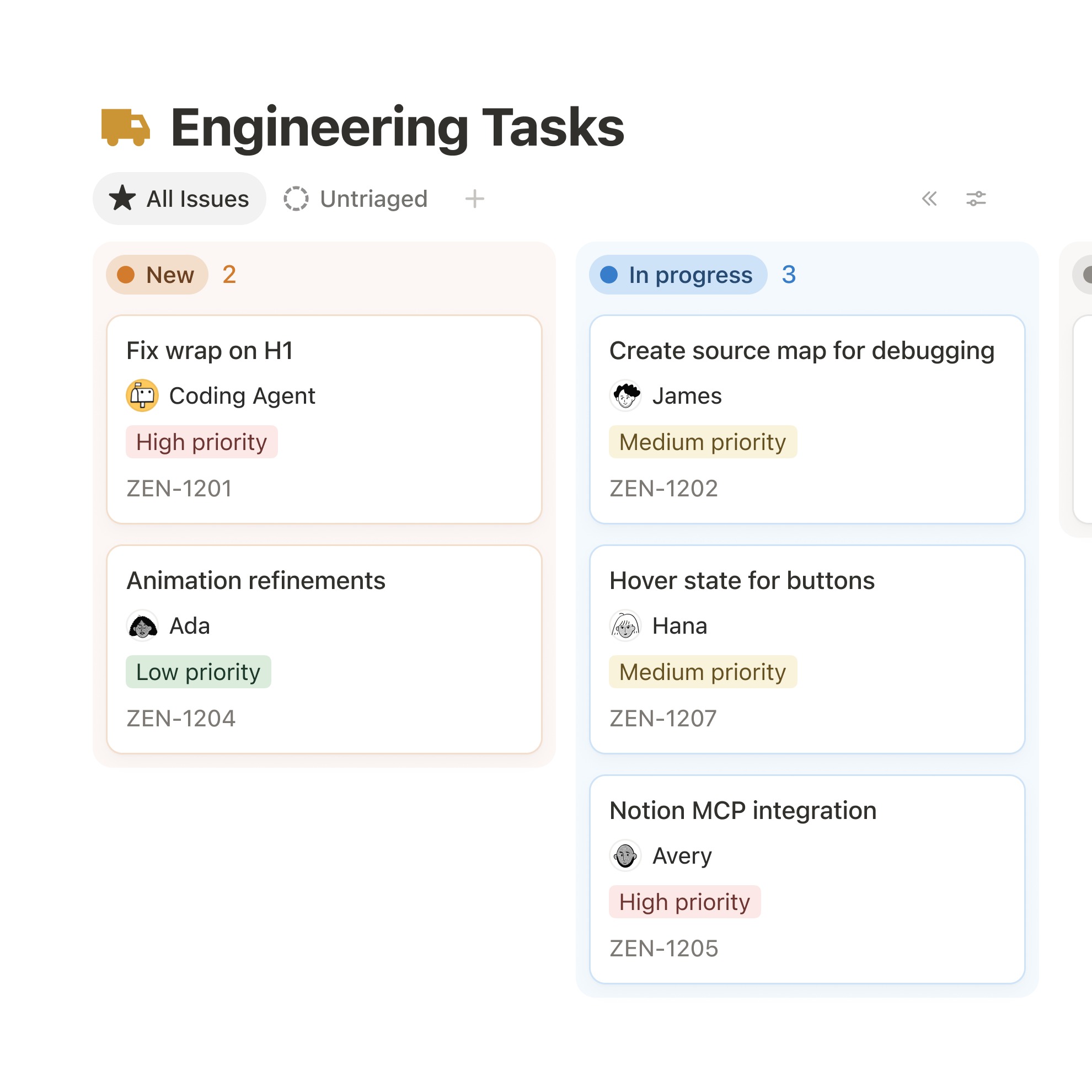
Notion can also be used for project and task management. Teams can create projects, assign tasks, set statuses, manage dependencies, and visualize work using different layouts.
Notion’s project-management system is closely connected with its documentation features, so project details and supporting documents can exist in the same workspace.
Wikis and Knowledge Management
Businesses can use Notion to create internal company wikis for storing processes, guidelines, documentation, meeting information, product knowledge, and other resources.
Teamspaces can also help organize information according to different teams or departments.
Collaboration
Notion supports real-time collaboration, comments, and shared editing. Team members can work on the same documents and databases while keeping project information in a shared workspace.
This makes the platform useful for remote teams and organizations that need a centralized location for company information.
Forms
Notion Forms allows users to collect responses and connect them with databases. This can be useful for collecting requests, feedback, applications, project information, or internal submissions.
Dashboards and Charts
Notion provides dashboard and chart capabilities for presenting information from databases in a more visual format.
Teams can use these features to create dashboards for projects, tasks, performance tracking, content planning, and other workflows.
Notion AI
AI is now an important part of the Notion experience. Notion AI can assist with writing and editing, answer questions using workspace information, create or populate databases, summarize meetings, and perform other tasks.
Notion also provides AI-powered search and agent functionality that can work with information stored in the workspace and connected applications.
AI Meeting Notes
Notion includes AI Meeting Notes for capturing and summarizing meetings. This can help teams turn conversations into documented notes and follow-up information without manually creating everything from scratch.
Notion Agent
Notion Agent is designed to perform actions using context from a user’s workspace. Depending on the available plan and features, it can help create and edit pages, work with databases, and handle other repetitive tasks.
This expands Notion beyond being a simple notes and documentation application.
Integrations
Notion supports connections with various external tools and services. Its ecosystem includes integrations and data connections involving tools such as Slack, GitHub, Jira, Salesforce, Figma, and others.
These connections can help teams keep relevant information accessible without constantly switching between applications.
Notion Pros
- Extremely flexible workspace
- Powerful database system
- Excellent documentation tools
- Useful project management features
- Strong collaboration capabilities
- Customizable pages and dashboards
- Built-in AI tools
- AI meeting notes
- Wide range of integrations
- Free plan available
- Desktop and mobile apps
- Useful for personal and business workflows
Notion Cons
- Large feature set can feel overwhelming
- Advanced setups may require considerable customization
- Database systems can take time to learn
- Some advanced features require paid plans
- AI usage and capabilities vary by plan
- Complex workspaces can become difficult to maintain
- Not every specialized workflow is as powerful as a dedicated tool
Who Is Notion Best For?
Individuals
Notion is useful for personal organization, notes, task management, planning, knowledge management, and creating customized productivity systems.
Startups
Startups can use Notion to centralize documentation, product plans, meeting notes, tasks, company knowledge, and internal processes.
Content Creators
Creators can build content calendars, idea databases, editorial workflows, research pages, and publishing systems.
Project Teams
Project teams can combine task management with documentation, project requirements, timelines, and team communication.
Businesses
Businesses can use Notion as a centralized workspace for internal knowledge, project management, documentation, meetings, and team workflows.
Notion Pricing
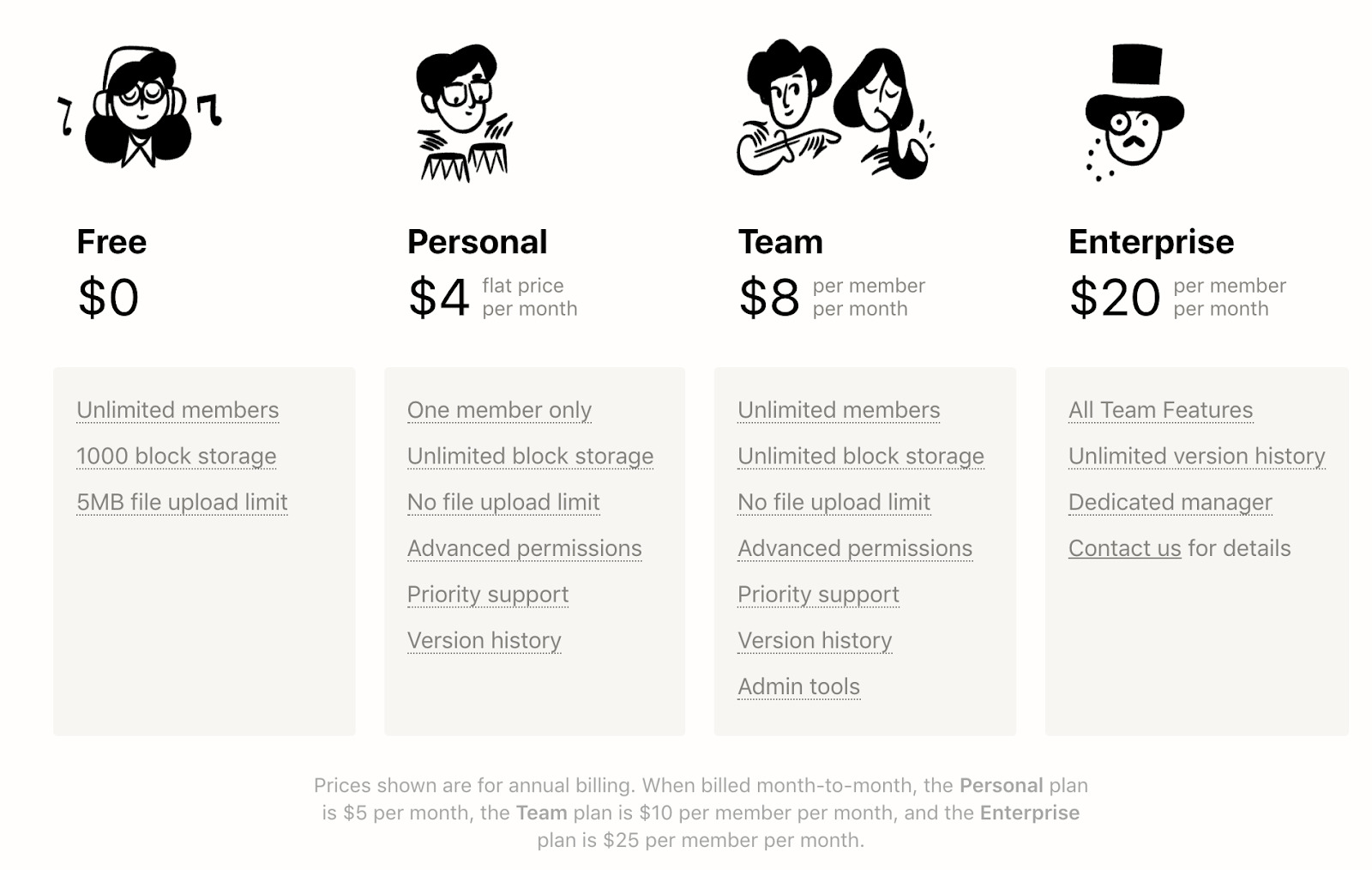
Notion currently offers Free, Plus, Business, and Enterprise plans. The Free plan costs $0, while the Plus plan is listed at $10 per seat per month and the Business plan at $20 per seat per month on Notion’s pricing page. Enterprise pricing is customized.
The Free plan provides core Notion functionality, while paid plans add capabilities such as expanded collaboration features, additional history, advanced permissions, and other business-focused functionality.
Because Notion’s AI features and usage allowances can vary by plan, users should check the current pricing page before purchasing.
Notion Alternatives
Notion competes with several productivity and work-management platforms, including project management tools, documentation platforms, and collaborative workspaces.
Some users may prefer dedicated project management software when they need highly specialized task and resource management. Others may prefer dedicated documentation or knowledge-management platforms when documentation is their primary requirement.
Notion’s main distinction is its ability to combine several of these functions into one highly customizable workspace.
Is Notion Worth It?
Notion is a strong option for users who want a flexible workspace that combines documents, databases, project management, knowledge management, collaboration, and AI features.
Its biggest strength is customization. Instead of forcing every team to follow the same workflow, Notion allows users to build systems around their own requirements.
However, that flexibility also means that users may need time to design and maintain their workspace. Businesses with highly specialized requirements may also find dedicated applications more suitable for certain individual functions.
Final Verdict
Notion has evolved from a simple notes and documentation platform into a broader connected workspace for managing information, projects, databases, and team knowledge.
Its combination of flexible databases, documentation, project management, collaboration, integrations, and AI tools makes it useful for a wide range of workflows. The free plan also provides an accessible way for individuals and small teams to explore the platform before upgrading.
For users looking for a customizable workspace rather than a single-purpose productivity application, Notion is worth considering.
