
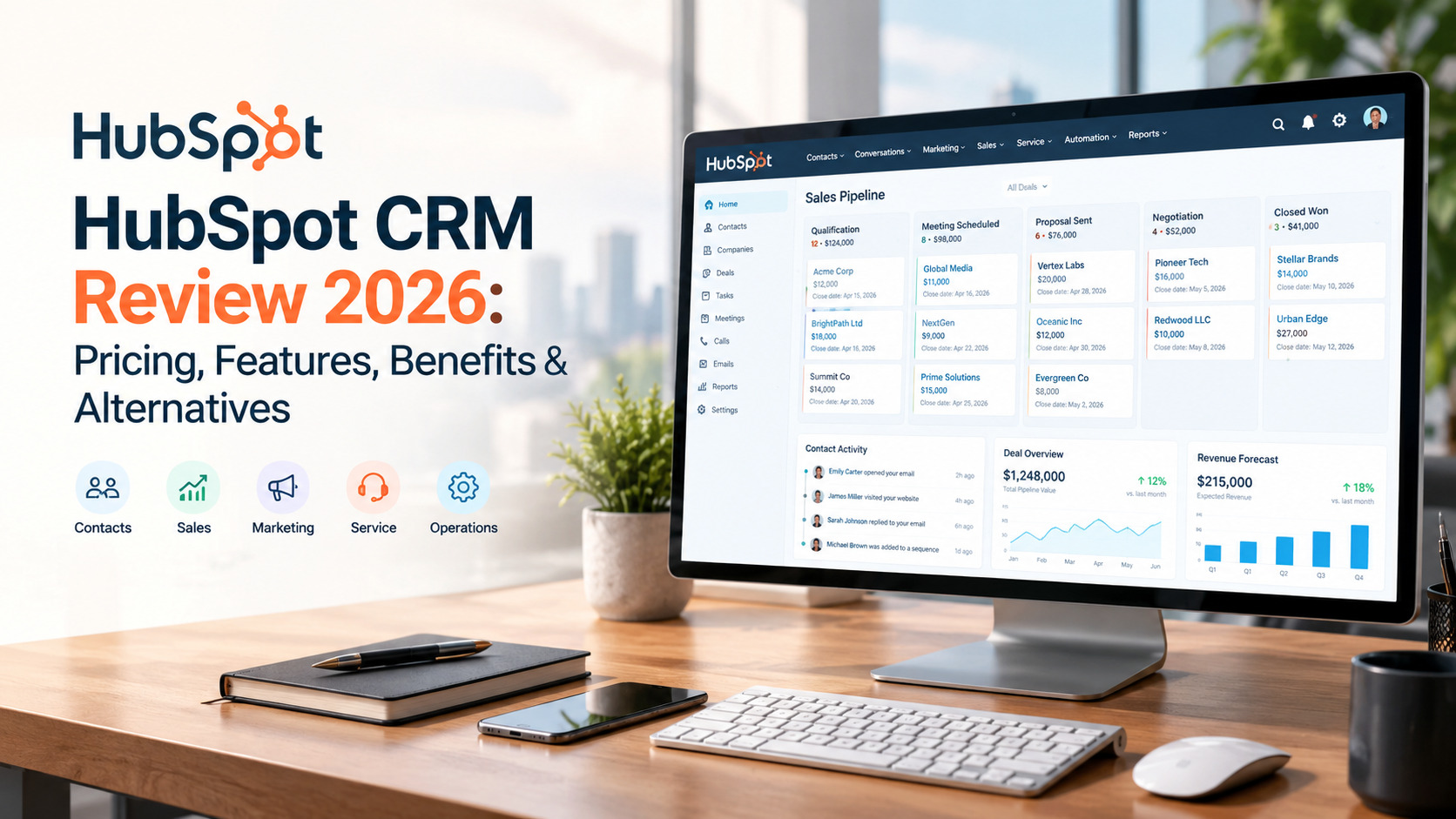

HubSpot CRM is a widely used customer relationship management platform designed to help businesses organize contacts, manage leads, track deals, automate sales activities, and maintain customer relationships from one centralized system. It is part of the larger HubSpot ecosystem, which also includes tools for marketing, sales, customer service, content management, and operations.
One of the biggest advantages of HubSpot CRM is that businesses can start with core CRM functionality and add more advanced tools as their requirements increase. This makes the platform suitable for startups and small businesses as well as larger organizations managing more complex customer workflows.
In this HubSpot CRM review, we’ll look at its main features, pricing approach, advantages, disadvantages, alternatives, and overall value.
What Is HubSpot CRM?
HubSpot CRM is a cloud-based platform that helps businesses manage customer and prospect information. It provides a centralized database where teams can store contact details, company information, communication history, deals, tasks, notes, and other customer-related activities.
Instead of keeping customer information across spreadsheets, emails, and separate applications, teams can use HubSpot to bring many of these activities together.
The platform is particularly popular among sales and marketing teams because CRM records can be connected with lead generation, email communication, sales pipelines, customer service, and reporting.
HubSpot CRM Highlights
- Contact and company management
- Deal and pipeline tracking
- Email tracking
- Meeting scheduling
- Task management
- Sales automation
How Does HubSpot CRM Work?
HubSpot CRM revolves around customer records. When a contact or company is added to the CRM, users can attach activities and business information to that record.
For example, a sales representative can add a prospect, record conversations, send emails, schedule a meeting, create a follow-up task, and associate the prospect with a deal. As the sales process progresses, the deal can be moved through different pipeline stages.
This gives sales teams a clearer overview of where opportunities stand and what actions need to happen next.
HubSpot can also connect CRM data with marketing and customer service activities. This allows different teams to work with information from the same customer database rather than maintaining completely separate records.
HubSpot CRM Features
Contact Management
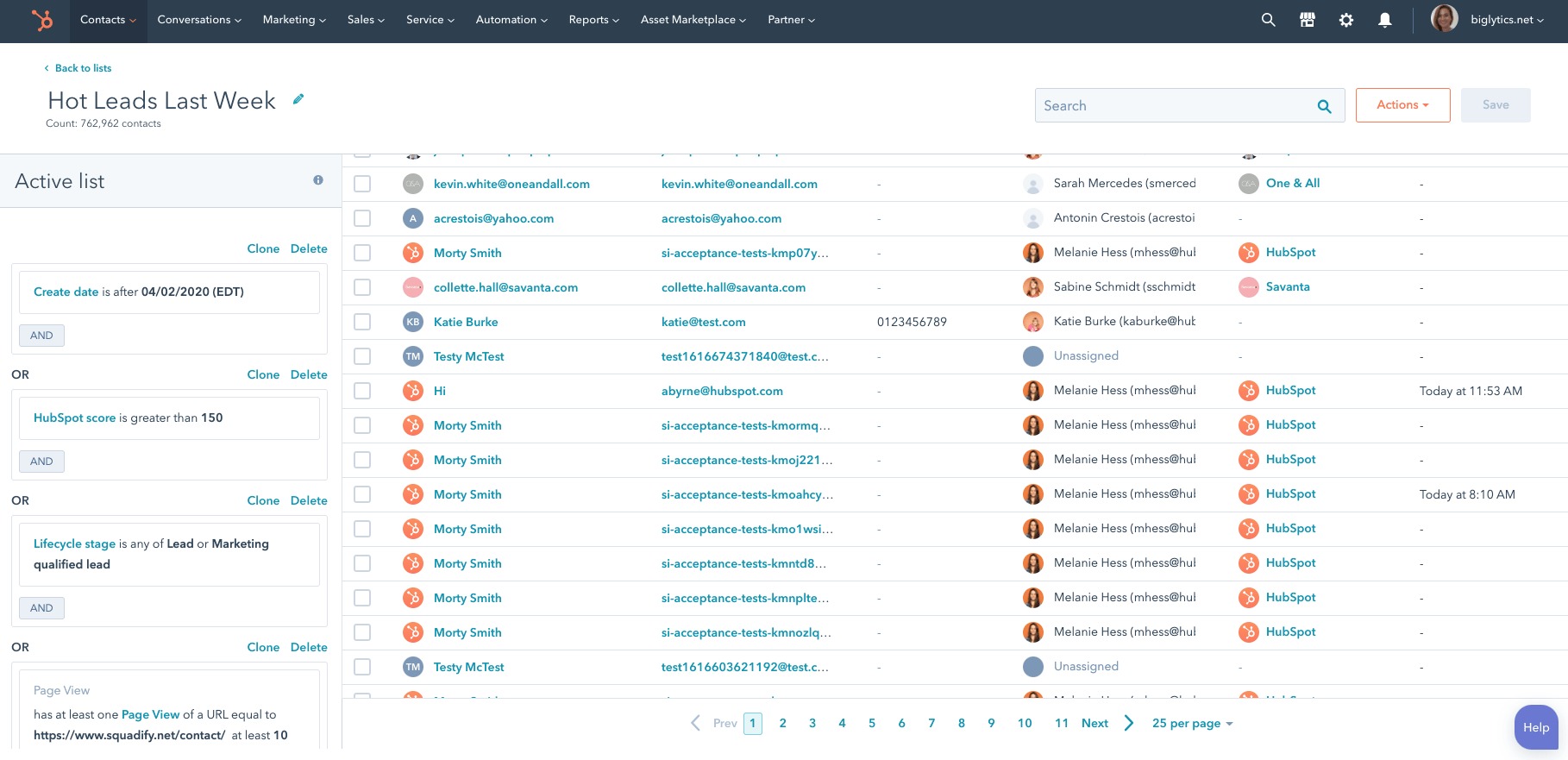
Contact management is one of the core parts of HubSpot CRM. Businesses can create records for individual contacts and companies and store relevant information in one location.
Users can organize records, add notes, track activities, and associate contacts with companies and deals. Filters and segmentation tools can also make it easier to find specific groups of customers or prospects.
Deal Pipeline
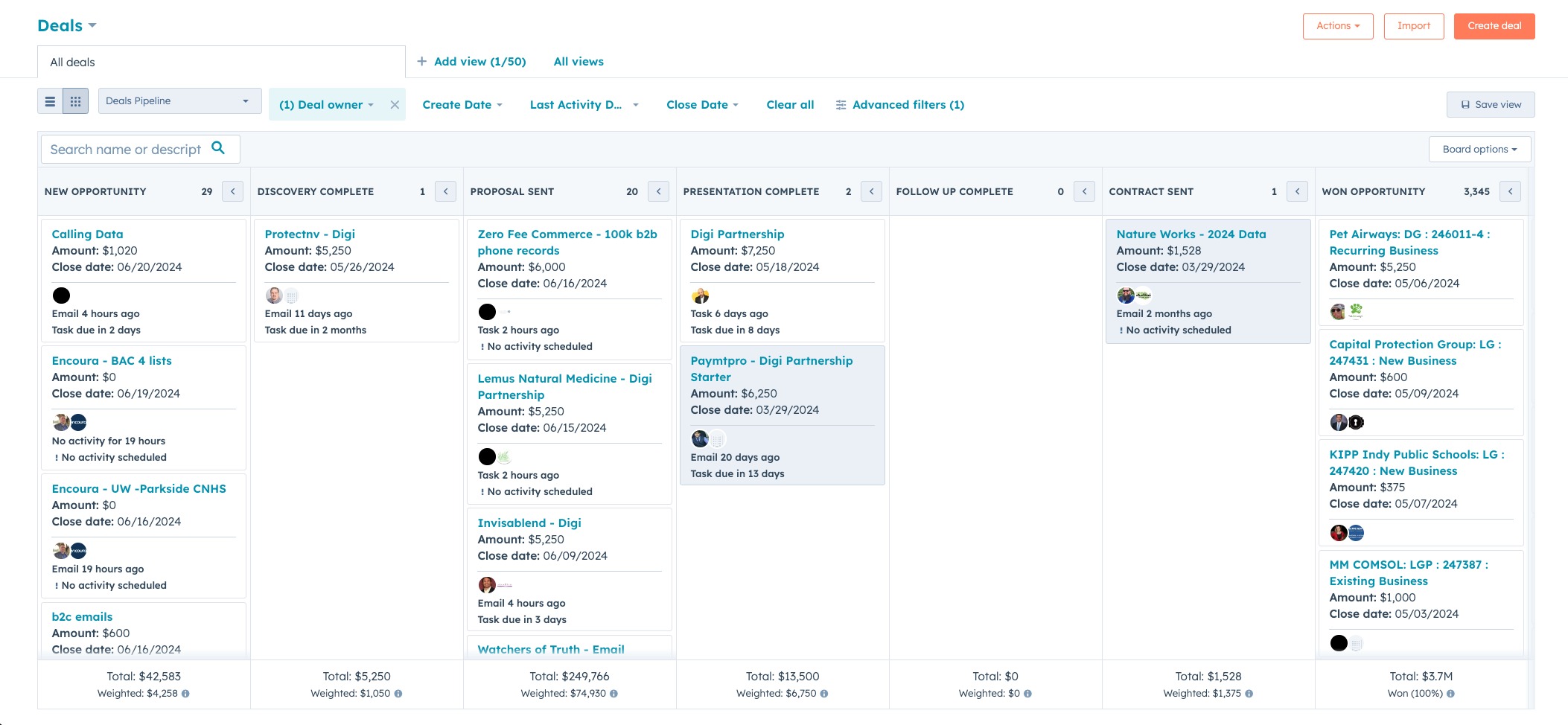
HubSpot provides visual sales pipelines that allow teams to track opportunities through different stages.
A typical pipeline might include stages such as new lead, qualified opportunity, proposal, negotiation, and closed deal. Businesses can customize stages according to their own sales process.
This provides sales representatives and managers with a quick overview of active opportunities.
Email Tools
HubSpot includes tools for sales communication, including email tracking and templates.
Sales representatives can use templates for frequently sent messages and keep communication associated with CRM records. This can help teams maintain better visibility into customer conversations.
Meeting Scheduling
The meeting scheduling functionality allows users to create booking pages based on their availability.
Instead of repeatedly exchanging emails to find a suitable time, prospects can select an available slot. Meetings can then be connected with CRM records.
Task Management
Sales representatives can create tasks for follow-ups, calls, emails, meetings, and other activities.
Tasks can be connected to specific contacts, companies, or deals, making it easier to keep track of upcoming work.
Marketing Integration
HubSpot is particularly different from many traditional CRM platforms because its CRM works closely with marketing tools.
Businesses can use HubSpot’s ecosystem for lead generation, forms, email marketing, landing pages, automation, and campaign management, depending on the products and plans they use.
This connection can help marketing and sales teams work from shared customer information.
Customer Service
HubSpot also provides customer service functionality. Teams can manage support conversations, tickets, customer requests, and other service activities.
Because these tools can work with CRM records, customer service representatives can access relevant information about previous interactions.
Automation
Workflow automation can help businesses reduce repetitive manual work.
Depending on the available tools and subscription, businesses can create automated processes for tasks such as updating records, assigning activities, sending notifications, and managing leads.
Automation can become particularly useful as the number of contacts and business processes increases.
Reporting and Dashboards
HubSpot includes reporting and dashboard tools that allow businesses to monitor CRM and sales performance.
Teams can track information related to deals, sales activity, pipeline performance, revenue, and other business metrics.
More advanced reporting capabilities are available through higher-level products and plans.
Integrations
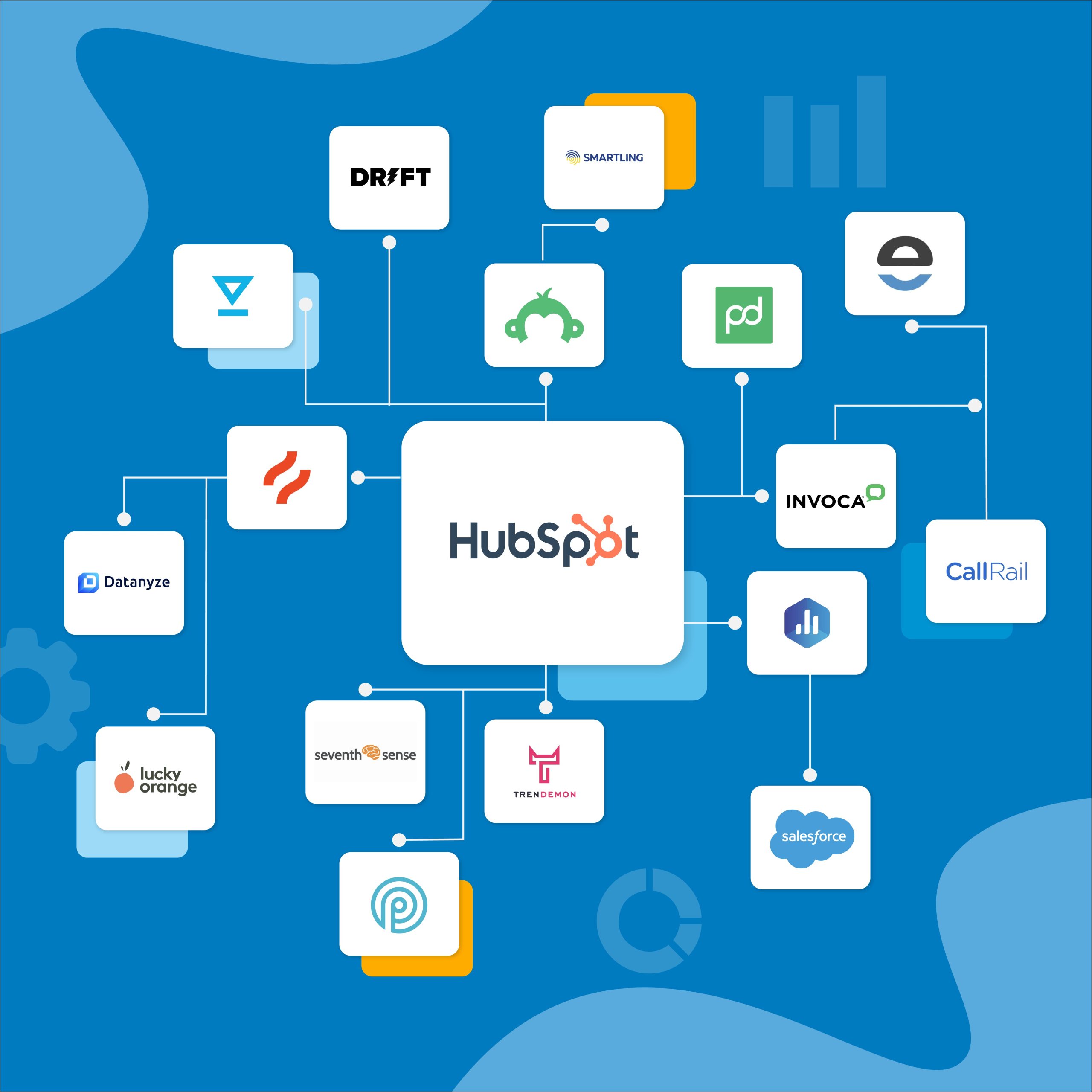
HubSpot supports integrations with many third-party applications.
Businesses can connect their CRM with tools used for communication, marketing, accounting, productivity, customer support, analytics, and other workflows.
These integrations can reduce the need to manually move information between different applications.
AI Features
HubSpot has added AI functionality across different areas of its platform.
Depending on the product and subscription, AI tools can assist with content creation, data management, customer communication, prospecting, reporting, and other CRM-related tasks.
The availability and capabilities of individual AI features can vary by HubSpot product and plan.
HubSpot CRM Pros
- Free CRM option for getting started
- Easy-to-use interface
- Strong contact management
- Visual sales pipelines
- Useful email and meeting tools
- Marketing and sales tools can work together
- Good automation capabilities
- Large integration ecosystem
- Reporting and dashboard functionality
- Customer service tools are available
- Scalable ecosystem for growing businesses
- AI features across different HubSpot products
HubSpot CRM Cons
- Advanced features can become expensive
- Pricing can become complicated as requirements increase
- Some useful features are limited to paid plans
- The large number of tools can feel overwhelming for beginners
- Advanced customization may require additional setup
- Businesses may pay more as their teams and requirements grow
HubSpot CRM Pricing
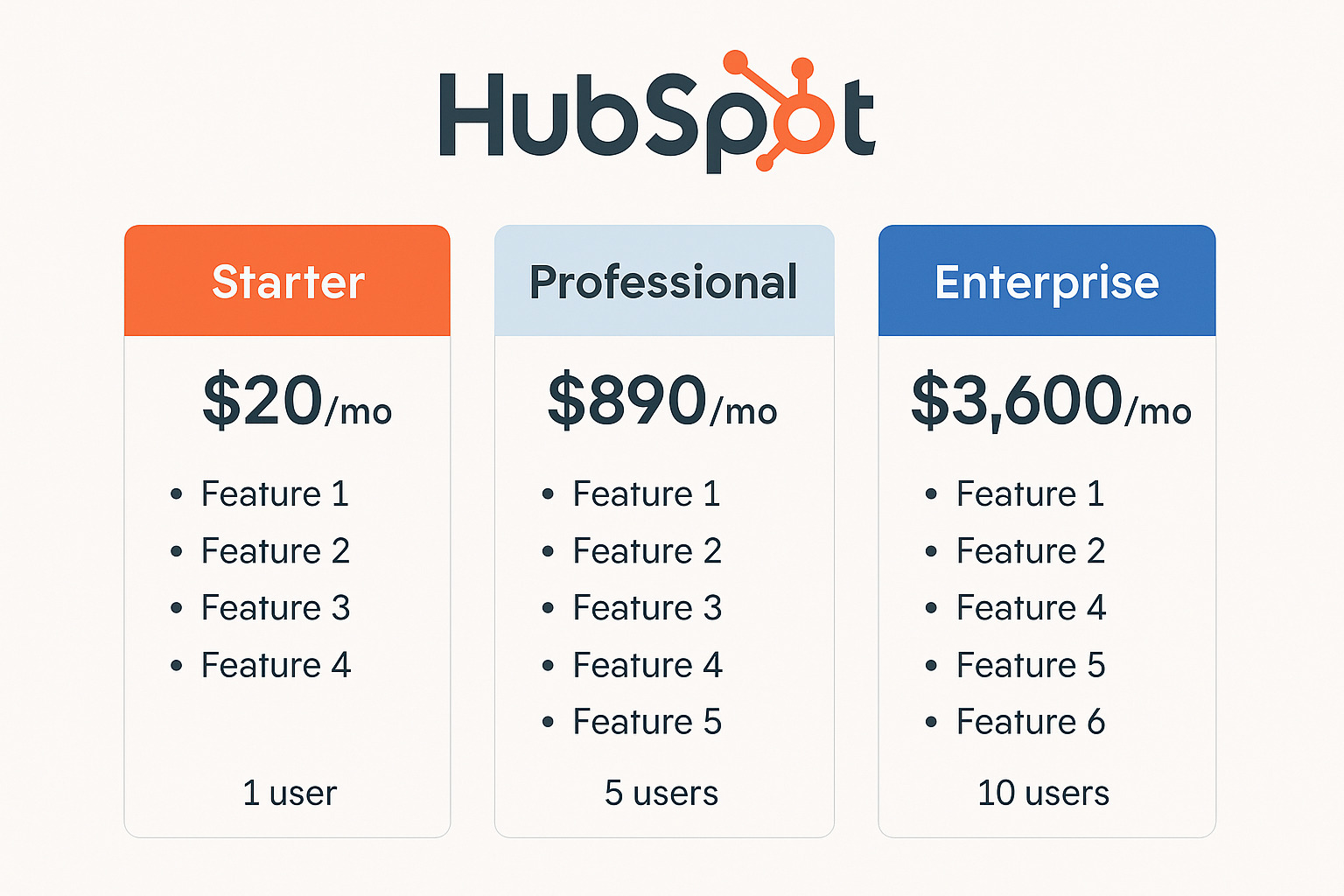
HubSpot offers a free CRM option with core CRM functionality. Businesses can then choose additional paid products and subscription levels depending on their requirements.
The final cost can vary considerably because HubSpot’s ecosystem includes different products for sales, marketing, customer service, content, operations, and other business functions.
Businesses should therefore look at the current pricing, included features, usage limits, and number of users before selecting a paid plan.
For a small business that only needs basic CRM functionality, the free option may provide enough tools to get started. Companies requiring advanced automation, reporting, marketing functionality, or larger-scale operations may need additional paid products.
Who Is HubSpot CRM Best For?
Small Businesses
Small businesses can use HubSpot to organize contacts, track leads, manage deals, schedule meetings, and maintain customer information without immediately investing in a complex enterprise CRM.
Sales Teams
Sales teams can benefit from pipeline management, deal tracking, email tools, tasks, meeting scheduling, and sales reporting.
Marketing Teams
Businesses that want their marketing and sales data connected may find HubSpot useful because lead-generation activities can be linked with CRM records.
Agencies
Agencies can use CRM tools to organize prospects, manage client relationships, track opportunities, and maintain communication histories.
Growing Businesses
Companies expecting their CRM requirements to increase may appreciate HubSpot’s broader ecosystem and ability to add additional tools over time.
HubSpot CRM Alternatives
HubSpot CRM competes with several established CRM platforms.
Salesforce offers a broad CRM ecosystem with extensive customization and enterprise-focused capabilities. Zoho CRM is part of the wider Zoho business software ecosystem. Pipedrive focuses heavily on sales pipelines and sales management, while Freshsales provides CRM and sales engagement features.
The right alternative depends on the company’s budget, sales process, required integrations, automation requirements, and desired level of customization.
Is HubSpot CRM Worth It?
HubSpot CRM can be a practical choice for businesses that want more than basic contact management. Its combination of CRM, sales, marketing, automation, reporting, and customer service tools makes it possible to manage several customer-facing processes within one ecosystem.
The free CRM option can also make it easier for smaller businesses to begin experimenting with the platform before adopting additional products.
However, companies should carefully evaluate pricing before moving to advanced features because the total cost can increase as more users, products, automation capabilities, and business requirements are added.
Final Verdict
HubSpot CRM provides a broad set of tools for managing customer relationships, sales pipelines, communication, marketing activities, automation, and reporting.
Its centralized CRM database and wider business ecosystem make it suitable for businesses that want different customer-facing functions connected together. The platform can work for small businesses starting with basic CRM requirements and can also support organizations that need more advanced tools.
The main considerations are the complexity of the wider platform and the potential increase in cost when advanced functionality is required.
For businesses looking for a CRM with a broad ecosystem, strong integrations, and the option to start with core CRM functionality, HubSpot CRM is worth exploring.
