
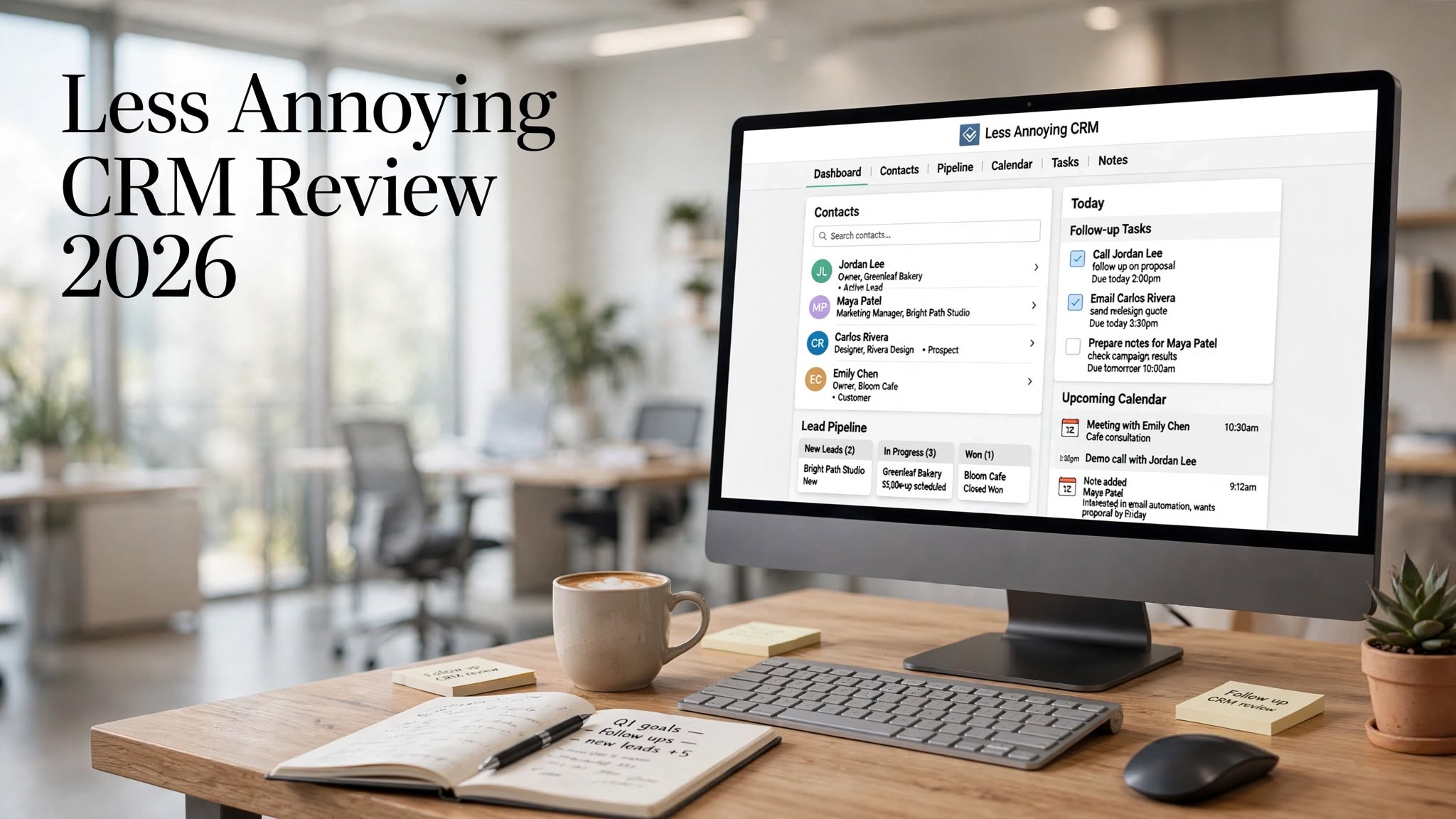

Less Annoying CRM is a customer relationship management platform built specifically for small businesses that want to organize contacts, manage leads, track follow-ups, and stay on top of customer relationships without dealing with complicated software.
Many CRM platforms offer a huge number of features, but that can sometimes make them difficult to set up and use. Less Annoying CRM takes a different approach by focusing on the core tools that small businesses actually need.
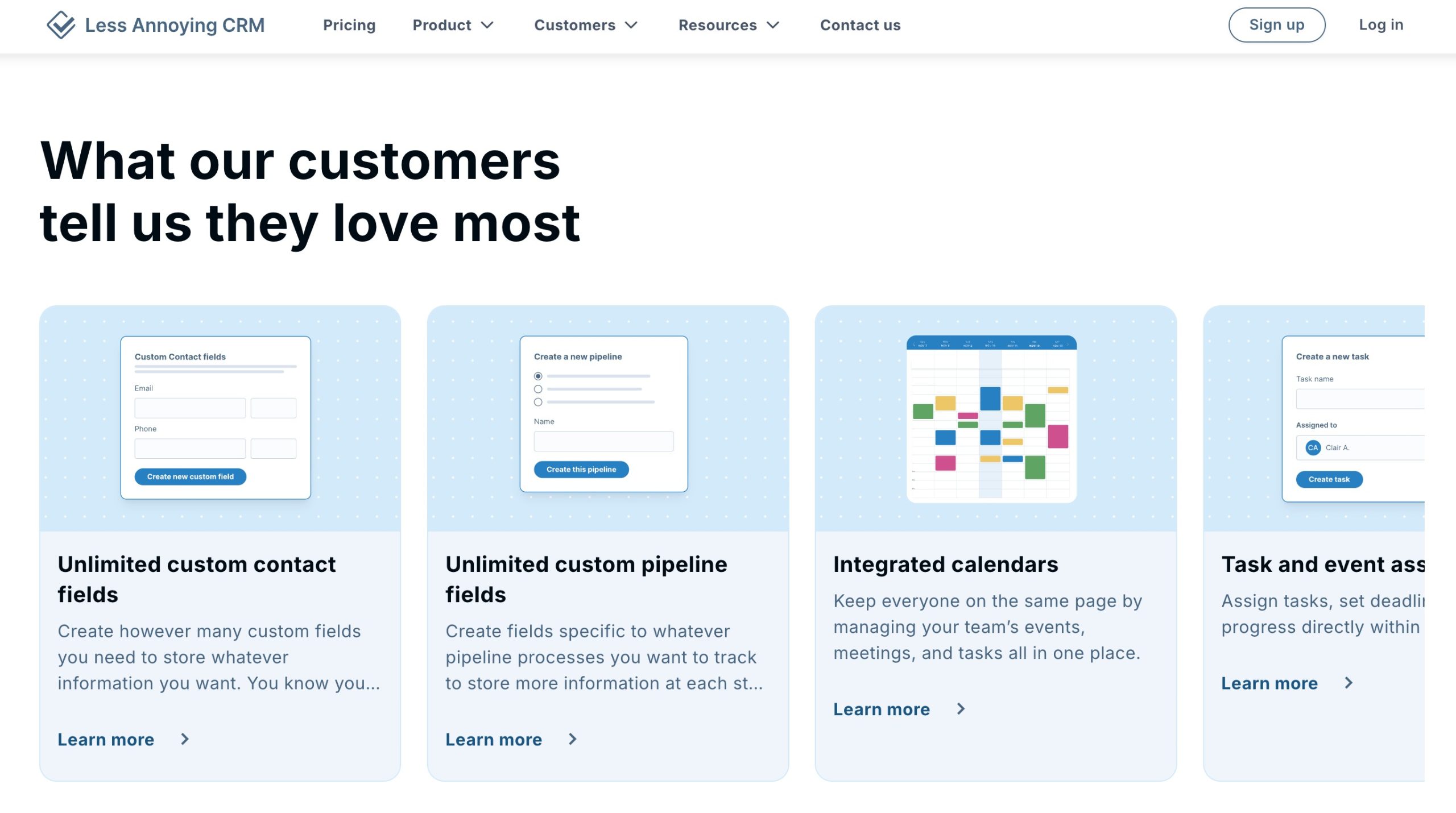
The platform provides contact management, lead tracking, pipelines, tasks, calendars, notes, and collaboration features in a relatively simple interface. This makes it an interesting alternative to larger CRM platforms for freelancers, consultants, agencies, entrepreneurs, and small sales teams.
In this Less Annoying CRM review, we’ll take a closer look at its features, pricing, ease of use, advantages, disadvantages, ideal users, and overall value in 2026.
What Is Less Annoying CRM?

Less Annoying CRM is a cloud-based CRM designed primarily for small businesses and independent professionals.
Its main goal is to make customer relationship management easier without forcing users to spend significant time learning complex software.
The platform allows businesses to keep customer information, sales opportunities, tasks, appointments, notes, and follow-up activities in one centralized location.
Instead of trying to compete with enterprise CRM platforms on the number of features, Less Annoying CRM focuses on providing a straightforward experience.
It can be useful for:
- Small businesses
- Freelancers
- Consultants
- Agencies
- Entrepreneurs
- Independent sales professionals
Why Choose Less Annoying CRM?
The biggest reason to consider Less Annoying CRM is simplicity.
A business owner who only needs to organize contacts and follow up with potential customers may not need a complicated CRM containing dozens of automation tools, dashboards, and enterprise features.
Less Annoying CRM focuses on the basics and keeps the workflow relatively easy to understand.
This can also make CRM adoption easier for teams where employees don’t have extensive technical experience.
Less Annoying CRM Features
1. Contact Management
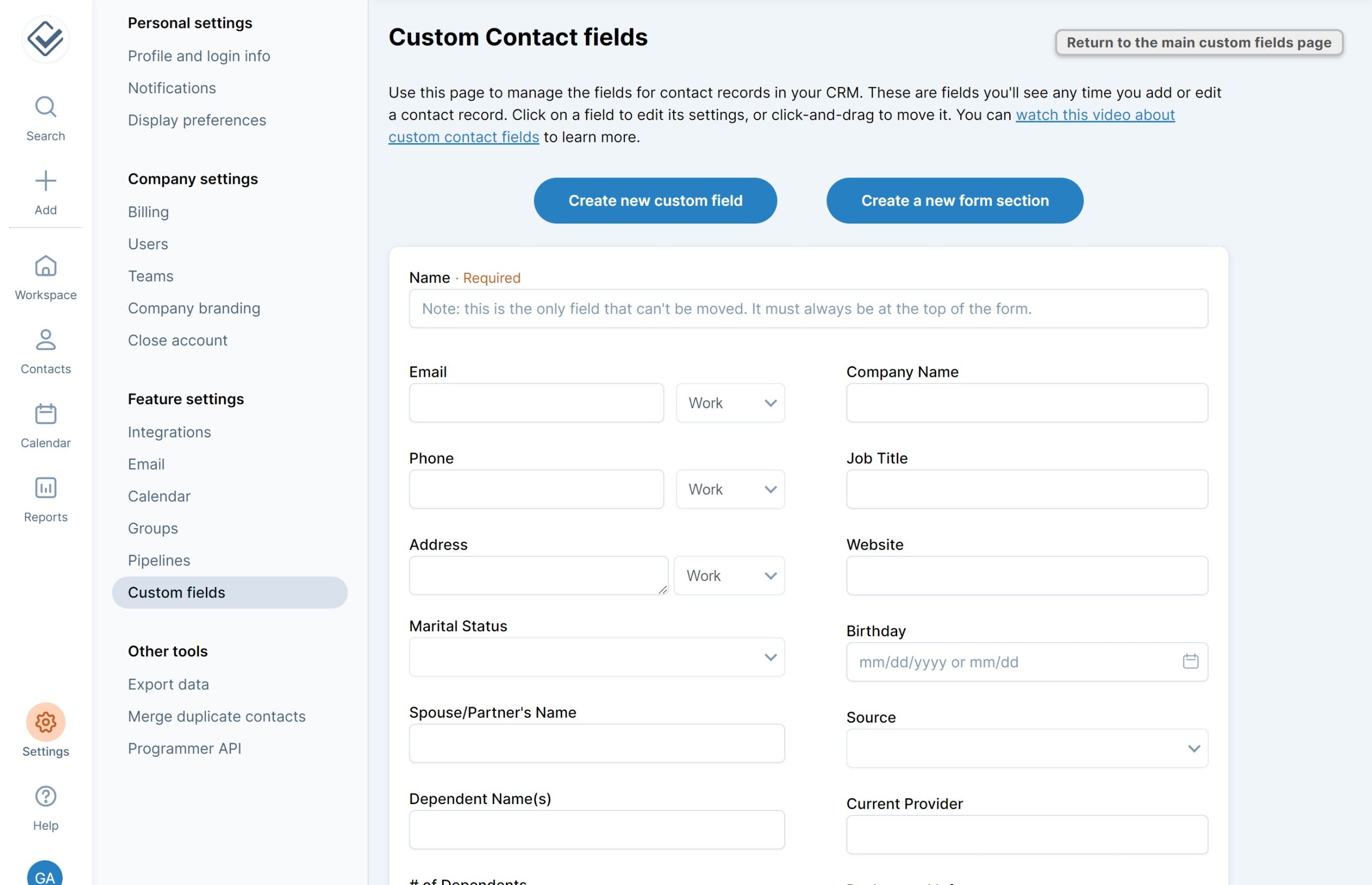
Contact management is one of the most important parts of Less Annoying CRM.
Users can create and organize customer and prospect profiles while keeping important information accessible from one place.
Contact records can include details such as customer information, notes, tasks, and interaction history.
Having this information centralized can be particularly useful for businesses that previously relied on spreadsheets, email inboxes, or separate notes.
2. Lead Tracking
Less Annoying CRM provides tools for tracking potential customers throughout the sales process.
Users can organize leads based on their current status and determine which prospects need immediate attention.
This makes it easier to avoid losing track of opportunities and helps sales professionals maintain consistent follow-ups.
3. Sales Pipeline
The platform provides pipeline functionality for managing sales opportunities.
A visual sales pipeline can help users understand how many prospects are currently being worked on and where those prospects are within the sales process.
For a small business, a simple pipeline can provide enough visibility without requiring a complicated sales-management system.
4. Tasks and Follow-Ups
Following up with prospects is one of the most important activities in sales.
Less Annoying CRM includes task management tools that allow users to create reminders and keep track of upcoming activities.
You can use tasks for activities such as:
- Calling a prospect
- Sending a follow-up email
- Scheduling a meeting
- Checking on an existing customer
- Completing a sales activity
5. Calendar Management
The calendar functionality allows users to keep track of meetings, appointments, and other important activities.
Having tasks and calendar information connected to CRM activity can make it easier to manage daily responsibilities without switching between multiple systems.
6. Notes and Customer Information
Users can add notes to customer records to maintain important context about conversations and relationships.
This can be useful when multiple interactions take place over time. Instead of trying to remember previous conversations, users can refer back to information stored within the CRM.
7. Team Collaboration
Small teams can use Less Annoying CRM to keep customer information organized across multiple users.
Shared access to customer information can help team members understand the status of leads and existing customer relationships.
This can be particularly useful when more than one person is involved in sales or customer service.
8. Customization
Less Annoying CRM provides customization options while keeping the overall system relatively straightforward.
Users can organize their workflow around their business needs without having to build an extremely complicated CRM environment.
This balance can be useful for small businesses that want some flexibility but don’t want to spend hours configuring software.
Less Annoying CRM User Experience
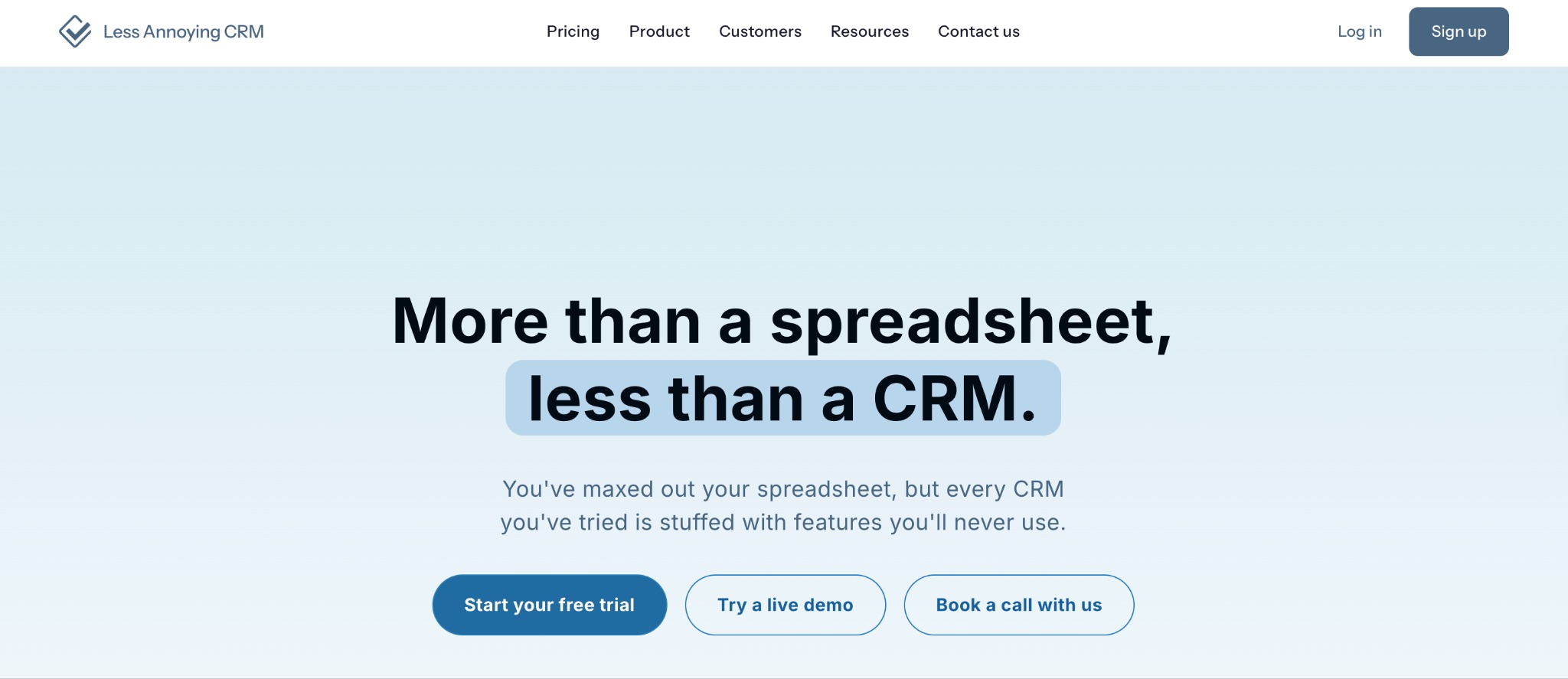
The user experience is one of the platform’s strongest selling points.
The interface is designed to be straightforward rather than overloaded with features and menus.
Users can quickly access contacts, tasks, leads, and other important CRM information.
For someone moving from spreadsheets or basic contact-management systems, this simplicity can make the transition to a dedicated CRM much easier.
However, users who are accustomed to highly advanced CRM platforms may find the interface and functionality somewhat basic.
Less Annoying CRM for Small Businesses
Small businesses are the primary audience for Less Annoying CRM.
A small company often doesn’t need enterprise-level automation or complicated sales reporting. Instead, it needs a reliable way to organize customer information and make sure leads receive timely follow-ups.
Less Annoying CRM focuses directly on these requirements.
For a small team, this can result in a shorter learning curve and less time spent managing the CRM itself.
Less Annoying CRM for Freelancers and Consultants
Freelancers and consultants often manage their own sales pipelines and customer relationships.
For these users, an overly complicated CRM can create more work than it saves.
Less Annoying CRM provides a centralized place to store client information, track prospects, create follow-up tasks, and manage appointments.
This makes it a practical option for professionals who want CRM functionality without the complexity of a large enterprise platform.
Less Annoying CRM Pros and Cons
Pros
- Simple and beginner-friendly
- Clean and straightforward interface
- Designed specifically for small businesses
- Easy contact management
- Useful lead and pipeline tracking
- Includes tasks and calendar tools
- Helps organize customer follow-ups
- Minimal learning curve
- Less overwhelming than many larger CRM platforms
Cons
- Fewer advanced features than enterprise CRMs
- Limited marketing automation
- May not suit complex sales organizations
- Advanced reporting requirements may be difficult
- Not designed for large-scale enterprise workflows
Who Should Use Less Annoying CRM?
Less Annoying CRM is best for businesses that value simplicity over a huge collection of advanced features.
It is particularly suitable for:
Small Business Owners: Manage customers and prospects without needing a dedicated CRM administrator.
Freelancers: Keep track of clients, leads, meetings, and follow-ups from one place.
Consultants: Organize prospective and existing clients while maintaining important notes and tasks.
Small Sales Teams: Track opportunities and make sure leads receive timely follow-ups.
Agencies: Maintain organized customer information and sales activities without adopting a complicated enterprise CRM.
Less Annoying CRM Pricing
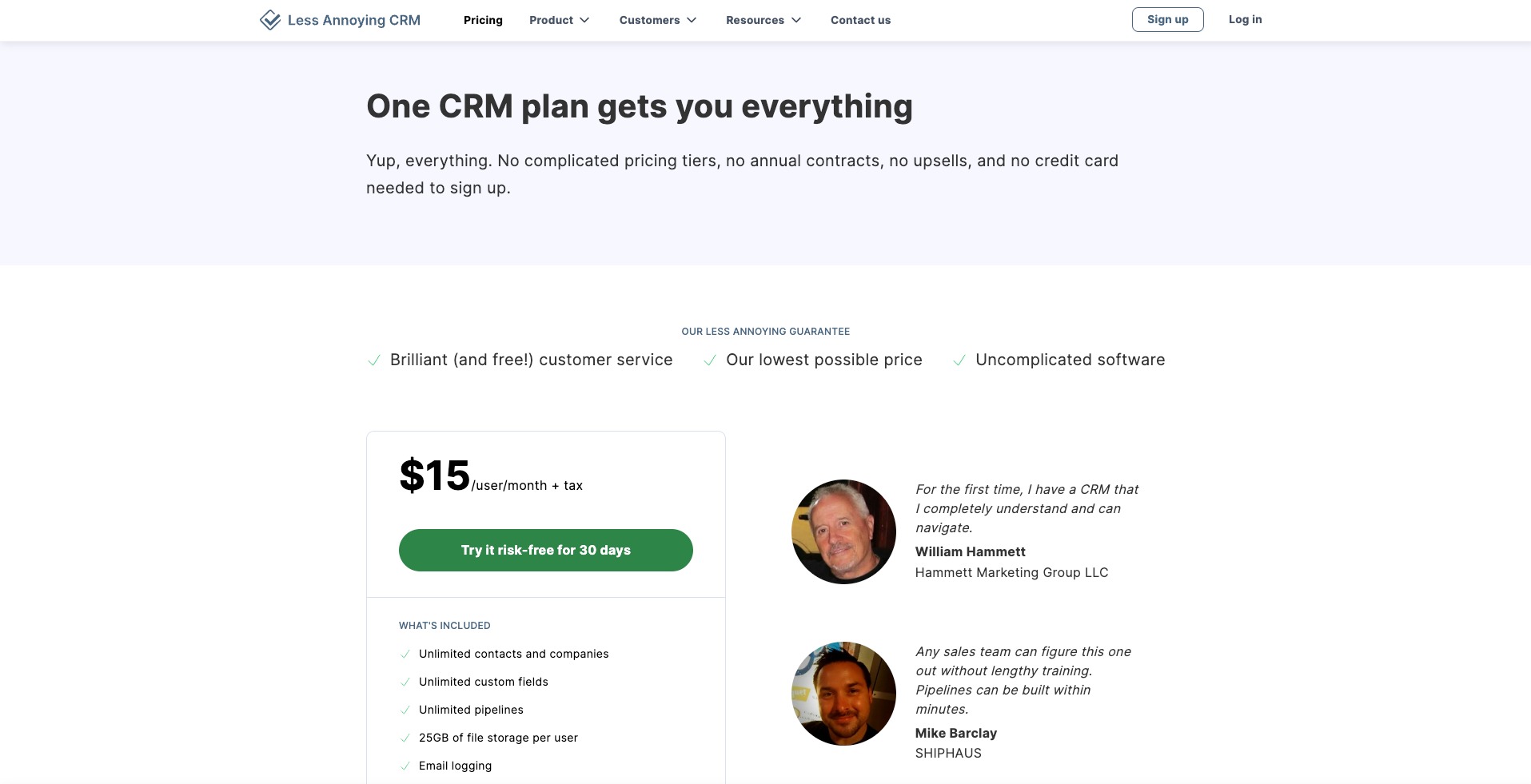
Less Annoying CRM follows a relatively straightforward pricing approach compared with many large CRM providers.
Its focus is on providing essential CRM functionality for small businesses rather than creating numerous complicated product tiers.
Pricing and included features can change over time, so businesses should review the current pricing information before subscribing.
When evaluating the platform, it’s also important to consider the overall value rather than looking only at the monthly cost. A simple CRM that employees actually use can sometimes be more valuable than a feature-rich system that requires extensive training.
Who Should Avoid Less Annoying CRM?
Less Annoying CRM may not be the best choice for businesses that need highly advanced sales and marketing functionality.
For example, large organizations may require complex automation, advanced analytics, extensive integrations, sophisticated reporting, or enterprise-level administration.
In these situations, a larger CRM platform may offer a better fit.
The platform’s simplicity is its greatest strength, but it can also become a limitation for businesses that eventually require more advanced functionality.
Is Less Annoying CRM Easy to Use?
Yes. Ease of use is one of the platform’s biggest advantages.
The CRM is designed for people who may not have extensive CRM experience. Its relatively simple interface and straightforward organization help users get started without a long implementation process.
There is still a learning curve when adopting any CRM, but Less Annoying CRM keeps that curve relatively small.
This can be especially valuable for small businesses that don’t have dedicated IT or CRM specialists.
Is Less Annoying CRM Good for Sales?
For basic sales management, Less Annoying CRM can be a useful option.
Its lead tracking, pipeline management, tasks, contact records, and follow-up tools cover many of the fundamental activities involved in a small-business sales process.
However, companies with highly complex sales operations may require more advanced automation, forecasting, reporting, and lead-management functionality.
Is Less Annoying CRM Worth It?
Less Annoying CRM is worth considering if your main goal is to manage contacts, track leads, organize customer information, and stay consistent with follow-ups.
Its biggest advantage is that it doesn’t make CRM management unnecessarily complicated.
For small businesses, this can be a major benefit. Instead of spending time configuring a complicated system, teams can focus on actually communicating with customers and closing opportunities.
However, businesses should consider their long-term requirements. If you expect your sales and marketing operations to become highly complex, a more advanced CRM may eventually be necessary.
Final Verdict
Overall, Less Annoying CRM is a practical and user-friendly CRM solution for small businesses, freelancers, consultants, and small sales teams.
It focuses on the features that matter most for everyday customer relationship management, including contact organization, lead tracking, sales pipelines, tasks, calendars, notes, and follow-ups.
Its biggest advantage is simplicity. The platform doesn’t try to overwhelm users with unnecessary features, making it easier for small teams to adopt and use consistently.
While it may not offer the advanced automation and enterprise functionality available from larger CRM platforms, that isn’t necessarily a weakness for its target audience.
