
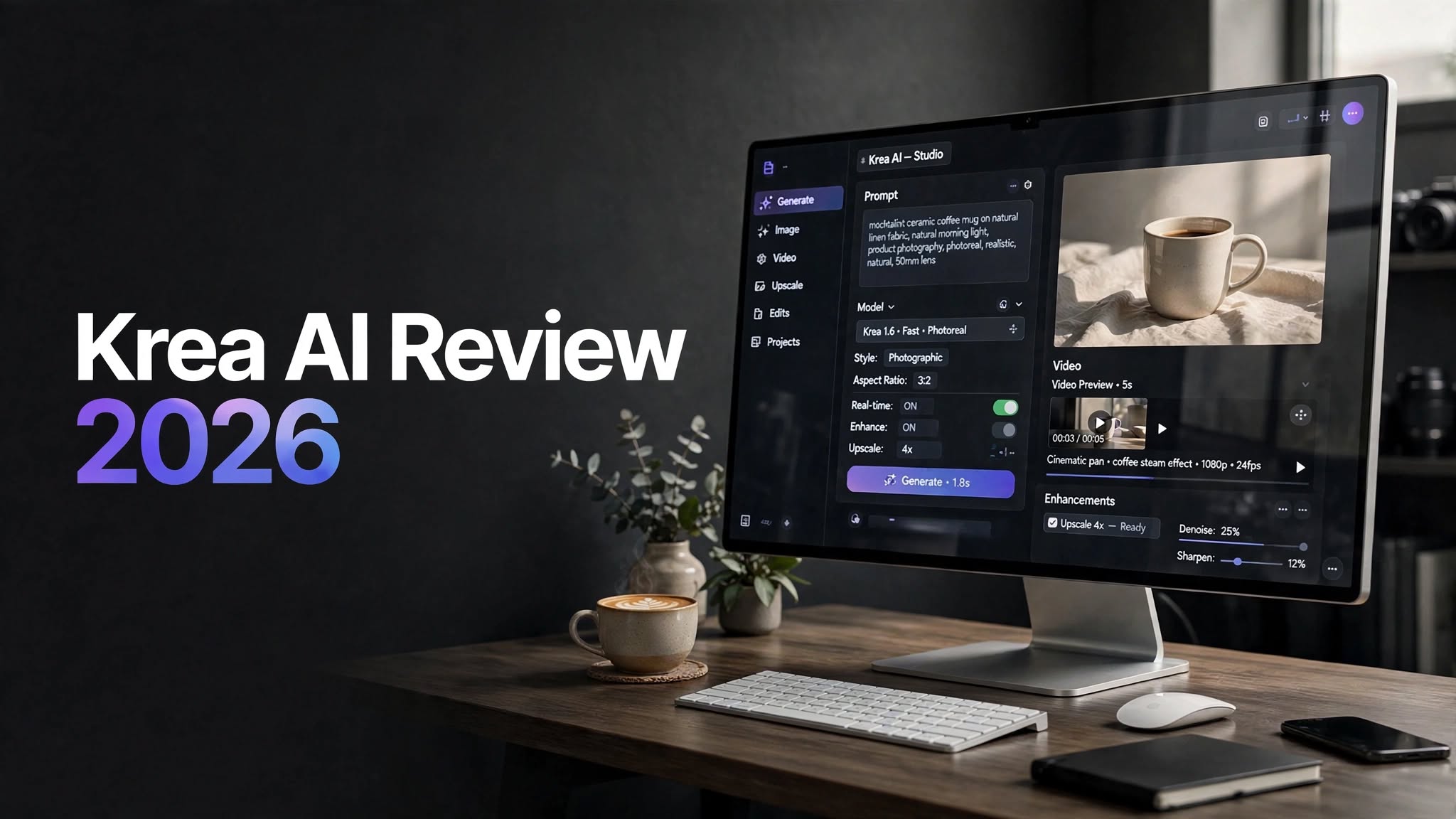

AI image generators have become extremely common, but Krea AI takes a broader approach. Instead of focusing on only text-to-image generation, it brings image creation, AI video, editing, upscaling, real-time generation, custom models, and other creative tools into one platform.
That makes Krea interesting for creators who regularly move between different AI tools.
I spent time exploring what Krea offers across its image, video, enhancement, and customization features. In this Krea AI review 2026, I’ll explain how the platform works, what you get for your money, where it performs well, and where you may run into limitations.
What Is Krea AI?

Krea AI is an AI-powered creative platform for generating, editing, enhancing, and transforming visual content.
The platform can be used for everything from creating AI artwork and marketing graphics to generating videos, improving image resolution, experimenting with visual styles, and training custom models.
Rather than forcing users to rely on a single AI model, Krea provides access to a variety of models and creative workflows through one interface.
Its ecosystem includes:
- AI image generation
- AI video generation
- Image editing
- Image enhancement
- AI upscaling
Krea AI Review: My First Impression
The first thing I noticed about Krea is that it feels more like a creative workspace than a basic AI generator.
Many AI platforms follow a simple pattern:
Enter prompt → generate image → download result.
Krea gives you considerably more to work with.
You can generate an image, modify it, upscale it, animate it, experiment with another model, or use it as part of a larger workflow.
That flexibility is probably the platform’s biggest selling point.
The downside is that the number of tools can initially feel overwhelming. Someone who only wants a straightforward image generator may not need everything Krea provides.
Krea AI Features
AI Image Generator

Image generation is at the center of Krea’s platform.
You can describe the visual you want using a text prompt and then experiment with different models, styles, aspect ratios, and creative controls.
Krea’s own Krea 2 model is designed around aesthetic quality and visual diversity. It can be used for a wide range of creative projects, including product concepts, portraits, advertising visuals, illustrations, and social media content.
The platform also allows creators to work with reference images, which can be useful when you want new generations to follow an existing visual direction.
For example, you could provide a reference for:
- Color palette
- Photography style
- Character appearance
- Composition
- Art direction
Krea 2
Krea 2 is Krea’s own image generation model.
Rather than simply competing on raw image generation, Krea focuses heavily on aesthetics and creative control.
The model is particularly interesting for users who want visually polished results without spending too much time writing extremely detailed prompts.
It can be used for:
- Commercial concepts
- Product visuals
- Portraits
- Fashion imagery
- Creative advertising
But for general creative work, Krea 2 gives users a strong starting point.
Krea AI Realtime
One of Krea’s most interesting features is its Realtime workflow.
Instead of generating an image and waiting for the result before making another attempt, Realtime allows you to interact with a canvas and see the AI respond as you work.
You can sketch rough shapes, add visual elements, change the composition, and experiment with ideas while the system continuously updates the result.
This is particularly useful for brainstorming.
Imagine that you have an idea for a product advertisement but don’t know exactly how you want the composition to look.
Instead of writing ten different prompts, you can roughly draw where the product, person, and background should appear and use the AI to explore the direction.
For visual thinkers, this can be considerably more intuitive than prompt-only generation.
Krea AI Video Generator
Krea has also expanded significantly into AI video.
The platform brings different video models into its creative environment, allowing users to experiment with text-to-video and image-to-video generation.
Depending on availability and subscription level, Krea provides access to models such as:
- Veo
- Kling
- Runway
- Hailuo
- Wan
- Other emerging video models
You can start with an image and then turn it into a moving clip, or generate video from a written description.
Image-to-Video
The image-to-video workflow is especially useful for creators who already have a finished visual.
For example:
AI image → upload to Krea → describe movement → generate video
This can turn a static product image, character, illustration, or photograph into a short animated sequence.
The quality depends heavily on the selected video model, so results can vary.
Some generations may have excellent movement, while others can produce strange object deformation or inconsistent details.
That’s normal for current AI video technology, but Krea makes it easier to test multiple approaches from one interface.
Krea AI Image Editor
Krea isn’t only about generating new images.
Its AI editing features allow you to work with existing images and make changes without completely rebuilding the visual.
This can be useful when an image is almost right but needs a few adjustments.
For example, you might want to:
- Replace an object
- Change the background
- Modify clothing
- Add visual elements
- Remove unwanted details
- Create variations
- Adjust the composition
Krea AI Upscaler

The Krea AI upscaler is one of the features that makes the platform more useful for professional creative work.
AI upscaling can increase the resolution of an image while attempting to restore or enhance fine details.
Krea supports very high-resolution image enhancement on its paid plans, making it suitable for projects where a generated image needs to be prepared for larger displays or higher-quality output.
Potential uses include:
- Product photography
- Print graphics
- Posters
- Website banners
- Real-estate images
- Digital artwork
- Advertising assets
Still, having image generation and enhancement in the same platform is convenient.
Krea AI LoRA Training
If you need consistent AI-generated subjects, Krea’s LoRA training features are worth looking at.
LoRA allows users to train a lightweight custom model using their own images.
This can be useful for:
- Product consistency
- Character creation
- Brand visuals
- Fashion projects
- Game development
- Personal styles
- Repeated commercial campaigns
For businesses producing large amounts of similar content, this can become significantly more useful than repeatedly trying to recreate the same subject through prompts.
Krea AI Nodes
Another advanced feature is Nodes.
Nodes allow creators to connect different AI operations into reusable workflows.
For example, a workflow could be designed around:
Generate image → edit image → upscale → create video
Once the workflow is configured, it can be reused instead of repeating every step manually.
This can be especially useful for agencies, marketing teams, and creators who produce similar assets regularly.
For casual users, however, Nodes may be more advanced than necessary.
Is Krea AI Free?
Yes.
Krea provides a free plan that lets users experiment with its AI tools without immediately paying for a subscription.
The free tier includes a limited daily allowance, making it suitable for:
- Testing image generation
- Exploring Krea 2
- Trying real-time tools
- Learning the interface
- Experimenting with prompts
For occasional users, however, the free plan is a good way to decide whether Krea fits their workflow.
Krea AI Pros and Cons
Pros
- Multiple AI creative tools in one platform
- Krea 2 offers strong image-generation capabilities
- Real-time generation is useful for visual experimentation
- Supports AI image and video workflows
- Advanced image enhancement and upscaling
- LoRA training is available
- Nodes support reusable workflows
- Free plan available
- Useful for both beginners and advanced creators
Cons
- Compute usage can be difficult to predict
- Advanced features require more expensive plans
- Video results vary between models
- Heavy users can consume credits quickly
- The large number of features may feel overwhelming
- Some AI generations still require multiple attempts
Krea AI Pricing

Krea uses a compute unit system, meaning different AI features consume different amounts of usage.
The current plan structure includes:
| Plan | Price | Compute Units | Best For |
|---|---|---|---|
| Free | $0 | 100/day | Trying Krea |
| Basic | $9/month | 5,000/month | Individual creators |
| Pro | $35/month | 20,000/month | Frequent AI creators |
| Max | $105/month | 60,000/month | Heavy usage |
| Business | $200/month | 80,000/month | Teams |
| Enterprise | Custom | Custom | Large organizations |
The Free plan is useful for testing the platform before committing to a subscription.
The Basic plan is more suitable if your work revolves mainly around image generation, editing, and enhancement.
The Pro plan makes more sense for creators who regularly work with AI video and advanced workflows.
The Max and Business plans are designed for heavier usage and larger-scale creative operations.
Because AI video and advanced generations can consume more compute, it’s important to look at your expected usage rather than choosing a plan based only on the monthly price.
Who Should Use Krea AI?
Content Creators
Krea can be useful if you need images and videos for YouTube, Instagram, TikTok, websites, or advertising.
Graphic Designers
Designers can use Krea for brainstorming, image creation, visual editing, and style experimentation.
Ecommerce Businesses
Online stores can use AI-generated product concepts, backgrounds, promotional imagery, and image enhancement tools.
Marketing Teams
Marketing teams can create campaign concepts and visual assets without constantly switching between different AI services.
Video Creators
Creators who want to experiment with several AI video models can benefit from having them available within one platform.
Agencies
Agencies producing content for multiple clients can use custom models and reusable workflows to streamline production.
Krea AI vs Other AI Creative Tools
Krea’s main advantage isn’t necessarily that it beats every specialist AI tool at every individual task.
Its advantage is breadth.
A dedicated AI image generator may offer deeper image-specific controls.
A specialized AI video platform may provide more detailed video editing.
A dedicated upscaling application may have more enhancement controls.
Krea instead tries to combine these workflows into one creative environment.
That makes it particularly appealing if you frequently move between different types of AI content.
Is Krea AI Good for Beginners?
Yes, but beginners should start small.
The basic image-generation workflow is straightforward:
- Open the image generator.
- Enter your prompt.
- Select the desired model.
- Generate an image.
- Edit or enhance the result if necessary.
Trying to learn everything at once can make Krea appear more complicated than it actually is.
Is Krea AI Worth It in 2026?
Whether Krea AI is worth paying for depends largely on how often you use AI creative tools.
The free plan is enough to explore the platform and understand its workflow.
Basic is more appropriate for users who mainly need image generation and enhancement.
Pro is aimed at more active creators who need broader video-model access and advanced workflows.
The platform becomes particularly compelling if you regularly need several different creative functions instead of only one.
For example, someone who creates an image, edits it, upscales it, and then turns it into a video may get considerably more value from Krea than someone who only generates a few images each month.
Final Verdict
Krea AI has evolved into a complete AI creative workspace rather than simply another text-to-image generator.
Its strongest features include Krea 2, Realtime generation, AI video, image editing, high-resolution upscaling, LoRA training, and reusable workflows.
I also like the fact that Krea allows creators to experiment with different AI models without building their entire workflow around one model.
The biggest drawback is the compute system. If you’re generating heavily, you’ll need to keep an eye on usage, particularly when working with video and other resource-intensive tools.
Overall, Krea AI is worth considering in 2026 if you want an all-in-one platform for AI image generation, video creation, editing, and enhancement.
If you’re new to the platform, the free plan is the logical place to start. If Krea becomes part of your daily workflow, you can then move to a paid plan based on how much compute you actually need.
Frequently Asked Questions
What is Krea AI used for?
Krea AI is used for generating and editing images, creating AI videos, enhancing images, experimenting with real-time visual generation, training custom models, and building AI-powered creative workflows.
Is Krea AI free?
Yes. Krea offers a free plan with limited daily usage. Paid plans provide additional compute and access to more advanced capabilities.
Does Krea AI generate videos?
Yes. Krea supports AI video generation and provides access to multiple video models depending on the plan and current availability.
What is Krea 2?
Krea 2 is Krea’s own AI image-generation model, designed for creative image generation, aesthetic quality, and visual control.
