
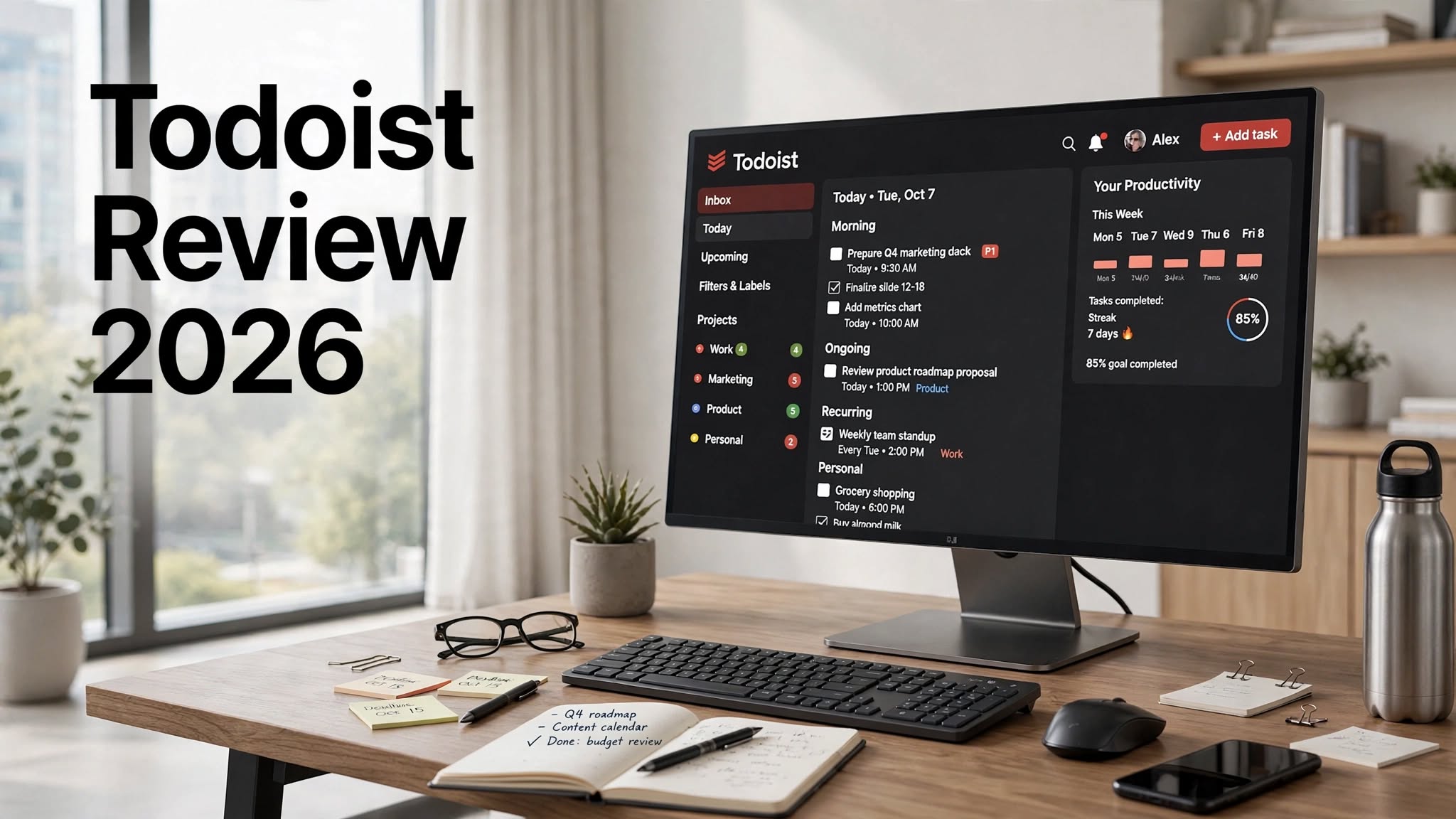

Managing tasks can become surprisingly difficult when you have work deadlines, personal responsibilities, meetings, recurring activities, and long-term goals all competing for your attention. Todoist is built to make that process easier by giving users a simple place to capture, organize, schedule, and complete tasks.
Todoist is a popular productivity and task management platform used by individuals, freelancers, students, professionals, entrepreneurs, and small teams. Instead of trying to provide every possible project management feature, Todoist focuses on making everyday task organization fast and intuitive.
Users can create projects, add tasks and subtasks, set due dates, assign priorities, use labels and filters, create recurring tasks, and collaborate with other people. The platform can therefore work as a simple personal to-do list or as a structured system for managing professional workflows.
But with so many productivity tools available today, is Todoist still worth using in 2026? In this Todoist review, we’ll look at its features, pricing, advantages, disadvantages, alternatives, and overall value.
What Is Todoist?
Todoist is a cloud-based task management and productivity application designed to help users organize their work and personal responsibilities.
The platform uses a straightforward structure based around projects and tasks. Each task can include information such as a deadline, priority, label, description, and subtasks.
This simple approach makes Todoist flexible enough for different types of users.
A student might create projects for individual subjects, while a freelancer could create a project for every client. A small business could use shared projects for marketing, content creation, sales, or customer support.
The biggest appeal of Todoist is that users can start with a basic task list and gradually build a more advanced productivity system as their needs grow.
Todoist Features
1. Easy Task Management
Task management is the heart of Todoist.
Creating a new task takes only a few seconds, and users can add additional details whenever needed. You don’t have to configure a complicated project before adding your first task.
For example, a simple task can be:
Write monthly newsletter
You can then add a deadline, priority, label, description, and subtasks.
This makes Todoist useful for both quick reminders and detailed work.
2. Projects and Organization
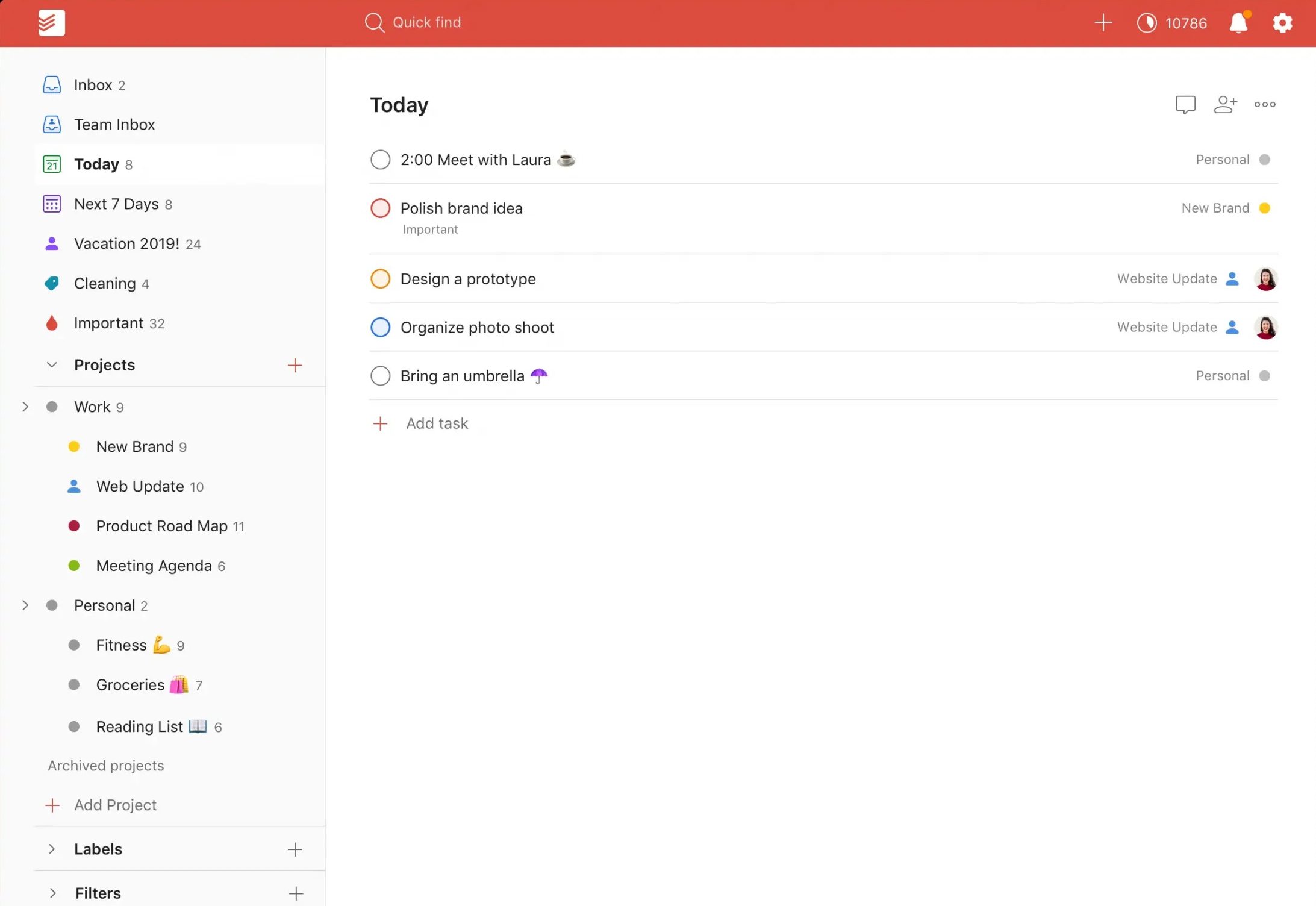
Todoist lets users organize related tasks into projects.
Projects can represent almost anything, including:
- Work projects
- Personal goals
- Client work
- School assignments
- Travel plans
- Household tasks
- Marketing campaigns
Projects can also be organized into sections, helping users create a more structured workflow.
3. Priorities
Not every task has the same level of importance.
Todoist’s priority system allows users to highlight important tasks so they stand out from less urgent work.
This is useful when your task list contains dozens of items and you need to quickly identify what should be completed first.
A simple priority system can prevent users from spending too much time on low-value tasks while important deadlines approach.
4. Due Dates and Recurring Tasks
Todoist provides flexible scheduling options for tasks.
You can assign specific due dates or create recurring tasks for responsibilities that repeat regularly.
For example:
- Team meeting every Monday
- Send invoice every month
- Review analytics every Friday
- Take out the trash every Tuesday
- Publish newsletter every two weeks
5. Natural-Language Scheduling
Todoist makes task creation even faster with natural-language input.
Instead of opening multiple menus to select a date, users can type the schedule directly into the task.
For example:
Finish report tomorrow at 5 PM
or
Review content every Monday
Todoist can interpret this information and assign the appropriate schedule.
This small feature can make a noticeable difference for users who add many tasks throughout the day.
6. Subtasks and Task Details
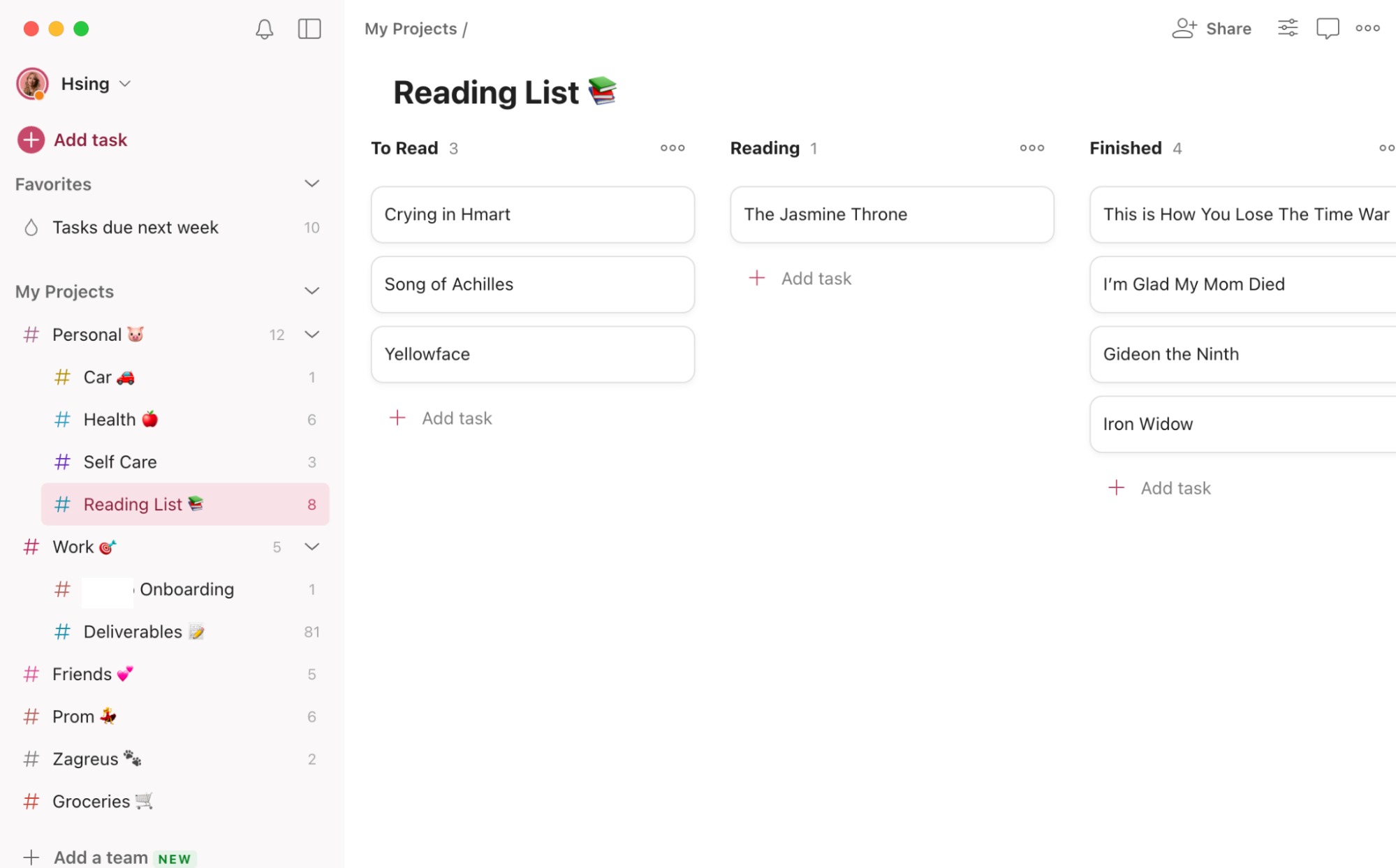
Large responsibilities can be divided into smaller subtasks.
For example, instead of creating one task called Launch Website, you can create:
- Prepare website copy
- Design homepage
- Add product pages
- Test mobile layout
- Review SEO
- Publish website
7. Labels
Labels provide another way to organize tasks.
Users can create labels based on context, priority, location, or type of work.
Examples include:
@email@meeting@client@urgent@computer@personal
8. Filters
Filters allow users to create customized task views.
Instead of scrolling through every project, you can create a view that shows only tasks matching specific conditions.
For example, you could create a filter for high-priority tasks due this week.
This is one of the features that makes Todoist more useful for experienced productivity users.
9. Calendar and Planning
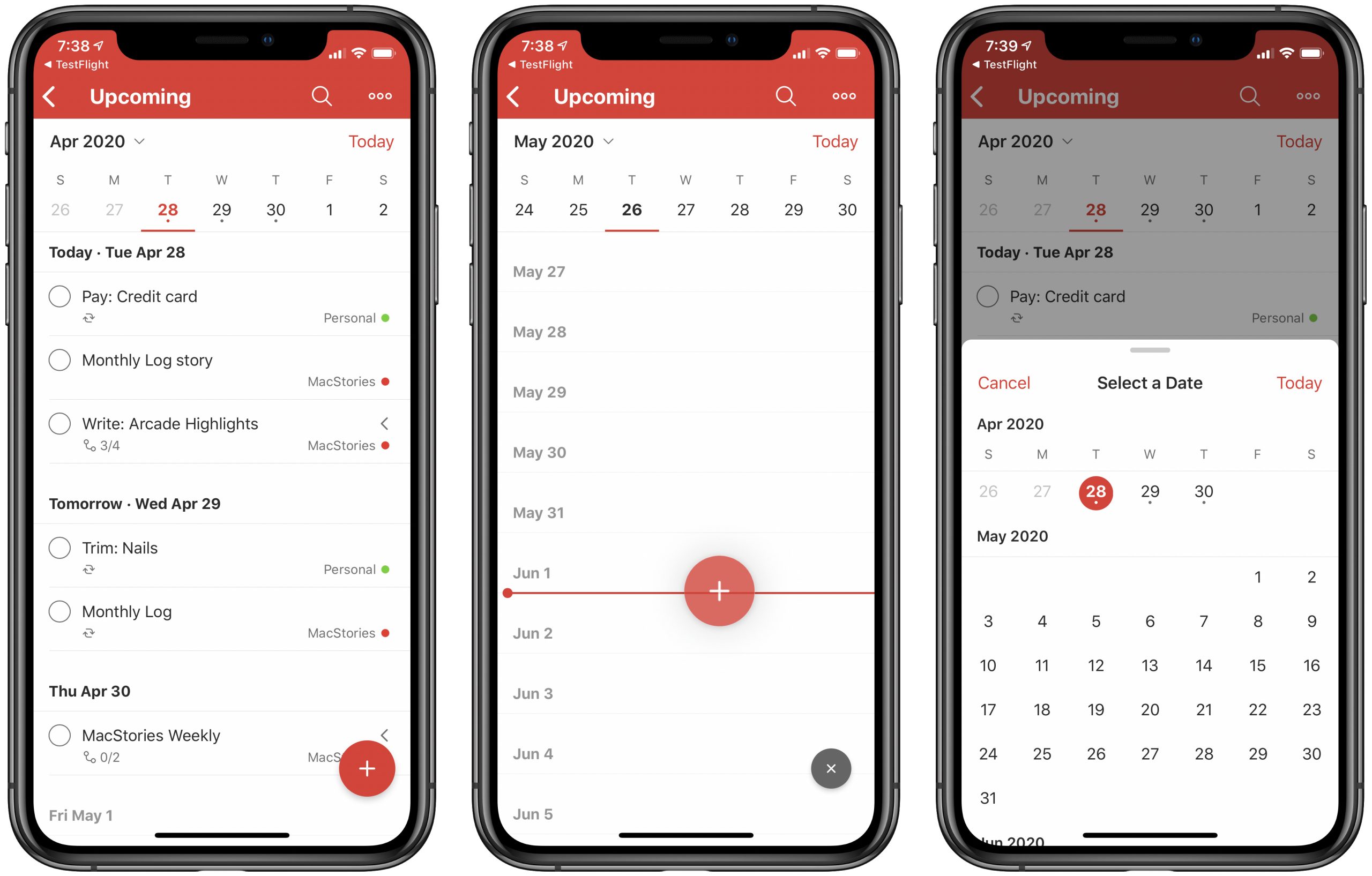
Todoist provides planning functionality that helps users understand upcoming deadlines and responsibilities.
Being able to look at tasks based on their schedule can make it easier to plan workloads and avoid placing too many deadlines on the same day.
This is particularly useful for professionals managing several projects at once.
10. Team Collaboration

Todoist also supports collaboration.
Users can share projects with team members, assign tasks, add comments, and coordinate responsibilities.
For example, a small content team could create a shared project containing tasks for research, writing, editing, SEO, publishing, and promotion.
Todoist isn’t designed to replace every enterprise collaboration platform, but it can be more than enough for small teams with straightforward workflows.
Todoist Pros
- Clean and simple interface
- Very fast task creation
- Powerful recurring tasks
- Flexible project organization
- Useful priorities and labels
- Natural-language scheduling
- Strong cross-platform support
- Good collaboration tools
- Useful filters
- Suitable for personal and professional use
Todoist Cons
- Some advanced functionality requires a paid plan
- Not designed for highly complex project management
- Reporting capabilities are limited
- Large projects may become harder to manage
- Enterprise teams may need more advanced tools
Todoist Pricing
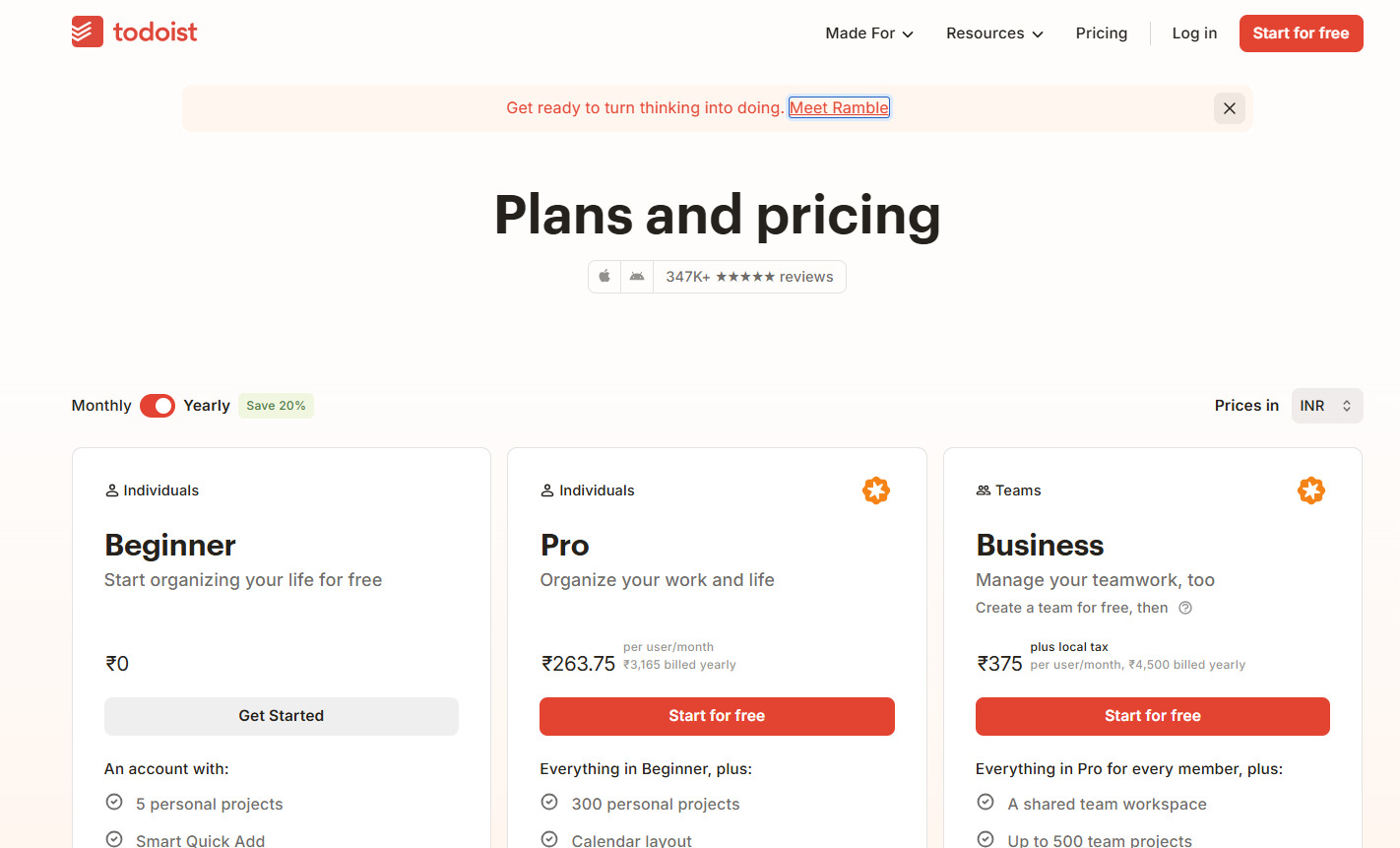
Todoist offers both free and paid options.
The free version provides a useful starting point for users who need basic task management and organization. Paid plans provide additional functionality and greater capacity for users with more advanced requirements.
Pricing and plan features can change, so it’s always a good idea to check the latest official Todoist pricing information before subscribing.
For an individual who simply wants a reliable digital to-do list, the free plan may be sufficient. However, people who want more advanced productivity features, reminders, collaboration, and organizational capabilities may find the paid plan more useful.
Todoist for Personal Productivity
For personal productivity, Todoist can be extremely flexible.
You can use it for simple daily tasks, shopping lists, recurring household responsibilities, personal goals, travel planning, or long-term projects.
For example, a user could create projects for Home, Finance, Health, Travel, and Personal Goals and then manage all of those responsibilities from one application.
The ability to add recurring tasks is particularly helpful for maintaining routines.
Who Is Todoist Best For?
Todoist is best for people who want a productivity tool that is powerful without being overwhelming.
It can work particularly well for:
- Students
- Freelancers
- Remote workers
- Entrepreneurs
- Content creators
- Professionals
Todoist for Business
Small businesses can also use Todoist to organize internal workflows.
A marketing team could create tasks for campaign planning, content creation, social media, email marketing, and reporting.
A freelancer could create separate projects for every client and use labels to categorize different types of work.
However, businesses with complex resource planning, detailed reporting, workload management, or advanced project dependencies may eventually outgrow Todoist.
Todoist vs. Advanced Project Management Software
Todoist’s simplicity is both its biggest strength and its main limitation.
Advanced platforms such as Asana, ClickUp, Monday.com, and Wrike provide much deeper project management functionality.
They may offer advanced dashboards, workload management, dependencies, automation, reporting, resource planning, and enterprise collaboration.
Todoist takes a simpler approach.
It focuses on helping users answer three basic questions:
What needs to be done? When does it need to be done? Who is responsible for it?
For many users, that’s exactly what they need.
If you don’t require complicated project management features, Todoist can actually be easier and faster to use than a larger platform.
Todoist Alternatives
There are several Todoist alternatives worth considering.
Microsoft To Do is a good choice for users who want a straightforward personal task manager.
Trello is better suited to people who prefer visual Kanban boards.
Asana offers stronger project and team management features.
ClickUp provides a much broader productivity and project management ecosystem.
Notion is a good option for users who want tasks combined with notes, documents, databases, and knowledge management.
The best option depends on how much complexity you actually need.
Is Todoist Worth It in 2026?
Todoist is worth considering if your main goal is to stay organized, manage deadlines, and complete tasks without dealing with a complicated interface.
Its biggest strength is the balance between simplicity and flexibility.
Beginners can use it as a basic to-do list, while experienced users can build sophisticated systems using projects, sections, recurring tasks, priorities, labels, filters, and subtasks.
The biggest limitation is that Todoist doesn’t try to be an all-in-one business management platform.
If you need advanced project reporting, resource allocation, complex dependencies, or enterprise-level workflow management, another platform may be more appropriate.
But for everyday productivity and task management, Todoist provides an excellent feature set.
Final Verdict
Todoist is a polished and reliable productivity platform that makes task management simple without making it feel too basic.
Its clean interface, fast task creation, recurring schedules, priorities, labels, filters, subtasks, collaboration features, and cross-platform support make it suitable for a wide range of users.
The platform is particularly strong for people who want to organize their work without spending excessive time configuring their productivity system.
Its limitations become more noticeable when managing highly complex projects or large enterprise teams, but that’s not really what Todoist is designed for.
Overall, Todoist is an excellent choice for individuals, freelancers, professionals, and small teams looking for a simple, flexible, and effective task management platform in 2026.
