
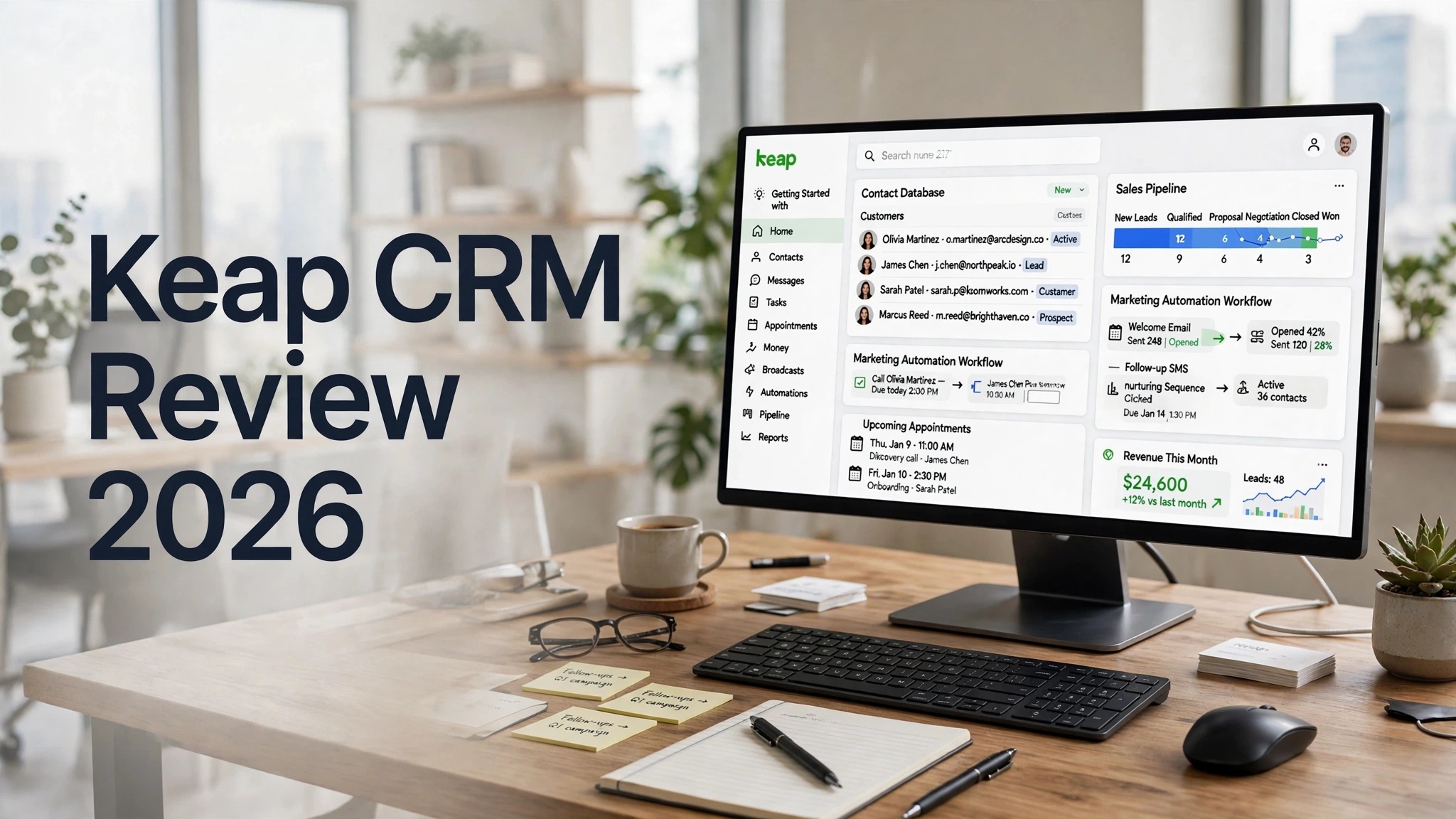

Keap is an all-in-one CRM and business automation platform built primarily for small businesses, entrepreneurs, consultants, agencies, coaches, and service-based companies. Unlike a basic CRM that mainly focuses on storing customer information and tracking sales opportunities, Keap combines CRM, sales automation, email marketing, text messaging, appointment scheduling, invoicing, payments, and lead management in one platform.
The main reason businesses choose Keap is its focus on automation. Instead of manually following up with every lead, sending reminders, updating customer records, or chasing unpaid invoices, businesses can create automated workflows that handle many of these repetitive tasks.
This makes Keap particularly interesting for businesses that already have a consistent sales process and want to save time while maintaining regular communication with prospects and customers.
What Is Keap CRM?
Keap is a customer relationship management and business automation platform formerly known as Infusionsoft. It is designed to help small businesses organize customer information while automating important sales and marketing activities.
The platform brings multiple business functions together. Users can manage contacts, track leads, create sales pipelines, send marketing campaigns, schedule appointments, collect payments, and automate customer follow-ups from one system.
For example, a business could create a workflow where a new lead fills out a form, receives an automated email, gets a follow-up text message, is assigned to a sales pipeline, and eventually receives an invoice after completing a purchase.
That type of automation is where Keap stands out from simpler CRM software.
Keap CRM Features
1. Contact Management
Keap provides a centralized database for managing leads and customers.
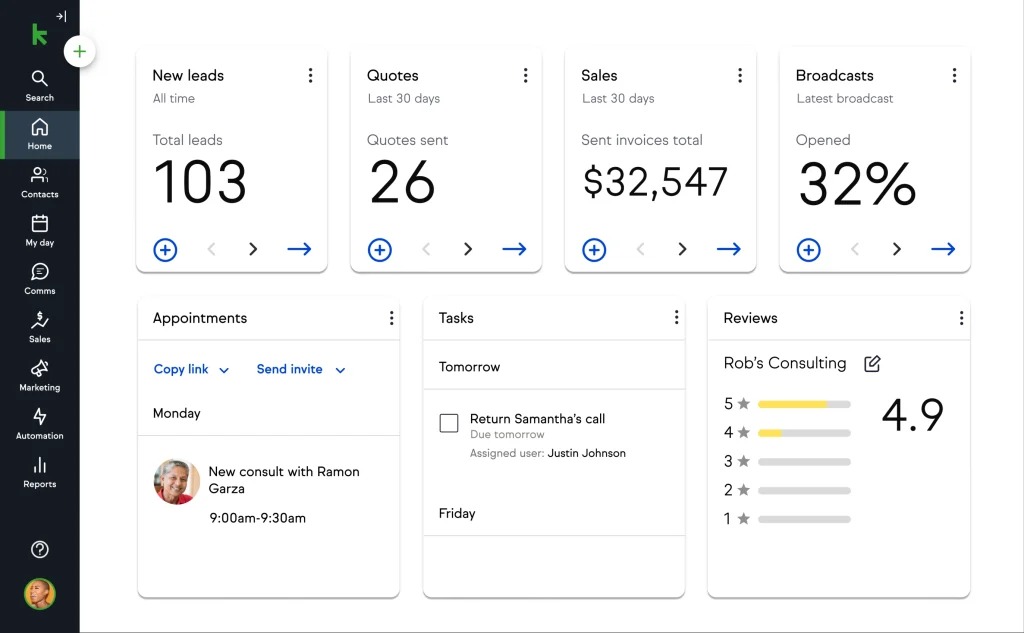
Businesses can keep contact details, communication history, notes, appointments, purchases, and other customer information in one place. Contacts can also be organized using tags and segmentation.
This makes it easier to identify new leads, existing customers, high-value clients, and contacts that require follow-up.
2. Sales Pipeline Management
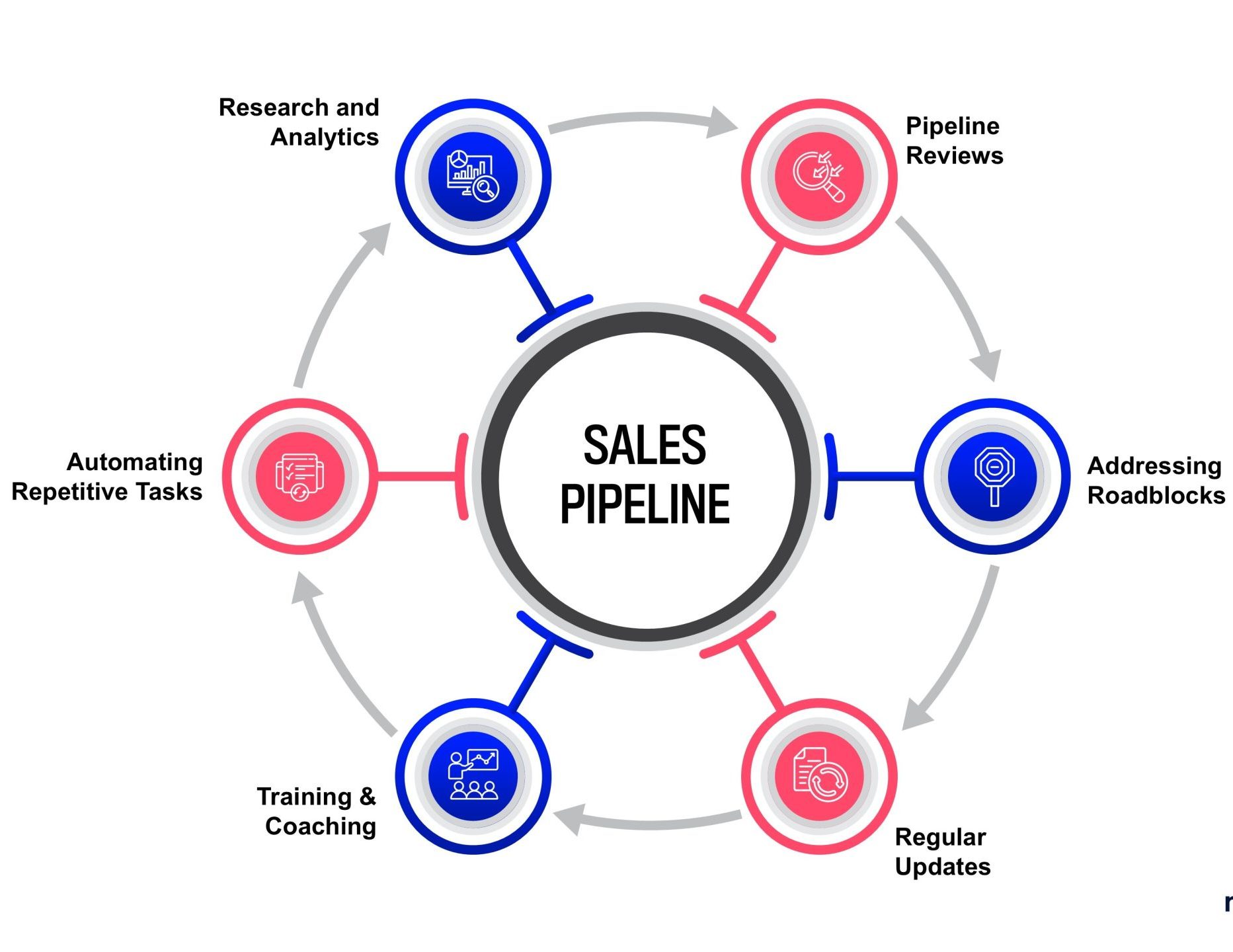
Keap includes sales pipeline tools that allow businesses to track prospects as they move through different stages of the sales process.
You can monitor new leads, follow-up activities, appointments, proposals, and completed sales.
For small sales teams, this provides a visual overview of where prospects are in the customer journey and which opportunities need attention.
3. Marketing Automation
Marketing automation is one of Keap’s biggest strengths.
Businesses can create automated campaigns based on customer actions. For example, a new lead could automatically receive a welcome email, followed by educational content and a sales message several days later.
Other automation examples include:
- New lead follow-ups
- Appointment reminders
- Customer onboarding
- Post-purchase messages
- Re-engagement campaigns
- Lead nurturing
- Payment reminders
This can significantly reduce repetitive manual work.
4. Email Marketing
Keap allows businesses to create and send email campaigns directly from the platform.
Email communication can also be connected to automation workflows. This means the system can automatically send specific emails when customers take particular actions.
For example, someone who downloads a resource could be automatically added to a lead-nurturing sequence.
5. Text Message Marketing
Keap also supports business communication through text messaging.
SMS can be used for reminders, follow-ups, appointment communication, and marketing campaigns.
For businesses that rely heavily on quick customer communication, combining email and text messaging within the same CRM can be useful.
6. Lead Capture
Keap provides tools for capturing leads through forms and other marketing channels.
Once a potential customer submits their information, the lead can be added to the CRM and placed into an appropriate automation sequence.
This creates a smoother process from lead generation to follow-up and conversion.
7. Appointment Scheduling
Appointment management is another useful part of the platform.
Businesses can allow customers to schedule appointments and then connect those appointments with automated reminders and follow-up campaigns.
For consultants, coaches, agencies, and other appointment-based businesses, this can reduce the need for multiple separate tools.
8. Invoicing and Payments
Keap goes beyond traditional CRM functionality by providing invoicing and payment capabilities.
Businesses can create invoices, request payments, and automate payment-related communications.
This can be especially useful for service businesses that want to manage the customer journey from initial lead through completed payment without constantly switching between different applications.
9. Automation Workflows
Keap’s automation tools allow businesses to build workflows around customer actions.
For example:
Lead Captured → Welcome Email → Follow-Up → Appointment → Proposal → Sale → Invoice → Customer Follow-Up
Each stage can trigger different actions automatically.
This is particularly valuable when a business has repetitive processes that happen in a predictable order.
10. Integrations
Keap can connect with many third-party applications, allowing businesses to integrate their CRM with other tools they already use.
This can help create a more connected workflow between marketing, sales, payments, scheduling, and other business operations.
Keap CRM Pros
- Powerful sales and marketing automation
- CRM and business tools in one platform
- Email and SMS marketing
- Built-in appointment management
- Invoicing and payment features
- Lead capture and segmentation
- Useful sales pipeline management
- Large number of integrations
- Good option for service businesses
Keap CRM Cons
- More expensive than many basic CRM platforms
- Pricing can increase as contact requirements grow
- Some advanced features have a learning curve
- May feel excessive for very small teams
- Reporting is not its strongest area
- Beginners may need time to understand the automation system
Keap CRM Pricing
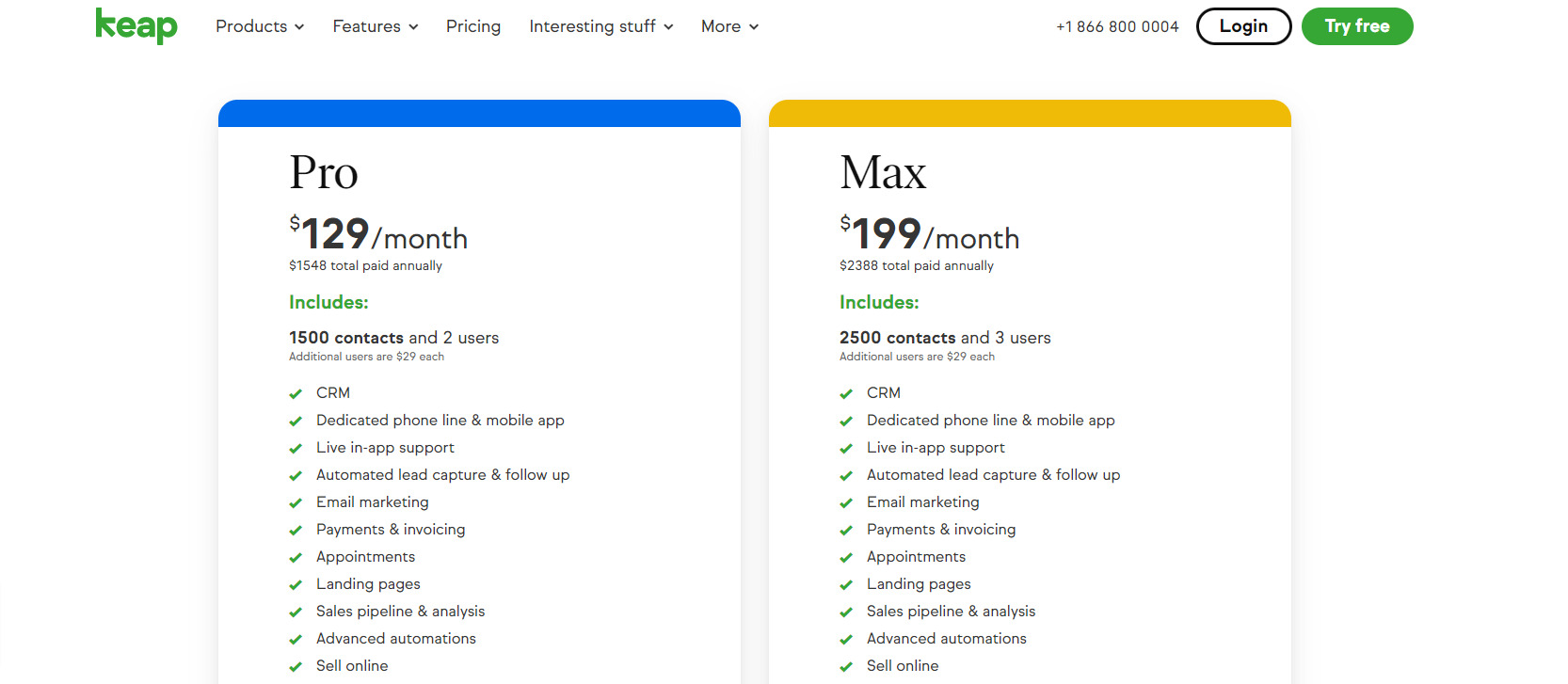
Keap is generally positioned as a premium small-business CRM, so its pricing can be higher than many basic CRM alternatives.
The final cost can depend on factors such as the selected plan, number of contacts, users, and additional requirements. Businesses should therefore check Keap’s current pricing before making a purchasing decision.
Keap also provides a 14-day free trial, allowing businesses to test the platform before committing to a paid subscription.
When evaluating the price, businesses should look beyond the monthly subscription and consider how much time the automation features could save. For a company handling hundreds of leads and customer interactions, automation can potentially provide significant value.
Who Should Avoid Keap?
Keap may not be the best choice for everyone.
If you only need a simple CRM for storing contacts and tracking a few deals, a less expensive solution may make more sense.
It can also be unnecessary for businesses that already use separate specialized tools for email marketing, payments, scheduling, and automation and don’t want to migrate everything into one ecosystem.
The platform makes the most sense when you can actually take advantage of its automation and all-in-one capabilities.
Keap CRM Alternatives
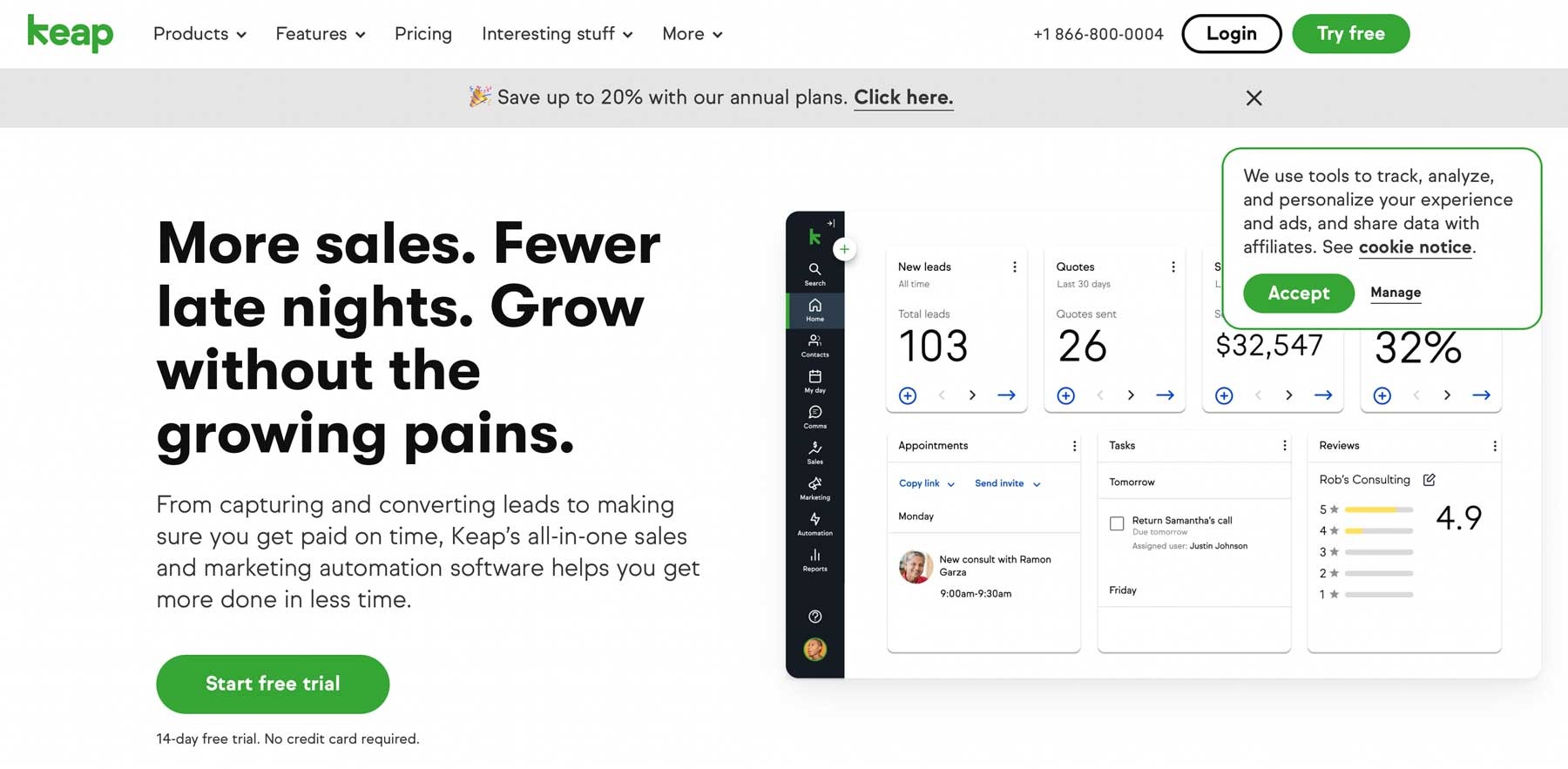
There are several Keap alternatives worth considering.
HubSpot CRM is a strong option for businesses that want a broad CRM ecosystem with a useful free starting point.
Pipedrive is more focused on sales pipeline management and can be easier for teams that primarily need sales CRM functionality.
Zoho CRM is another popular option for businesses looking for extensive CRM features at competitive pricing.
ActiveCampaign may be more appealing to businesses where email marketing and marketing automation are the primary priorities.
Salesforce offers much deeper customization and enterprise capabilities, although it can also be more complex to implement.
Keap’s main advantage is that it combines many of these business functions into one small-business-focused platform.
Who Should Use Keap?
Keap is particularly suitable for businesses that depend on regular lead follow-up and repeatable sales processes.
It can be a good option for:
- Small businesses
- Consultants
- Coaches
- Marketing agencies
- Professional service [su_note providers
- Contractors
- Entrepreneurs
- Appointment-based businesses
- Small sales teams
The platform is especially useful when a business is spending too much time on repetitive administrative work.
For example, if employees regularly send the same follow-up emails, appointment reminders, payment reminders, and customer onboarding messages, Keap can automate much of that process.
Is Keap CRM Easy to Use?
Keap is designed for small businesses, but that doesn’t necessarily mean every feature is immediately simple.
Basic CRM functions such as managing contacts and tracking opportunities are relatively straightforward. However, creating sophisticated automation workflows can require more time and planning.
The more automation you build, the more important it becomes to understand how triggers, actions, tags, campaigns, and customer stages interact.
For businesses willing to invest some time into setup, this complexity can pay off because automated workflows can continue operating without constant manual intervention.
Is Keap CRM Worth It?
Keap can be worth it for businesses that need more than a traditional CRM.
Its combination of CRM, automation, email marketing, SMS, appointment scheduling, invoicing, and payments makes it a powerful all-in-one platform.
The biggest question is whether your business will actually use these features.
If you have a growing customer base and spend significant time managing follow-ups, appointments, sales processes, and payments manually, Keap’s automation could justify its higher price.
On the other hand, businesses that only need basic contact and deal management may find cheaper CRM platforms more suitable.
Final Verdict
Keap CRM is a powerful solution for small businesses that want to combine customer management with sales and marketing automation.
Its biggest advantage is the ability to connect different parts of the customer journey. Instead of managing leads, email campaigns, appointments, invoices, and follow-ups through multiple disconnected tools, businesses can manage many of these activities from one platform.
The main drawback is its cost and the learning curve associated with its more advanced automation features. Keap isn’t necessarily the best choice for businesses looking for the cheapest or simplest CRM.
However, for service-based businesses, consultants, agencies, coaches, and entrepreneurs that rely heavily on automated follow-ups, Keap can be a strong investment.
