
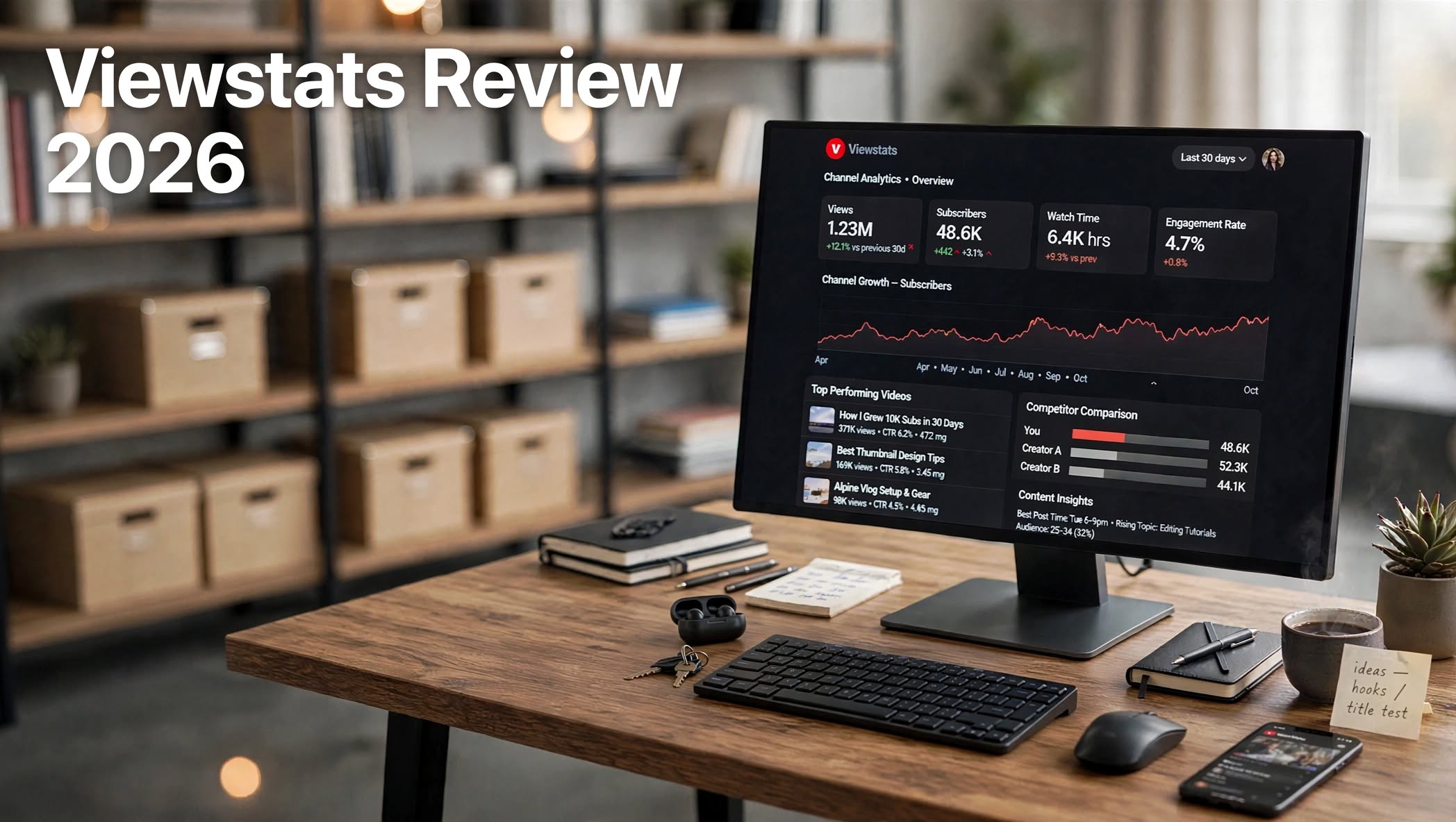

If you want to understand what makes successful YouTube channels grow, studying views, engagement, competitors, and content trends can provide valuable insights. Viewstats is a YouTube analytics and research platform designed to help creators, marketers, and businesses analyze channels and identify content opportunities.
The platform has become particularly well known among creators interested in studying high-performing channels and understanding the strategies behind viral videos. It can help users research competitors, monitor video performance, discover trends, and make more informed decisions about their own content.
In this Viewstats review, we’ll look at its key features, pricing considerations, analytics tools, advantages and disadvantages, and some alternatives worth considering.
What Is Viewstats?

Viewstats is a YouTube analytics and channel research tool that provides data about videos, channels, views, engagement, and content performance.
Instead of relying only on YouTube Studio, creators can use Viewstats to research channels outside their own account. This makes it useful for competitor research and discovering patterns across different niches.
For example, a creator can examine a successful channel and look at:
- High-performing videos
- View trends
- Upload activity
- Video performance
- Channel growth
- Content ideas
- Competitor activity
- Popular topics
Viewstats Features

Viewstats offers several features focused on YouTube research and analytics.
1. YouTube Channel Analytics
One of the platform’s primary functions is channel analysis. Users can investigate different YouTube channels and review performance-related data.
You can use this information to understand which videos are generating significant attention and how a channel’s content has performed over time.
This can be particularly helpful when researching established creators.
2. Video Performance Analysis
Viewstats allows users to examine individual videos and compare their performance.
You can research videos based on metrics such as views and engagement-related information. Studying these patterns can help identify the types of content that attract an audience.
For creators, this can turn competitor research into practical content research.
3. Competitor Research
Competitor analysis is another important reason creators use YouTube analytics platforms.
With Viewstats, you can investigate other channels within your niche and look at their successful content.
For example, if you’re running a technology channel, you could study other technology creators to discover:
- Which topics receive more views
- What types of videos perform well
- How frequently competitors upload
- Which videos outperform a channel’s typical results
4. Viral Video Research
Finding successful videos is often one of the easiest ways to generate content ideas.
Viewstats can help users research videos that have performed particularly well. Rather than guessing what audiences might like, creators can study existing performance data.
However, copying a viral video’s concept exactly isn’t a reliable growth strategy. The better approach is to understand the topic, format, hook, and audience interest and then create an original version.
5. YouTube Trends
YouTube trends can change quickly. A topic that performs well today may lose attention later.
Analytics tools like Viewstats can help creators monitor what’s happening across channels and niches.
Trend research can be useful for creators who want to identify emerging topics before investing significant time into producing a video.
6. Content Discovery
Coming up with fresh YouTube ideas consistently can be difficult.
Viewstats provides another way to discover content ideas by analyzing successful videos and channels.
Creators can use competitor research to build a list of potential topics and then adapt those ideas to their own audience and style.
Viewstats for MrBeast-Style YouTube Research
Viewstats is often associated with studying large YouTube channels and viral content, including channels connected with the broader MrBeast creator ecosystem.
The important thing to understand is that analytics data doesn’t automatically reveal the exact formula behind a successful channel.
A creator can study:
- Video topics
- View counts
- Upload patterns
- Performance trends
- Titles
- Content formats
- Audience interest
Therefore, Viewstats is better viewed as a research and analytics tool, rather than a shortcut to becoming the next MrBeast.
How Does Viewstats Work?

Getting started with Viewstats is relatively straightforward.
Step 1: Find a Channel
Search for a YouTube channel you want to research.
Step 2: Analyze Its Performance
Review available channel and video information to understand its content performance.
Step 3: Identify Successful Videos
Look for videos that significantly outperform the channel’s normal results.
Step 4: Study Patterns
Compare successful videos to identify common topics, formats, titles, and publishing patterns.
Step 5: Apply the Research
Use your findings to develop original video ideas for your own audience.
This process can make competitor research much more structured than simply browsing YouTube manually.
Viewstats Pros and Cons
Pros
- Detailed YouTube channel research
- Useful competitor analysis
- Helps discover high-performing videos
- Useful for content idea research
- Provides performance-focused insights
- Helpful for creators and marketers
- Makes YouTube research more organized
Cons
- Some features may require a paid plan
- Data alone doesn’t guarantee channel growth
- Beginners may need time to understand analytics
- Not a complete YouTube video creation platform
- Advanced users may want more specialized research tools
Who Is Viewstats Best For?
Viewstats can be useful for different types of YouTube users.
YouTube Creators:
Creators can research competitors, discover content opportunities, and analyze successful videos.
YouTube Agencies:
Agencies managing multiple channels can use analytics and competitor research when developing content strategies.
Content Strategists:
People responsible for YouTube planning can use performance data to identify trends and potential topics.
Marketing Teams:
Businesses using YouTube for marketing can research competitors and monitor content performance.
New Creators:
Beginners can use it to learn how established channels structure and publish content, although they should combine analytics with hands-on experimentation.
Viewstats Pricing

Viewstats offers different access levels depending on the features available at the time. Pricing and included functionality can change, so users should check the current Viewstats pricing page before subscribing.
The right plan depends largely on how frequently you perform YouTube research and whether you need access to advanced analytics.
For someone casually researching YouTube videos, a basic access option may be enough. More serious creators, agencies, and marketers may find greater value in advanced features.
Viewstats Alternatives
Viewstats isn’t the only tool available for YouTube analytics and research.
1. vidIQ
vidIQ is a popular YouTube-focused platform offering tools for keyword research, video optimization, content ideas, and channel analytics.
It can be particularly useful for creators who want a combination of SEO and channel-growth features.
2. TubeBuddy
TubeBuddy provides a collection of YouTube optimization tools, including keyword research, video optimization, analytics, and productivity features.
It is worth considering if your main goal is improving the optimization and management of your own YouTube channel.
3. Social Blade
Social Blade focuses heavily on public social-media statistics and historical channel data.
It can be useful for checking broad channel performance and comparing creators across different platforms.
4. YouTube Studio
For creators managing their own channel, YouTube Studio remains an important source of first-party analytics.
It provides direct information about your channel’s audience, videos, watch time, impressions, retention, and other performance metrics.
The major difference is that YouTube Studio primarily focuses on your own channel, while Viewstats is more useful for external channel and competitor research.
Is Viewstats Worth It?
Viewstats can be valuable if your YouTube strategy involves competitor research, content discovery, and performance analysis.
Its biggest advantage is the ability to look beyond your own YouTube Studio dashboard and investigate what is happening across other channels.
However, analytics should be treated as a research resource rather than a guaranteed growth system. Numbers can show you what happened, but they don’t always explain why a video succeeded.
For the best results, combine Viewstats research with strong thumbnails, compelling titles, audience research, good storytelling, and consistent publishing.
Final Verdict
Viewstats is a useful platform for creators who want to take a more data-driven approach to YouTube research. Its channel analytics, video research, competitor analysis, and content discovery capabilities can make it easier to identify patterns and opportunities.
It is especially relevant for creators studying successful YouTube channels and viral content. However, the tool shouldn’t be treated as a replacement for creativity or a guaranteed YouTube growth solution.
If your goal is to make better-informed content decisions using YouTube performance data, Viewstats is worth exploring. Before subscribing, compare its current features and pricing with alternatives such as vidIQ, TubeBuddy, Social Blade, and YouTube Studio to determine which tools match your workflow.
