
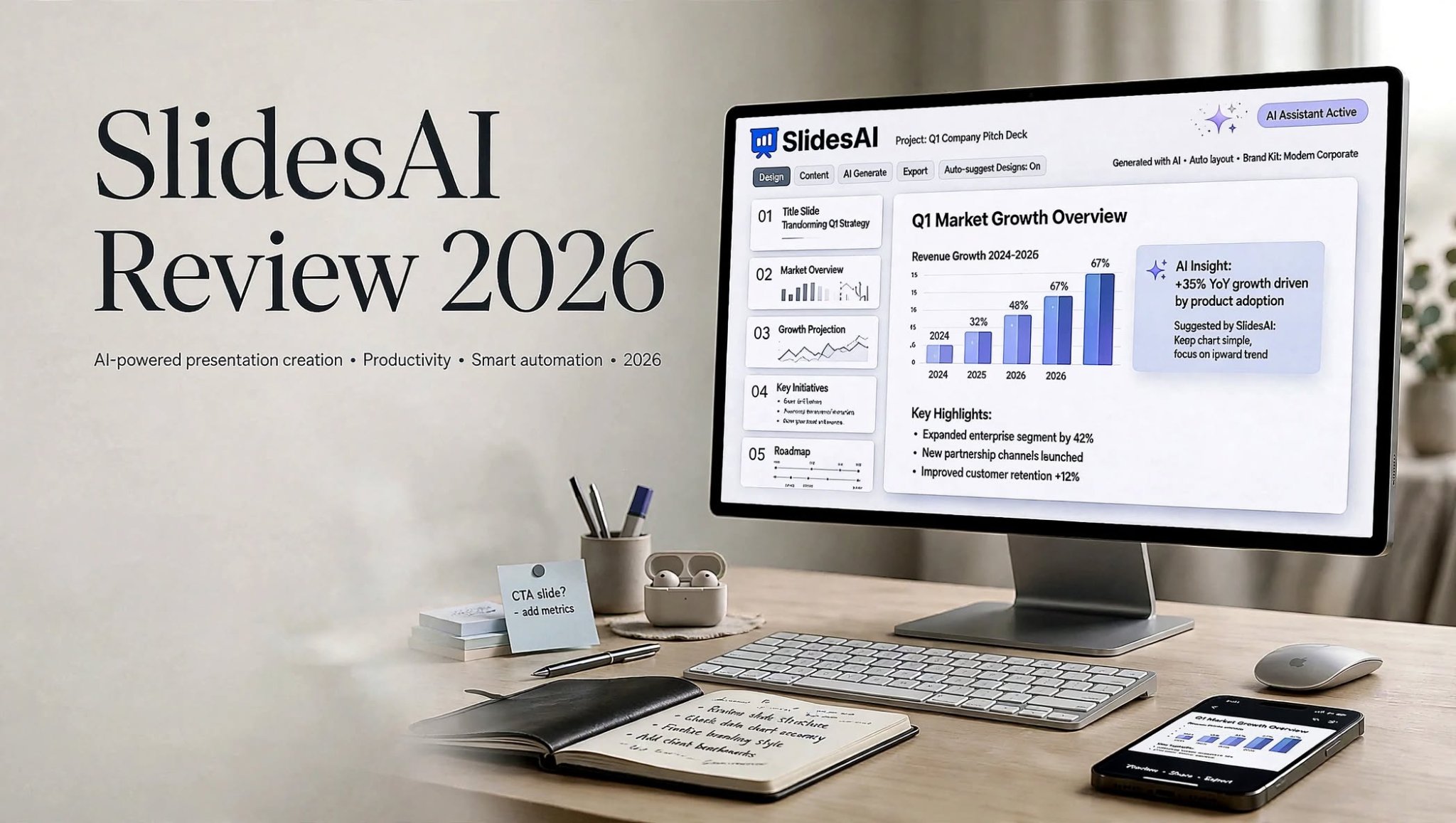

Creating a professional presentation from scratch can take a surprising amount of time. Even when you already have the research and ideas ready, turning that information into well-structured slides requires careful planning, formatting, visual organization, and design work.
This is where AI presentation tools are becoming increasingly useful. SlidesAI is designed to help users transform written content and ideas into structured presentation slides with the assistance of artificial intelligence. Instead of spending hours deciding where each paragraph should go, users can provide their content and allow the platform to help organize it into a presentation.
For students, teachers, business professionals, marketers, and content creators, this type of workflow can reduce repetitive work and make presentation creation more efficient.
In this SlidesAI Review 2026, we’ll explore what SlidesAI is, how it works, its main features, benefits, limitations, pricing considerations, use cases, and whether it can be a useful addition to your presentation workflow.
What Is SlidesAI?

SlidesAI is an AI-powered presentation generator designed to help users create presentation decks from text and other written content. The idea is simple: instead of manually creating every slide, users can provide their information and let AI assist with organizing the content into a presentation-friendly structure.
The tool is particularly useful for people who know what they want to say but don’t necessarily want to spend a significant amount of time designing individual slides.
Rather than starting with a blank presentation, users can use their existing notes, written material, ideas, or other content as the foundation for the deck. SlidesAI then helps divide the information into sections and slides.
This makes it possible to move from raw information to a presentation structure more efficiently.
How Does SlidesAI Work?
The main workflow behind SlidesAI focuses on converting written information into presentation content.
Users can provide the material they want to use, and the AI analyzes the information to determine how it can be organized into individual slides. Instead of simply placing large blocks of text on every page, the system attempts to create a more structured presentation flow.
A typical workflow can include:
- Add your content – Start with notes, written information, ideas, or other source material.
- Let AI organize the information – SlidesAI analyzes the content and helps divide it into presentation sections.
- Generate the presentation – The platform creates a slide structure based on the provided information.
- Customize the result – Review the generated slides and make changes to the text, structure, formatting, or design.
- Finalize the deck – Check the presentation carefully before using it for school, business, marketing, or professional purposes.
Why Use an AI Presentation Generator?

Traditional presentation creation gives users extensive control, but it also requires considerable manual effort.
You may need to decide how many slides to create, determine what information belongs on each slide, format headings, arrange content, adjust layouts, and maintain visual consistency throughout the presentation.
An AI presentation generator changes the starting point.
Instead of beginning with an empty slide deck, you can begin with your existing content and let AI help establish the initial structure. You can then make the necessary edits yourself.
This doesn’t completely replace human creativity or presentation design. Instead, it can reduce repetitive tasks and give users a useful first draft to work from.
Key Features of SlidesAI
AI-Powered Slide Generation
The central feature of SlidesAI is its ability to use artificial intelligence to assist with creating presentation slides from written content.
This can be helpful when you have a large amount of information but aren’t sure how to divide it into a logical sequence of slides. AI can provide an initial structure that users can then review and refine.
Automatic Content Structuring
A presentation needs a clear flow. Simply copying an entire document into slides usually results in a deck that is difficult to read.
SlidesAI is designed to help break information into smaller presentation sections. This can make longer material easier to transform into a sequence of slides with headings and supporting content.
The final structure should still be reviewed by the user, especially when the presentation contains technical, academic, or business-critical information.
Faster Presentation Workflow
One of the biggest advantages of AI presentation software is speed.
Creating slides manually can involve a lot of repetitive tasks, particularly when you need to produce multiple presentations regularly. SlidesAI can help automate part of this process so users can focus more on the content and purpose of their presentation.
For professionals working with tight deadlines, this can make the initial presentation-building process considerably more convenient.
Presentation Design Assistance
Designing a consistent presentation can be difficult for people who don’t regularly work with visual design.
SlidesAI helps provide a structured presentation format so users don’t have to build every slide from an empty canvas. The generated deck can then be adjusted according to the user’s preferences and requirements.
Customization and Editing
AI-generated content should rarely be considered the final version automatically.
Users may want to change wording, rearrange slides, remove unnecessary information, add examples, or adjust the presentation to match their brand or audience.
SlidesAI’s workflow allows users to treat AI-generated presentations as an editable starting point rather than a fixed final product.
Useful for Different Presentation Types
AI-generated presentations can be useful across several scenarios.
For example, users can create presentations for:
- Business meetings
- Sales presentations
- Educational lessons
- Student assignments
- Project proposals
- Marketing presentations
- Training material
- Research presentations
- Internal reports
- Content and idea presentations
SlidesAI Benefits

Saves Time
The most obvious benefit is the potential to reduce the amount of manual work involved in creating a presentation.
Instead of formatting every slide individually, users can start with AI-generated structure and spend their time improving the content and final design.
Reduces Design Complexity
You don’t necessarily need advanced presentation-design skills to get started. SlidesAI can provide a structured starting point, which can be particularly useful for beginners.
Helps Organize Large Amounts of Content
Long documents and research notes can be difficult to convert into presentations. AI-assisted content organization can help divide large amounts of information into more manageable presentation sections.
Useful for Students and Professionals
The platform isn’t limited to one type of user. Students can use it for assignments, educators can create lesson material, and professionals can prepare business-oriented presentations.
Supports Faster Idea Development
Sometimes the biggest challenge isn’t creating the final presentation but getting started.
An AI-generated first draft can help users see how their ideas might work as a presentation and identify areas that need improvement.
SlidesAI Pros and Cons
SlidesAI Pros
- AI-powered presentation creation: Helps turn written information into a structured slide deck more efficiently.
- Time-saving workflow: Reduces repetitive work associated with manually creating and formatting slides.
- Beginner-friendly: Can help users who don’t have advanced presentation-design experience.
- Content organization: Helps break longer information into presentation-friendly sections.
- Multiple use cases: Suitable for education, business, marketing, training, and content creation.
- Editable results: Users can refine the generated presentation instead of relying entirely on the initial AI output.
- Useful starting point: Can help users move from a blank presentation to an initial deck more quickly.
SlidesAI Cons
- AI output requires review: Generated content should be checked for accuracy, relevance, and clarity.
- Some customization may still be necessary: Users may need to manually adjust layouts and presentation details.
- Complex decks can require more editing: Highly specialized or detailed presentations may need significant human input.
- Results depend on source material: Poorly structured or unclear input can make it harder to produce a useful presentation.
- AI does not replace presentation strategy: Users still need to understand their audience, message, and presentation goals.
Who Should Use SlidesAI?
SlidesAI can be useful for anyone who creates presentations regularly, but different users may benefit from it in different ways.
Students
Students often have to convert research, assignments, and written reports into presentation slides. SlidesAI can help create an initial structure from existing material, potentially reducing the amount of time spent on formatting.
Students should still review the generated presentation and ensure that all facts, citations, examples, and explanations are correct.
Teachers and Educators
Teachers can use AI presentation software as a starting point for lesson plans, classroom presentations, training material, and educational content.
Instead of designing each slide manually, educators can focus more on the learning objectives and information they want students to understand.
Business Professionals
Professionals frequently need presentations for meetings, reports, proposals, project updates, and internal communication.
SlidesAI can help turn written business information into a presentation structure, giving users more time to focus on important talking points and final revisions.
Marketers
Marketing teams often create presentations for campaign ideas, strategies, performance reports, product information, and client meetings.
An AI-powered presentation workflow can help accelerate the initial deck-building process.
Content Creators
Content creators who regularly turn articles, research, or ideas into visual presentations can also use SlidesAI to speed up the transition from written content to slides.
SlidesAI for Business Presentations
Business presentations often require a combination of clear information and professional visual organization.
Whether you’re presenting a project update, explaining a strategy, introducing a product, or preparing a client proposal, the information needs to be easy to understand.
SlidesAI can help with the initial organization of this information. However, business users should always customize the final presentation to match their company’s branding, audience, objectives, and communication style.
For important presentations, human review is especially important because AI-generated content can sometimes require corrections or additional context.
SlidesAI for Education
Education is another area where AI presentation generators can provide practical assistance.
Teachers can use presentation tools to prepare lessons, while students can use them to organize research and assignments.
For example, a student working on a long research topic could use SlidesAI to create an initial presentation structure and then manually add references, examples, charts, and supporting information.
This can make AI useful as a productivity tool while keeping the student or educator responsible for the final academic content.
SlidesAI Pricing

Pricing is an important consideration before choosing any AI presentation generator.
SlidesAI’s available plans and features can change over time, so users should check the current pricing information before making a purchase or subscription decision.
When comparing plans, consider factors such as presentation limits, available features, customization options, usage requirements, and whether the tool fits your regular workflow.
For someone who only creates presentations occasionally, a lower-cost option may be sufficient. Users who create presentations frequently may have different requirements and should compare the available plans based on their expected usage.
SlidesAI vs Traditional Presentation Tools
Traditional presentation software provides users with a high degree of manual control. You can build every slide exactly the way you want, but that flexibility also means more work.
SlidesAI focuses more on automation.
| Feature | SlidesAI Approach | Traditional Approach |
|---|---|---|
| Initial slide creation | AI-assisted | Mostly manual |
| Content organization | AI can help structure content | User organizes content |
| Formatting workload | Potentially reduced | More manual work |
| Design control | Editable and customizable | Extensive manual control |
| Speed of first draft | Designed for faster creation | Depends heavily on user |
| Human editing | Still important | Central to the workflow |
These approaches don’t necessarily have to compete directly. Many users can combine them by using AI to generate a starting point and traditional editing tools to polish the final presentation.
Tips for Getting Better Results With SlidesAI
The quality of an AI-generated presentation can depend heavily on the information you provide.
For better results, start with clear and well-organized source material. Define the topic and purpose of your presentation before generating the slides.
It’s also useful to review the presentation slide by slide instead of accepting the first generated version.
Pay particular attention to:
- Accuracy of facts
- Slide titles
- Content length
- Logical flow
- Repeated information
- Visual consistency
- Important missing details
- Audience-specific language
Is SlidesAI Easy to Use?
SlidesAI is designed around a straightforward concept: provide content and use AI to help transform it into slides.
This makes the initial process easier for users who don’t want to spend a lot of time designing a presentation from scratch.
However, simplicity doesn’t mean every presentation will be perfect automatically. A polished presentation still requires editing, fact-checking, and customization.
The platform is therefore best viewed as a productivity assistant that can accelerate the early stages of presentation creation.
Is SlidesAI Worth It?
Whether SlidesAI is worth using depends largely on how frequently you create presentations and how much time you currently spend building them manually.
If you regularly start with documents, notes, or large amounts of written information, an AI presentation generator can provide a convenient way to create an initial slide structure.
It can also be useful for users who don’t feel confident with presentation design and want assistance getting started.
On the other hand, people who prefer complete manual control over every design element may still want to spend more time working directly in traditional presentation software.
Final Thoughts
SlidesAI offers a practical way to approach presentation creation in an increasingly AI-assisted workflow. By helping users transform written information into structured slides, it can reduce some of the repetitive work involved in building presentations from scratch.
Its potential value comes from the combination of AI-assisted content organization, faster slide creation, and editable presentation workflows.
Students, educators, business professionals, marketers, and content creators can all find different uses for this type of tool.
However, AI should be treated as a starting point rather than a replacement for human review. Checking facts, improving the storytelling, adjusting the design, and making sure the presentation matches its audience remain important steps.
For anyone searching for an AI presentation generator that can turn text and ideas into structured slides, SlidesAI is worth exploring as part of a modern presentation workflow.
