
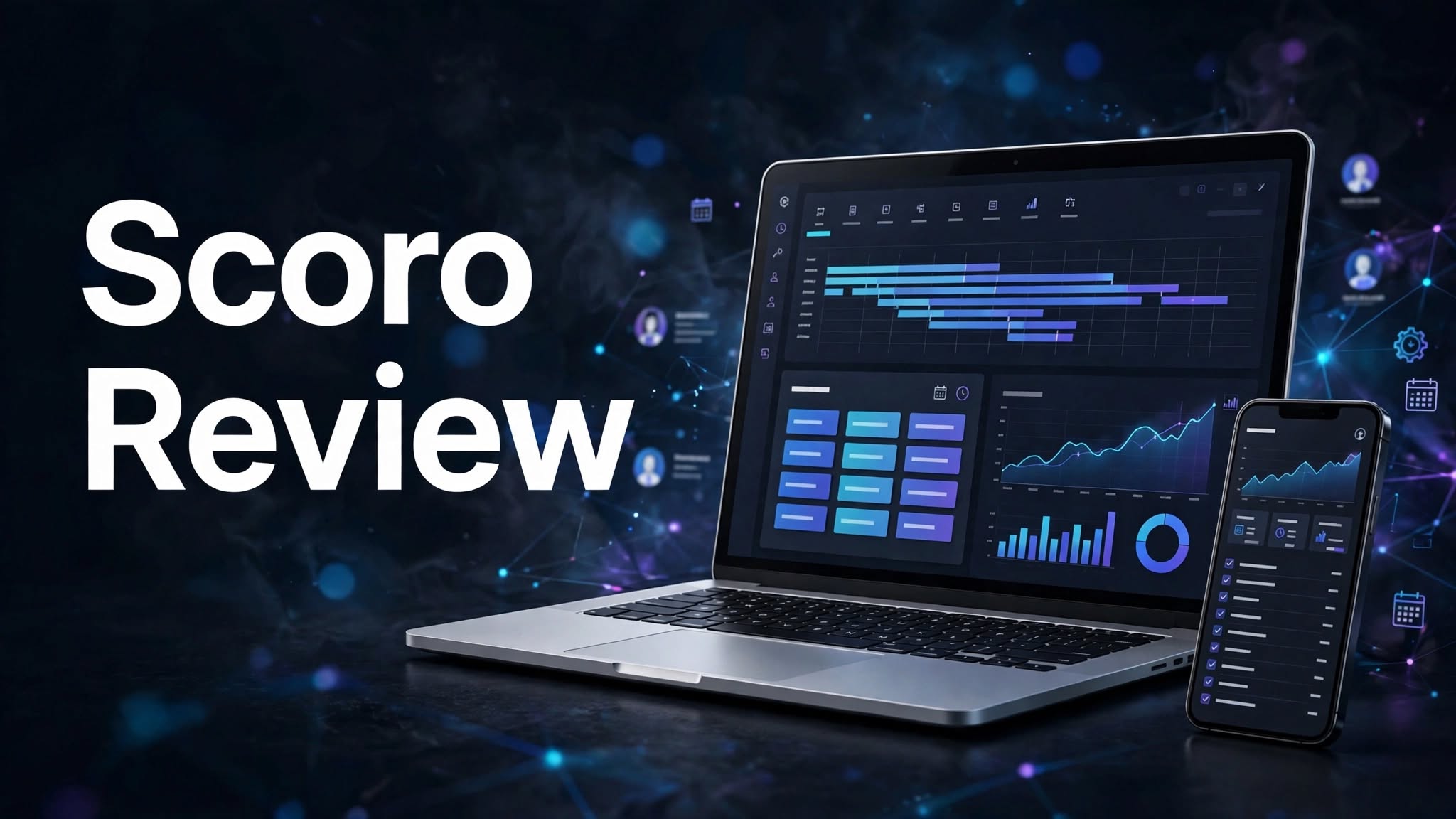

Managing projects, employees, budgets, client relationships, and business finances can become complicated when companies use multiple software applications. Keeping everything connected is important for completing projects efficiently and maintaining profitability.
Scoro aims to simplify these operations with an AI-powered professional services automation platform. It combines project management, time tracking, resource planning, CRM, budgeting, and invoicing in one connected system.
But is Scoro worth using for your business? Let’s explore its features, pricing, advantages, and limitations.
What Is Scoro?

Scoro is an all-in-one professional services automation (PSA) platform designed for consultancies, agencies, IT companies, architecture firms, and engineering businesses.
It helps organizations manage the complete client and project lifecycle, starting with sales opportunities and estimates and continuing through project delivery, resource management, time tracking, and billing.
Instead of using separate tools for every department, businesses can connect their operations through Scoro’s integrated applications.
What Can You Do With Scoro?
Project and Task Management
Scoro provides tools for managing projects, tasks, milestones, deadlines, and client deliverables. Its Kanban boards, Gantt charts, project templates, and timelines help teams organize work and monitor project progress.
Time Tracking and Resource Planning
The platform allows employees to record working hours, manage timesheets, and track billable and non-billable time.
Its resource planning tools help managers assign employees, monitor availability, balance workloads, and measure team utilization.
CRM and Business Development
Scoro includes CRM features for managing customer contacts, tracking sales opportunities, creating price proposals, and monitoring sales pipelines.
Businesses can connect new deals with project delivery workflows, making it easier to move from winning a client to completing their work.
Financial Management and AI Assistance
Scoro provides estimating, budgeting, expense management, invoicing, and financial reporting tools. Businesses can monitor project costs, compare estimated and actual results, and track profitability.
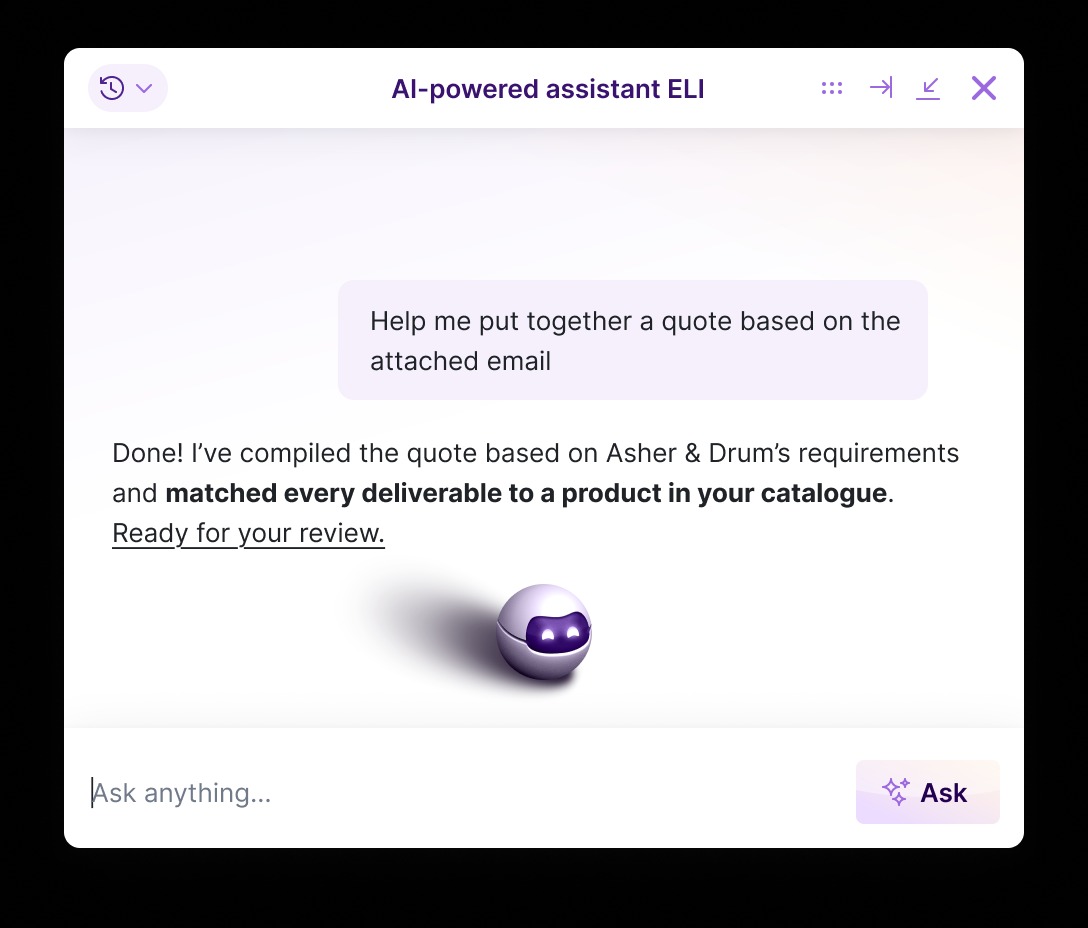
Its built-in AI assistant, ELI, helps users access business information, generate insights, and work with data across their Scoro environment.
Scoro Pricing
Scoro uses a modular pricing model instead of offering only fixed traditional subscription tiers. Businesses can select the applications they need and create a suitable combination.
Its popular combinations include:
- Time-billing: Starts at €15 per user/month. Includes time tracking and invoicing tools.
- Projects & Resources: Starts at €25 per user/month. Includes task management, project delivery, time tracking, and resource planning.
- Quote to Cash: Starts at €25 per user/month. Connects estimating, project delivery, time tracking, and invoicing.
- End-to-end: Starts at €52 per user/month. Covers CRM, estimating, project management, resource planning, expenses, and invoicing.
Scoro also offers a 14-day free trial without requiring a credit card. Additional integrations, apps, and onboarding services may involve extra costs.
Is Scoro Easy to Use?

Scoro brings different business operations into one centralized workspace. Its connected applications help teams access project information, customer records, timesheets, and financial reports without constantly switching between separate systems.
However, because the platform offers extensive functionality, new users may need time to configure workflows, understand the different applications, and learn its reporting tools.
Scoro also provides onboarding assistance, training materials, and a 14-day trial to help businesses get started.
Pros and Cons of Scoro
Pros
- All-in-one professional services automation platform.
- Project and task management tools.
- Time tracking and timesheet management.
- Resource planning and workload monitoring.
- CRM and sales pipeline management.
- Budgeting, expense management, and invoicing.
- Project profitability reporting.
- AI-powered assistant ELI.
- Flexible modular pricing.
Cons
- Minimum requirement of five users.
- Pricing increases with additional applications.
- Advanced features can take time to learn.
- Paid add-ons and integrations may increase costs.
- Initial implementation may require planning and training.
Who Is Scoro Best For?
Scoro is suitable for consulting companies, creative agencies, marketing firms, IT service providers, architecture studios, and engineering businesses.
It is particularly useful for professional services organizations that manage multiple client projects, track employee time, allocate resources, prepare estimates, and monitor project profitability.
Is Scoro Worth It?
Scoro is worth considering for businesses that want to connect project management with resource planning and financial operations.
Its modular applications allow organizations to start with the workflows they need and expand as their operations grow.
However, the five-user minimum and additional application costs may not suit freelancers or very small businesses. Companies should evaluate their team size and required modules before selecting a combination.
Final Verdict
Scoro is a comprehensive business management platform designed to help professional services firms manage projects, clients, employees, and finances in one place.
Its combination of project planning, time tracking, CRM, resource management, budgeting, invoicing, and AI assistance makes it a valuable option for growing service-based businesses.
Although its modular setup requires some planning, Scoro is worth exploring for organizations looking to improve operational efficiency and project profitability.
Frequently Asked Questions
What is Scoro used for?
Scoro is used for project management, CRM, resource planning, time tracking, budgeting, invoicing, and professional services automation.
Who should use Scoro?
Consultancies, marketing agencies, IT service providers, architecture firms, and engineering companies can benefit from Scoro.
How much does Scoro cost?
Its popular combinations start at €15 per user/month, with other combinations costing more depending on the selected applications.
Does Scoro offer a free trial?
Yes. Scoro offers a 14-day free trial without requiring a credit card.
Does Scoro support time tracking?
Yes. It includes time tracking, timesheets, billable hours, labor cost tracking, and work reports.
Does Scoro include AI features?
Yes. Scoro includes ELI, an AI-powered assistant that helps users access business information and generate insights.
