
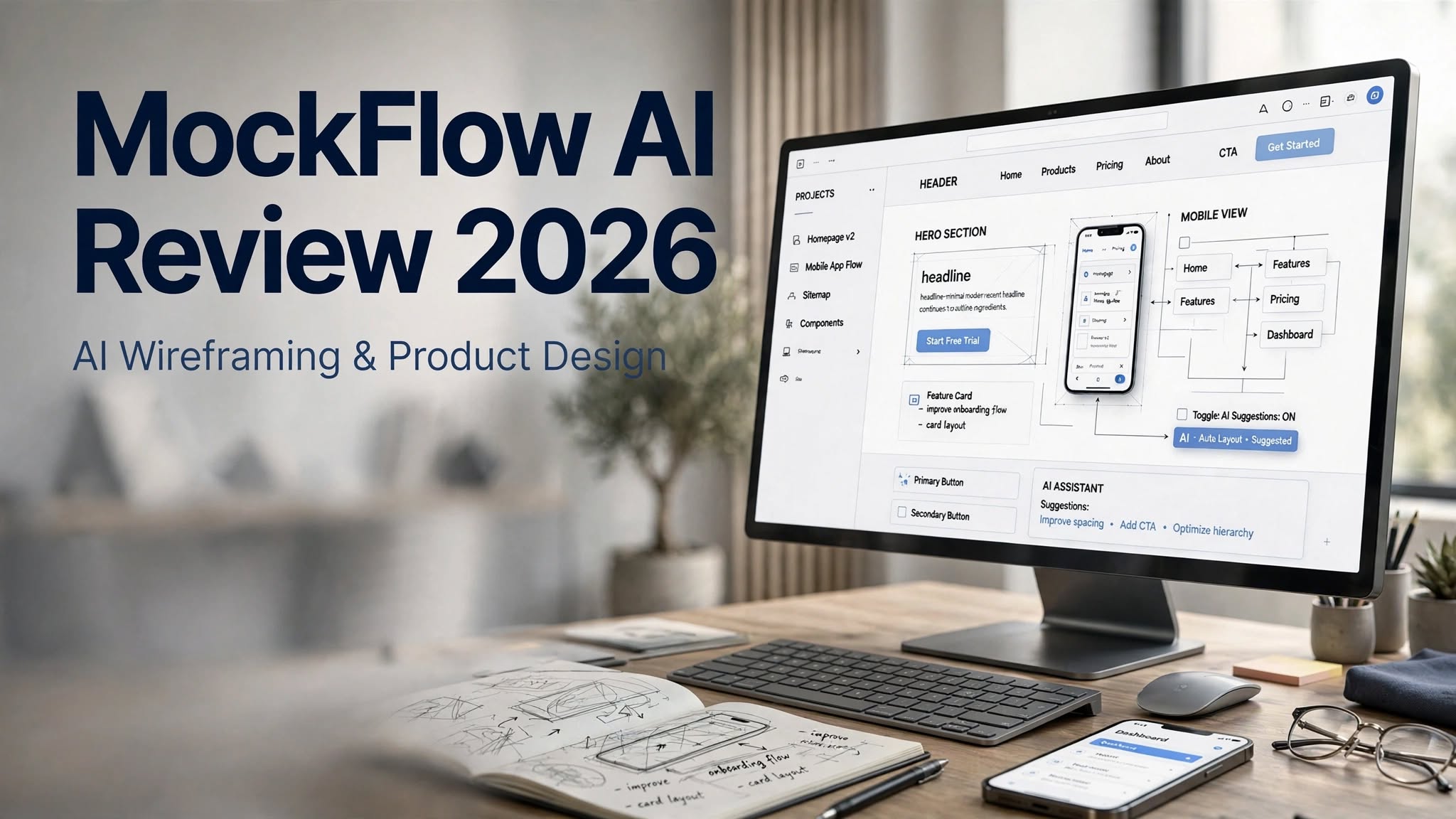

Creating a website or app usually starts with a simple idea, but turning that idea into a usable interface can take a lot of time. Before developers write code, product teams need to think about page structure, navigation, user flows, content placement, and the overall experience.
This is where MockFlow AI can be useful.
MockFlow is a visual design and product-planning platform that combines wireframing, brainstorming, diagrams, sitemaps, mind maps, flowcharts, and AI-powered design tools in one workspace. Instead of starting every project from a completely blank canvas, users can use AI to generate initial wireframes and then modify them manually.
In this MockFlow AI Review 2026, we’ll look at its main features, AI capabilities, pricing, ease of use, pros and cons, use cases, and whether it makes sense for designers, developers, startups, and product teams.
What Is MockFlow AI?

MockFlow is an online visual design platform built primarily around wireframing and early-stage product design.
The platform is designed to help users visualize digital products before they move into development. You can create website wireframes, mobile app layouts, user flows, sitemaps, diagrams, storyboards, mind maps, and other visual planning documents.
Its AI functionality adds another layer to this workflow.
With MockFlow AI, users can describe what they want to create and generate an initial design. The platform also provides tools that can analyze screenshots, convert webpages into wireframes, generate UI content, create diagrams, and provide AI-based design feedback.
This makes MockFlow particularly useful during the idea-to-prototype stage of a project.
MockFlow AI Highlights
- AI-powered wireframe generation
- Text-to-wireframe functionality
- Screenshot-to-wireframe conversion
- URL-to-wireframe workflow
- AI design feedback
- AI-generated diagrams
How Does MockFlow AI Work?
The basic concept is simple.
Instead of manually creating every element of a wireframe, you can give MockFlow a description of the interface you have in mind. AI then creates a starting layout that you can continue editing.
For example, you could describe a SaaS dashboard containing a sidebar, analytics cards, charts, user information, navigation, and settings.
Rather than manually placing every component, AI can provide an initial structure.
The workflow generally looks like this:
Describe your idea → Generate a wireframe → Edit the layout → Add content → Review the design → Create the final prototype
The important part is that AI-generated output is not necessarily the final design. It gives you a foundation that you can refine.
MockFlow AI Features

1. Text-to-Wireframe
One of the main reasons people may be interested in MockFlow AI is its text-to-wireframe functionality.
You can describe the type of interface you want and allow AI to create an initial wireframe.
This can be useful for projects such as:
- SaaS dashboards
- Landing pages
- Ecommerce websites
- Mobile application
A vague prompt may produce a generic layout, while a more detailed description can give the AI more information about the required sections and functionality.
Once generated, the wireframe can be manually adjusted.
This makes the feature more useful as an ideation and productivity tool rather than something that completely replaces the designer.
2. Screenshot-to-Wireframe
MockFlow also supports converting screenshots into wireframes.
This can be particularly useful if you already have a visual reference but don’t want to manually recreate its structure.
For example, you might have a screenshot of:
- An existing website
- An old application
- A competitor interface
- A design reference
- A previous version of your product
The resulting design can then be edited and adapted to your own project.
This can potentially save considerable time during redesign and research workflows.
3. URL-to-Wireframe
Another interesting feature is the ability to work from a webpage URL.
Instead of taking a screenshot yourself, you can provide a website URL and use MockFlow’s AI workflow to create a wireframe based on the page.
This can be useful when analyzing the structure of an existing webpage.
For example, a designer could use it to study the layout of a landing page and then create a new version with a different information structure.
It is important to remember that websites with complicated animations, dynamic elements, or unusual layouts may not always translate perfectly into a wireframe.
4. AI Design Review
MockFlow also goes beyond generating designs by offering AI-assisted design feedback.
The AI design review feature can examine a wireframe and provide suggestions about potential issues or improvements.
This can be helpful before presenting a concept to a client or internal team.
For example, AI feedback may help you think about:
- Layout consistency
- Navigation
- Content organization
- User experience
- Visual hierarchy
- Potential usability issues
A real user interacting with a product can reveal problems that an automated review may not identify.
5. AI Diagram Generator
MockFlow is broader than traditional wireframing.
The platform can also be used for diagrams and visual documentation.
AI can help users generate different types of visual structures from descriptions.
This can be useful for:
- Process diagrams
- User flows
- System architecture
- Business workflows
- Product planning
- Technical concepts
- Information architecture
A project may need a wireframe, user journey, sitemap, workflow, and architecture diagram.
Having these tools within the same ecosystem can reduce the need to switch between several applications.
6. AI Mind Maps and Sitemaps
Planning a product often starts with information rather than visual design.
MockFlow’s AI functionality can help transform ideas into structured mind maps and sitemaps.
For example, a website project might include:
Home
→ Products
→ Product Details
→ Pricing
→ Resources
→ Blog
→ Contact
Creating this structure early can help teams understand the scope of a project before moving into detailed design.
For larger websites, sitemap planning can also help identify missing pages and unnecessary navigation levels.
7. AI-Generated UI Text
Designers often use placeholder text while creating wireframes.
MockFlow can help reduce this manual work by generating UI copy with AI.
Instead of placing generic filler text everywhere, you can generate more realistic labels, headings, descriptions, buttons, and other interface content.
This makes prototypes easier for clients and stakeholders to understand.
A realistic prototype usually communicates an idea better than a screen filled with meaningless placeholder text.
8. AI Image Generation
MockFlow also provides AI-assisted image generation for visual design workflows.
Images can be useful when building landing pages, ecommerce interfaces, content platforms, and other projects where visual elements are important.
Rather than leaving empty image boxes throughout a prototype, AI-generated visuals can help demonstrate how the final interface might look.
Again, these images are primarily useful during the concept and prototype stage.
MockFlow for Wireframing

Traditional wireframing remains an important part of MockFlow.
Users can create layouts manually, work with components, organize screens, and develop interactive concepts.
This is important because not every design task should be delegated to AI.
Sometimes you already know exactly how a page should be structured and simply want direct control over the layout.
MockFlow therefore gives users both approaches:
Manual design + AI-assisted design
You can start manually, use AI for specific tasks, or generate a complete starting point and then refine it yourself.
MockFlow for Product Teams
MockFlow can be useful for product teams because product development requires communication between different roles.
A product manager may have an idea.
A designer may need to visualize it.
A developer may need to understand the workflow.
A stakeholder may need to review the concept.
A wireframe can act as a common visual language between these groups.
Instead of explaining an idea entirely through text, teams can show the proposed structure and discuss changes before development begins.
This can reduce misunderstandings during the early stages of a project.
MockFlow AI for Developers
Although MockFlow is primarily associated with design and wireframing, its AI workflow can also be relevant to developers.
The platform has been expanding its AI-assisted development capabilities and integrations.
This is useful for teams that want to move from a visual product concept toward implementation.
A typical workflow could look like:
Product idea → Wireframe → UX refinement → Development planning → AI-assisted coding
This approach can be particularly useful for startups and small teams where the same people may be involved in product planning, design, and development.
Is MockFlow AI Easy to Use?
The basic AI workflow is relatively straightforward.
You provide an instruction, generate a result, and then edit the output.
The bigger learning curve comes from the number of features available throughout the platform.
MockFlow isn’t just an AI wireframe generator. It includes multiple visual planning tools, which means new users may need some time to understand where everything is located.
For someone who only wants a very simple AI wireframe generator, the platform may initially feel more feature-rich than necessary.
For users who want multiple design and planning tools in one workspace, that larger feature set can be useful.
MockFlow AI Pros and Cons
Pros
- AI can generate initial wireframes quickly
- Supports text-to-wireframe
- Converts screenshots into editable wireframes
- Supports URL-based wireframe generation
- Includes AI design feedback
- Provides diagrams and flowcharts
- Supports mind maps and sitemaps
- AI can help generate UI content
- Combines AI and traditional design tools
- Offers a free plan
- Useful for product planning and brainstorming
Cons
- AI generations consume credits
- AI output may require significant editing
- Complex websites may not convert perfectly
- Some advanced capabilities require paid plans
- The number of features can feel overwhelming initially
- AI-generated designs still need human UX judgment
Who Is MockFlow AI Best For?
UI/UX Designers
Designers can use MockFlow AI to explore multiple concepts quickly and turn rough ideas into editable wireframes.
Product Managers
Product managers can visualize product concepts without having to create every interface element manually.
Startup Founders
Founders can create early product concepts and communicate ideas to designers and developers more clearly.
Developers
Developers can use wireframes as a reference before beginning implementation and explore AI-assisted workflows.
Agencies
Agencies can use wireframes and prototypes to present early concepts to clients before investing in full development.
Students and Beginners
People learning UX or product design can experiment with wireframing without needing to build every screen completely from scratch.
MockFlow AI Pricing

MockFlow offers a free Basic plan as well as paid options.
The free version gives users an opportunity to explore the platform before committing to a subscription, although it comes with limitations around projects, collaboration, usage, and other capabilities.
AI functionality also uses a credit-based system.
This is an important factor to consider if you plan to use AI features frequently.
Different AI operations can consume different amounts of credits, so heavy users should pay attention to the included allowance when comparing plans.
Because software pricing, plan limits, and AI allowances can change, it’s sensible to check MockFlow’s current pricing page before subscribing.
MockFlow AI vs Traditional Design Tools
The biggest difference between MockFlow AI and a traditional manual wireframing workflow is the starting point.
With traditional design, you typically create the canvas, add components, arrange sections, and build the interface yourself.
With AI-assisted design, you can begin with a description and allow the platform to create an initial concept.
That can make experimentation faster.
However, AI does not remove the need for design thinking.
You still need to decide whether the navigation makes sense, whether the content hierarchy is logical, whether the interface is accessible, and whether users can actually accomplish their goals efficiently.
Therefore, MockFlow AI works best as a design accelerator, not an automatic replacement for a UX process.
Is MockFlow AI Worth It in 2026?
Whether MockFlow AI is worth using depends largely on what you need from a design platform.
If you only need a basic wireframing canvas, many simpler tools may be enough.
But if you want wireframing combined with brainstorming, diagrams, mind maps, sitemaps, AI generation, screenshot conversion, URL conversion, and design feedback, MockFlow offers a broader workflow.
The free plan also makes it easier to test the platform before paying.
For frequent AI users, however, the credit system should be considered carefully. Your actual usage will determine whether the included AI allowance is sufficient.
Final Thoughts
MockFlow AI is an interesting option for anyone who wants to move faster during the early stages of digital product design.
Its biggest advantage is not simply that it can generate a wireframe from a prompt. The more interesting part is the combination of AI wireframing, screenshot conversion, URL conversion, design review, diagrams, mind maps, sitemaps, UI content generation, and traditional visual design tools.
This creates a workflow where users can start with a rough idea, turn it into a visual structure, refine the result, and communicate it with other members of a product team.
The AI output will not always be perfect, especially for complex interfaces, so manual refinement remains important.
Overall, MockFlow AI is worth exploring for UX designers, product managers, developers, startup teams, agencies, and anyone who frequently needs to turn product ideas into visual concepts.
Frequently Asked Questions
What is MockFlow AI?
MockFlow AI is the AI-powered part of the MockFlow visual design platform. It helps users generate and work with wireframes, diagrams, mind maps, sitemaps, UI content, images, and design feedback.
Can MockFlow AI create a wireframe from a prompt?
Yes. Users can describe an interface using natural language and generate an initial wireframe that can be edited afterward.
Can MockFlow convert a screenshot into a wireframe?
Yes. MockFlow provides an AI-powered screenshot-to-wireframe workflow that can transform an existing interface screenshot into an editable wireframe.
Can I create a wireframe from a website URL?
Yes. MockFlow provides a URL-to-wireframe feature that can create an editable wireframe based on a webpage.
Does MockFlow have a free version?
Yes. MockFlow provides a Basic free plan with limitations on usage and certain features.
