
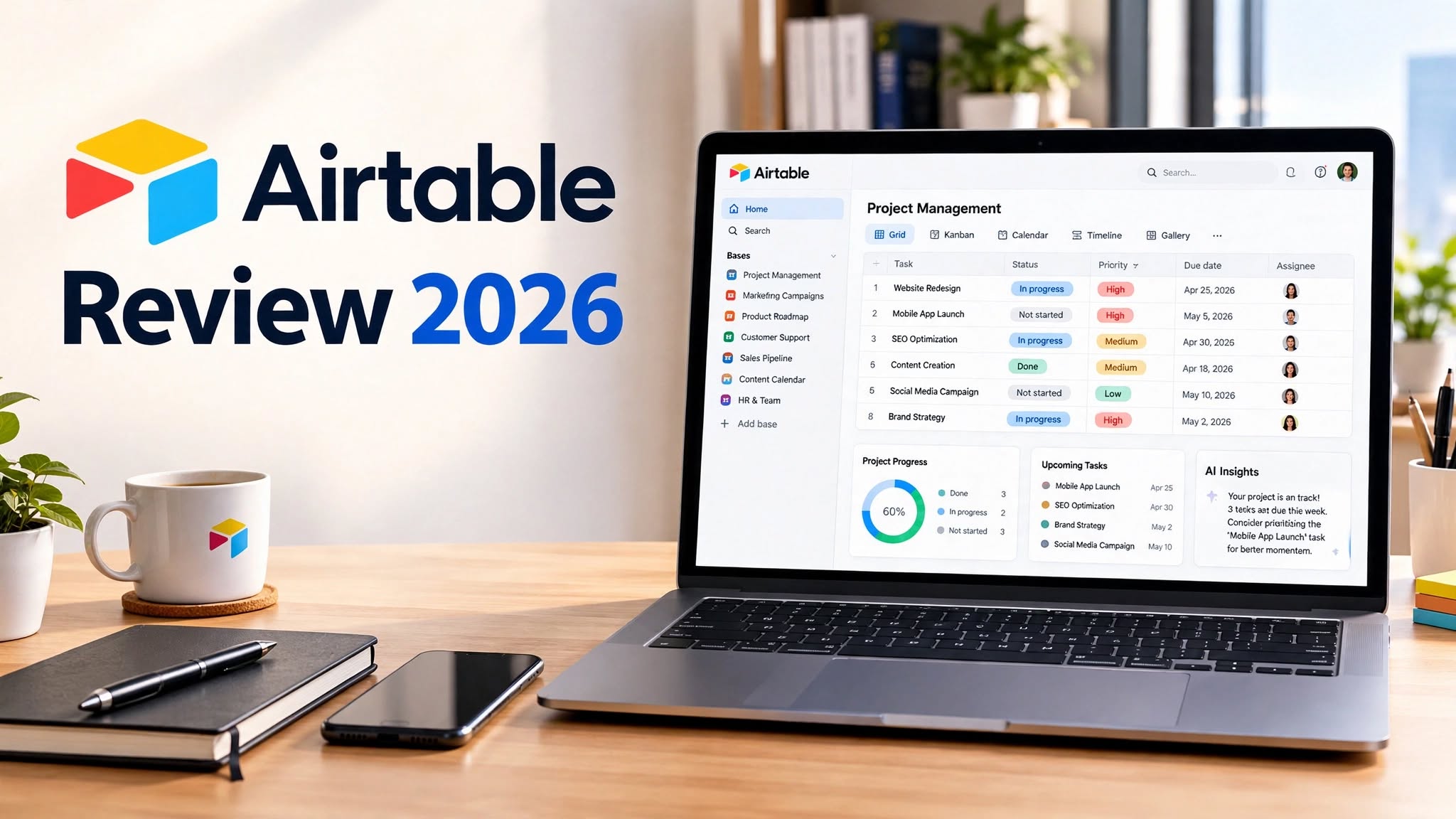

Airtable has evolved far beyond being a simple spreadsheet or database tool. It is now a flexible platform for building custom business apps, managing structured data, automating workflows, and creating AI-powered processes without requiring traditional coding skills.
What makes Airtable interesting is its combination of spreadsheet-style simplicity with database capabilities, customizable interfaces, automation tools, and AI features. Its current platform includes Omni, an AI app builder that can create apps, interfaces, and automations from natural-language instructions.
But is Airtable actually worth using in 2026? In this Airtable review, we’ll look at its features, pricing, benefits, drawbacks, use cases, alternatives, and overall value.
What Is Airtable?

Airtable is a no-code platform that allows individuals and businesses to organize information and build custom workflows around that data.
At its core, Airtable combines the familiarity of a spreadsheet with the structure of a relational database. You can create tables, connect related records, add different field types, build custom views, and create interfaces for different users.
It can be used for project management, content calendars, product planning, customer tracking, marketing operations, event management, inventory, product development, and many other workflows.
Airtable has also moved strongly into AI-powered app building. Its Omni assistant can create and modify Airtable applications, generate interfaces, build automations, and analyze information using natural-language instructions.
Airtable Features
1. Flexible Database Structure
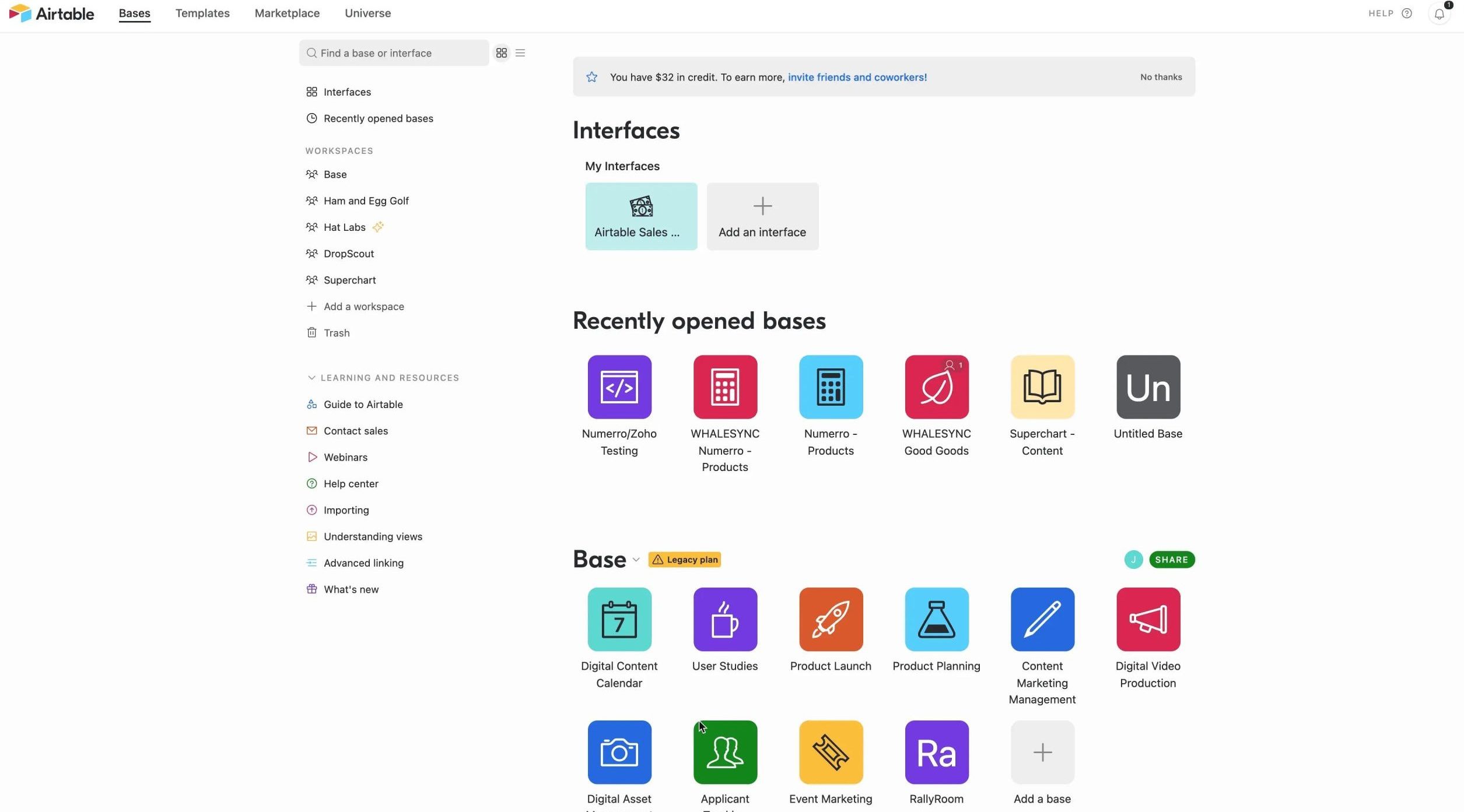
Airtable’s database system is one of its biggest strengths.
Instead of forcing every project into a predefined workflow, Airtable lets you create tables and fields according to your specific requirements.
You can organize information using different field types, link related records, and build a structured system around your business data.
This makes Airtable particularly useful when traditional project management or CRM software feels too restrictive.
2. Multiple Views
Airtable lets users view the same underlying information in different ways.
Depending on the workflow, you can use views such as:
- Grid
- Calendar
- Kanban
- Gallery
- Timeline
3. Airtable Interfaces
Interfaces allow teams to create customized experiences on top of their Airtable data.
Instead of giving every user access to the full database, you can create a simplified interface showing only the information and actions they need.
For example, a sales team could have a lead dashboard, while managers could have a reporting interface.
Airtable officially describes Interfaces as customizable workspaces that give teammates relevant information and simple ways to take action.
4. Automation
Airtable Automations can reduce repetitive manual work.
You can create workflows that trigger actions when specific events occur. These can be used for notifications, record updates, communication, and integrations with other tools.
For example, a new form submission could trigger an internal notification, update another record, or start an AI-powered process.
Airtable also supports AI actions inside automations, allowing teams to summarize information, generate content, classify feedback, and automate other AI-assisted tasks.
5. Omni AI
Omni is one of the most important additions to Airtable.
Instead of manually creating every component, users can describe what they want in natural language and let Omni help build the application.
It can create tables, interfaces, and automations, while also helping users analyze their data.
The resulting components remain editable, so users can modify the structure and workflow after the initial AI generation.
6. AI Agents
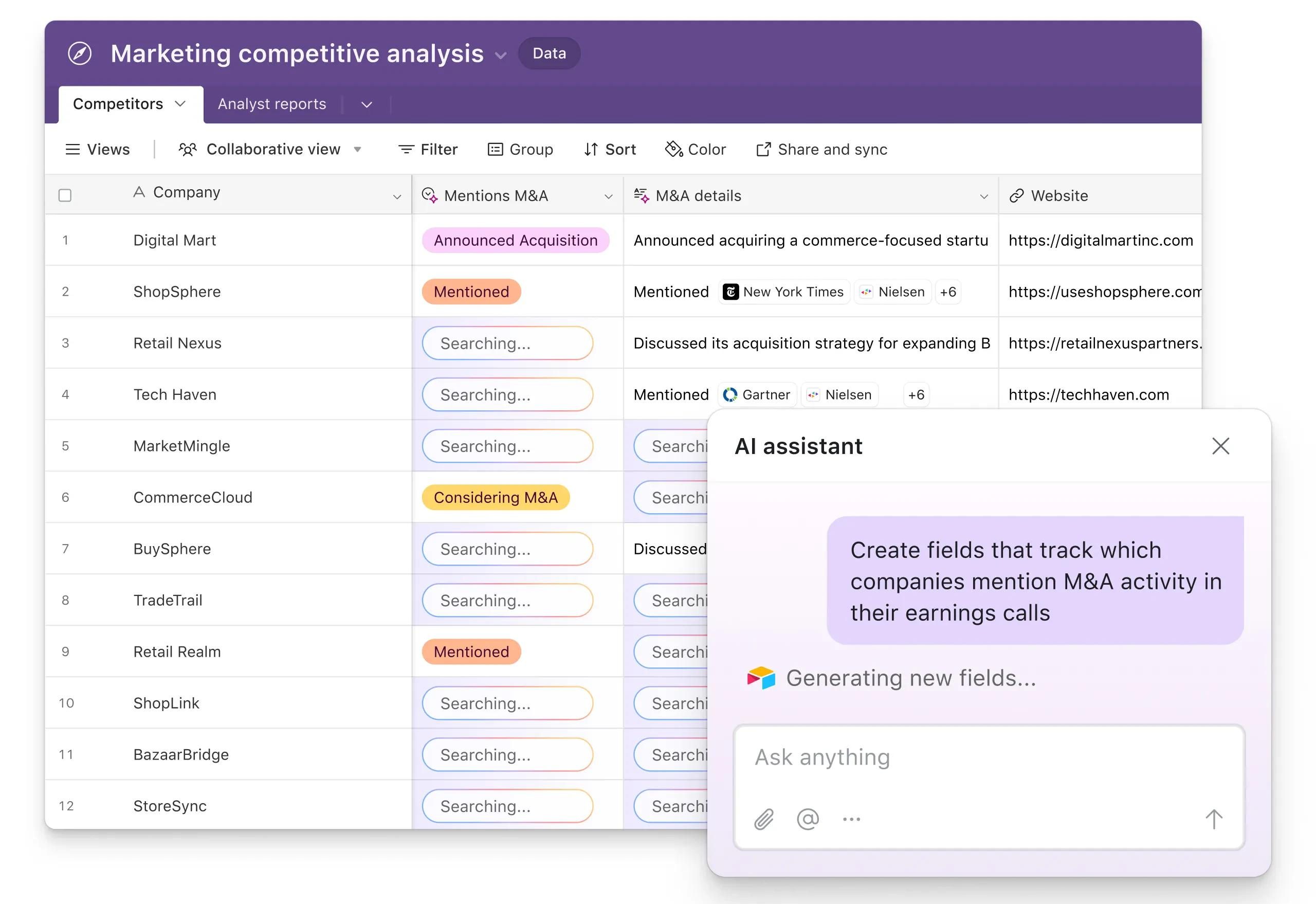
Airtable is also expanding into AI agents designed to perform tasks across business workflows.
These agents can be used for activities such as researching information, analyzing records, generating content, enriching leads, and processing customer feedback.
This makes Airtable more than a place to store information. It can act as an operational platform where data, people, automations, and AI-powered processes work together.
7. Forms
Airtable forms provide a simple way to collect structured information.
They can be useful for:
- Customer requests
- Internal applications
- Feedback
- Content submissions
- Event registrations
- Project requests
- Lead collection
8. Collaboration
Airtable supports collaborative workflows where multiple people can work with the same data.
Teams can comment, update records, share interfaces, and build workflows together.
This makes it useful for departments that need a central source of information rather than disconnected spreadsheets.
9. Integrations
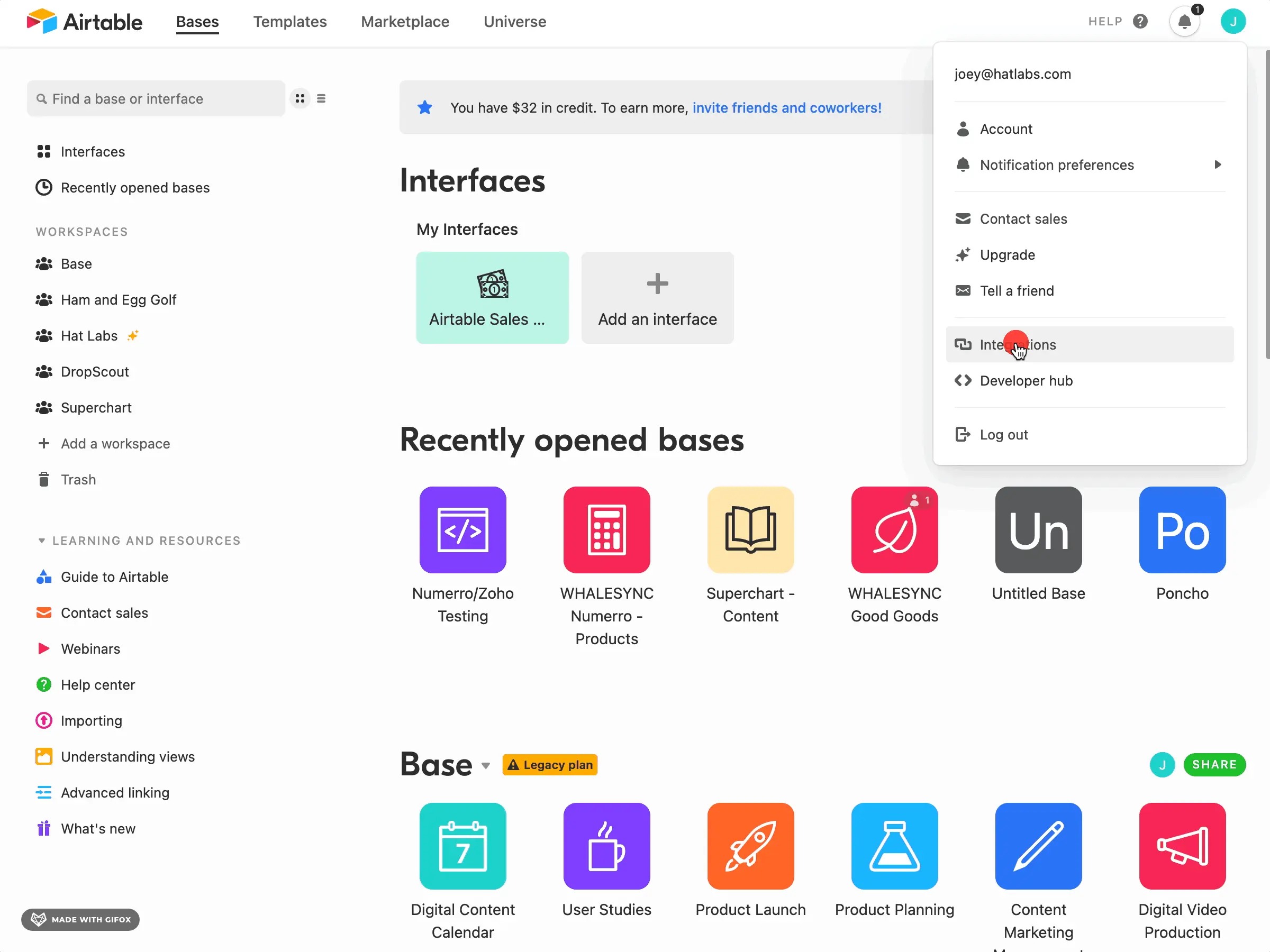
Airtable can connect with other applications and services, allowing teams to bring information into their workflows and send information elsewhere.
This is particularly useful for businesses that already use multiple software platforms and want Airtable to act as a central operational layer.
Airtable’s current platform emphasizes integrations across the wider technology stack, allowing shared data to be accessible across different tools and workflows.
Airtable Pros
- Extremely flexible database structure
- Powerful no-code app building
- Multiple views for the same data
- Custom interfaces
- Strong automation capabilities
- AI-powered app building with Omni
- Useful for many different business workflows
- Good collaboration features
- Flexible integrations
- Free plan available
Airtable Cons
- Can become complicated for beginners
- Advanced features can be expensive
- Large databases may require careful planning
- Some features depend on the selected plan
- Not always the simplest choice for basic task management
- Building advanced workflows can require a learning curve
Airtable Pricing
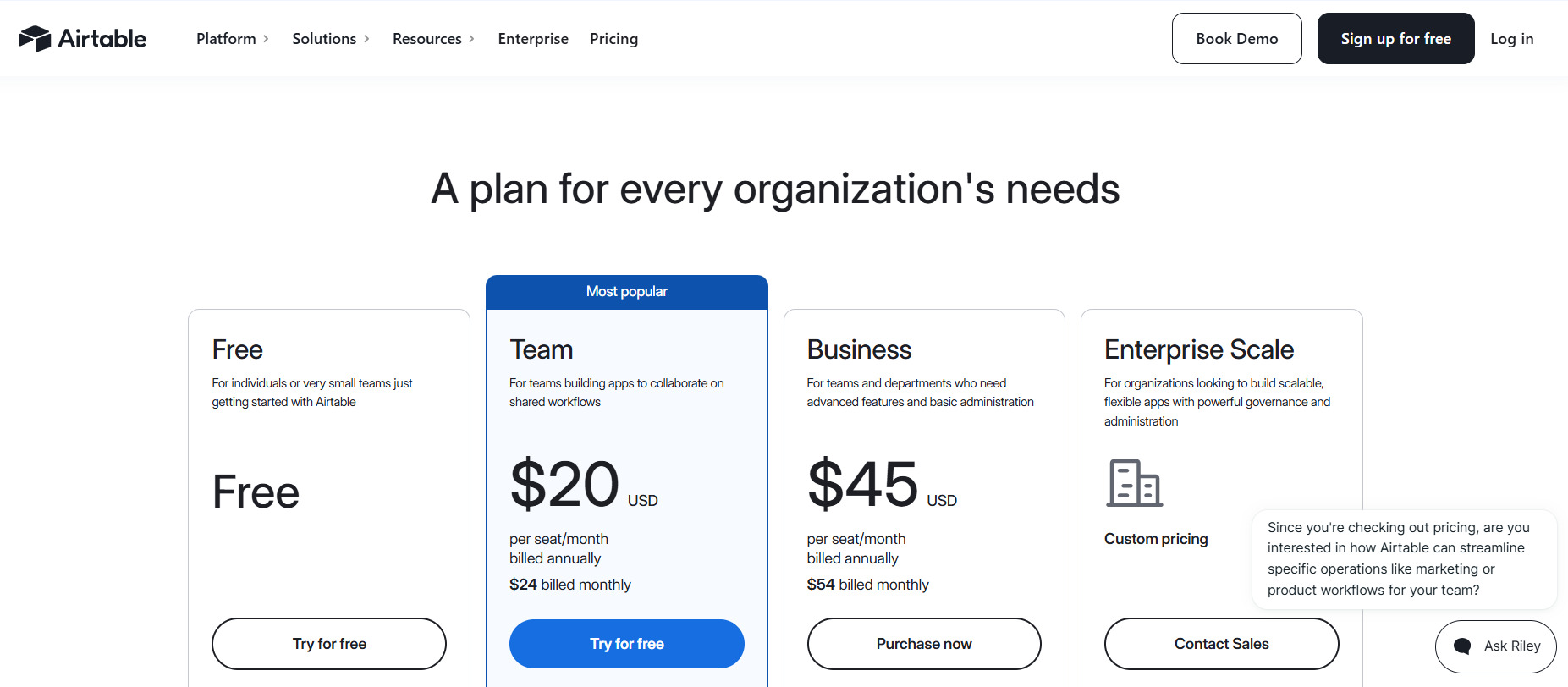
Airtable offers Free, Team, Business, and Enterprise-oriented plans, with pricing and features depending on the type and scale of the workspace. Airtable’s pricing is generally based on seats with editing permissions rather than simply charging every person who can view a workspace.
The current self-serve Team plan is listed at $24 per collaborator per month when billed monthly or $20 per collaborator per month when billed annually.
The self-serve Business plan is listed at $54 per collaborator per month when billed monthly or $45 per collaborator per month when billed annually.
Airtable also offers a free plan for users with lighter requirements. The Free plan can be suitable for individuals and very small teams that want to explore the platform before upgrading.
Because Airtable’s pricing, limits, and AI allowances can change, it’s worth checking the current pricing page before purchasing a plan.
Who Should Avoid Airtable?
Airtable may not be the best choice if you only need a simple task list or basic spreadsheet.
For very straightforward projects, Airtable’s database structure and customization options can feel unnecessary.
It can also become expensive for larger teams that require advanced functionality, so businesses should evaluate the total number of paid seats and required features before choosing a plan.
Who Is Airtable Best For?
Airtable is particularly useful for teams that need flexibility.
It can work well for:
- Marketing teams
- Product teams
- Operations teams
- Startups
- Creative agencies
Airtable vs Traditional Spreadsheets
Airtable feels familiar to spreadsheet users, but it is designed for more structured workflows.
Traditional spreadsheets are excellent for calculations and simple data management. Airtable focuses more on connected records, structured databases, custom interfaces, automation, and application-style workflows.
This makes Airtable a better option when a spreadsheet starts becoming too complicated to manage.
Airtable Alternatives
Depending on your requirements, several alternatives may be worth considering.
Notion is a strong choice for teams that want documents, wikis, databases, and project management in one workspace.
Monday.com is better suited to teams looking for traditional project and work management features.
ClickUp offers a broader productivity platform with tasks, documents, dashboards, and project management capabilities.
Smartsheet is another strong option for organizations that prefer a spreadsheet-inspired approach to project and work management.
The right alternative depends on whether your priority is database flexibility, project management, collaboration, or custom application development.
Is Airtable Worth It in 2026?
Airtable is worth considering if you want more than a standard spreadsheet or project management application.
Its biggest advantage is flexibility. You can start with a simple table and gradually turn it into a more sophisticated workflow with linked records, interfaces, automations, integrations, and AI.
The addition of Omni makes the platform even more interesting because users can describe the application or workflow they want instead of building everything manually.
However, Airtable isn’t necessarily the best option for everyone. If you only need simple task management, a dedicated project management tool may be easier. Likewise, teams with highly advanced database requirements should carefully evaluate Airtable’s limits and pricing before moving important workflows onto the platform.
Final Verdict
Airtable remains one of the most flexible platforms for organizing business data and building customized workflows.
Its combination of relational databases, multiple views, interfaces, forms, automations, integrations, and AI-powered capabilities makes it suitable for a wide range of teams. The addition of Omni and AI agents also pushes Airtable further toward becoming a complete AI-native business application platform.
The main drawback is that this flexibility can come with a learning curve, and advanced plans may become expensive for larger teams.
Overall, Airtable is a powerful choice for businesses that want to build customized apps and workflows without traditional coding. If flexibility and customization are more important to you than having a rigid, ready-made workflow, Airtable is definitely worth considering in 2026.
