
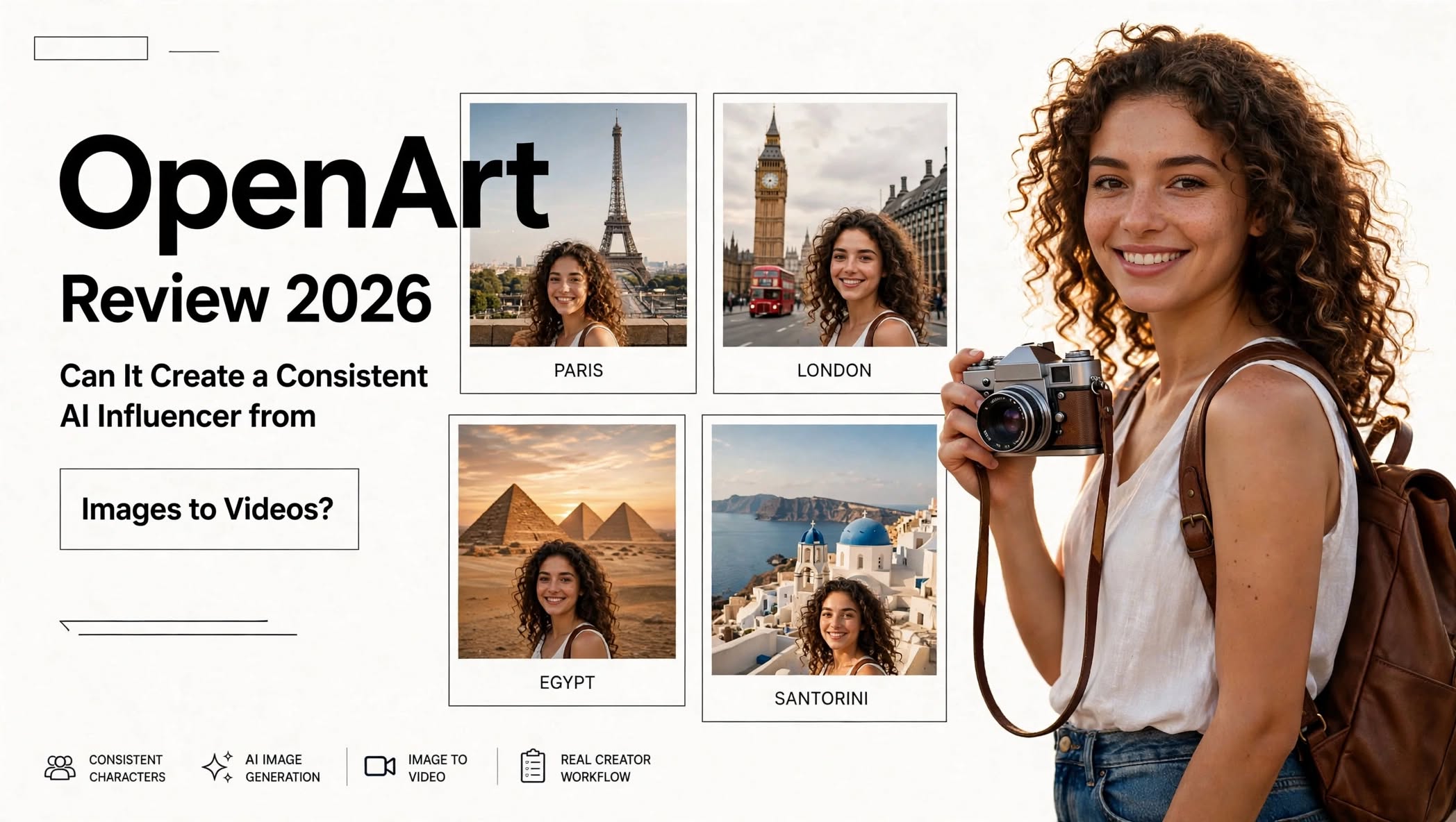

AI content creation is becoming more powerful every year, but using several different AI tools for images, videos, characters, editing, and audio can quickly become complicated. OpenArt aims to simplify that process by bringing multiple AI creative tools and models into one platform.
In this OpenArt Review 2026, we’ll explore what OpenArt offers, how its AI image and video tools work, its key features, pricing, advantages and disadvantages, and whether it makes sense for creators, marketers, and businesses.
What Is OpenArt?

OpenArt is an AI-powered creative platform designed for generating, editing, and transforming visual content.
Instead of focusing on only one type of AI generation, OpenArt combines different creative workflows in one place. Users can create AI images, generate videos, animate still images, build characters, edit existing content, and experiment with audio and other AI-powered features.
The platform can be used for:
- AI image generation
- AI video generation
- Image-to-video creation
- Image editing
- AI characters
- Product photography
- AI advertising
- Video editing
OpenArt Highlights
- AI image generation
- AI video generation
- Image-to-video generation
- Multiple AI models
- AI character creation
- Character consistency
How Does OpenArt Work?
OpenArt primarily uses a prompt-based creative workflow.
You can describe the image or video you want to create, select a suitable model or tool, and then generate the content. Reference images can also be used for many workflows when you want more control over the visual direction.
For example, a creator could upload a product image, generate several different environments around it, select the preferred result, and then turn that image into an animated video.
This makes the platform useful not only for generating content from scratch but also for transforming existing creative assets.
OpenArt AI Image Generator

AI image generation is one of the main features of OpenArt.
The platform allows users to create visuals from text prompts while also providing tools for modifying and improving generated images.
Depending on the selected workflow and available models, users can create different styles of visuals, including:
- Photorealistic portraits
- Product photography
- Character designs
- Digital artwork
- Concept art
- Illustrations
- Marketing graphics
- Social media visuals
- Fantasy scenes
- Cinematic compositions
Instead of generating an image and immediately moving to another application for every adjustment, you can continue refining the visual within OpenArt.
AI Image Editing
OpenArt also provides AI-powered editing tools.
You can use AI to make changes to existing images, modify backgrounds, remove unwanted elements, expand compositions, and transform the visual style.
This can be particularly useful when the initial generation is close to what you want but still needs adjustments.
For example, you could generate a product image and then:
Generate → Edit → Remove unwanted elements → Change background → Upscale
This workflow can save time compared with recreating the entire image every time you need a small modification.
OpenArt AI Video Generator
OpenArt has expanded significantly into AI video creation.
The platform supports different video-generation workflows, including text-to-video and image-to-video. Depending on availability, users can work with various AI video models from within the OpenArt ecosystem.
This gives creators the ability to turn a simple idea or still image into a short animated sequence.
AI video can be used for:
- YouTube Shorts
- TikTok videos
- Instagram Reels
- Product advertisements
- Promotional videos
- Short films
- Cinematic experiments
- Character animation
- Social media content
OpenArt Director
One feature that makes OpenArt interesting for video creators is OpenArt Director.
Traditional AI video generators often focus on producing individual clips. Director-style workflows are more focused on building a sequence and controlling different aspects of a scene.
Creators can use natural-language instructions to develop scenes and refine their ideas.
This can be useful for projects that require:
- Multiple shots
- Camera movements
- Characters
- Different environments
- Story progression
- Scene revisions
AI Character Creation
Maintaining the same character across multiple AI-generated scenes can be difficult.
OpenArt provides character-focused tools that allow users to create reusable characters and use them across different content.
This can be useful for:
- AI influencers
- Storytelling
- Comics
- Children’s content
- YouTube characters
- Social media series
- Short films
- Marketing campaigns
This is especially useful when consistency matters.
OpenArt for Product Content

Businesses can also use OpenArt for product-focused creative work.
Instead of photographing a product in every possible environment, a business can use AI to create different backgrounds, compositions, and promotional concepts around an existing product image.
For example, an ecommerce brand could create:
- Lifestyle product images
- Social media advertisements
- Promotional graphics
- Product videos
- Seasonal campaigns
- Different visual backgrounds
AI Video Editing
OpenArt isn’t limited to creating videos from scratch.
Its AI-powered video workflows can also be used to modify existing footage and experiment with visual changes.
Depending on the available tool and model, users can work with effects such as background changes, object modifications, video transformations, and other AI editing techniques.
This creates a workflow where existing footage can become the starting point for additional creative experimentation.
AI Audio and Voice
OpenArt has also moved beyond purely visual content.
The platform provides AI-powered audio-related tools for voiceovers, music, sound effects, and other content workflows.
This can be useful when creating short videos because you may not need to use a separate application for every part of the production process.
A typical AI video workflow could look like:
- Create a character.
- Generate the visual scene.
- Animate the scene.
- Create a voiceover.
- Add music or sound effects.
- Refine the final video.
OpenArt for Social Media Creators
Social media creators constantly need new visual content.
OpenArt can help generate different types of assets for platforms such as Instagram, TikTok, YouTube, and other social networks.
Creators can experiment with:
- AI portraits
- Short videos
- Animated images
- Character content
- Promotional graphics
- Storytelling visuals
- Product advertisements
- Thumbnail concepts
OpenArt for Marketers
Marketing teams can use OpenArt to quickly experiment with creative concepts.
For example, instead of designing one advertisement and using the same visual everywhere, marketers can create several variations for different audiences and platforms.
Possible uses include:
- Ad concepts
- Social media campaigns
- Product visuals
- Promotional videos
- Brand storytelling
- Campaign mockups
- Creative testing
OpenArt Pros and Cons
Pros
- Wide range of AI creative tools
- Image and video generation in one platform
- Supports image-to-video workflows
- Multiple AI models available
- Useful AI image editing features
- Character creation and consistency tools
- Product content creation
- AI video editing capabilities
- Audio and voice tools
- Useful for social media content
- Suitable for creative experimentation
Cons
- Credits can be consumed quickly
- Heavy video users may need more credits
- Large number of features can feel overwhelming
- AI results can vary between models
- Some advanced capabilities require paid plans
- Users may need experimentation to find the right workflow
Who Is OpenArt Best For?
AI Artists
OpenArt can be useful for artists who want to experiment with different AI image models, styles, editing techniques, and creative workflows.
Video Creators
Creators making short films, social videos, advertisements, and AI-generated clips can use its image-to-video and video-generation capabilities.
Social Media Creators
If you regularly need images, animations, characters, and short-form videos, OpenArt provides several useful tools under one platform.
Ecommerce Businesses
Businesses can use AI-generated product scenes and promotional videos to create additional marketing assets from existing product images.
Marketing Teams
Marketing professionals can use the platform to experiment with different visual concepts, advertisements, and social media campaigns.
OpenArt Pricing

OpenArt uses a credit-based pricing system, meaning the amount of content you can generate depends partly on the number of credits available and the AI models or tools you use.
Pricing and included credits can change, so users should check the current pricing page before subscribing.
The main individual plans listed by OpenArt include different credit allowances and feature limits. Higher plans generally provide more credits and additional capabilities.
One important thing to understand is that AI video generation can consume credits considerably faster than simple image generation.
If you’re planning to use OpenArt primarily for video production, credit usage should be an important part of your subscription decision.
OpenArt vs. Using Multiple AI Tools
One of OpenArt’s biggest advantages is the number of creative workflows available from one account.
A creator using separate services might need:
- One AI tool for images
- Another for video
- Another for voice
- Another for editing
- Another for upscaling
- Another for characters
That doesn’t necessarily mean it will replace every specialized tool for every professional workflow. However, it can make the overall process more convenient for creators who want a broad AI toolkit.
Is OpenArt Easy to Use?
The basic workflow is relatively simple.
You enter a prompt, choose a tool or model, provide a reference if required, and generate your result.
The larger challenge is the number of options available.
Beginners may need some time to understand which model or workflow is appropriate for different projects. However, once you understand the basic system, you can start experimenting with more advanced features.
For someone completely new to AI content creation, starting with simple image generation before moving into video and character workflows can make the learning process easier.
Is OpenArt Worth It?
OpenArt can make sense for creators who want more than a basic AI image generator.
If your workflow includes images, videos, characters, editing, product visuals, and audio, having these capabilities within one platform can be convenient.
On the other hand, someone who only wants to generate a few AI images occasionally may not need such a broad creative suite.
The credit system is also worth considering. Frequent video generation can consume credits more quickly, so users should compare their expected usage with the credits included in their chosen plan.
Final Thoughts
OpenArt has developed into a broad AI creative platform covering much more than AI image generation.
Its combination of image creation, image editing, video generation, image-to-video workflows, characters, product content, audio, and AI-powered editing gives creators plenty of ways to experiment.
The platform is particularly useful for people who want to build complete AI-generated content workflows rather than simply generate individual images.
However, OpenArt’s large feature set can take some time to learn, and credit usage is an important consideration for users who create large amounts of video.
If you’re looking for an AI platform that combines multiple creative workflows in one place, OpenArt is worth exploring, especially for AI artists, content creators, marketers, and businesses experimenting with AI-generated media.
