

Building a modern website or web application usually requires several different tools. Designers create mockups, developers write code, product teams review the interface, and everyone goes back and forth until the final product looks close to the original idea.
Subframe AI takes a different approach.
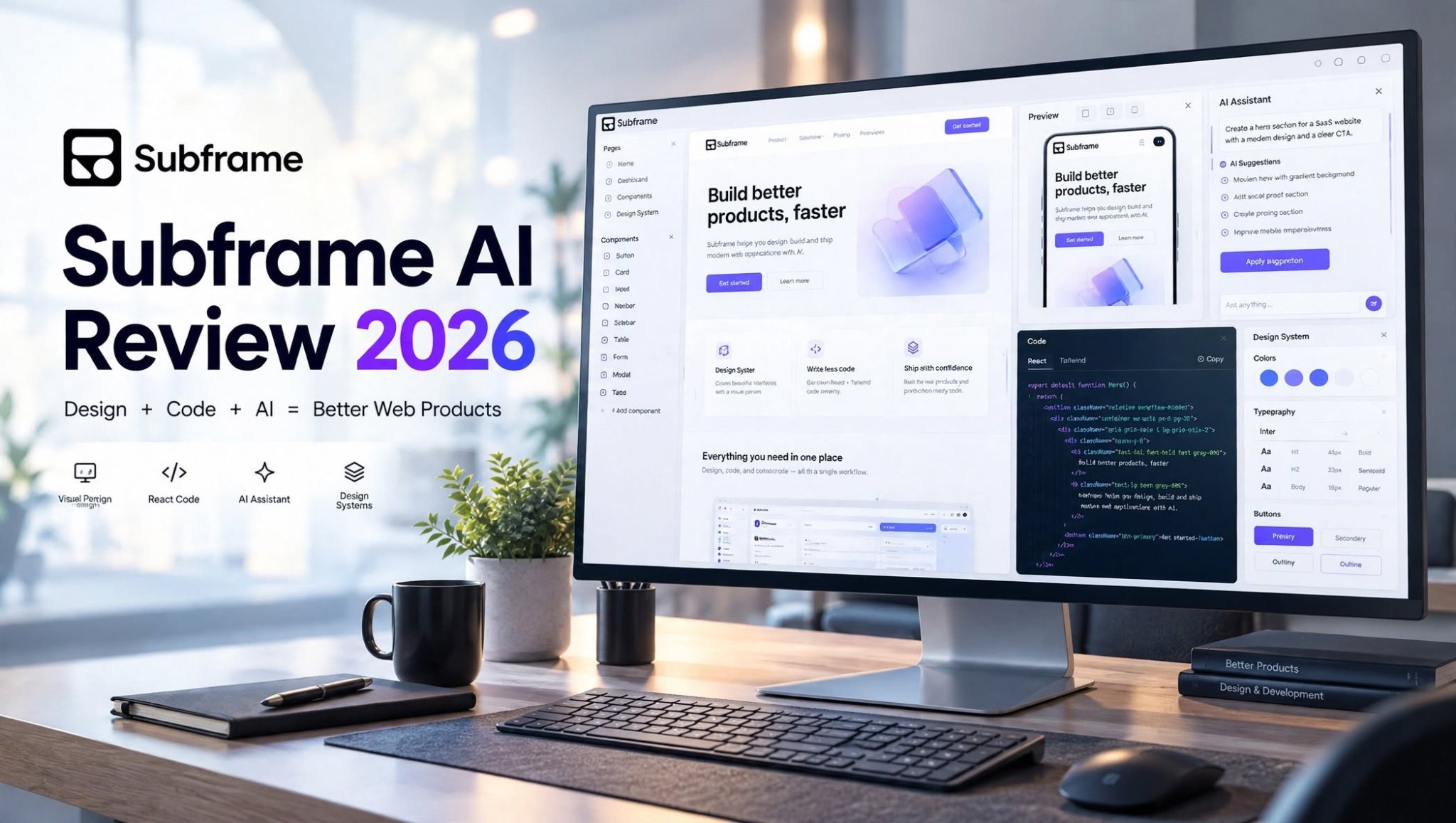
Subframe is designed to bring visual interface design, real code, browser previews, design systems, and AI-assisted development closer together. Instead of treating design as something that happens before development, the platform is built around a workflow where design and code can evolve together.
In this Subframe AI review 2026, we’ll look at what Subframe does, its main features, AI capabilities, pricing, pros and cons, use cases, and whether it makes sense for designers and developers.
What Is Subframe AI?

Subframe is a code-based visual design and development platform focused on creating web interfaces.
The platform combines a visual canvas with a browser and coding workflow, allowing users to design interfaces while keeping the resulting work connected to web technologies.
Subframe is particularly focused on React and Tailwind CSS, making it relevant for teams that already use modern front-end development workflows.
Rather than designing a completely separate mockup and handing it to a developer, Subframe aims to reduce the distance between:
Design → Prototype → Code → Browser → Product
This approach makes Subframe especially interesting for product designers, developers, startups, and design engineers.
Subframe AI Review: Quick Overview
| Feature | Details |
|---|---|
| Product | Subframe AI |
| Category | AI Design & Development |
| Main Use | Web UI design and development |
| AI Features | Yes |
| Visual Editor | Yes |
| Browser Preview | Yes |
| Code Focus | React + Tailwind |
| Design Systems | Yes |
| Coding Agents | Supported |
| Free Option | Available |
| Best For | Designers, developers, startups, product teams |
How Does Subframe AI Work?
Subframe is built around the idea that designing and coding a web product should not feel like two completely disconnected processes.
The workflow typically begins with an existing project or a new interface concept. You can work visually on the canvas, use components and design-system elements, preview the result in a browser, and then use coding tools to help implement changes.
This makes the platform different from tools that are primarily focused on producing static mockups.
A simplified workflow looks like this:
Create → Design → Preview → Refine → Code → Ship
The advantage is that designers and developers can work from a more connected source of information.
Key Features of Subframe AI

1. Visual UI Design
Subframe provides a visual environment for creating web interfaces.
Instead of manually writing every piece of front-end code, users can visually arrange interface elements and adjust layouts.
You can work with common UI elements such as:
- Buttons
- Navigation bars
- Cards
- Forms
- Tables
- Headers
2. React and Tailwind Workflow
One of Subframe’s major selling points is its connection to real web development.
The platform is designed around React and Tailwind CSS, allowing teams to work with a technology stack commonly used for modern web applications.
This can be useful when a design needs to move into production without requiring developers to completely rebuild the interface from a static design.
For development teams, this approach can also make it easier to maintain consistency between the visual design and the implementation.
3. AI-Assisted Design
AI is another important part of Subframe.
Instead of using AI only to generate an initial interface, Subframe’s approach is focused on using AI within a broader design and development workflow.
AI can help with tasks such as:
- Exploring interface concepts
- Creating UI variations
- Modifying existing designs
- Improving layouts
- Generating interface ideas
4. Built-In Browser
Subframe includes a browser-oriented workflow that helps users view and interact with web projects.
This is useful because web design is ultimately about how an interface behaves in a browser.
Instead of constantly switching between a design application and a browser, users can work within a more connected environment.
The browser workflow can be useful for checking:
- Layout
- Navigation
- Responsive behavior
- Existing pages
- UI interactions
5. Coding Agent Support
Subframe also works with modern coding-agent workflows.
This is one of the features that makes the platform particularly relevant in 2026.
AI coding agents can assist developers with implementation, but they need context to produce useful results. Subframe attempts to provide that context through the design, components, code, and browser environment.
This can help bridge the gap between an instruction such as:
“Make this dashboard easier to navigate”
and the actual implementation work required to modify the application.
6. Design Systems
Design systems are another important part of the Subframe workflow.
Instead of designing every page independently, teams can build around reusable components and consistent design rules.
This can help maintain consistency across:
- Typography
- Colors
- Buttons
- Cards
- Forms
7. Reusable Components
Reusable components can reduce repetitive work.
For example, if you create a button style that is used throughout an application, you don’t necessarily want to redesign that button manually every time.
A component-based approach allows teams to create reusable building blocks and use them across multiple interfaces.
This can make large projects easier to maintain.
8. Collaboration
Subframe can also fit into collaborative product workflows.
Designers, developers, founders, and product managers can work around the same interface instead of relying entirely on screenshots and static exports.
This can make design reviews easier because the team can discuss an interface in a context closer to the actual product.
Subframe AI for Designers
Subframe can be useful for designers who want to move closer to development.
Traditional design workflows often require designers to hand over detailed specifications to developers.
That can create problems when:
- A developer interprets the design differently.
- A component doesn’t exist in the codebase.
- Spacing changes during implementation.
- Responsive behavior isn’t clearly defined.
- The final implementation doesn’t match the original design.
For designers interested in becoming more involved in product development, Subframe can also provide a useful bridge between visual design and front-end implementation.
Subframe AI for Developers

Developers can use Subframe from the opposite direction.
Instead of starting with a blank code editor, they can use a visual interface to explore and refine UI concepts.
This can be particularly useful when building:
- SaaS dashboards
- Landing pages
- Internal tools
- Web apps
- Admin panels
- Customer portals
- Startup MVPs
Subframe AI for Startups
Startups often have limited resources.
A small product team may include only one or two developers and perhaps a designer or founder handling product design.
In that environment, reducing unnecessary handoffs can be valuable.
Subframe can potentially help teams move faster by bringing design, code, and AI-assisted development into a more connected workflow.
It can be particularly useful during the MVP stage when teams need to test multiple interface ideas quickly.
Subframe AI Pros and Cons
Pros
- Visual interface design
- Strong connection between design and code
- React and Tailwind-focused workflow
- AI-assisted design capabilities
- Coding-agent support
- Built-in browser workflow
- Reusable components
- Design-system support
- Useful for product teams
- Suitable for design-to-development workflows
Cons
- React-focused users may get the most value
- Advanced workflows can require technical knowledge
- AI-generated changes still need human review
- Larger teams need to consider editor-based pricing
- It may take time to learn the platform
- Traditional graphic-design users may not need all of its development features
Subframe AI vs Traditional Design Tools
The biggest difference is the relationship between the design and the code.
A traditional design workflow might look like:
Design File → Developer Handoff → Manual Implementation
Subframe’s approach is closer to:
Design + Code + Browser + AI → Product
This doesn’t mean traditional design tools are unnecessary. Instead, Subframe is targeting teams that want their design process to be more closely connected to development.
For a purely visual design project, a traditional design tool may be sufficient.
For a web product that needs to become real React code, Subframe’s approach can be more relevant.
Is Subframe AI Easy to Use?
Subframe is designed to make web interface creation more visual, but that doesn’t mean it requires zero technical knowledge.
Beginners can understand the basic canvas relatively quickly, especially if they have experience with visual design tools.
However, users who want to take full advantage of the platform may benefit from understanding:
- React
- Tailwind CSS
- Components
- Responsive design
- Web development
- Design systems
Subframe AI Pricing

Subframe offers a free option along with paid plans.
Pricing and plan limits can change, so users should check the official Subframe pricing information before subscribing.
The free option is useful for users who want to understand the platform before committing to a paid plan.
Paid plans are intended for users and teams that need more extensive project capabilities and AI usage.
When comparing Subframe with other design platforms, don’t look only at the monthly price. Consider what is included in the plan, especially:
- Number of editors
- AI usage
- Projects
- Collaboration
- Design-system features
- Development workflow
- Export or code capabilities
Who Is Subframe AI Best For?
Product Designers
Designers who want to work closer to production code can benefit from Subframe’s workflow.
Developers
Developers who want a visual way to experiment with web interfaces may find the platform useful.
Design Engineers
Subframe is particularly relevant to professionals who work between design and engineering.
Startup Teams
Small teams can use the platform to reduce some of the friction between product design and implementation.
SaaS Builders
Teams building SaaS products can use reusable components and design systems across multiple screens.
Who Should Avoid Subframe?
Subframe may not be necessary if you only need a basic visual design application.
It may also be less suitable if your development workflow does not align well with its React-oriented approach.
Similarly, someone looking only for AI-generated graphics, illustrations, or marketing images would probably be looking for a different category of tool.
Subframe is primarily about product interfaces and web development, not general-purpose image generation.
Is Subframe AI Worth It?
Subframe’s value depends on what you want from a design platform.
If your workflow involves designing web interfaces and then translating those designs into React-based applications, Subframe’s approach can make the process more connected.
Its combination of:
- Visual design
- Real code
- Browser preview
- Components
- Design systems
- AI
- Coding agents
However, users should evaluate the platform against their existing technology stack and workflow before paying for a plan.
Final Verdict: Subframe AI Review 2026
Subframe is an interesting example of how AI is changing the relationship between design and software development.
Instead of using AI simply to generate a quick website from a prompt, Subframe focuses on a more structured workflow involving visual design, production code, reusable components, browser previews, and coding agents.
Its strongest use case is likely to be teams that already work with modern web technologies and want to reduce the friction between designers and developers.
For a React-focused product team, startup, designer, or design engineer, Subframe is worth exploring because it approaches UI creation from both the design and development sides.
For users who only need traditional visual mockups, many of Subframe’s development-focused capabilities may be unnecessary.
Overall, Subframe AI stands out as a code-connected design platform for teams that want to move from interface ideas to working web products with less separation between design and development.
Frequently Asked Questions
What is Subframe AI?
Subframe AI is a visual design and development platform for creating web interfaces while keeping design closely connected to production-oriented code.
Does Subframe use AI?
Yes. Subframe includes AI-assisted workflows designed to help users create and modify interfaces and work with coding agents.
Does Subframe support React?
Yes. React is an important part of Subframe’s development workflow.
Does Subframe support Tailwind?
Yes. Subframe is designed around React and Tailwind-based web development.
Is Subframe good for beginners?
Beginners can use its visual interface, but understanding web concepts such as components and responsive layouts can help users get more value from the platform.
