
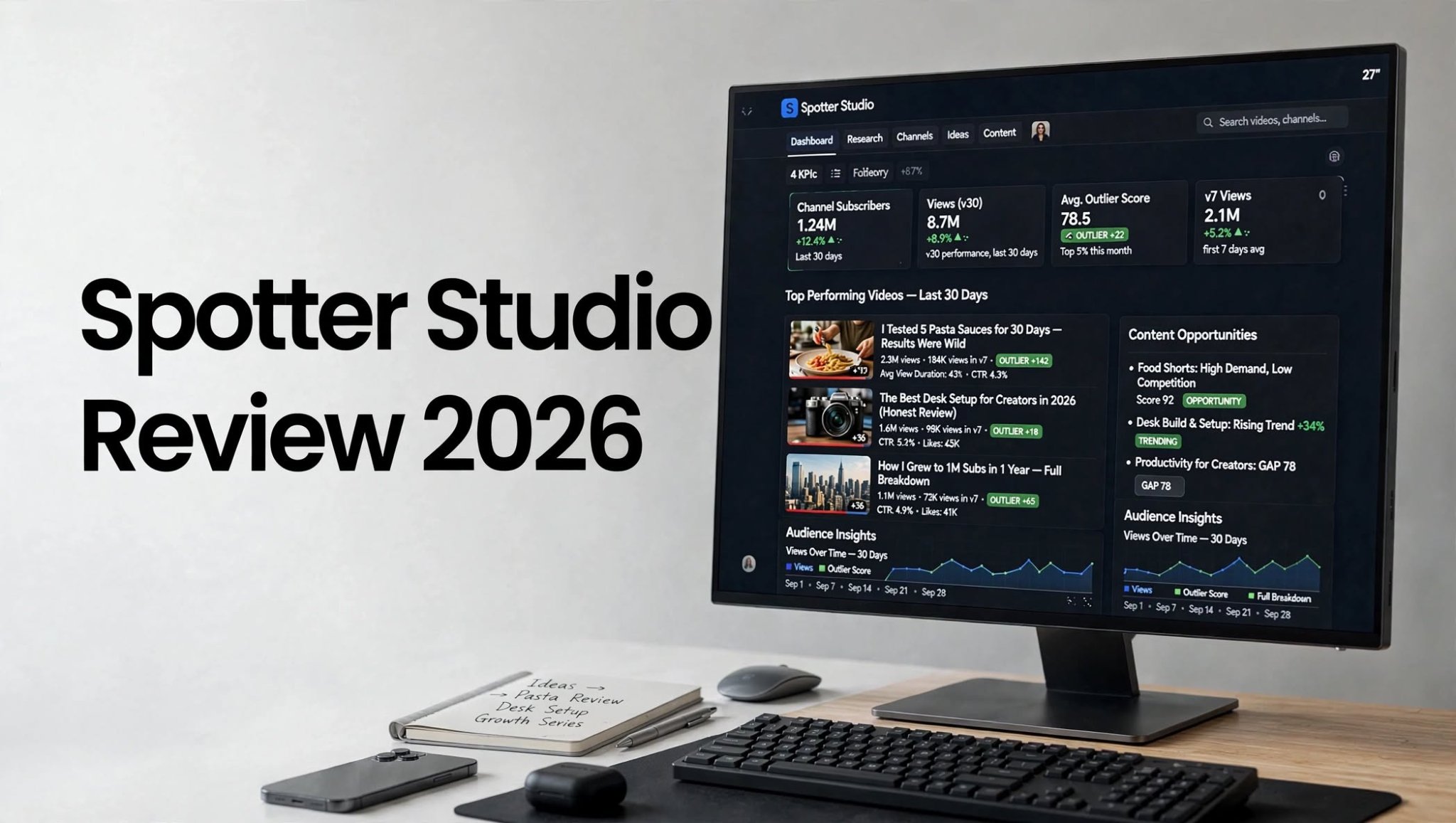

Growing a YouTube channel is not only about uploading videos consistently. You also need to know what your audience wants, which topics are attracting attention, what competitors are doing, and where new content opportunities may exist. This is where YouTube analytics and research tools can become useful.
Spotter Studio is designed for creators who want to research YouTube channels, analyze video performance, discover content opportunities, and make more informed decisions about their YouTube strategy.
In this Spotter Studio review, we’ll look at its features, pricing, pros and cons, usability, alternatives, and whether it is worth considering for YouTube research in 2026.
What Is Spotter Studio?

Spotter Studio is a platform built around YouTube content research and analytics.
For many creators, one of the hardest parts of running a channel is deciding what to make next. You may have hundreds of possible ideas but no clear way to determine which ones deserve further research.
Spotter Studio aims to make this process more structured by helping users investigate existing YouTube content.
You can use this type of research to study successful channels, examine individual videos, understand recurring topics, and identify potential opportunities within a niche.
It can be particularly useful for creators who want to go beyond basic channel statistics and spend more time understanding the wider YouTube landscape.
Spotter Studio Quick Overview
Spotter Studio is a YouTube-focused research and analytics platform that helps creators explore channels and videos and find useful information for content planning.
Instead of depending entirely on manual YouTube searches, creators can use a dedicated research environment to study successful content and identify patterns that may help with future video planning.
Spotter Studio Highlights
- YouTube-focused analytics and research
- Channel and video research
- Content opportunity discovery
- Competitor analysis
- YouTube video insights
- Content planning support
How Does Spotter Studio Work?

The general idea behind Spotter Studio is simple: research first, then use the information to improve your content decisions.
A typical workflow may include:
- Choose a YouTube niche or topic.
- Research relevant channels and videos.
- Examine content performance and patterns.
- Identify topics that deserve additional research.
- Study competitors and their content strategies.
- Turn useful findings into potential video ideas.
- Create and publish your own content.
- Use your own YouTube analytics to measure the results.
Spotter Studio Features
1. YouTube Channel Research
Channel research is an important part of YouTube strategy.
Instead of looking at one creator at a time through ordinary YouTube searches, a research platform can help you examine channels from a broader perspective.
You can investigate the type of content creators publish, identify their popular videos, and look for recurring subjects or formats.
This is helpful when entering a new niche because you can first understand what the existing content landscape looks like.
2. Video Research and Analysis
Individual videos can provide valuable information about audience interest.
Spotter Studio allows creators to research videos and use available performance information to identify patterns across content.
For example, you might notice that certain topics repeatedly perform well within a particular channel or niche.
The important thing is not to assume that one successful video guarantees another video will perform in the same way. Instead, use the data as a starting point for deeper research.
3. Content Opportunity Discovery
Coming up with fresh YouTube ideas can become difficult after publishing content for a long time.
Spotter Studio can help creators research existing videos and topics to discover potential areas for future content.
This can be useful for:
- New video ideas
- Topic research
- Niche exploration
- Content planning
- Competitor research
- Identifying recurring audience interests
4. Competitor Research
Competitor research is another important part of YouTube growth.
By studying channels within your niche, you can learn what types of videos they publish and which subjects appear repeatedly in their content.
You can examine things such as:
- Popular video topics
- Content formats
- Titles
- Upload patterns
- Audience-focused subjects
- Different content categories
5. Content Planning
Research becomes more useful when it can be converted into an actual content plan.
After analyzing channels and videos, you can organize potential topics and decide which ideas deserve further investigation.
This can help creators move from:
Research → Ideas → Planning → Production → Publishing → Analysis
Having this type of workflow can be especially useful if you publish regularly and need a consistent supply of content ideas.
6. YouTube Niche Research
Choosing or validating a niche is an important step for new YouTubers.
Rather than selecting a niche simply because it sounds interesting, creators can research existing channels and content to understand how active the space is.
Spotter Studio can therefore be useful during the early stages of a YouTube project.
It can help you investigate what creators in a particular niche are publishing and what types of content are already available.
Who Should Use Spotter Studio?
Spotter Studio is mainly relevant to people who take YouTube research seriously.
New YouTube Creators
New creators can use research to understand their chosen niche before investing significant time in production.
Established YouTubers
Creators with an existing channel can use research to find new subjects and explore content outside their usual formats.
YouTube Agencies
Agencies managing multiple channels may benefit from a structured research workflow when developing content strategies for different clients.
Content Strategists
YouTube strategists can use channel and video research as part of their planning process.
Marketing Teams
Businesses using YouTube as part of their marketing strategy may find competitor and content research useful when planning their video campaigns.
Spotter Studio Pros and Cons
Pros
- Focused specifically on YouTube
- Useful for channel research
- Supports video research
- Helps discover content opportunities
- Useful for competitor analysis
- Can make content planning more systematic
- Suitable for creators and YouTube-focused teams
Cons
- May be unnecessary for casual creators
- Analytics require proper interpretation
- Research does not guarantee video success
- Paid plans should be evaluated based on actual usage
- Does not replace YouTube’s own first-party analytics
Is Spotter Studio Easy to Use?

A YouTube analytics tool can contain plenty of data, but the real value comes from how easily you can turn that data into useful decisions.
Spotter Studio is designed specifically around YouTube research, so its purpose is easier to understand for creators already familiar with YouTube analytics.
However, beginners should avoid getting distracted by every available metric.
Instead, focus on a few practical questions:
- What topics are attracting viewers?
- Which videos are performing strongly?
- What patterns appear across successful videos?
- What content gaps could be worth exploring?
- Can I create something original and useful around the opportunity?
Spotter Studio vs YouTube Studio
Spotter Studio and YouTube Studio are not exactly the same type of tool.
YouTube Studio is Google’s first-party platform for managing your own YouTube channel and viewing its performance data.
Spotter Studio is more focused on research and discovering information that can help with content planning.
| Feature | Spotter Studio | YouTube Studio |
|---|---|---|
| Own-channel analytics | Yes | Yes |
| YouTube research | Strong focus | Limited |
| Competitor research | Yes | Limited |
| Content discovery | Yes | Limited |
| Video analytics | Yes | Yes |
| Channel management | Limited | Yes |
| Upload management | No | Yes |
For many creators, using YouTube Studio together with a dedicated research platform can make more sense than treating one as a complete replacement for the other.
Spotter Studio Pricing

Spotter Studio pricing is an important consideration before choosing the platform.
Pricing, plan availability, trials, and included features can change over time, so users should check the current offering before making a subscription decision.
The best way to evaluate the cost is to compare it with how frequently you actually perform YouTube research.
If you only research a few videos every month, paying for a dedicated platform may not be necessary. However, creators who regularly analyze competitors, investigate niches, and develop content strategies may get more practical value from a dedicated research tool.
It’s also worth comparing the available plans based on usage limits and the features you actually need rather than automatically selecting the most expensive option.
Spotter Studio Alternatives
If Spotter Studio does not provide the exact workflow you need, several other YouTube tools are worth researching.
vidIQ
vidIQ is a popular YouTube growth platform that combines analytics, keyword research, content ideas, optimization, and other creator-focused features.
It may be useful if your main priority is combining research with video optimization.
TubeBuddy
TubeBuddy provides YouTube-focused tools for keyword research, SEO, video optimization, channel management, and content planning.
It can be useful for creators who want optimization features in addition to analytics.
ViewStats
ViewStats is another YouTube-focused analytics and research platform. It can be useful for creators interested in researching channels and videos and examining publicly available performance information.
Social Blade
Social Blade provides public statistics and tracking for YouTube and other social platforms.
It can be useful when you want to monitor public channel statistics and compare broader growth patterns.
YouTube Studio
If your primary requirement is analyzing your own channel, YouTube Studio is still an important option.
Because it is directly connected to your YouTube channel, it provides first-party information about metrics such as views, watch time, audience behavior, traffic sources, and individual video performance.
Spotter Studio vs Alternatives
| Tool | Main Focus | Useful For |
|---|---|---|
| Spotter Studio | YouTube research | Channel and content research |
| vidIQ | YouTube growth | Keywords, ideas and optimization |
| TubeBuddy | YouTube optimization | SEO and channel tools |
| ViewStats | YouTube analytics | Channel and video research |
| Social Blade | Public statistics | Channel tracking |
| YouTube Studio | First-party analytics | Your own channel |
Rather than asking which platform is universally better, consider which features match your specific YouTube workflow.
Is Spotter Studio Worth It?
Whether Spotter Studio is worth using depends largely on how much YouTube research you perform.
For creators who regularly study competitors, investigate niches, analyze videos, and search for new content opportunities, a dedicated research platform can potentially save time compared with doing everything manually.
For casual creators who upload occasionally and mainly need basic performance information about their own channel, YouTube Studio may provide enough data.
The most important thing to remember is that analytics cannot guarantee YouTube growth.
A promising topic still needs a strong video, useful information or entertainment, good packaging, an appropriate title and thumbnail, and an audience that actually wants the content.
Final Thoughts
Spotter Studio is a YouTube analytics and research platform focused on helping creators understand channels, videos, topics, and potential content opportunities.
Its main appeal is the research side of YouTube. Instead of relying exclusively on your own channel history, you can investigate the wider content environment and use that information when planning future videos.
For creators who take content research seriously, this type of workflow can be useful. For casual users, however, a dedicated paid research platform may provide more functionality than they actually need.
Overall, Spotter Studio is worth considering if your main goal is to make YouTube content research more organized and data-informed. Before subscribing, compare its current pricing and features with alternatives such as vidIQ, TubeBuddy, ViewStats, Social Blade, and YouTube Studio to determine which workflow fits your needs.
Frequently Asked Questions
What is Spotter Studio?
Spotter Studio is a YouTube-focused research and analytics platform designed to help creators analyze channels and videos and discover potential content opportunities.
What is Spotter Studio used for?
It can be used for YouTube channel research, video analysis, competitor research, niche exploration, and content planning.
Is Spotter Studio free?
Pricing and available plans may change. Check the current Spotter Studio offering before subscribing to confirm the latest pricing and features.
