
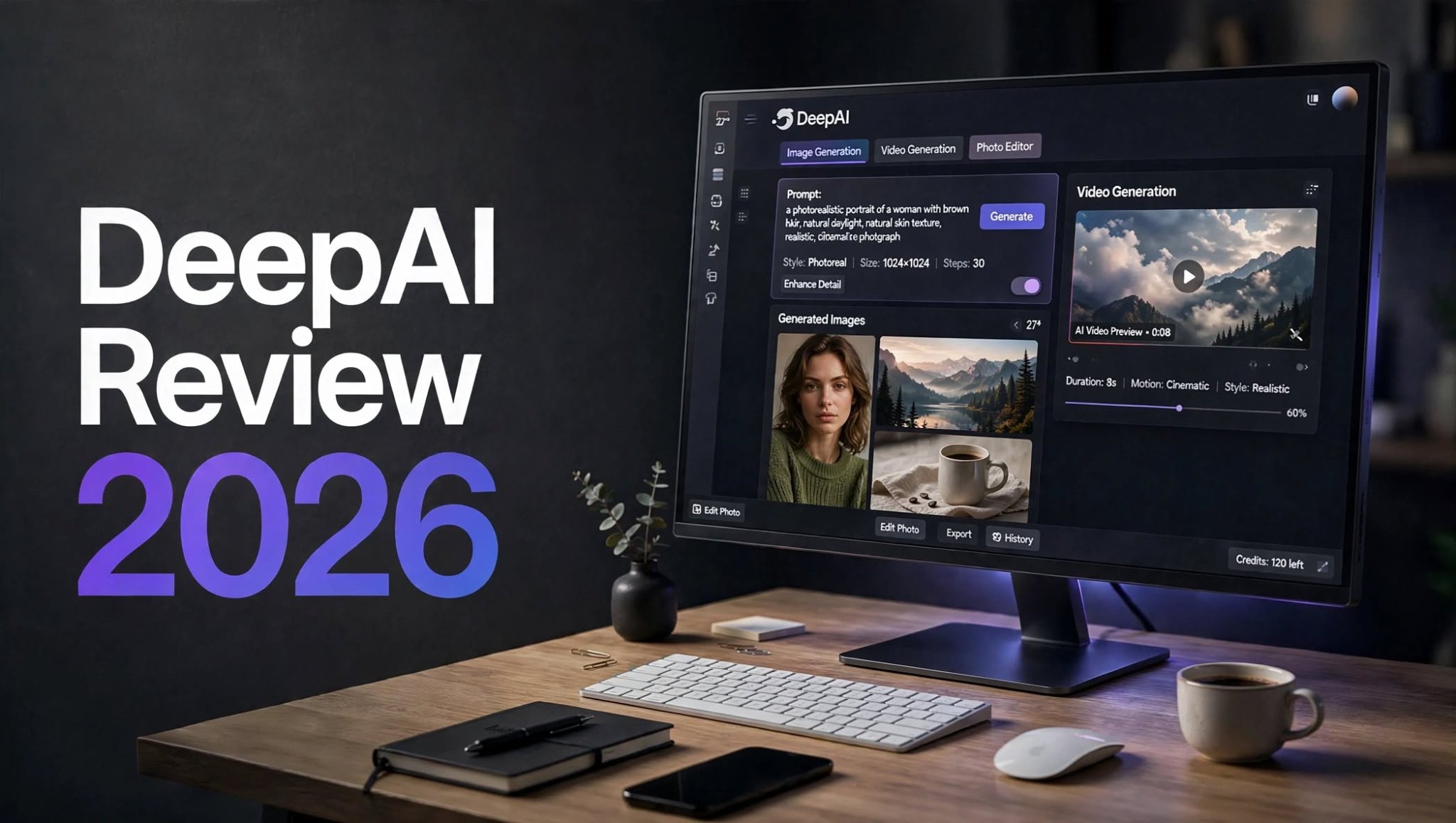

DeepAI has been available for years as an accessible AI platform, but its feature set has expanded considerably. What started as a straightforward AI image-generation service now brings together AI chat, image generation, video creation, photo editing, music generation, voice features, and API tools.
That makes DeepAI interesting for creators, marketers, bloggers, developers, and anyone who wants to experiment with different types of generative AI without subscribing to several separate platforms.
But having many tools does not automatically mean every feature is equally useful.
In this DeepAI review 2026, I look at its AI image generator, video tools, editing capabilities, pricing, credits, strengths, limitations, and overall usability. I’ll also explain who DeepAI is best suited for and when you may want to consider an alternative.
What Is DeepAI?

DeepAI is an online artificial intelligence platform that provides multiple generative AI tools from a single interface.
Instead of focusing exclusively on one category such as image generation or AI writing, DeepAI combines several AI-powered functions into one platform.
This makes it particularly useful for users who like experimenting with different AI technologies without learning several complicated interfaces.
For example, a creator could use DeepAI to brainstorm an idea with AI chat, generate an image, experiment with animation, and make additional edits without immediately moving to another platform.
The main trade-off is specialization. DeepAI offers a broad collection of tools, but users looking for highly advanced control may find dedicated creative platforms more suitable.
DeepAI Review 2026: Quick Overview
DeepAI is an all-in-one generative AI platform designed for creating and experimenting with different types of AI content.
It can be useful for quick image concepts, AI-assisted writing, short video experiments, photo edits, music generation, and development projects using its API.
DeepAI Highlights
- AI image generation
- AI video generation
- Image-to-video capabilities
- AI photo editing
- AI chat tools
- AI music generation
DeepAI AI Image Generator

The AI image generator remains one of DeepAI’s most recognizable features.
The workflow is straightforward: describe the image you want, select the available options or style, and generate the result.
This makes DeepAI approachable for beginners who do not want to spend time learning a complicated professional interface.
What Can You Create With DeepAI Images?
You can use DeepAI for a wide variety of visual concepts, including:
- Blog graphics
- Social media visuals
- Concept art
- Character ideas
- Product-style images
However, output quality can vary depending on the prompt, subject, composition, and level of detail required.
For professional commercial imagery, it is worth generating multiple versions and carefully checking details before publishing.
DeepAI Image Quality
DeepAI can be useful when you need an image concept quickly rather than a completely finished creative asset.
Simple compositions generally work well for experimentation. More complicated scenes can require additional prompting and selection between multiple generations.
Small details are also worth checking, particularly when your image includes:
- Product labels
- Hands
- Faces
- Small objects
For brand campaigns or commercial product photography, however, manual review and additional editing are still important.
DeepAI AI Video Generator
DeepAI has also expanded beyond static images with AI video generation.
The video feature allows users to experiment with generating short moving visuals from prompts and supported image workflows.
This is particularly interesting for creators who want to turn a simple concept into a short animation without using traditional video-production software.
DeepAI Video Generation
You can experiment with prompts describing:
- Camera movement
- Product animations
- Atmospheric scenes
- Short cinematic shots
Keeping prompts relatively focused can help produce more consistent results.
DeepAI Image-to-Video
Image-to-video can be especially useful when you already have a strong starting image.
Rather than asking the AI to invent the entire scene, you provide a visual reference and describe the movement you want.
For example:
Create a slow cinematic camera movement toward the subject with subtle background motion and natural lighting.
This approach can make sense for:
- Product animations
- Social media clips
- Character motion
- Promotional concepts
DeepAI Photo Editor
DeepAI also provides AI-assisted image editing capabilities.
Instead of manually changing every element, users can describe the modification they want and allow AI to perform the edit.
This can be useful for relatively simple changes such as:
- Changing backgrounds
- Modifying visual elements
- Adjusting scenes
- Experimenting with different environments
- Creating variations of an image
However, AI editing is not always perfectly precise. If an important object needs to remain completely unchanged, carefully inspect the final result.
For professional brand assets, detailed retouching, or pixel-level editing, a dedicated image editor may still provide more control.
DeepAI AI Chat

DeepAI is not limited to visual generation.
Its AI chat functionality can be used for general AI-assisted tasks such as brainstorming, writing, answering questions, and generating ideas.
This makes the platform more versatile for users who want both text and visual AI tools.
For example, you could use AI chat to develop a content idea and then move into the platform’s visual tools to create supporting imagery.
The biggest advantage here is convenience rather than replacing every specialized AI writing platform.
DeepAI AI Music and Other Tools
Another part of DeepAI’s broader platform is its collection of additional generative AI tools.
Depending on the available plan and features, users can explore areas such as AI music, voice-related tools, and other experimental AI functions.
This broad approach makes DeepAI feel more like an AI playground than a single-purpose application.
That can be useful if you enjoy experimenting with different AI technologies.
DeepAI API

One feature that separates DeepAI from many basic AI playgrounds is API access.
Developers can use the API to experiment with integrating AI functionality into applications and workflows.
Potential applications include:
- AI-powered websites
- Image-generation features
- Creative tools
- Prototypes
- Automated workflows
The suitability will depend on the specific model, API limits, pricing, documentation, and technical requirements of your project.
DeepAI for Creators
DeepAI can be useful for creators who need fast ideas rather than a highly structured professional production environment.
Some practical uses include:
Blog and Website Content
Generate visual concepts for:
- Blog headers
- Article illustrations
- Website graphics
- Feature images
- Supporting visuals
Social Media
Creators can experiment with:
- Post graphics
- Short video concepts
- AI artwork
Product Concepts
AI-generated product scenes can help marketers visualize campaign directions before investing in professional photography.
Creative Brainstorming
DeepAI can also be useful when you have an idea but need several visual directions to explore.
DeepAI Free vs Pro
DeepAI can be explored without immediately committing to a paid subscription, which is useful for beginners.
The free experience lets users understand the interface and experiment with the platform before deciding whether additional usage is necessary.
DeepAI Pro is aimed at users who need greater access to its AI features.
Free Users
The free experience can be useful for:
- Testing the platform
- Trying basic AI tools
- Experimenting with prompts
- Exploring image generation
- Understanding the workflow
Pro Users
The paid plan makes more sense for people who use DeepAI regularly and need additional access to its creative features.
However, users should still monitor their usage because different AI functions can consume allowances at different rates.
DeepAI Pros and Cons
Pros
- Easy interface
- Multiple AI tools in one platform
- AI image generation
- AI video generation
- Image-to-video capabilities
- AI chat functionality
- Photo editing tools
- Music generation
- API access
- Affordable Pro subscription
Cons
- Video allowance can be limited
- Image results may require multiple generations
- AI editing is not always perfectly precise
- Advanced creative controls are limited
- Heavy users can consume credits quickly
- Some professional workflows may require other software
What I Don’t Like About DeepAI
DeepAI’s biggest limitation is that its broad feature set does not necessarily mean every tool offers specialist-level control.
Output Can Be Inconsistent
AI-generated images and videos can require multiple attempts, especially for complex scenes.
Video Usage Is Limited
Users who create many video drafts may reach their included allowance relatively quickly.
Limited Precision
AI editing is convenient, but precise professional editing can still require dedicated software.
Not a Complete Professional Creative Suite
DeepAI combines many AI tools, but users who need advanced workflows, detailed controls, or sophisticated production management may want a more specialized platform.
DeepAI Alternatives
The right alternative depends heavily on what you want to create.
If your priority is advanced AI image generation, you may want to compare DeepAI with specialized image-generation platforms.
If video generation is your main requirement, dedicated AI video tools can offer more specialized controls and workflows.
For users who want an image-focused creative environment with image and video workflows, platforms such as PicLumen are another option worth researching.
Rather than choosing an alternative purely because it has more features, compare the specific capabilities you actually need: output quality, models, editing controls, generation limits, pricing, and workflow.
DeepAI Pricing 2026

Pricing is an important part of evaluating DeepAI because the platform uses usage allowances for several of its AI features.
The paid DeepAI Pro plan is listed at $9.99 per month, while the annual option is listed at $89.99 per year.
The exact allowances can vary by feature, so users should pay particular attention to how much image and video generation is included with their plan.
One important consideration is video usage.
The Pro plan includes a limited amount of standard AI video generation each month, along with an included Hollywood Mode generation. Additional video usage can be purchased separately.
This means the monthly subscription may work well for occasional experimentation, but frequent video generation can consume the included allowance quickly.
DeepAI Pricing Considerations
Before subscribing, consider:
- How many images you expect to generate
- How frequently you create videos
- Whether you need higher-quality generations
- Whether you will use AI chat regularly
- Whether you need music or other tools
- Whether API access is important to you
- How quickly you tend to use monthly credits
DeepAI vs PicLumen
DeepAI and PicLumen approach AI creativity from somewhat different directions.
DeepAI offers a broad collection of AI services, making it useful when you want to experiment with multiple types of AI from one platform.
PicLumen places more emphasis on visual creation and image/video workflows.
| Feature | DeepAI | PicLumen |
|---|---|---|
| AI image generation | Yes | Yes |
| AI video tools | Yes | Yes |
| AI chat | Yes | Focused more on visual creation |
| Photo editing | Yes | Visual editing capabilities |
| Music tools | Yes | More visually focused |
| API | Yes | Depends on current offering |
| Best use case | Broad AI experimentation | Visual content creation |
The better fit depends on whether you value a broad AI toolbox or a more visually focused workflow.
What I Like About DeepAI
DeepAI has several advantages that make it appealing for casual and intermediate users.
Simple Interface
The platform is relatively easy to understand, which makes it approachable for people who are new to generative AI.
Many AI Tools in One Place
Instead of subscribing to multiple platforms immediately, users can explore images, video, chat, music, editing, and other AI features from one service.
Affordable Starting Price
The Pro subscription is relatively accessible for users who only need moderate AI usage.
Good for Experimentation
DeepAI works well as a place to test ideas and understand what different AI tools can produce.
API Availability
Developers can explore API-based AI integrations rather than using the platform only as a consumer application.
Is DeepAI Worth It in 2026?
DeepAI is worth considering if you want an affordable way to explore multiple AI capabilities from one platform.
Its biggest advantage is variety. You can experiment with image generation, video, chat, editing, music, and other AI features without immediately subscribing to several specialized services.
However, users should keep their expectations realistic.
DeepAI is more compelling as a flexible AI experimentation platform than as a complete replacement for every professional creative application.
For bloggers, beginners, marketers, hobbyists, and developers, that flexibility can be valuable.
For professional creators producing large volumes of polished visual content, it makes sense to compare DeepAI with specialized AI image and video platforms before committing to one workflow.
Final Thoughts
DeepAI has evolved considerably beyond its original image-generation identity.
In 2026, it offers a broad selection of AI capabilities, including image generation, video creation, editing, chat, music, and API access. Its simple interface and relatively accessible pricing make it easy to experiment with.
The main limitation is depth. You get many tools, but advanced creators may eventually want more specialized controls and workflows.
If you need a straightforward AI platform for experimenting with different types of generated content, DeepAI is worth trying.
If your work depends on highly polished images, extensive AI video production, or a specialized creative workflow, compare its output quality, usage limits, and features with dedicated alternatives before making a long-term choice.
Overall, DeepAI is best viewed as a versatile AI toolbox for experimentation rather than an all-in-one replacement for every professional creative tool.
