
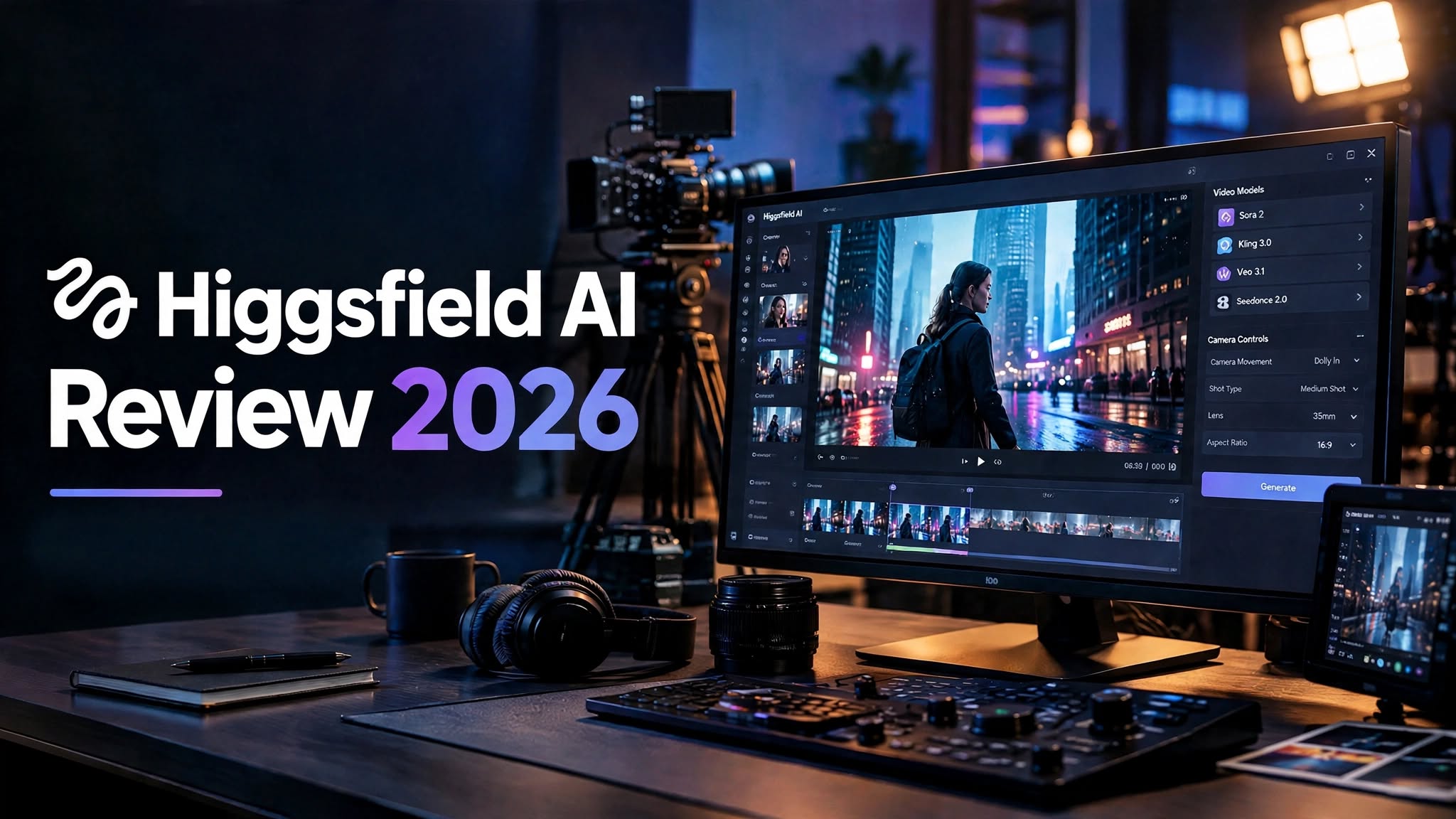

AI video generators are becoming more advanced every month. Instead of producing only short clips from basic prompts, today’s tools can create cinematic scenes, product advertisements, talking characters, camera movements, and social media content.
Higgsfield AI is one platform trying to bring many of these capabilities together.
Rather than focusing on a single AI video model, Higgsfield gives creators access to multiple models and specialized creative tools. You can generate images, turn concepts into videos, create product advertisements, build recurring AI characters, and experiment with cinematic camera controls.
But there is more to an AI video platform than the number of features it offers. Pricing, credit consumption, consistency, generation quality, and ease of use all matter.
So, is Higgsfield AI actually useful in 2026, or is it another AI platform with more hype than practical value?
In this Higgsfield AI review, we’ll look at its features, pricing, AI video generation, Cinema Studio, Marketing Studio, Soul ID, advantages, limitations, and the types of creators who may benefit from it.
What Is Higgsfield AI?

Higgsfield AI is a creative AI platform primarily focused on AI video generation and cinematic content creation.
The platform was founded in 2023 by former Google Brain engineers and has developed a multi-model approach to AI video creation. The source material describes Higgsfield as bringing models such as Sora 2, Kling 3.0, Veo 3.1, and Seedance 2.0 into one subscription environment.
This is one of its biggest differences from many specialized AI video tools.
Instead of choosing one model and staying with it, users can select different models depending on what they are trying to create.
Higgsfield also goes beyond basic text-to-video generation with tools designed for:
- AI image creation
- Image-to-video workflows
- Cinematic camera control
- Product advertisements
- AI characters
- Character consistency
Higgsfield AI Features at a Glance
Here are some of the major capabilities available through the platform:
| Feature | What It Does |
|---|---|
| AI Video Generation | Creates videos from text and creative prompts |
| AI Image Generation | Produces images that can also be used in video workflows |
| Multiple Models | Provides access to different AI video models |
| Marketing Studio | Helps create product-focused advertisements |
| Cinema Studio | Adds more detailed camera and shot controls |
| Soul ID | Helps maintain a character across generated content |
| Image-to-Video | Turns still visuals into animated clips |
| AI Characters | Creates character-based social and marketing content |
The platform’s appeal comes from combining these capabilities rather than relying on just one feature.
AI Video Generation

Video generation is clearly the central part of Higgsfield AI.
What makes the platform interesting is the ability to use different models for different creative requirements.
Instead of expecting one model to produce every type of content equally well, you can choose a model based on your project.
Product Video Generation
Product videos are an obvious use case.
For example, you could create a promotional concept for:
- Watches
- Electronics
- Fashion products
- Beauty products
- Consumer goods
- E-commerce listings
This type of workflow could save time when a business needs multiple creative concepts for testing.
Human and Character Videos
Higgsfield can also generate videos featuring people and AI characters.
One test used a woman walking through a modern office environment. The source reported natural-looking movement and facial expressions, with Seedance 2.0 standing out for combining motion and audio synchronization.
This can be useful for:
- Social media videos
- Advertising
- AI influencers
- Brand storytelling
Cinematic AI Videos
For cinematic content, Higgsfield can produce atmospheric scenes with controlled framing and movement.
A test involving a rainy Tokyo street produced a cinematic-looking scene with neon reflections, controlled lighting, and deliberate movement.
The important point is that different models can behave differently.
One may be more suitable for fast product content, another for realistic character motion, and another for cinematic scenes.
That flexibility is a major part of Higgsfield’s overall proposition.
Higgsfield Cinema Studio Review
Cinema Studio is one of Higgsfield’s more advanced features.
Instead of simply entering a prompt and waiting for a generated video, Cinema Studio gives users more control over how individual shots are constructed.
The workflow can include:
- Establishing shots
- Medium shots
- Close-ups
- Lens presets
- Camera movement
This makes Cinema Studio particularly interesting for users who already understand filmmaking.
Is Cinema Studio Beginner-Friendly?
Not necessarily.
The additional controls are useful when you know what you are trying to achieve, but they can also make the interface more intimidating.
If terms such as focal length, lens choice, dolly movement, framing, and shot composition are unfamiliar, you may need some time to understand the system.
For experienced creators, that complexity can provide more control.
For beginners, the basic generation workflow may be a better starting point.
Higgsfield AI Image Generation

Higgsfield is not limited to video.
It also provides AI image generation that can be incorporated into a larger video workflow.
The source testing included:
Product photography:
A minimalist ceramic vase was generated with a clean background and natural lighting.
Lifestyle imagery:
An urban cafe scene featuring a person working on a laptop was generated with warm lighting and an Instagram-style aesthetic.
The source described both results as reasonably clean, with logical composition and balanced colors.
However, image generation alone is not necessarily the strongest reason to choose Higgsfield.
Its greater usefulness comes from taking a generated image and using it as the foundation for video.
For example:
Image → Animate → Add camera movement → Generate video
That workflow connects the image and video sides of the platform.
Higgsfield AI for E-Commerce
Higgsfield could be particularly interesting for online stores and marketing teams.
A single product can be turned into several different creative concepts, including:
- Product demonstrations
- Lifestyle advertisements
- UGC-style content
- Cinematic product shots
- Social media advertisements
- Short promotional videos
The main consideration remains credit consumption, especially when multiple versions need to be generated.
Higgsfield AI for Social Media Creators
Social media creators increasingly need a constant supply of visual content.
Higgsfield can support this through AI characters, cinematic clips, product videos, and image-to-video workflows.
Potential applications include:
- Instagram Reels
- TikTok-style videos
- YouTube Shorts
- Promotional content
- Storytelling clips
The platform becomes more interesting when you want to experiment with multiple models and creative styles.
Higgsfield AI Pros and Cons
Pros
- Multiple AI video models in one platform
- Strong focus on cinematic video creation
- Useful product advertising workflows
- Advanced camera controls
- Image-to-video capabilities
- Character consistency tools
- AI influencer workflows
- Free credits for testing
Cons
- Credit usage varies considerably
- Premium models can consume credits quickly
- Multiple attempts may be necessary
- Advanced controls have a learning curve
- Character consistency has limitations
- Commercial likeness rights require careful review
- May be more complex than necessary for casual users
What I Like About Higgsfield AI
The biggest attraction is the range of creative workflows.
You are not limited to generating a simple video from text. The platform lets you move between images, video models, advertising workflows, cinematic controls, and AI characters.
The multi-model approach is also useful because different video models can behave differently depending on the task. The source testing found distinctions between product generation, human movement, and cinematic scenes.
For creators who like experimenting, this flexibility can be valuable.
What Could Be Better?
The credit system is probably the biggest thing to watch.
A generation may look inexpensive until you start experimenting and generating multiple versions.
Character consistency is another area where expectations should remain realistic. Soul ID can produce useful results, but consistency becomes more difficult when lighting, angles, and framing change significantly.
The advanced features can also make Higgsfield feel less beginner-friendly.
Higgsfield AI Pricing

Higgsfield uses a credit-based pricing system, which is something you should understand before subscribing.
According to the source material, the listed annual-billing plans as of May 2026 were:
| Plan | Price | Monthly Credits |
|---|---|---|
| Starter | $9/month | 200 |
| Plus | $23/month | 1,000 |
| Ultra | $59/month | 3,000 |
| Scalable option | Up to 9,000 credits | Varies |
There is also a free option providing 10 credits per day, which can be used to explore the platform before purchasing a subscription.
How Quickly Do Higgsfield Credits Get Used?
This is where pricing becomes more complicated.
Different models have different credit requirements. The source testing indicates that a Kling 3.0 generation can use around 6 credits, while Sora 2 and Veo 3.1 can require approximately 40–70 credits per video.
So 1,000 credits may sound like a large amount, but your actual output depends heavily on which models you use.
There is another factor: retries.
AI video generation is rarely a one-click process. You may need several attempts before getting the camera movement, character, composition, or timing you want.
The source testing estimates that three to five attempts may sometimes be required for a usable result.
That makes your effective cost per finished video more important than the advertised number of credits.
The source also states that credits expire after 90 days and monthly credits do not roll over.
Who Should Use Higgsfield AI?
Filmmakers
Filmmakers and experienced video creators may appreciate Cinema Studio and the additional camera controls.
Marketing Agencies
Agencies can use the platform to create and test different advertising concepts quickly.
E-Commerce Businesses
Marketing Studio can be useful for generating product-focused advertising variations.
Social Media Creators
Creators can experiment with AI characters, cinematic clips, and short-form video concepts.
AI Video Enthusiasts
Anyone interested in testing different AI video models from one platform may find the multi-model workflow appealing.
Who May Not Need Higgsfield?
Higgsfield may not be the right fit for someone who wants an extremely simple video generator with minimal configuration.
It may also be less suitable if you:
- Only create occasional videos
- Want highly predictable credit usage
- Do not want to learn advanced controls
- Need perfect character identity consistency
Final Verdict
Higgsfield AI is built for creators who want more than a basic text-to-video generator.
Its combination of multiple AI video models, cinematic camera controls, AI characters, image generation, and advertising workflows makes it a broad creative platform.
The main trade-offs are its credit-based pricing, generation costs, learning curve, and imperfect character consistency.
If your workflow involves cinematic AI videos, product advertising, social media content, or frequent experimentation with different video models, Higgsfield gives you plenty of tools to explore.
If you simply want to create a few basic videos with minimal configuration, its advanced feature set may be more than you need.
For anyone considering a subscription, starting with the free credits is a practical way to test the actual generation quality and determine how quickly your preferred workflow consumes credits.
