
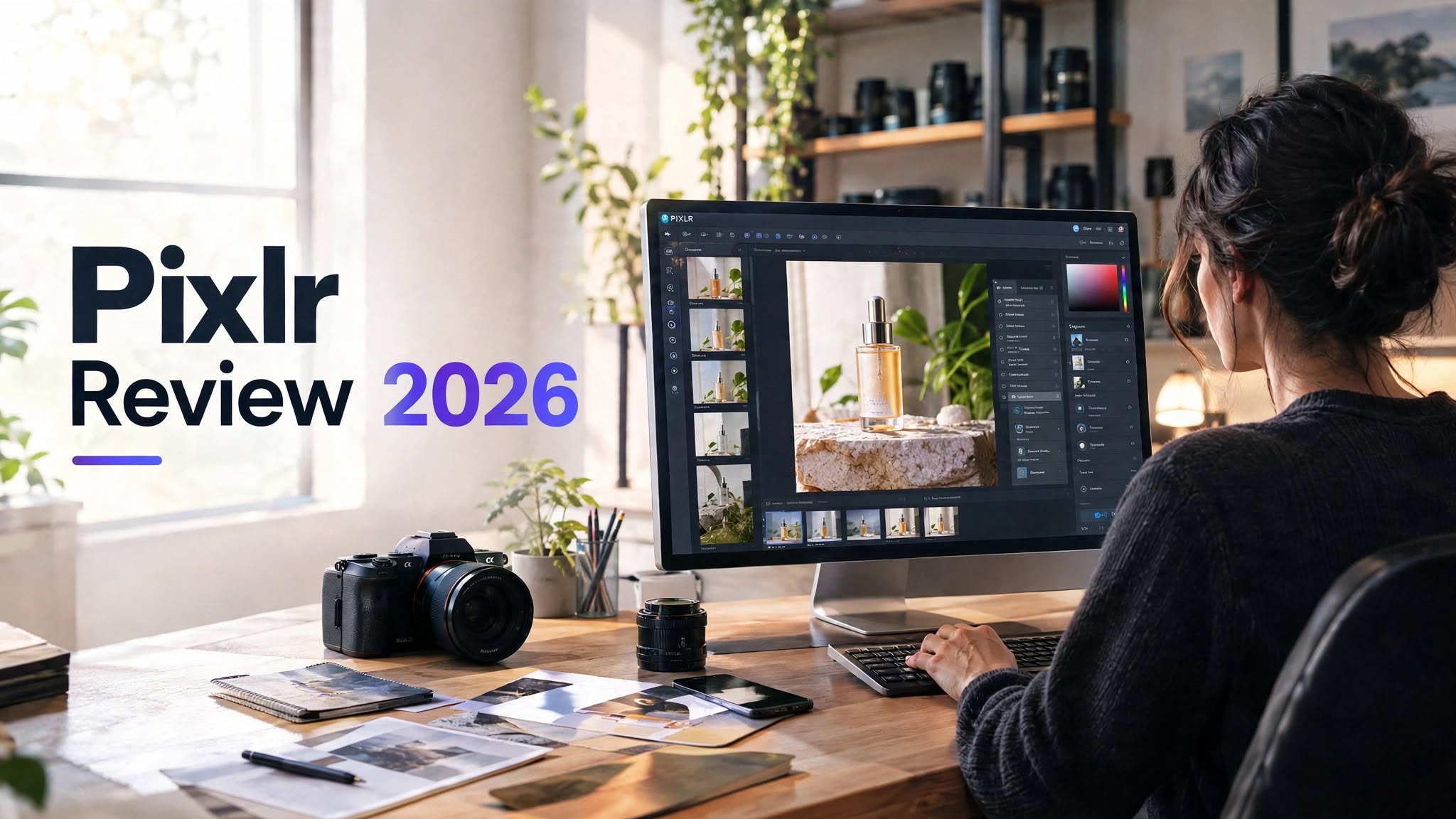

If you regularly create blog graphics, social media posts, product images, thumbnails, or marketing visuals, switching between several creative tools can become frustrating. You may need one tool for background removal, another for image generation, another for quick photo editing, and something else for video.
Pixlr aims to bring many of these tasks into one browser-based creative platform. Alongside traditional photo-editing features, it offers AI-powered tools for background removal, object removal, image generation, face swapping, generative editing, and video creation.
I wanted to find out how useful Pixlr actually is for everyday creative work. Rather than judging it only by its feature list, I looked at how well it handles common tasks such as editing existing images, cleaning up product photos, creating AI-generated visuals, and producing short video content.
The result is a platform that makes the most sense for people who want online photo editing with AI features built into the same workflow. However, users primarily interested in generating images and videos may want to compare Pixlr with dedicated AI-generation platforms before committing to a paid plan.
Pixlr at a Glance

Pixlr is an online photo editing and creative design platform that combines conventional editing tools with AI-powered features.
You can use it for tasks ranging from simple resizing and cropping to more advanced AI-assisted image creation and editing.
Pixlr Highlights
- Browser-based photo editing
- AI background removal
- AI object removal
- Generative image editing
- AI image generation
- Face swap tools
What Is Pixlr Used For?
Pixlr can be useful for several different types of visual content.
For bloggers, it can help create featured images, thumbnails, social graphics, and promotional visuals. Ecommerce users can use it to clean up product images or remove unwanted backgrounds. Social media creators can experiment with AI-generated visuals, face swaps, and animated content.
It can also be useful for users who don’t want to install heavyweight desktop software.
The platform is particularly interesting for people who want a combination of traditional image editing and AI-powered creative tools rather than a dedicated AI generator alone.
Pixlr Photo Editor Review
The traditional editing side of Pixlr remains one of its most practical areas.
Basic tasks such as cropping, resizing, adjusting images, adding text, and making visual corrections are straightforward enough for everyday content creation.
This makes Pixlr useful when you already have an image and simply need to make changes quickly.
For example, you might upload a product photo, remove the background, add text, adjust the composition, and prepare the result for a blog post or social media platform without leaving the browser.
The downside is that the interface can feel busy when you’re only trying to perform a very simple task. Pixlr offers a lot of tools, and beginners may need some time to understand where everything is located.
For frequent image creators, though, having those tools available in one place can be more valuable than having an ultra-minimal interface.
Pixlr AI Tools
AI is now a major part of Pixlr’s overall experience.
Instead of treating AI as a completely separate product, Pixlr integrates AI functionality into its creative workflow. That means you can start with an existing image and use AI to modify it, or create something new from a prompt.
Some of the more useful AI capabilities include:
- Background removal
- Object removal
- Generative editing
- AI image creation
- Face swapping
- AI-powered creative effects
- AI video generation
For quick content and experimentation, they can save considerable time. For professional commercial work, however, generated results should still be reviewed carefully before publishing.
Pixlr AI Background Removal

Background removal is one of those AI features that can be genuinely useful in everyday work.
Instead of manually selecting a subject and creating a mask, Pixlr can automatically separate the main subject from its background.
This is particularly helpful for:
- Product photos
- Ecommerce listings
- Profile pictures
- Blog graphics
- Social media designs
- Promotional images
I would treat the AI result as a time-saving starting point rather than assuming every image will be perfect immediately.
AI Object Removal
Removing unwanted objects is another practical use case.
If a product image contains a distracting element, or a background includes something you don’t want in the final composition, an AI removal tool can make the cleanup process much faster.
The quality depends on the surrounding area. Removing a small object from a relatively simple background is easier than reconstructing a complicated scene.
For routine social content and website graphics, this can be a useful shortcut.
Pixlr AI Image Generator Review
Pixlr’s AI image generation capabilities make the platform more than just an online photo editor.
The idea is simple: describe what you want and generate an image instead of starting with an existing photograph.
This can be useful when you need:
- Blog illustrations
- Social media visuals
- Creative concepts
- Backgrounds
- Marketing ideas
- Thumbnail concepts
- Mood-board images
Small details can sometimes look unnatural, particularly in areas such as hands, text, reflections, product labels, and complicated backgrounds.
For concept development and fast content creation, that may not be a major issue. If you’re creating a final commercial asset, I’d review the output at full size before publishing it.
Can Pixlr Generate Realistic Images?
Pixlr can be used to create realistic-looking AI visuals, but the result depends heavily on the prompt and generation process.
A detailed prompt can help establish the subject, environment, lighting, composition, and overall visual direction.
For example, instead of writing:
“A skincare product”
you could describe the product, surface, lighting, camera perspective, background, reflections, and photography style.
Even with a detailed prompt, AI-generated images should not automatically be treated as production-ready photography.
For blog posts and social media, Pixlr can be a convenient way to create original visual concepts without arranging a traditional photoshoot.
Pixlr Face Swap

Face swapping adds another creative option to Pixlr.
The general process involves selecting the relevant images and allowing the system to generate the swapped result.
It can be entertaining for social content, profile images, creative experiments, and other casual projects.
However, face swaps can reveal imperfections when viewed closely. Areas around the jawline, skin tone, hair, lighting, and facial boundaries can sometimes look inconsistent.
For that reason, I would review the finished image carefully instead of judging it from a small thumbnail.
Pixlr AI Video Generation
Pixlr’s move into AI video makes the platform more interesting for creators who want to turn static visuals into short animated content.
AI video can be useful for:
- Social media clips
- Product concepts
- Short promotional visuals
- Animated images
- Creative experiments
- Content variations
A product might look excellent in one frame but develop unwanted changes as the animation progresses. Labels, edges, reflections, hands, and background elements can shift during generation.
Because of that, I would generate multiple versions when the content is important and select the most consistent result rather than automatically using the first output.
Pixlr for Social Media Content
Pixlr makes sense for social media creators who need to produce different types of visuals regularly.
You can combine conventional editing with AI tools to create thumbnails, promotional graphics, social posts, and experimental visuals.
This can reduce the need to move between multiple applications.
For example, you could start with an existing photograph, remove its background, add text, make AI-assisted changes, and prepare the final design for social media.
The platform is especially useful when speed and convenience are more important than having a highly specialized tool for every individual task.
Pixlr Pros and Cons
Pros
- Browser-based and easy to access
- Combines traditional editing with AI tools
- Useful background removal features
- Object removal can speed up image cleanup
- AI generation is useful for creative concepts
- Supports different types of visual content
- Helpful for blogs and social media
- No heavyweight desktop installation required
Cons
- Interface can feel crowded
- AI-generated results require quality checks
- Complex images may need manual cleanup
- AI video results can vary
- Some advanced features depend on paid access
- Heavy AI users need to consider credit usage
Pixlr for Bloggers and Website Owners
Bloggers can use Pixlr for much more than basic photo editing.
It can help with:
- Featured images
- Blog thumbnails
- Article illustrations
- Product graphics
The AI generation tools can also help when you need an original concept but don’t have a suitable photograph available.
Is Pixlr Free?
Pixlr offers free access to its online creative tools, allowing users to try the platform without immediately committing to a subscription.
The free experience can be useful for occasional editing and for testing whether Pixlr fits your workflow.
However, free access may come with limitations around certain features, AI usage, advertisements, exports, or other capabilities.
If you’re considering a subscription, I’d recommend using the free version first. That gives you a better idea of whether Pixlr solves a real problem for you before spending money.
Who Should Use Pixlr?
Pixlr is a good fit for users who want a browser-based creative platform that combines photo editing and AI functionality.
It can be particularly useful for:
Bloggers
Create featured images, thumbnails, graphics, and visual content without relying on complicated desktop software.
Social Media Creators
Quickly edit images, remove backgrounds, add text, experiment with AI visuals, and create content variations.
Ecommerce Sellers
Clean up product images, remove backgrounds, and prepare product visuals for online stores and promotional content.
Small Businesses
Create marketing graphics and social content without needing several separate creative applications.
Casual Creators
Experiment with AI-generated images and editing tools without learning a professional desktop editing application.
Pixlr Pricing

Pixlr uses a tiered approach that gives users different levels of access to its editing and AI capabilities.
The exact pricing, credits, model availability, and feature limits can change over time, so I recommend checking Pixlr’s current pricing information before subscribing.
More important than the headline subscription price is how much of the service you’ll actually use.
If you only edit a few images each month, a free option may provide enough functionality for your needs. On the other hand, frequent users who rely on AI generation, advanced features, or additional usage limits may get more value from a paid plan.
Before upgrading, consider:
- How many images you edit each month
- How often you use AI features
- Whether you need additional AI credits
- Whether export restrictions affect your workflow
- How frequently you use AI generation
- Whether you need advanced creative features
Who May Want an Alternative?
Pixlr may not be the ideal choice if your primary goal is advanced AI image or video generation.
If you rarely edit existing photographs and mainly want to generate large volumes of AI content, a specialized AI-generation platform may provide a workflow that feels more focused.
Likewise, professional photographers who need advanced desktop-level control may prefer dedicated professional editing software.
Pixlr sits somewhere between these categories: it is primarily a convenient online creative platform with AI capabilities rather than a specialist tool built exclusively around one type of AI generation.
Pixlr vs Dedicated AI Image Generators
The biggest question is what you want to start with.
If you already have a photograph and want to crop it, remove its background, erase an unwanted object, add text, or make other changes, Pixlr’s editor-first workflow makes sense.
If you start with a text prompt and spend most of your time generating completely new images, a dedicated AI image-generation platform may be more appropriate.
Neither workflow is automatically better for every user. The choice depends on whether your creative process begins with an existing image or a new idea.
Is Pixlr Worth It in 2026?
Pixlr is worth considering if you want an online image editor with a broad collection of AI-assisted creative tools.
Its biggest strength is the combination of traditional editing and AI functionality. You can work with an existing image, clean it up, change it, add design elements, and experiment with AI without constantly switching platforms.
The free version is also useful for testing the workflow before paying.
However, I wouldn’t subscribe simply because Pixlr has a long list of AI features. The better approach is to use the platform for your actual projects and see whether its limits interrupt your workflow.
If you regularly edit images, create social graphics, remove backgrounds, and experiment with AI, Pixlr can become a practical part of your creative toolkit.
If your primary requirement is high-volume AI image or video generation, compare its generation workflow, output quality, and usage limits with dedicated alternatives before choosing a paid plan.
Final Verdict
Pixlr has evolved well beyond a simple browser photo editor. Its combination of image editing, AI cleanup, image generation, face swapping, and video capabilities gives creators plenty of ways to produce and modify visual content.
The most practical features are arguably the ones that help improve images you already have. Background removal, object cleanup, resizing, text editing, and other everyday tools can save time when creating content.
The AI generation and video features are useful for experimentation and content concepts, but generated results should still be reviewed carefully, especially for commercial work.
Overall, Pixlr makes the most sense for bloggers, social media creators, ecommerce users, marketers, and casual designers who want editing and AI tools together in one browser-based platform.
Before upgrading, start with the free experience and test it against your real workload. If the free limitations regularly interfere with your projects, a paid plan becomes easier to justify. If they don’t, there’s little reason to pay simply to unlock a longer feature list.
