

AI image generators have moved far beyond simple text-to-picture tools. Today, creators want a platform that can generate images, edit them, animate still visuals, maintain consistency, and provide enough control to produce content that actually fits a project.
That is where Leonardo AI stands out.
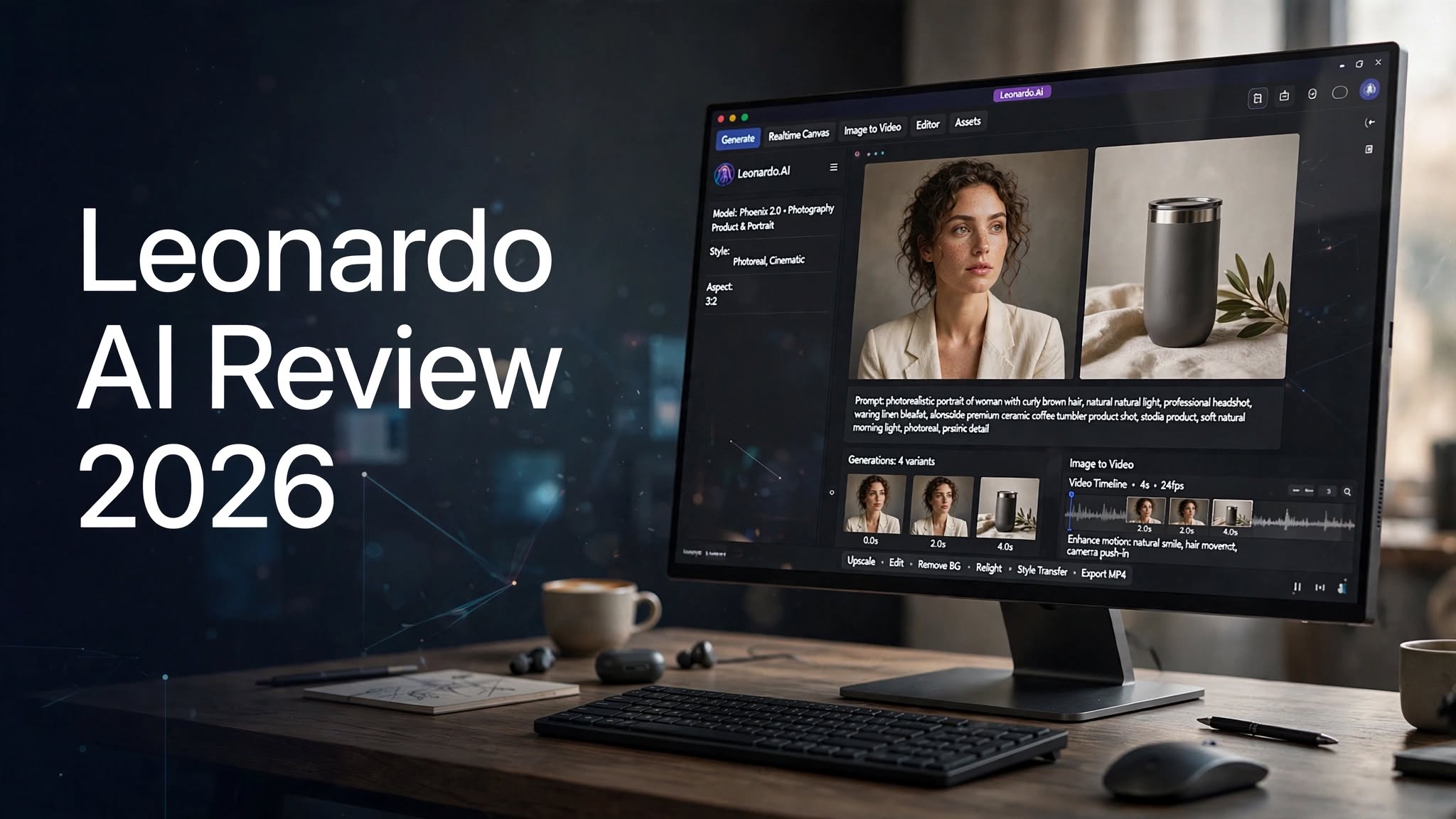
Leonardo AI is designed as a broader creative platform rather than just an AI image generator. It combines image generation, video creation, editing, upscaling, background removal, image guidance, model selection, and other creative workflows in one place.
In this Leonardo AI review, I’ll look at what the platform offers, how its image and video tools work, what the pricing looks like, where it performs well, and what you should know before choosing it for your creative workflow.
What Is Leonardo AI?

Leonardo AI is a generative AI platform for creating and editing visual content. It can be used to generate images from text prompts, transform existing images, edit visual elements, upscale assets, remove backgrounds, and create video from text or images.
One of its biggest advantages is the range of models available inside the same platform. Instead of being locked into one generation model, users can choose between Leonardo’s own models and a growing selection of third-party models.
This makes Leonardo AI useful for creators who want more control over the style and behavior of their generated content.
You can start with a simple prompt, select a model, generate several variations, refine the result, and then move into editing or video generation without necessarily leaving the platform.
Leonardo AI Features and Highlights
Leonardo AI has developed into a fairly complete creative workspace.
Some of its major capabilities include:
- AI image generation
- Text-to-image generation
- Image-to-image generation
- AI video generation
- Image-to-video animation
- Prompt-based image editing
Leonardo AI Image Generator Review
The image generator is still the core reason many people will discover Leonardo AI.
The basic workflow is straightforward: describe what you want, select a model or let Leonardo choose one, adjust the available settings, and generate the image.
For example, a prompt could describe a premium product photograph, cinematic character portrait, social media graphic, fantasy environment, or realistic lifestyle scene.
The quality depends heavily on the model you select and the prompt you provide. Leonardo gives users considerably more choice than a basic one-model image generator.
Image Quality
Leonardo AI can produce impressive results across different visual styles.
Photorealistic scenes can include convincing lighting, textures, materials, depth of field, and environmental details. Artistic prompts can move in completely different directions depending on the selected model.
However, like other generative image platforms, it is not perfect.
Hands, tiny objects, complicated text, unusual poses, facial details, and intricate interactions between multiple subjects can still require additional generations or editing.
The biggest advantage is that Leonardo gives you tools for refining the output rather than forcing you to accept the first result.
Leonardo AI Models
Model choice is one of Leonardo’s strongest features.
The platform currently includes Leonardo’s own models alongside models from other AI developers. Its model library includes options such as Lucid Origin, Lucid Realism, Phoenix, GPT Image models, Recraft, Krea, and other image-generation systems.
The video side also includes multiple models, including Kling, FLUX, LTX, Veo, Wan, and Leonardo’s own Motion models.
This variety means that two prompts can produce noticeably different results depending on the model being used.
For experienced creators, that flexibility can be extremely useful.
For beginners, however, it can initially feel overwhelming because there are more choices to understand.
Leonardo AI Editing Tools

Generating an image is only part of the workflow.
Leonardo also provides editing tools that allow you to modify and refine generated visuals rather than starting from scratch every time.
You can use prompt-based editing, image guidance, background removal, and other creative controls to change specific aspects of an image.
This is particularly useful when the overall composition is already good but one element needs to be changed.
For example, you might want to alter the background, improve an object, adjust a visual element, or create another variation while keeping the overall concept intact.
Leonardo AI Image-to-Image Generation
Image-to-image generation is another useful feature for creators who already have a visual starting point.
Instead of describing everything from scratch, you can provide an existing image and guide Leonardo toward a new visual direction.
This can be useful for:
- Concept development
- Product variations
- Character development
- Style experimentation
Leonardo AI Video Generator Review
Leonardo has also expanded heavily into AI video generation.
The platform supports both text-to-video and image-to-video workflows. That means you can describe a scene from scratch or take an existing still image and turn it into a moving clip.
The image-to-video workflow is particularly interesting for creators who already have finished artwork or product visuals.
For example, you could create a product image first and then turn it into a short promotional animation.
You can also experiment with camera movement, motion, pacing, and different video models.
Is Leonardo AI Good for AI Video?
For short-form creative content, social media clips, concept videos, product experiments, and visual storytelling, Leonardo provides a useful workflow.
The main benefit is that video generation sits alongside the image tools.
Instead of creating an image in one service and moving it to another platform for animation, you can handle both stages within Leonardo.
That does not mean every generated clip will be production-ready.
AI video can still produce inconsistent motion, object changes, strange physics, or unwanted alterations between frames. The result depends heavily on the model, source image, prompt, and generation settings.
Still, having multiple video models available makes Leonardo considerably more flexible than a platform focused exclusively on static images.
Leonardo AI for Product Images
Leonardo AI can be useful for ecommerce and marketing teams that need product visuals without organizing a full photoshoot for every concept.
You can create lifestyle scenes, advertising concepts, backgrounds, promotional graphics, and product-focused compositions.
It is especially useful during the idea and concept stage.
For example, a brand could explore different environments for a product before investing in a traditional production shoot.
For final commercial assets, however, you should still check generated images carefully for product accuracy, text, logos, proportions, and small visual defects.
Leonardo AI for Social Media Content
Social media creators can also use Leonardo AI to produce visual assets quickly.
Instead of repeatedly searching stock libraries, you can create custom backgrounds, illustrations, characters, promotional concepts, thumbnails, and campaign visuals.
The combination of image generation and video tools makes it possible to build a visual concept and then animate it for short-form content.
This can save time when you need several variations of the same idea.
Ease of Use
Leonardo AI is relatively easy to start with.
You don’t need to install complicated software. You can sign up, enter a prompt, select a model, and start generating.
The challenge comes after the basics.
Once you explore the platform, you’ll encounter different models, image guidance options, quality controls, editing features, video settings, tokens, Blueprints, and other tools.
That is excellent for users who want control.
It can be less appealing if your priority is simply typing one prompt and getting a finished image as quickly as possible.
In other words, Leonardo AI has a learning curve, but that learning curve exists largely because the platform offers more control.
Leonardo AI Pricing

Leonardo AI currently has a Free plan and several paid individual plans.
The Free plan costs $0 per month and includes 150 fast tokens per day.
The Essential plan costs $12 per month when billed monthly and includes 8,500 fast tokens per month.
The Premium plan costs $30 per month and includes 25,000 fast tokens.
The Ultimate plan costs $60 per month and includes 60,000 fast tokens.
There are also team plans and API options for businesses and developers.
Pricing can change, so it is worth checking the current Leonardo AI pricing page before subscribing.
One important detail is that Leonardo’s pricing is not simply about the monthly subscription price. Token consumption can vary depending on what you generate and which model or feature you use.
That means someone generating occasional images may find the free plan sufficient, while someone creating large volumes of images and videos may need a paid plan.
Leonardo AI Free Plan
The free plan is a useful way to understand how Leonardo works before paying.
You receive daily fast tokens and can experiment with the platform without a monthly subscription.
For someone who is curious about AI image generation, this makes the platform relatively accessible.
The free tier is better viewed as a way to test the workflow rather than assuming it will satisfy a heavy production workload.
Leonardo AI Pros and Cons
Pros
- Strong AI image-generation capabilities
- Large selection of image models
- Multiple AI video models
- Text-to-image and image-to-image workflows
- Image-to-video generation
- Prompt-based editing
- Background removal and upscaling tools
- Useful image guidance features
- Custom AI model training on paid plans
- Free plan available
- API access for developers
- Image and video creation in one platform
Cons
- Large number of options can feel overwhelming
- Advanced workflows have a learning curve
- Token usage requires attention
- AI-generated images can still contain visual imperfections
- Video results can vary depending on the model
- Getting the best results often requires prompt experimentation
Who Is Leonardo AI Best For?

Designers
Leonardo AI can help designers create concepts, visual references, illustrations, backgrounds, and early-stage ideas quickly.
Content Creators
Creators can use it to produce images, thumbnails, social content, and short animated clips without switching between multiple platforms.
Marketers
Marketing teams can use Leonardo for campaign concepts, promotional visuals, product scenes, and creative experimentation.
Ecommerce Businesses
Businesses can explore product environments, lifestyle concepts, advertising imagery, and visual variations.
AI Art Enthusiasts
Users who enjoy experimenting with different models and styles will likely appreciate the amount of control available.
Leonardo AI vs Basic AI Image Generators
The biggest difference is the depth of the platform.
A simple AI image generator might focus on one thing: enter a prompt and generate an image.
Leonardo AI goes considerably further.
You can choose between models, use references, edit images, upscale results, remove backgrounds, train models, create videos, and move between different creative workflows.
That makes it more suitable for people who want an AI creative workspace rather than a single-purpose generator.
The tradeoff is complexity.
If you only need a quick image once in a while, all those options may be unnecessary.
Is Leonardo AI Worth It?
Leonardo AI is worth considering if you want more than basic text-to-image generation.
Its combination of image generation, model selection, editing, image guidance, upscaling, and video generation makes it a versatile option for creators and businesses.
The free plan also gives new users a way to explore the platform before committing to a subscription.
The main question is how much control you actually need.
If you prefer experimenting with models and refining your results, Leonardo AI provides plenty of room to do that. If you want the simplest possible AI image workflow, its large feature set may feel like overkill.
Final Verdict
Leonardo AI has grown into a broad AI creative platform rather than simply another text-to-image generator.
Its strongest advantage is flexibility. You can generate images, select different models, edit visuals, upscale results, create videos, and experiment with different creative workflows from one platform.
The learning curve is the tradeoff.
There are enough models, settings, and features that beginners may need some time to understand what everything does. But once you become familiar with the workflow, that same complexity can become useful.
For creators, designers, marketers, ecommerce businesses, and anyone who regularly works with AI-generated visual content, Leonardo AI is a platform worth exploring in 2026.
Frequently Asked Questions
Is Leonardo AI free?
Yes. Leonardo AI currently offers a free plan with 150 fast tokens per day. Paid plans are available for users who need higher generation limits and additional capabilities.
Can Leonardo AI generate videos?
Yes. Leonardo supports text-to-video and image-to-video generation, with multiple video models available through the platform.
Can I use Leonardo AI images commercially?
Leonardo’s current terms allow commercial use, but the rights differ between free and paid users. Paid subscribers retain ownership and intellectual property rights to generated images, while free users receive a commercial-use license under Leonardo’s stated terms.
Is Leonardo AI good for beginners?
Yes, beginners can start generating images quickly. However, the platform has many models and advanced settings, so learning how to choose the right tools can take some time.
