


Managing clients, handling bookings, sending invoices, and keeping track of projects can become difficult for independent business owners. HoneyBook is an AI-powered client management platform designed to help small businesses organize their operations and manage the complete customer journey in one place.
From lead capture and proposals to contracts, scheduling, payments, and automated workflows, HoneyBook aims to simplify everyday business management. But is it worth using? Let’s explore its features, pricing, and benefits.
What Is HoneyBook?

HoneyBook is a clientflow management platform designed for independent professionals, freelancers, consultants, creative businesses, and service-based companies.
It helps users manage client inquiries, organize projects, send proposals, collect signatures, schedule appointments, and receive payments through a centralized workspace.
Instead of switching between multiple applications, business owners can manage many client-related activities through HoneyBook.
What Can You Do With HoneyBook?
Client and Project Management
HoneyBook provides CRM tools for organizing leads, contacts, clients, and projects. Its customizable project pipeline helps users track customer inquiries and manage each project from the initial contact to completion.
Proposals and Contracts
Users can create professional proposals, contracts, questionnaires, and service documents using customizable templates. Clients can review proposals, sign contracts electronically, and complete the booking process online.
Invoicing and Online Payments

HoneyBook allows businesses to generate invoices, collect payments, create payment plans, and send automatic payment reminders. It supports major payment cards and digital wallets, including Apple Pay and Google Pay, with availability depending on the region.
Scheduling and Booking
Its scheduling tools allow clients to book appointments based on available time slots. Users can also send meeting reminders and combine scheduling with payments for a smoother booking experience.
AI-Powered Business Assistant
HoneyBook AI helps users draft emails, prepare for meetings, summarize projects, and manage daily priorities. Its AI tools can also suggest follow-ups, identify potential leads, and help build automated workflows.
Workflow Automation
HoneyBook supports automated processes for sending contracts, creating invoices, assigning tasks, and communicating with clients. Its automation builder helps reduce repetitive administrative work.
Client Portal and Integrations
Businesses can provide clients with a dedicated portal for accessing project details, documents, and important information. HoneyBook also integrates with tools such as QuickBooks, Gmail, Google Calendar, Zoom, Canva, Calendly, and Zapier.
HoneyBook Pricing
HoneyBook offers three main subscription plans: Starter, Essentials, and Premium.
- Starter — $29/month: Billed annually. Includes unlimited clients and projects, invoices, payments, proposals, contracts, calendar, client portal, templates, and HoneyBook AI.
- Essentials — $49/month: Billed annually. Adds scheduling, automation, QuickBooks integration, up to two team members, additional lead forms, SMS reminders, and standard reports.
- Premium — $109/month: Billed annually. Includes unlimited team members, priority support, multiple companies, advanced reports, unlimited live lead forms, and HoneyBook AI.
Is HoneyBook Easy to Use?

HoneyBook provides a centralized dashboard where users can manage clients, projects, proposals, contracts, appointments, and payments.
Its professionally designed templates and drag-and-drop tools make it easier to create client documents without technical knowledge. Automated workflows also help businesses handle repetitive administrative tasks.
However, users may need some time to configure project pipelines, payment settings, templates, and automation workflows according to their business requirements.
HoneyBook Pros and Cons
Pros
- Centralized client and project management
- Professional proposal and contract templates
- Electronic signatures
- Invoicing and online payments
- Appointment scheduling and reminders
- AI-powered email and meeting assistance
- Automated business workflows
- QuickBooks and third-party integrations
- 30-day free trial without a credit card
Cons
- Paid subscription required after the trial
- Advanced features require higher-tier plans
- Payment processing fees apply
- Some integrations are limited by subscription
- Currently available only in selected countries
Who Is HoneyBook Best For?
HoneyBook is particularly useful for freelancers, photographers, event planners, consultants, designers, coaches, and independent service providers.
It can help professionals manage client inquiries, send proposals, collect signatures, schedule appointments, organize projects, and receive payments without relying on several separate applications.
Is HoneyBook Worth It?
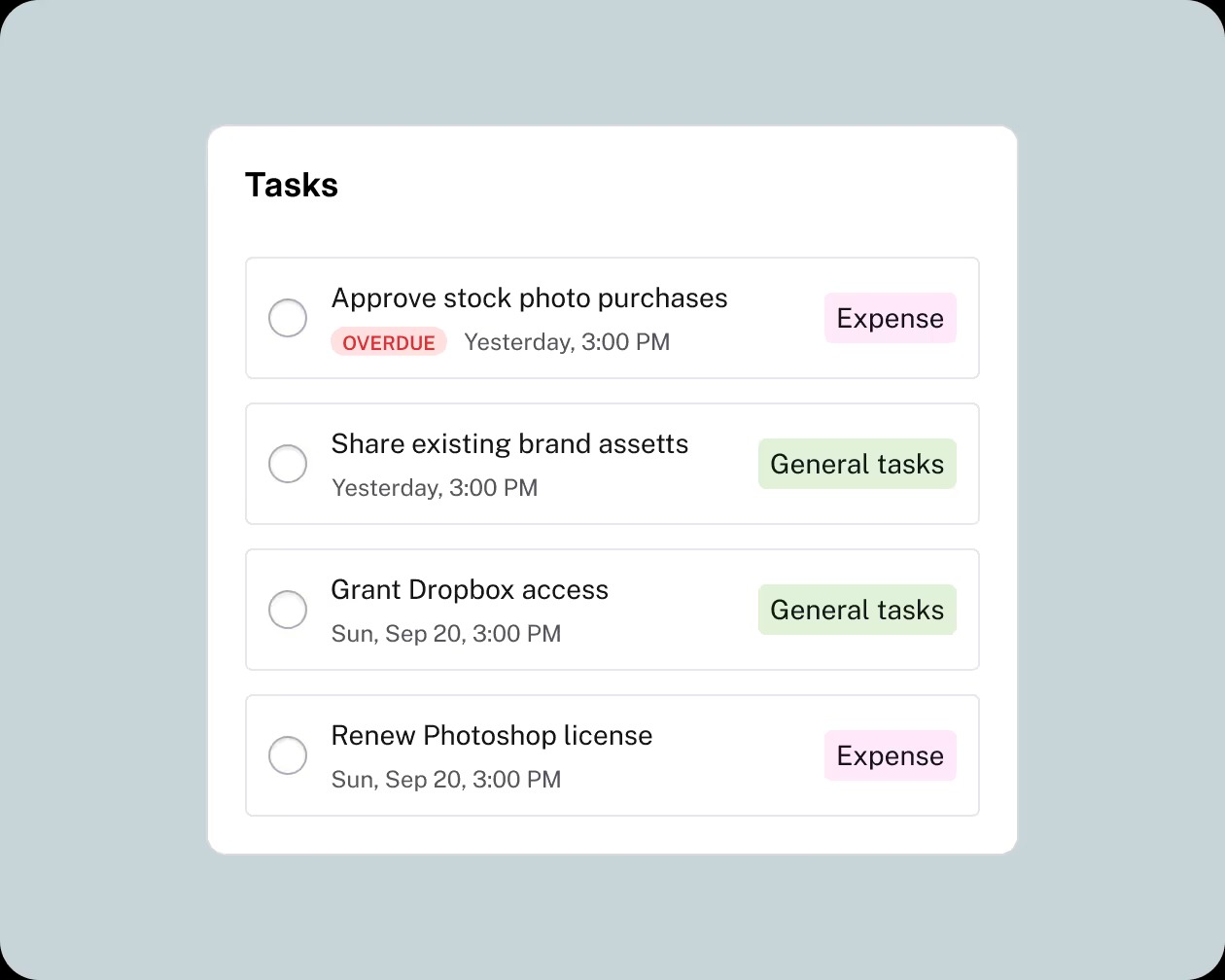
HoneyBook is worth considering if your business regularly handles client bookings, proposals, contracts, projects, and payments.
Its combination of CRM, document management, invoicing, scheduling, and AI-powered automation makes it useful for independent professionals who want to spend less time on administration.
The Starter plan is suitable for basic client management, while Essentials and Premium provide additional automation and team collaboration features.
Before subscribing, check country availability and compare the features with your business requirements.
Final Verdict
HoneyBook is a practical client management platform that combines CRM, proposals, contracts, payments, scheduling, and business automation. Its user-friendly interface and AI-powered tools make it a useful option for freelancers and service-based businesses.
If you want to manage your client relationships and business operations through one platform, HoneyBook is worth exploring through its 30-day free trial.
Frequently Asked Questions
What is HoneyBook used for?
HoneyBook is used for client management, project organization, proposals, contracts, invoicing, appointment scheduling, and online payments.
Is HoneyBook free to use?
HoneyBook does not offer a permanent free plan, but it provides a 30-day free trial without requiring a credit card.
Does HoneyBook have AI features?
Yes. HoneyBook AI supports email drafting, meeting preparation, project summaries, lead notifications, follow-up suggestions, and workflow creation.
Can HoneyBook create contracts and invoices?
Yes. Users can create professional proposals, contracts, invoices, and other client-facing documents using customizable templates.
Does HoneyBook support online payments?
Yes. HoneyBook supports online card payments, bank transfers, Apple Pay, and Google Pay, depending on the region and payment eligibility.
Who should use HoneyBook?
HoneyBook is best suited to freelancers, photographers, consultants, event professionals, designers, and independent service-based businesses.
