
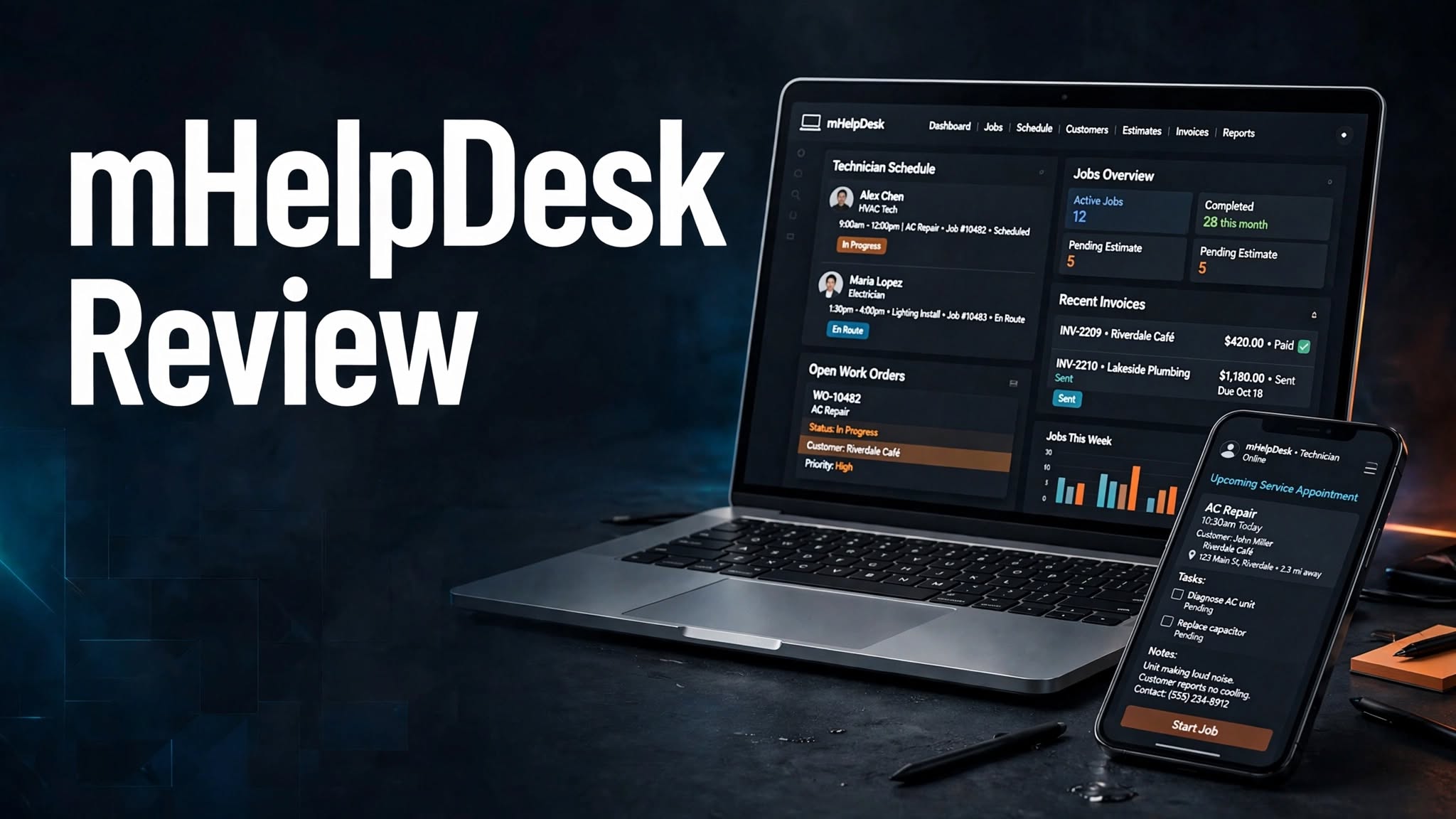

Managing customer requests, scheduling technicians, tracking jobs, and handling invoices can become challenging for service businesses. mHelpDesk is a field service management platform designed to help contractors and service professionals organize their daily operations and manage customer jobs more efficiently.
From scheduling and dispatching to estimates, invoicing, and payment processing, mHelpDesk brings essential service business tools into one platform. But is it worth using? Let’s explore its features, pricing, and benefits.
What Is mHelpDesk?
mHelpDesk is a cloud-based field service management software designed for contractors, home service providers, HVAC businesses, cleaning companies, and other service professionals.
It helps businesses manage customer information, service requests, technician schedules, work orders, estimates, invoices, and payments through a centralized system.
The platform also provides mobile applications, allowing field technicians to access job information and manage work while visiting customer locations.
What Can You Do With mHelpDesk?
Job and Work Order Management
mHelpDesk helps businesses create and manage work orders from the initial customer request through job completion. Teams can assign jobs, update their status, add notes, and keep important service information organized.
Scheduling and Technician Dispatch
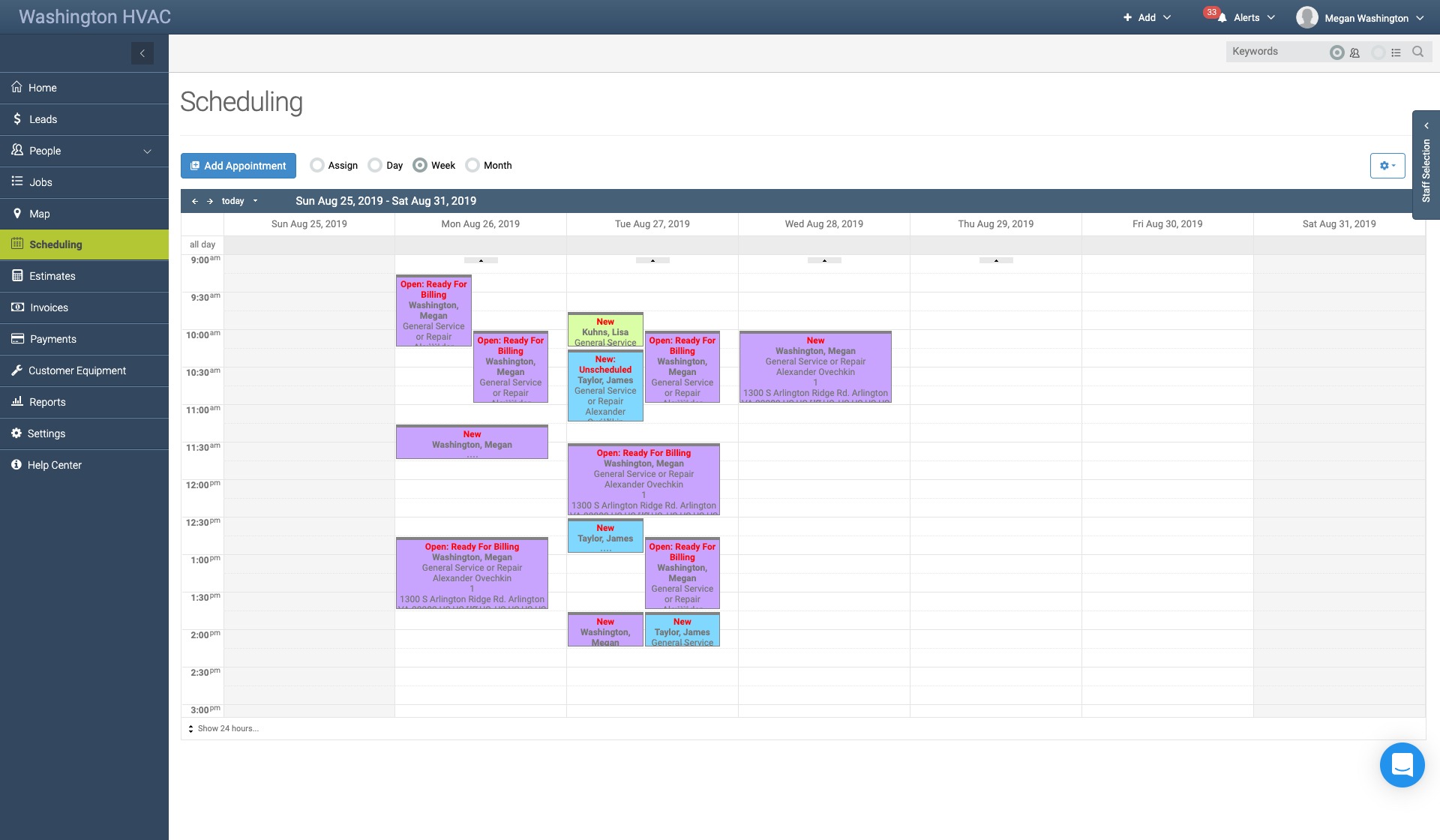
Its scheduling calendar allows managers to assign jobs to technicians, check availability, and organize appointments. Dispatching tools help field workers stay updated about their upcoming assignments.
Customer and Lead Management
Businesses can manage customer contacts, service locations, leads, and communication history. This makes it easier to track new inquiries, organize customer information, and follow up on potential jobs.
Estimates and Invoicing
mHelpDesk allows users to create professional estimates and invoices using customizable templates. Customers can receive estimates for approval, while completed jobs can be converted into invoices for payment.
Mobile App and Field Management
The mobile application allows technicians to check schedules, access job details, create estimates, manage invoices, and communicate with customers. Its offline functionality also allows teams to continue working without an internet connection, with data syncing when connectivity returns.
Payments and QuickBooks Integration
Businesses can process customer payments through supported payment features. mHelpDesk also integrates with QuickBooks Online and Desktop to synchronize supported customer, estimate, invoice, and payment information.
Automation and Customization
The platform supports automated notifications, reminder rules, custom forms, recurring jobs, and configurable templates. These features help service businesses reduce repetitive administrative work.
mHelpDesk Pricing
mHelpDesk offers three main subscription plans through its current pricing information.
- Pro — $169/month: Includes 3 users and access to core features for managing jobs, invoices, and customers.
- Growth — $249/month: Includes 8 users and core field service management capabilities.
- Success — $374/month: Includes 10 users and core tools for managing customer information, jobs, and invoices.
Is mHelpDesk Easy to Use?
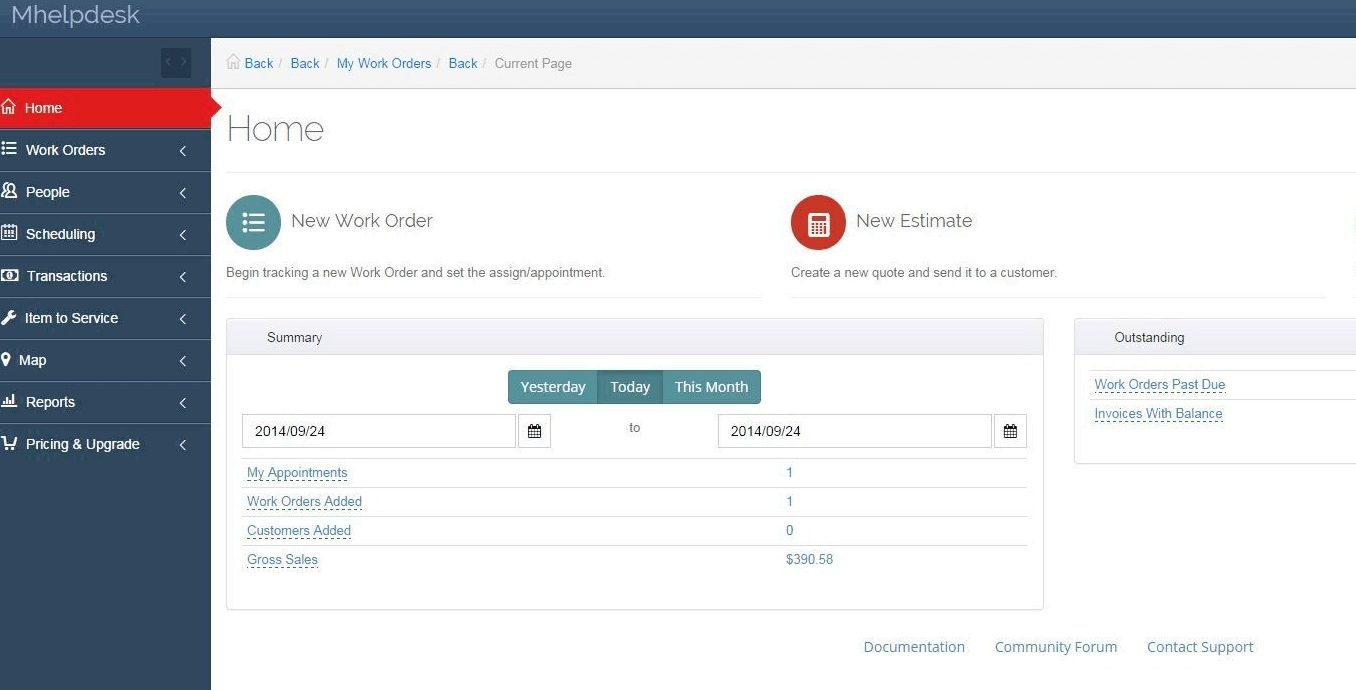
mHelpDesk provides a centralized workspace where businesses can manage customers, schedules, jobs, estimates, and invoices.
Its calendar and job management tools make it easier to assign work and coordinate field technicians. Mobile access also helps employees update job information while working outside the office.
The platform offers personalized onboarding, guided setup, and data migration assistance. However, businesses with multiple technicians and complex workflows may need some time to configure everything properly.
mHelpDesk Pros and Cons
Pros
- Centralized job and work order management
- Technician scheduling and dispatch
- Customer and lead management
- Estimates and invoice generation
- Mobile application with offline functionality
- QuickBooks integration
- Payment processing capabilities
- Custom forms and workflow automation
- Personalized onboarding and support
Cons
- No public self-service pricing calculator
- Subscription cost may be high for very small teams
- Additional features may involve extra charges
- Setup and customization can take time
- Primarily designed for field service businesses
Who Is mHelpDesk Best For?
mHelpDesk is particularly useful for contractors, HVAC companies, cleaning businesses, home service providers, repair companies, and field service teams.
It can help businesses schedule technicians, manage service requests, track work orders, prepare customer estimates, send invoices, and organize payments.
Is mHelpDesk Worth It?
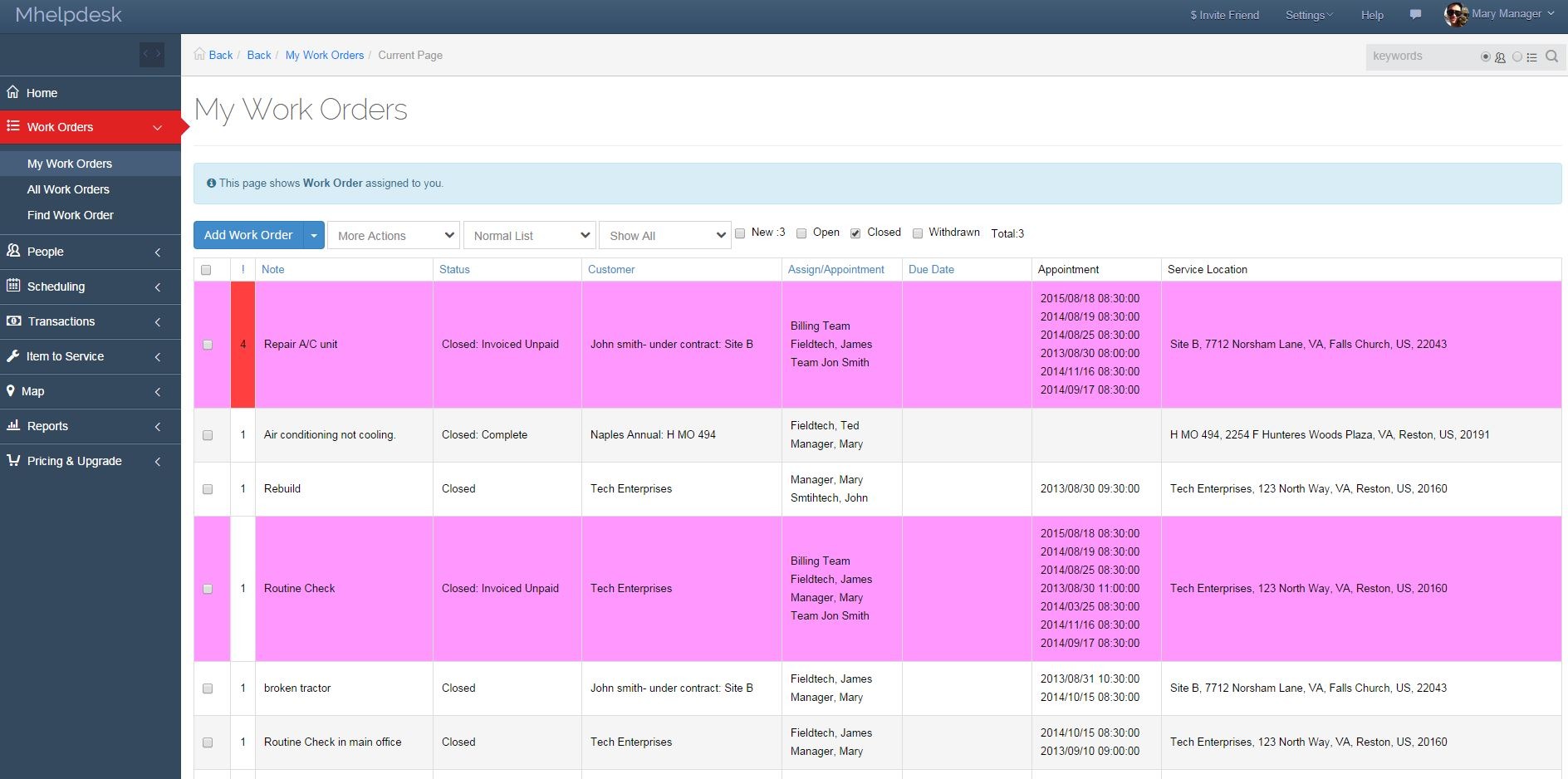
mHelpDesk is worth considering if your business regularly manages customer service requests and sends technicians to different locations.
Its combination of scheduling, job management, estimates, invoicing, mobile access, and QuickBooks integration can simplify everyday field operations.
However, smaller service providers should compare the subscription cost with their team size and required features before choosing a plan.
Final Verdict
mHelpDesk is a practical field service management platform that helps businesses organize customers, technicians, jobs, schedules, estimates, and invoices in one system. Its mobile access, automation tools, and accounting integrations make it useful for service-based businesses.
If you want to manage field operations more efficiently and reduce manual administrative work, mHelpDesk is worth exploring through its free trial.
Frequently Asked Questions
What is mHelpDesk used for?
mHelpDesk is used for field service management, job scheduling, technician dispatch, customer management, estimates, invoicing, and payment processing.
Does mHelpDesk offer a free trial?
Yes. mHelpDesk offers a free trial, allowing businesses to explore the platform before choosing a subscription.
Can mHelpDesk manage technician schedules?
Yes. Its scheduling calendar helps managers organize appointments, check staff availability, and assign jobs to technicians.
Does mHelpDesk have a mobile app?
Yes. It offers mobile applications for iOS and Android, with features for managing jobs, schedules, estimates, and invoices while working in the field.
Does mHelpDesk integrate with QuickBooks?
Yes. mHelpDesk supports two-way synchronization with QuickBooks Online and QuickBooks Desktop for supported customer and transaction information.
Who should use mHelpDesk?
mHelpDesk is best suited to contractors, HVAC companies, cleaning services, repair businesses, and other organizations that manage field technicians and customer jobs.
