
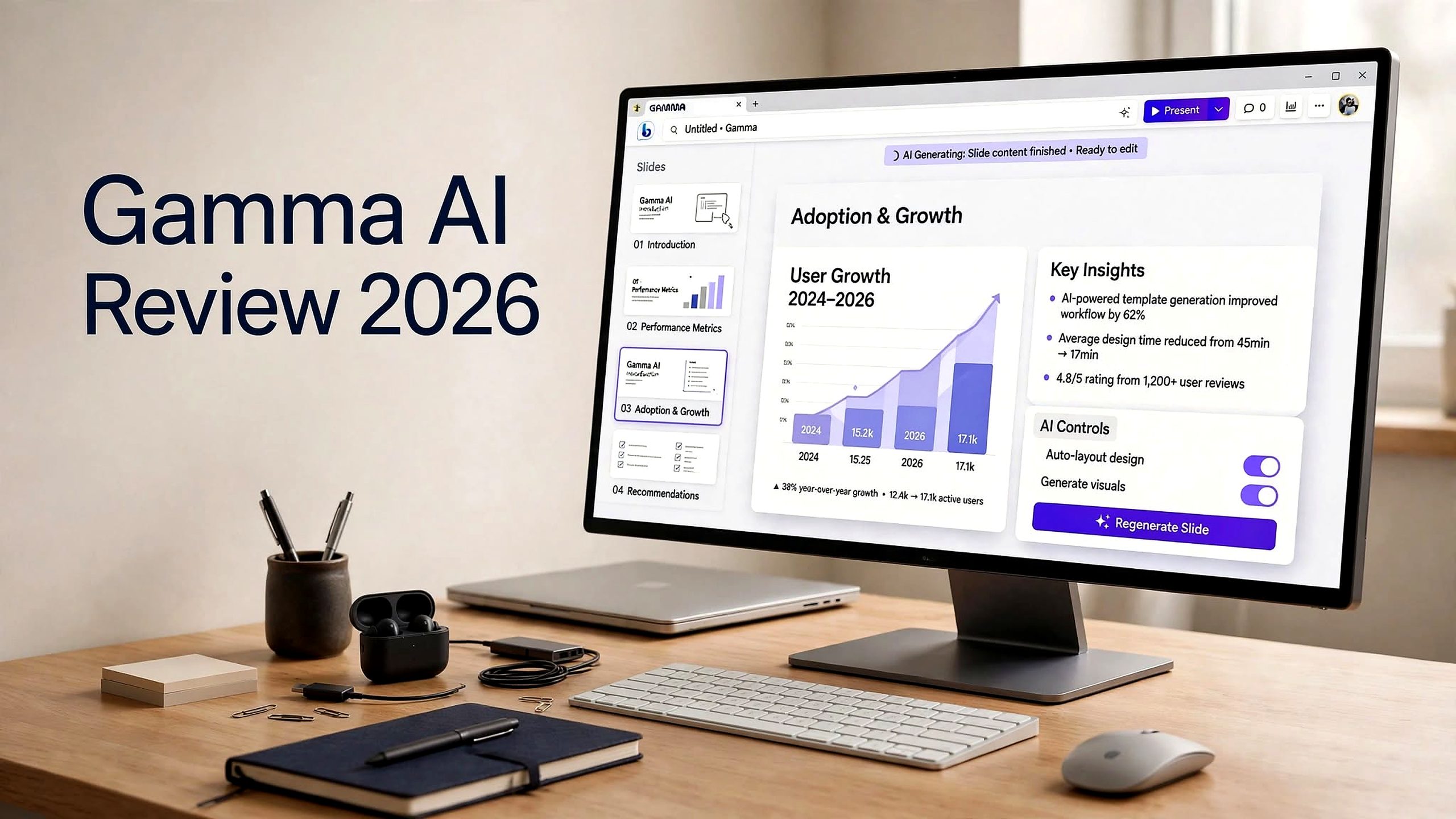

Creating a professional presentation can be a time-consuming process. From organizing ideas and writing slide content to selecting visuals and fixing layouts, even a simple business presentation can require hours of work.
Gamma AI takes a different approach. Instead of starting with a blank slide, you can give the platform a prompt, outline, document, PDF, or existing presentation and let its AI help transform that material into a polished visual presentation.
But speed is only one part of the equation. The more important question is whether Gamma AI can produce presentations that are accurate, customizable, brand-friendly, and practical for real-world use.
In this Gamma AI Review 2026, we’ll explore its main features, AI presentation workflow, pricing, pros and cons, PowerPoint export capabilities, limitations, and who should consider using it.
What Is Gamma AI?

Gamma AI is an AI-powered content creation platform that helps users create presentations, documents, webpages, social content, and other visual materials.
Instead of manually designing every slide, users can provide their subject, source material, or existing content and allow Gamma to generate a starting structure.
The platform can help with:
- Presentation outlines
- Slide content
- Visual layouts
- Images and media
- Documents
- Webpages
- Social content
- Presentation imports
- Presentation exports
- Branding and customization
- Online sharing
How Does Gamma AI Work?
Gamma’s main workflow revolves around turning existing information or an idea into a visual story.
You can start by entering a prompt or supplying source material. Gamma then helps create an outline and visual structure that can be edited afterward.
A typical workflow includes:
- Enter a topic, prompt, or source material.
- Define the presentation’s purpose and audience.
- Let Gamma create an initial outline.
- Generate the visual presentation.
- Edit text, images, and individual cards.
- Adjust the design and branding.
- Present the result online or export it.
For business users, it is therefore better to treat Gamma as an AI-assisted presentation creation tool, rather than expecting it to independently handle research, strategy, and fact-checking.
Gamma AI Features

AI Presentation Maker
Gamma’s core feature is its ability to generate presentations using artificial intelligence.
You can provide an idea or existing material and let Gamma build an initial presentation around it. This can reduce the amount of manual formatting needed during the early stages of a project.
For users who frequently create sales decks, educational presentations, internal reports, or marketing materials, this can make the initial production process considerably more streamlined.
AI-Powered Content Generation
Gamma can help turn a basic concept into structured content.
Instead of manually deciding how information should be distributed across multiple slides, users can provide instructions and allow Gamma to suggest an organized narrative.
The generated content should still be reviewed before publication, particularly when the presentation includes statistics, claims, dates, quotations, or business information.
Import Existing Files
Gamma can work with existing content rather than requiring users to begin from scratch.
Users can import source material and use it as the foundation for a new visual presentation. This can be useful when you already have research, notes, documents, or an older presentation that needs to be transformed.
Card-Based Design
Gamma uses a card-based approach instead of relying entirely on conventional fixed slides.
Cards can contain text, images, diagrams, media, and embedded elements. The design can also adapt to different screen sizes, which gives Gamma presentations a more web-oriented appearance.
This approach is particularly useful when the presentation will be shared online.
AI Editing Tools
After generating a presentation, users can modify individual sections and cards.
You can refine content, adjust layouts, change visuals, and improve specific parts without necessarily rebuilding the entire presentation.
This makes Gamma more practical for iterative editing rather than treating the first AI-generated version as the final product.
Interactive Presentations
Gamma supports browser-based presentations that can be shared through a link.
This makes it useful for situations where recipients do not need a traditional PowerPoint file. Sales presentations, internal updates, educational material, and online explainers can all benefit from a shareable web format.
Collaboration
Gamma provides collaboration and commenting features that allow teams to review and work on presentations together.
For businesses, this can make the process of gathering feedback easier before a presentation is shared with customers, clients, or stakeholders.
Branding and Customization
Paid plans provide additional branding capabilities, including custom fonts and other customization options.
This can be important for businesses that want AI-generated presentations to follow their existing visual identity.
Analytics
Higher-tier Gamma plans include analytics features that can provide additional information about engagement with published content.
This can be particularly relevant for sales and marketing teams using presentations as online content.
Multiple Content Types
Gamma is not limited to presentation decks.
The platform can also be used for documents, webpages, social content, and other visual formats. This gives users the ability to repurpose ideas across multiple content types from the same workspace.
Gamma AI Pros
- Fast AI presentation creation: Gamma can quickly transform prompts, outlines, and source material into a structured visual draft.
- Simple browser-based workflow: Users can create, edit, present, and share content without depending entirely on desktop presentation software.
- Useful for first drafts: Gamma can reduce repetitive formatting and help users move quickly from an idea to a presentable structure.
- Supports multiple formats: Presentations, documents, webpages, and social content can be created from the same platform.
- Interactive web presentations: Users can share content through a live link instead of sending only a static presentation file.
- AI-assisted editing: Individual cards and sections can be refined after the initial generation.
- Business branding options: Paid plans provide additional customization and branding capabilities.
Gamma AI Cons
- PowerPoint formatting can change: Exported PPTX files may not perfectly match the presentation displayed inside Gamma.
- AI content requires fact-checking: Generated text can contain generic or inaccurate information if the source material and instructions are not carefully controlled.
- Limited pixel-level control: The automated card-based approach may not provide the same detailed control as traditional slide software.
- Credit-based usage: AI generations and advanced features can consume credits at different rates.
- Not ideal for every corporate workflow: Teams using strict PowerPoint templates or highly customized slide systems may need additional editing.
Gamma AI Pricing 2026

Gamma provides several plans aimed at individual users, professionals, and teams.
The plans referenced in the supplied research include Free, Plus, Pro, Ultra, Teams, and Business. The published allowances include different credit limits, presentation-generation limits, export options, branding capabilities, and team features.
| Plan | Main Features |
|---|---|
| Free | Initial credits, presentations of up to 10 slides per prompt, exports, and Gamma branding |
| Plus | More monthly credits, larger presentations, no Gamma badge, and advanced image models |
| Pro | Higher credits, API access, premium models, custom fonts, branding, analytics, and custom domains |
| Ultra | Larger credit allowance, advanced models, early features, and additional custom domains |
| Teams / Business | Central billing, team controls, larger credit pools, and additional administration features |
Because Gamma can change pricing, credits, and plan limitations, users should check the current pricing page before subscribing.
The credit system is also important to understand. AI generations, edits, images, and advanced models can consume different amounts of credits, meaning actual usage can vary depending on the complexity of your projects.
Gamma AI PowerPoint Export: What You Should Know
One of the biggest questions for professional users is whether Gamma can replace PowerPoint.
Gamma does support PPTX export, but the exported presentation may not always look exactly like the version displayed in Gamma.
The supplied research notes that differences can occur with fonts, charts, diagrams, scaling, and layouts. Gamma also has dedicated documentation addressing export issues.
This means you should test the exported file if PowerPoint is your required final format.
Before sending a Gamma-generated PPTX to a client, check:
- Fonts
- Images
- Charts
- Diagrams
- Text positioning
- Slide scaling
- Editable elements
- Overall formatting
Is Gamma AI Content Accurate?
AI presentation tools can make content look polished even when the underlying information needs additional verification.
Gamma can help organize and generate content, but users should review important information before publishing or presenting it.
Pay particular attention to:
- Statistics
- Dates
- Names
- Quotations
- Calculations
- Citations
- Customer claims
- Financial information
- Marketing claims
Gamma AI for Business Presentations

Gamma can be used for different business presentation scenarios.
Sales Presentations
Sales teams can use Gamma to turn product information into visually organized presentations that can be shared online.
Marketing Presentations
Marketers can use it for campaign concepts, strategy presentations, product launches, and internal marketing reports.
Investor Presentations
Founders can use Gamma to create an initial structure for company presentations and pitch materials, although important financial and business information should always be reviewed carefully.
Internal Reports
Teams can turn project updates, research, and internal information into a more visually organized format.
Educational Presentations
Teachers, trainers, and educators can use Gamma to turn lesson information into visual learning material.
Gamma AI vs PowerPoint
Gamma and PowerPoint are built around different presentation workflows.
PowerPoint provides extensive manual control and is widely used for presentations requiring detailed editing, established templates, animations, and precise formatting.
Gamma focuses more heavily on AI-assisted creation, automated design, browser-based sharing, and rapid visual storytelling.
If your priority is creating a first draft quickly, Gamma offers an automated approach.
If you need extensive manual control over every element of a slide, PowerPoint may remain an important part of the workflow.
Gamma AI vs Beautiful.ai
Gamma and Beautiful.ai both aim to simplify presentation design, but they take somewhat different approaches.
Gamma combines AI-generated presentations with web-native content, documents, and webpages.
Beautiful.ai is more centered around structured presentation layouts and automated slide design.
Your choice will depend on whether you need a broader visual content platform or a more presentation-focused design workflow.
Gamma AI vs Canva
Canva is a broad design platform that provides templates, graphics, images, presentations, social content, and many other creative tools.
Gamma is more focused on transforming information into structured visual content through AI.
Canva can be useful when you want extensive template and design control, while Gamma emphasizes faster AI-assisted creation from prompts and source material.
Who Is Gamma AI Best For?
Gamma can be useful for:
- Founders
- Marketers
- Consultants
- Sales teams
- Educators
- Product teams
- Content creators
- Business professionals
Final Verdict: Is Gamma AI Worth It
Gamma AI is built around a simple idea: make the journey from information to visual presentation faster.
Its AI generation tools, card-based design, browser-based presentation system, collaboration features, multiple content formats, and export options make it a versatile option for people who regularly create visual content.
The main consideration is the type of final presentation you need.
If you want a fast first draft, interactive web presentation, or visually organized content, Gamma can fit naturally into that workflow.
If your work depends on exact PowerPoint formatting, complex slide designs, or strict corporate templates, you should test the complete export and editing process before making Gamma your primary presentation tool.
The best way to evaluate the platform is to use it with a real presentation project. Provide your actual source material, apply your required branding, generate the deck, export it if necessary, and carefully inspect the final result.
