
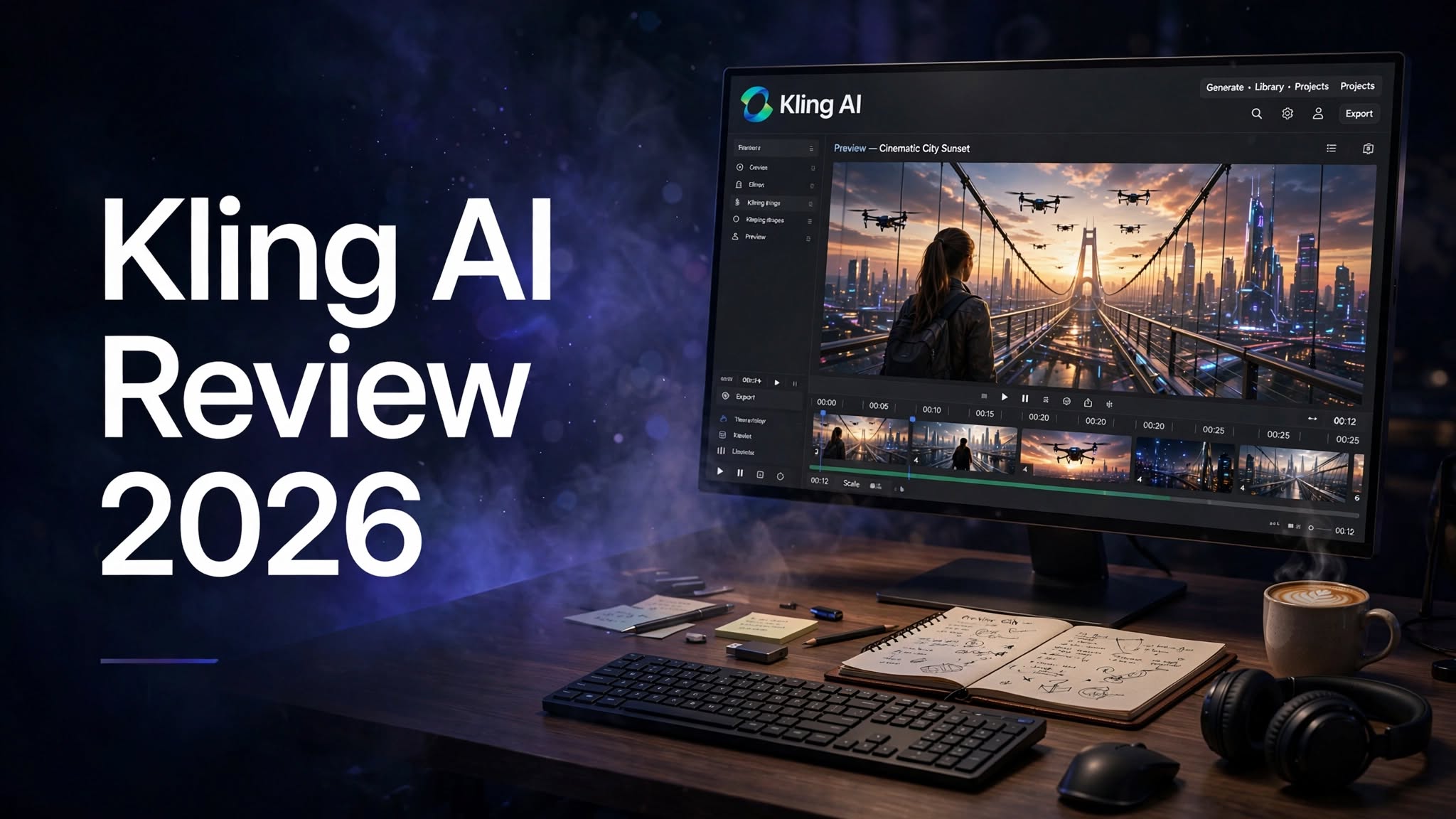

AI video generation has moved from simple experiments to a practical tool for creators, marketers, designers, and businesses. Among the growing number of AI video platforms, Kling AI has gained attention for its ability to generate realistic-looking videos from text prompts and images.
Instead of spending hours recording footage, setting up cameras, finding locations, or creating complex animations, users can describe a scene and let AI generate a visual result. Kling AI also supports image-based workflows, making it possible to animate existing artwork, portraits, product images, and other visuals.
But how useful is Kling AI for everyday content creation? Does it offer enough control for professional projects? And is a paid plan worth considering?
In this Kling AI review 2026, we’ll look at its main features, AI video generator, image-to-video capabilities, pricing approach, use cases, pros and cons, ease of use, and overall value.
What Is Kling AI?

Kling AI is a generative AI platform designed for creating images and videos using text prompts and visual references.
The platform is primarily known for AI video generation, allowing users to create short video sequences based on written descriptions or uploaded images. Instead of manually producing every visual element, users can provide instructions and allow the AI model to generate the scene.
Kling AI can be useful for a wide variety of creative projects, including social media videos, marketing content, concept development, storytelling, product visuals, character scenes, and creative experiments.
Its prompt-based workflow also means users don’t necessarily need advanced filmmaking or animation skills to get started.
Kling AI Highlights
- AI-powered video generation
- Text-to-video generation
- Image-to-video capabilities
- AI image creation
- Creative visual effects
How Does Kling AI Work?
Kling AI works by using generative AI models to interpret text instructions and visual references.
The process generally starts with an idea. You describe the scene you want to create, select the appropriate generation tool, and provide an image if you’re using an image-to-video workflow.
The AI then processes the request and produces a generated result.
A typical workflow looks like this:
- Open Kling AI and access the creation workspace.
- Select an image or video generation feature.
- Write a description of the scene.
- Upload a reference image if required.
- Adjust the available settings.
- Start the generation process.
- Review the generated result.
- Refine the prompt and generate another version if necessary.
Kling AI Video Generator

The Kling AI video generator is the platform’s biggest attraction.
Traditional video production can require cameras, lighting, actors, locations, editing software, and considerable preparation. Kling AI takes a different approach by allowing users to generate visual sequences through AI.
A creator can describe a scene, character, environment, or action and let the model attempt to turn the idea into a video.
This can be useful for:
- YouTube Shorts
- Instagram Reels
- TikTok content
- Creative presentations
Text-to-Video Generation
Text-to-video is one of the most interesting aspects of Kling AI.
Instead of starting with existing footage, you can begin with a written prompt. The prompt tells the AI what type of scene you want to see.
For example, a prompt could describe a cinematic shot of a person walking through a futuristic city at night while the camera slowly follows them.
A well-structured prompt can include details such as:
- Subject
- Environment
- Action
- Camera movement
- Lighting
However, adding too many unrelated instructions can also make a prompt harder to interpret. For beginners, starting with a simple concept and gradually adding details is often easier.
Kling AI Image-to-Video
The Kling AI image-to-video feature is another important part of the platform.
Rather than generating an entire scene from a text description, users can provide an existing image and ask the AI to animate it.
This can be useful when you already have a visual asset that you want to turn into a video.
For example, you could start with:
- A portrait
- AI-generated artwork
- Product photography
- Character artwork
This makes image-to-video particularly useful for social media creators who already have static content but want to create more dynamic posts.
Kling AI Image Generator
Although Kling AI is strongly associated with video generation, image creation is also an important part of its creative workflow.
Users can generate visual concepts from prompts and experiment with different subjects, styles, environments, and compositions.
AI image generation can be useful for:
- Character concepts
- Product concepts
- Social media graphics
- Storyboards
Kling AI for Social Media Creators

Social media platforms constantly demand fresh visual content. Creating every piece of content manually can take significant time.
Kling AI can help creators experiment with AI-generated clips and visual concepts that can be adapted for short-form platforms.
For example, creators can use AI-generated content for:
- YouTube Shorts
- Instagram Reels
- TikTok videos
- Promotional clips
- Storytelling
Human editing and creative direction can therefore remain important even when AI handles the initial generation.
Kling AI for YouTube
YouTube creators can also experiment with Kling AI as part of their production workflow.
The platform can be useful for creating supporting visuals, Shorts, concept sequences, storytelling elements, and experimental footage.
For example, a creator might use AI-generated visuals as background footage while combining them with narration, music, captions, and conventional editing.
AI video generation can therefore become one component of a larger YouTube workflow rather than necessarily replacing the entire production process.
Kling AI for Marketing
Marketing is another area where Kling AI can be useful.
Producing professional video advertisements traditionally requires planning, filming, editing, and sometimes a substantial budget. AI generation can help marketers quickly visualize different creative concepts before deciding which ideas deserve further development.
Potential applications include:
- Product advertisements
- Social media campaigns
- Promotional videos
- Creative concepts
- Brand storytelling
Kling AI for Designers
Designers can use Kling AI to experiment with motion and visual concepts.
A static design or illustration can potentially be transformed into an animated sequence, giving designers another way to present their work.
For example, an illustrator could create a character image and experiment with movement. A product designer could visualize a product in a particular environment. A creative professional could also use AI-generated scenes as references during the early stages of a project.
This makes Kling AI useful not only as a final-content generator but also as an ideation tool.
Kling AI for Storytelling
AI video generation can be particularly interesting for storytellers.
Writers and filmmakers can use generated scenes to visualize characters, environments, and story moments before producing a traditional project.
For example, a creator working on a short film could generate concept scenes to explore how a particular location or sequence might look.
This doesn’t replace a finished screenplay, cinematography, or editing process, but it can make visual experimentation faster.
Kling AI Pros and Cons
Pros
- Powerful AI video-generation capabilities
- Supports text-to-video workflows
- Image-to-video generation
- AI image-generation capabilities
- Useful for social media creators
- Helps visualize creative ideas quickly
- Suitable for marketing concepts
- Can reduce the need for traditional filming during experimentation
- Accessible to beginners
- Useful for both images and videos
Cons
- Generated results can vary
- Some scenes may require multiple attempts
- Complex movements can be inconsistent
- AI-generated content may require editing
- Frequent generations can consume credits
- Not every output will be ready for professional use
- Beginners may need time to learn effective prompting
Is Kling AI Easy to Use?
Kling AI is relatively easy to understand once you become familiar with the basic workflow.
The core process is simple: choose a generation mode, write a prompt or provide an image, generate the result, and refine it.
The more challenging part is getting consistently good results.
Prompt writing plays an important role in generative AI. If your description is too vague, the output may not match your expectations. If the prompt is structured carefully, you have more control over the intended scene.
New users can start with simple prompts and gradually experiment with camera movement, environment, lighting, subject actions, and other details.
Kling AI Prompt Tips
If you’re new to AI video generation, prompt structure can make a big difference.
A useful prompt can describe the scene in a logical order.
For example:
Subject + action + environment + camera movement + lighting + visual style
Instead of writing:
A woman in a city.
You could provide more context:
A woman walking through a busy downtown street at sunset, natural movement, cinematic camera tracking shot, warm evening lighting, realistic urban atmosphere.
The second description gives the AI more information about the desired scene.
It’s also useful to change one or two elements at a time when refining a generation. This makes it easier to understand which prompt changes are improving the output.
Kling AI Pricing

Kling AI uses a credit and usage-based model for its AI generation features. The amount of content you can create depends on the available plan, generation type, and the number of credits required by the selected feature.
AI platforms frequently update their models, features, credit systems, and subscription options, so pricing can change over time.
Before subscribing, users should check the current Kling AI pricing page and compare:
- Monthly cost
- Included credits
- Video-generation limits
- Image-generation limits
- Available models
- Resolution options
- Commercial-use terms
- Additional features
For frequent creators, credit consumption is likely to be one of the most important factors when choosing a plan.
Who Is Kling AI Best For?
Content Creators
Kling AI can help creators experiment with short-form videos, visual storytelling, and social media content.
Digital Marketers
Marketers can use it to create promotional concepts and explore different campaign visuals.
Designers
Designers can use AI-generated images and animation to experiment with visual concepts.
YouTubers
YouTube creators can use generated footage for Shorts, supporting visuals, concept videos, and storytelling.
Filmmakers
Filmmakers and aspiring filmmakers can use AI generation for visual experimentation and pre-production concepts.
Beginners
People without professional filmmaking equipment can experiment with AI video creation using prompts and images.
Is Kling AI Good for Beginners?
Kling AI can be a good starting point for people who want to experiment with AI-generated videos.
You don’t need a professional camera or advanced animation software to begin. The main skill you need to develop is the ability to communicate your idea through prompts.
Beginners should start with simple scenes instead of immediately attempting complicated multi-character sequences.
A practical learning process is:
Create → review → identify the problem → improve the prompt → generate again.
Over time, users can develop a better understanding of how different descriptions affect the final result.
Final Verdict
Kling AI is a powerful generative AI platform that brings image and video creation into a prompt-based workflow. Its text-to-video and image-to-video capabilities make it useful for creators, marketers, designers, YouTubers, and anyone interested in experimenting with AI-generated visuals.
The platform is particularly interesting for turning ideas and static images into dynamic content. At the same time, users should expect some trial and error and should carefully review AI-generated results before publishing or using them commercially.
Overall, Kling AI is a strong option to explore if your goal is to experiment with AI video generation and create new visual content more efficiently in 2026.
