
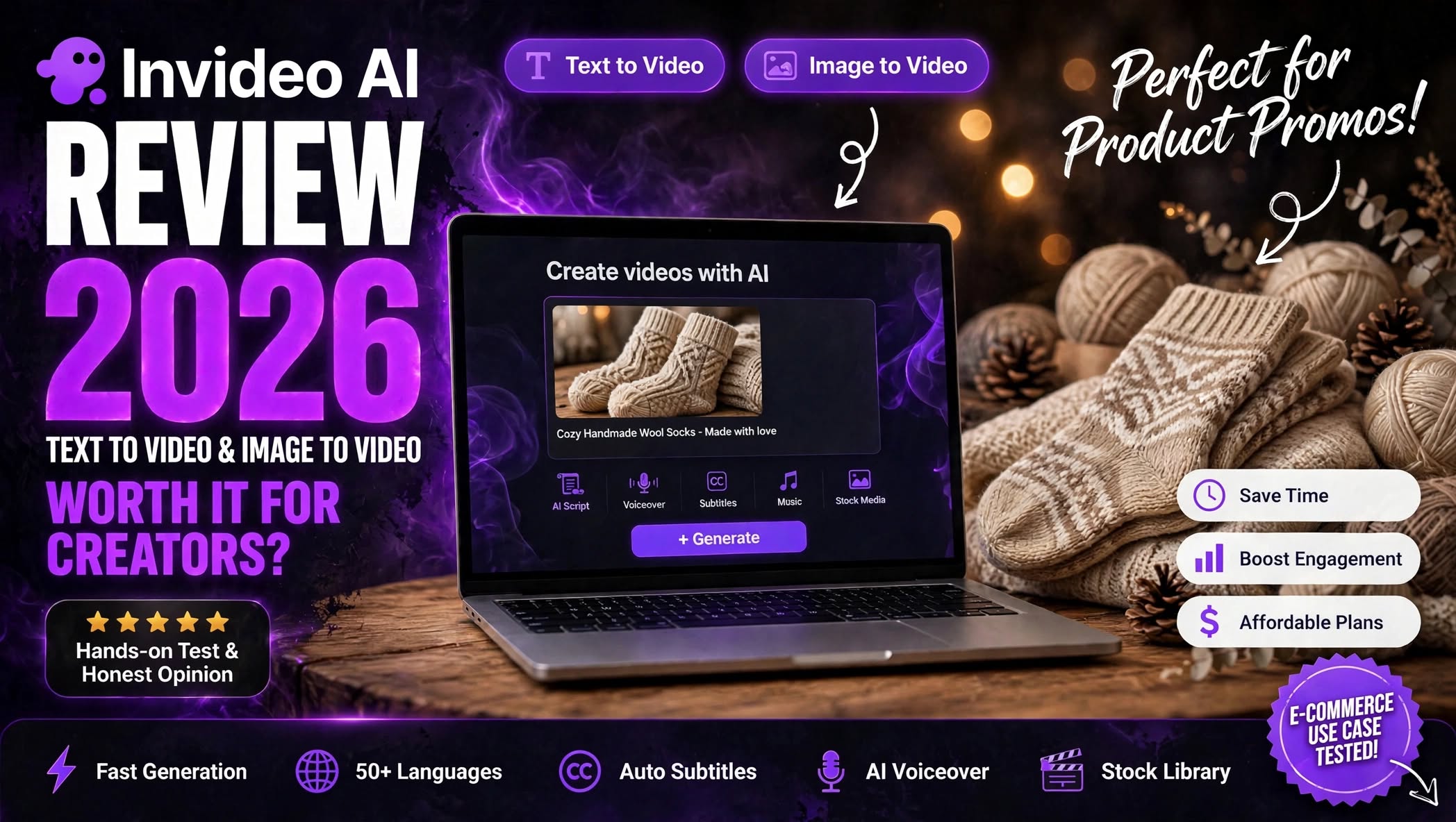

Creating high-quality videos usually takes more than just having a good idea. You need a script, visuals, voiceover, background music, captions, transitions, and editing. For creators and businesses publishing content regularly, all of those steps can quickly become a major time commitment.
InVideo AI takes a different approach. Instead of requiring you to build a video scene by scene, it allows you to describe what you want in natural language and uses AI to help create the project.
That makes it an interesting option for YouTube creators, marketers, social media managers, e-commerce businesses, and beginners who want to produce videos without spending hours learning complicated editing software.
But how well does it actually work?
In this InVideo AI Review 2026, I’ll look at its main features, video-generation capabilities, ease of use, pricing, pros and cons, ideal use cases, and limitations to help you decide whether it fits your workflow.
What Is InVideo AI?

InVideo AI is an AI-powered video creation platform that turns written instructions and other inputs into videos.
Rather than opening a traditional timeline editor and manually assembling every scene, you can explain your idea to the AI and provide information such as:
- Video topic
- Target audience
- Platform
- Desired length
- Tone
This makes InVideo AI particularly useful when speed is more important than having complete manual control over every frame.
For example, a small online store could describe a new product and ask the AI to create a short promotional video for Instagram. A YouTube creator could provide a topic and generate a longer informational video.
The idea is simple: start with an idea instead of starting with an empty editing timeline.
How Does InVideo AI Work?
The basic workflow is designed to be accessible even if you don’t have much video-editing experience.
You start by entering a prompt describing the video you want. The more context you provide, the easier it is for the AI to understand your intended result.
A useful prompt might mention the audience, platform, length, tone, visual direction, and objective.
After processing the request, InVideo AI generates a video project that you can review and modify.
The general process looks like this:
- Describe your video idea.
- Provide additional instructions about the style and audience.
- Let the AI create the initial video.
- Review the script, scenes, narration, and music.
- Ask the AI for changes or edit the project manually.
- Finalize and export the video.
InVideo AI Features

AI Video Generator
The main attraction of InVideo AI is its ability to transform text instructions into complete video projects.
You don’t need to know exactly which footage to use or how every scene should be structured. Instead, you can explain the concept and let the AI handle much of the initial production.
This is especially useful for content where speed and consistency matter, such as social media posts, educational videos, advertisements, and informational content.
Text-to-Video Creation
With text-to-video generation, your starting point can be nothing more than an idea.
You can describe the topic and provide instructions about the audience, tone, length, and visual direction.
The AI can then create a structured video around those requirements.
This is useful for creators who don’t already have a collection of video footage available.
Image-to-Video Creation
If you already have images, InVideo AI can also incorporate them into video projects.
This is particularly useful for online sellers, photographers, designers, and businesses with existing product photography.
Instead of keeping a product image static, you can use it as the starting point for a more dynamic promotional video.
For e-commerce content, this can be a practical way to turn existing visual assets into social media content without producing completely new footage for every post.
AI Script Writer
Writing a good video script can sometimes take almost as long as editing the video.
InVideo AI can help generate scripts based on your topic and instructions.
You can provide information about your audience and purpose, and the AI can create a structure suitable for the requested format.
This can be useful when you know what you want to talk about but don’t want to start the script from a blank document.
However, AI-generated scripts should still be reviewed for accuracy, tone, and originality before publication.
AI Voiceovers
InVideo AI can add AI-generated narration to videos, which removes the need to record a voiceover manually.
This can be useful for faceless YouTube channels, educational videos, product explainers, advertisements, and social media content.
The availability and characteristics of specific voice options can vary, so creators should listen to the generated narration before publishing important commercial content.
Automatic Subtitles
Captions are important for modern social media videos because many users watch content without sound.
InVideo AI can automatically add subtitles to generated videos, saving creators from having to create and synchronize captions manually.
This is particularly convenient for short-form content intended for mobile viewing.
AI-Generated Music
Background music can also be incorporated into the video-generation workflow.
Instead of searching for music separately and manually placing it on the timeline, the AI can help match audio with the overall style of the video.
For quick social content, this can save time. For commercial or highly polished projects, however, creators may still want more detailed control over the soundtrack.
AI-Assisted Editing
One of the more convenient aspects of InVideo AI is its AI-based editing approach.
Instead of manually adjusting every element, you can provide additional instructions about what needs to change.
For example, you might ask the system to:
- Rewrite part of the script
- Replace a scene
- Change the tone
- Shorten the video
- Modify the narration
- Add captions
- Change the music
- Adjust the visual direction
Creating Social Media Videos With InVideo AI

Social media is one of the most obvious use cases for an AI video platform.
Creators often need to publish several pieces of content every week, but manually producing each video can become repetitive.
InVideo AI can help speed up the process for platforms such as Instagram, TikTok, and YouTube.
You can create different types of content, including:
- Product promotions
- Short educational videos
- Promotional announcements
- List-style videos
- Tutorials
- Brand content
- Reels and Shorts
- Advertisement concepts
You can then refine that draft instead of building the entire video manually.
InVideo AI for E-Commerce
E-commerce businesses can also benefit from the platform.
Imagine you have a new product but only a few product photos. Instead of relying entirely on static images, you can use those assets as part of a promotional video.
A store could create content highlighting:
- Product features
- New arrivals
- Seasonal offers
- Product benefits
- Customer use cases
- Brand stories
- Social media promotions
The important limitation is that product-focused content still needs human review. AI-generated visuals or stock footage may not accurately represent the exact product, so businesses should make sure the final video reflects what customers will actually receive.
InVideo AI for YouTube
InVideo AI can also be useful for YouTube creators.
It can help with the early stages of production, including research-based scripting, narration, visual selection, and video assembly.
It may be especially useful for creators working on:
- Educational videos
- Explainer content
- News-style videos
- List videos
- Faceless channels
- Tutorials
- Informational content
Creators still need original ideas, useful information, accurate scripts, good storytelling, and an understanding of their audience.
For serious channels, InVideo AI is better viewed as a production assistant rather than a completely hands-off content machine.
Is InVideo AI Easy to Use?
One of the strongest reasons to consider InVideo AI is its relatively simple workflow.
Traditional video editing applications can have a steep learning curve because users need to understand timelines, layers, transitions, effects, audio tracks, and other editing concepts.
InVideo AI shifts much of that process toward natural-language instructions.
That doesn’t mean you never need to edit anything. AI-generated videos can still contain scenes, wording, pacing, or visual choices that aren’t exactly what you wanted.
But the initial production process is considerably more approachable for beginners.
InVideo AI Pros and Cons
Pros
- Fast video production: Turn ideas into video projects without manually creating every scene.
- Beginner-friendly: Natural-language prompts reduce the learning curve.
- Multiple AI tools: Script generation, voiceovers, subtitles, visuals, music, and editing are available within one workflow.
- Useful for social media: Suitable for creating short-form content regularly.
- Image-to-video workflow: Existing images can be incorporated into dynamic video projects.
- Good for content volume: Helpful for creators and businesses producing videos frequently.
- AI-assisted revisions: Natural-language instructions can make some editing tasks easier.
Cons
- Generated videos aren’t always publication-ready: Manual review and editing are still important.
- Limited creative control: Professional editors may want more precise control over every scene.
- Usage limits matter: Frequent generation and revisions can make credit or usage allowances important.
- Stock-style visuals can feel generic: Some projects may require additional customization to develop a distinctive brand identity.
- AI isn’t a replacement for creativity: Strong storytelling and original concepts still depend on the creator.
- Premium productions may need professional software: Cinematic campaigns often require more detailed editing control.
InVideo AI Pricing

InVideo AI offers different subscription options, including a free tier and paid plans. Pricing, credits, and feature allowances can change, so it’s important to check the current plan details before subscribing.
For AI video tools, the monthly subscription price isn’t the only factor worth considering.
Your actual usage can matter just as much.
If you generate a video once or twice a month, a lower-tier option may be enough. If you’re producing content several times a week and frequently regenerating scenes, you’ll need a plan with enough usage allowance to support that workflow.
Before choosing a plan, consider:
- How many videos you create each month
- How often you regenerate content
- Whether you need premium AI models
- Export requirements
- Commercial usage
- Stock media access
- Watermark restrictions
- The amount of AI generation included
Who Should Use InVideo AI?
InVideo AI can be useful for people who need to create video content regularly without becoming professional video editors.
Good for:
- Social media creators
- YouTube creators
- Small businesses
- E-commerce stores
- Marketing teams
- Freelancers
- Agencies
- Bloggers expanding into video
- Beginners learning content creation
Who Should Consider Another Tool?
InVideo AI may not be the ideal workflow for everyone.
If you need complete control over individual frames, detailed color grading, advanced visual effects, complex audio mixing, or highly customized cinematic editing, professional video-editing software may provide a better environment.
It’s also not ideal for people expecting AI to create perfect content every time without any human review.
The more important the video is to your brand, the more carefully you should review the generated result.
InVideo AI vs Traditional Video Editing
The biggest difference is how each workflow begins.
Traditional editing software usually starts with your media assets. You import footage, images, music, and other elements and then build the video yourself.
InVideo AI starts with an instruction.
| Feature | InVideo AI | Traditional Video Editor |
|---|---|---|
| Starting point | Prompt or idea | Video assets |
| Script creation | AI-assisted | Usually manual |
| Voiceover | AI options | Recorded/imported |
| Captions | Automated | Manual or automated |
| Initial editing | AI-assisted | Manual |
| Learning curve | Lower | Higher |
| Creative control | More limited | Extensive |
| Production speed | Fast for many content types | Depends on experience |
| Best use | Fast content production | Detailed editing |
This doesn’t mean one workflow replaces the other. Many creators can use AI for the first draft and professional software for the final polish.
InVideo AI Alternatives
There isn’t one universal alternative that will suit every creator.
If your priority is AI-generated video from prompts, you may want another AI video generator.
If you need AI avatars and presenter-style videos, an avatar-focused platform could make more sense.
If your workflow starts with creating original images and then animating them, an AI image-generation platform with video capabilities may be more suitable.
For advanced filmmaking and detailed editing, professional video software remains an important option.
The right choice depends on whether your priority is speed, originality, automation, creative control, or production quality.
Is InVideo AI Worth It in 2026?
InVideo AI makes the most sense for creators and businesses that value speed and convenience.
Its prompt-based approach can remove many repetitive steps from the video-production process. Instead of spending hours assembling a basic project, you can start with an idea and let AI create an initial version.
The platform also brings several useful capabilities together, including script generation, voiceovers, subtitles, visuals, music, and AI-assisted editing.
However, it’s important to keep expectations realistic. AI-generated videos can still require corrections, especially when accuracy, branding, product details, and storytelling matter.
For social media creators, marketers, small businesses, and anyone who needs to produce videos consistently, InVideo AI can be a practical addition to the content workflow.
For highly customized professional productions, it is more likely to work alongside traditional editing tools rather than completely replace them.
